Unleash Creative Freedom with a Professional-Grade PSD Template
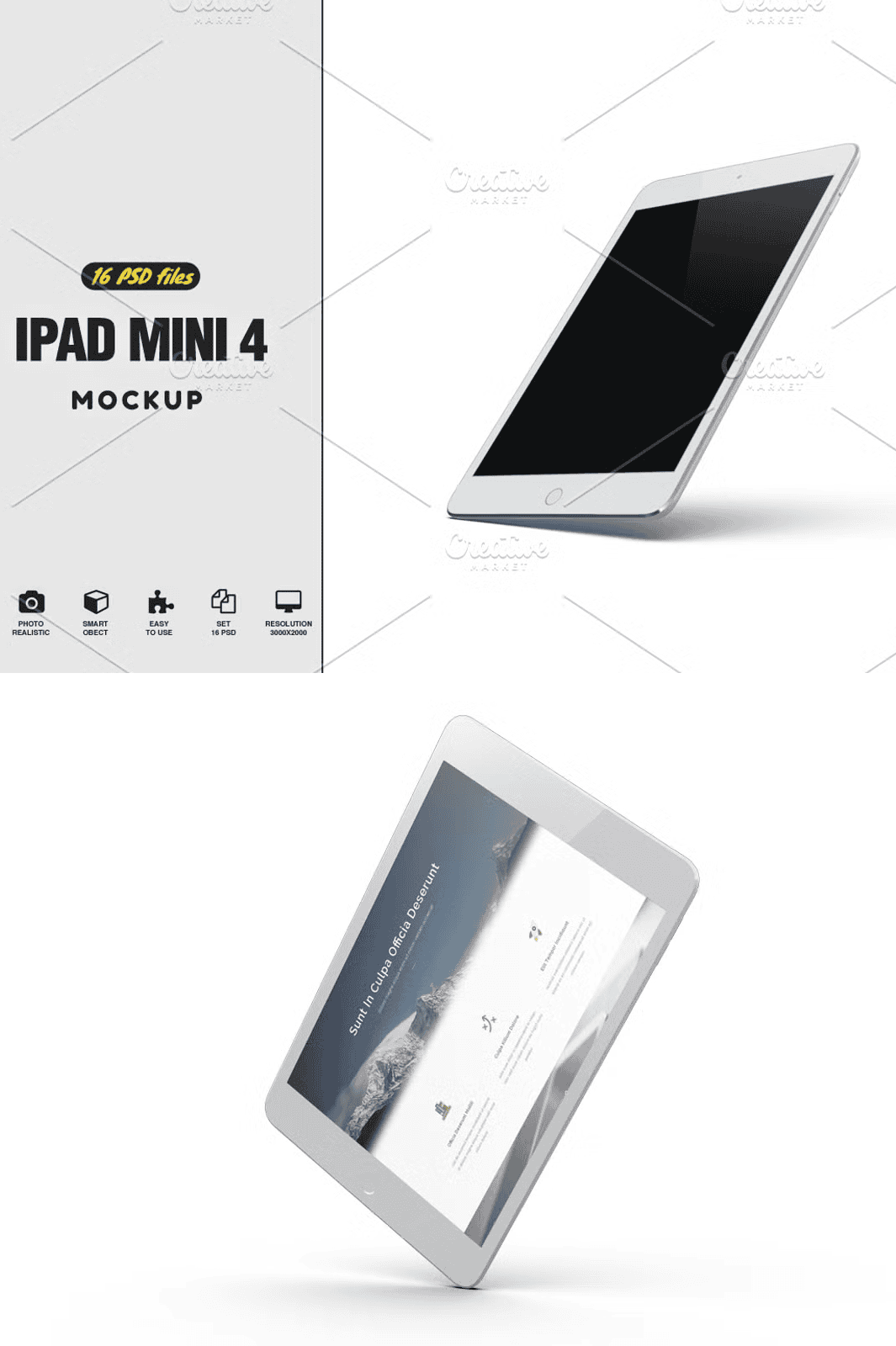
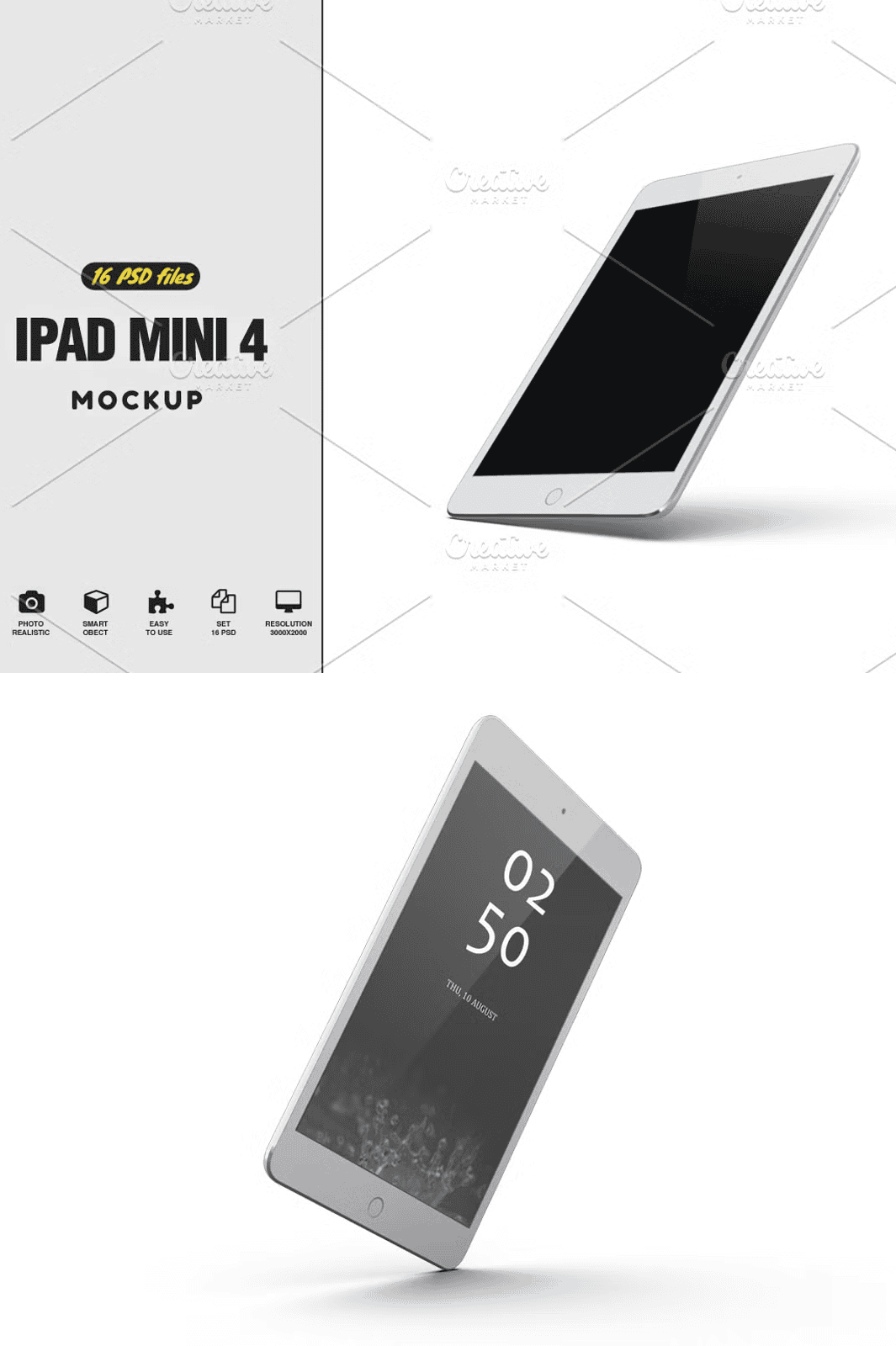
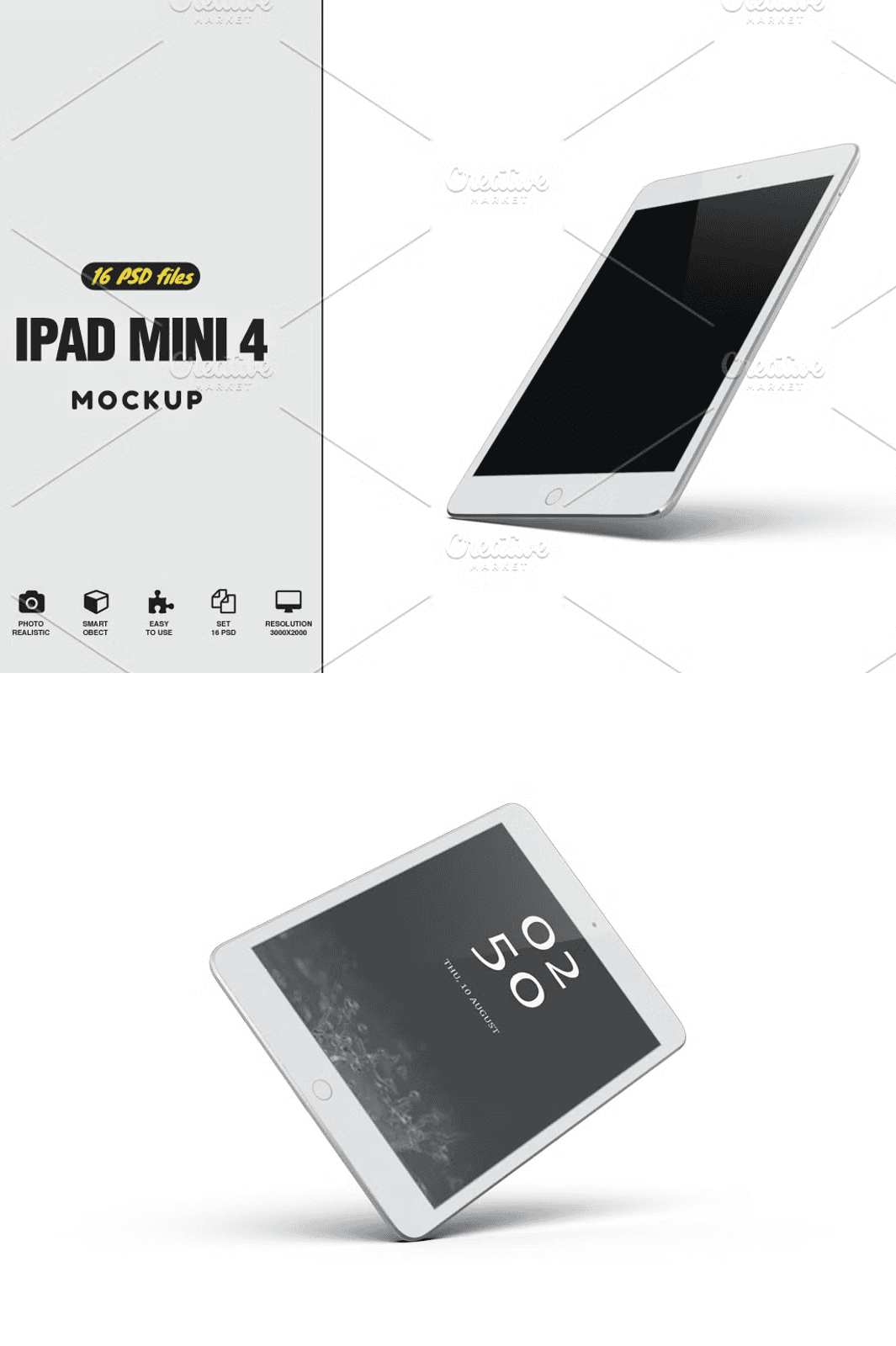
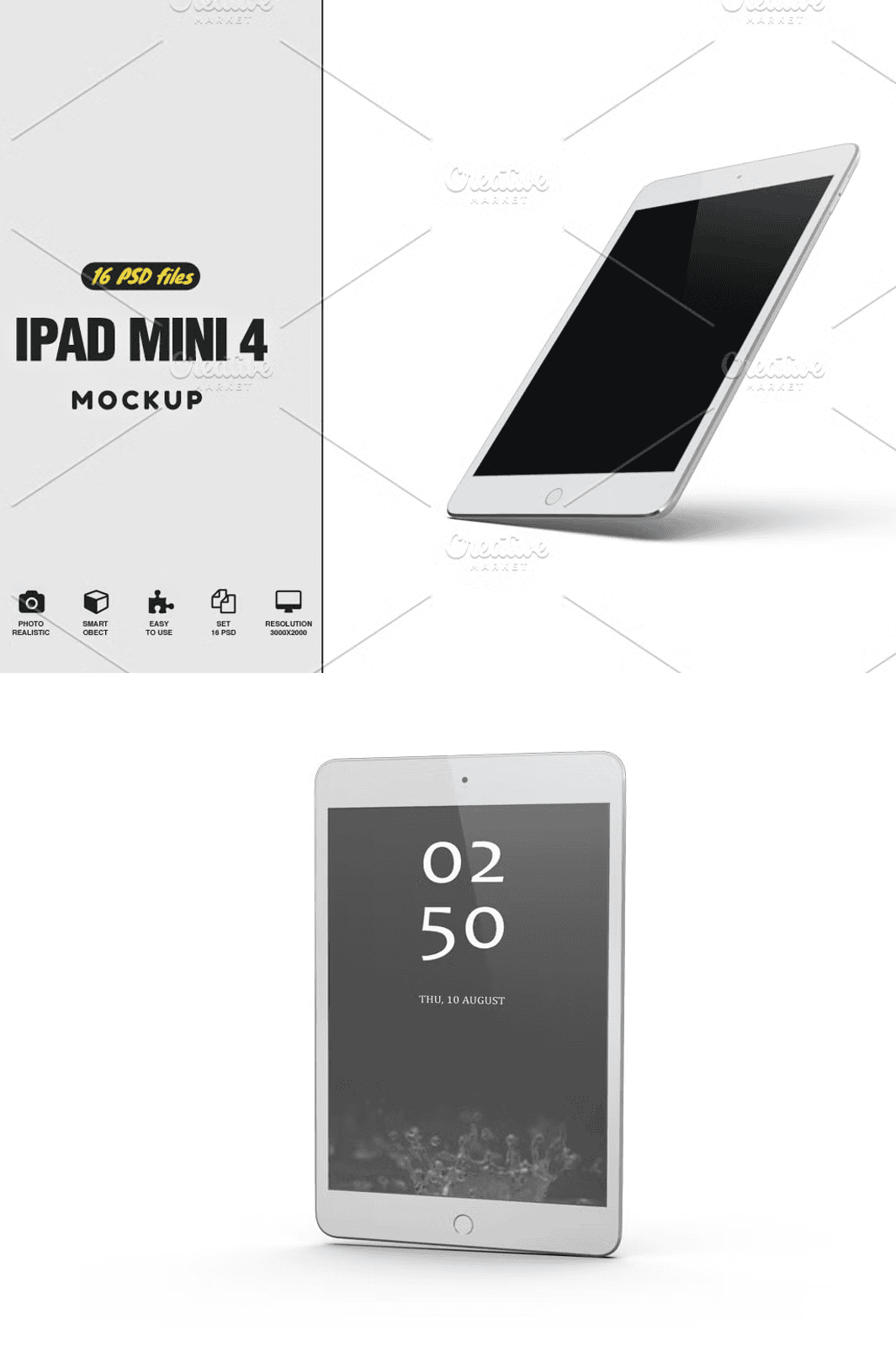
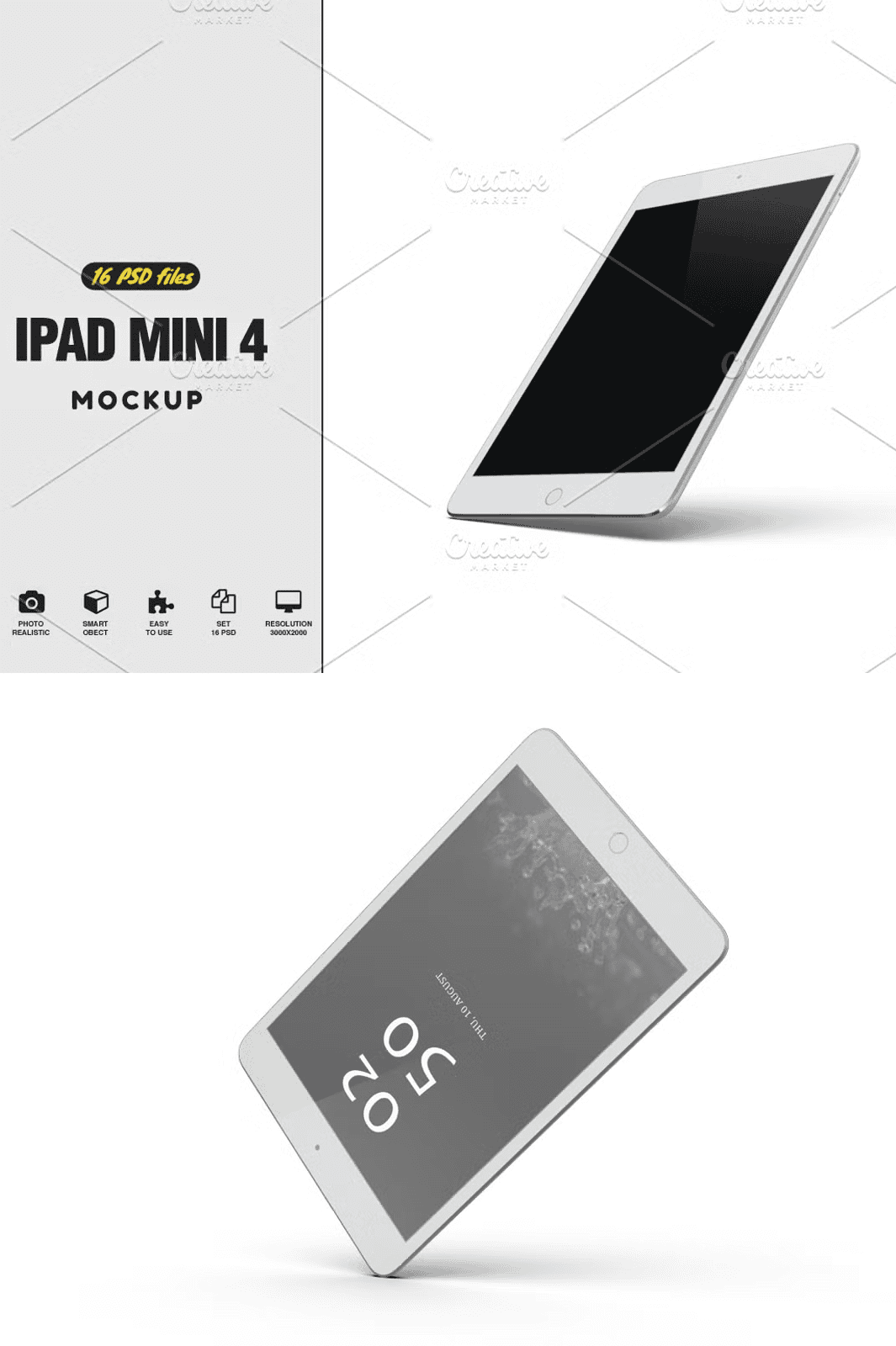
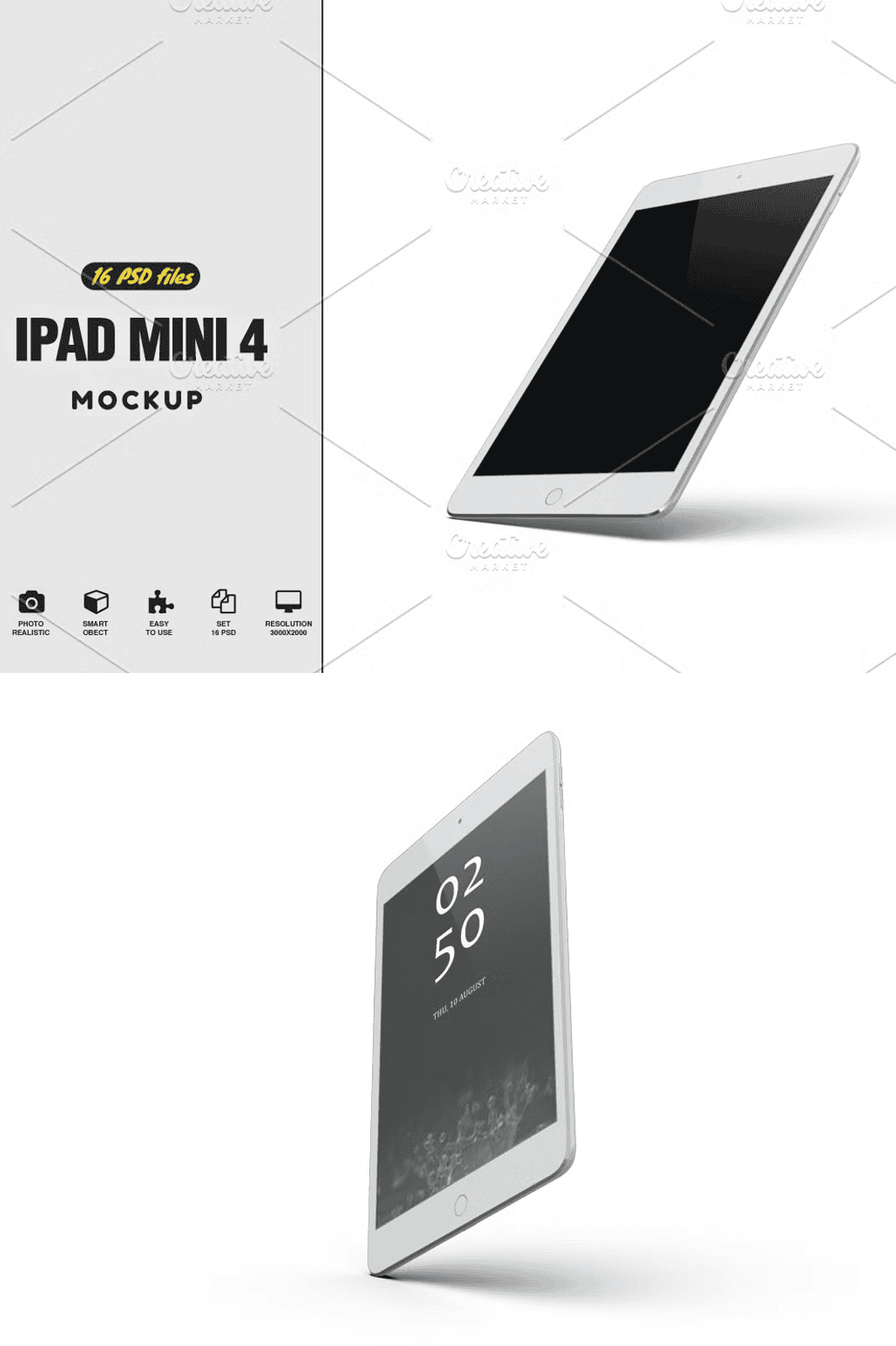
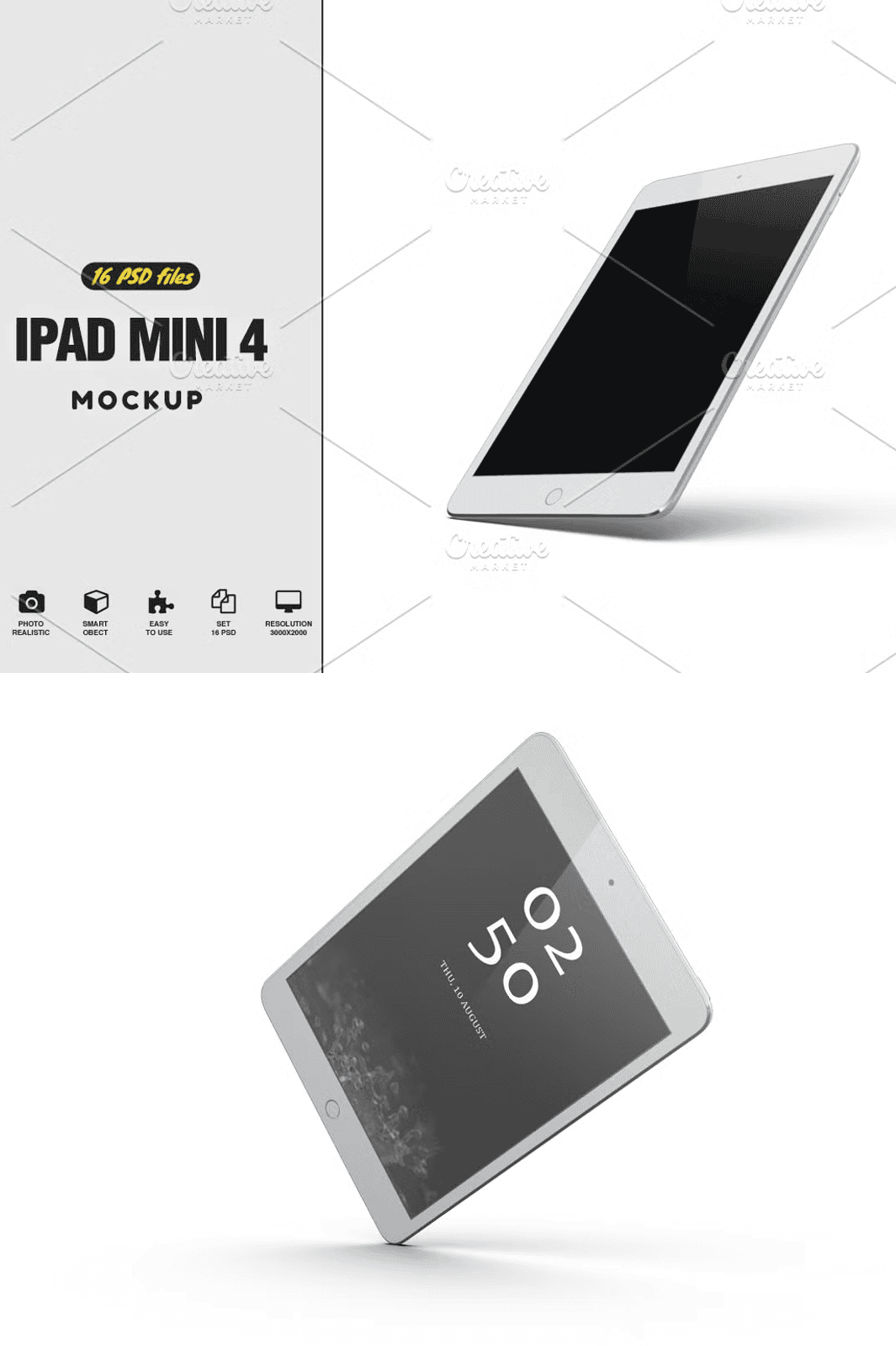
Step into the future of digital presentation with the **iPad Mini 4 Mockup Vol 2**, a premium, fully editable PSD file crafted for creators who demand excellence. This high-resolution mockup gives you complete control over every element, from screen content to lighting effects, ensuring your work stands out with sharp clarity and undeniable professionalism. Whether you’re displaying a responsive landing page, a mobile app interface, or a portfolio of UI/UX designs, this template delivers a sleek, modern aesthetic that speaks volumes.
Master the Art of Visual Storytelling with Advanced Customization
Go beyond basic mockups. This template empowers you to fine-tune your presentation with real-time adjustments. Replace your screen content with a single click using built-in **Smart Objects**, instantly updating your mockup to reflect your latest design. Customize the **main light effect**, adjust **specular highlights** to simulate glossy finishes, and select from **up to three different reflection levels** for dynamic realism. Tweak the **Z-depth pass** to enhance depth perception, and recolor any element—background, device casing, or props using the intuitive color picker. All layers are meticulously organized for seamless workflow integration.
Built for Professionals, Designed for Perfection
Created with precision and attention to detail, this mockup is engineered for professional use across industries. The **high-resolution 4000×3000px, 300 DPI** file ensures flawless quality for both digital sharing and print-ready deliverables. Each device is rendered in lifelike detail, with accurate screen bezels, realistic shadows, and perfectly proportioned dimensions. The transparent background enables effortless placement into any composition, while the layered structure guarantees full editing control—no hidden layers, no lost assets.
What’s Included in Your Download Package
- One fully layered PSD file for Photoshop CS5 and above
- Multiple customizable angles for dynamic presentations
- Complete help folder with setup guide and customization tips
- High-quality, scalable assets ready for web and print
- 100% Photoshop native – no plugins required
Perfect for Designers, Entrepreneurs, and Students Alike
This mockup isn’t just a tool—it’s a career accelerator. Ideal for freelance designers, startup teams, digital marketers, and academic students, it enhances your portfolio, impresses clients, and streamlines your creative process. Use it for app prototypes, UI walkthroughs, branding kits, social media content, or educational presentations. It’s a versatile solution that scales with your ambitions.
Easy-to-Follow Usage Instructions
Getting started is quick and intuitive:
- Open the downloaded PSD file in Photoshop CS5 or a later version.
- Locate the layer labeled “Your Work”. Double-click it to open the Smart Object.
- Paste your design into the new tab. Resize and position as needed.
- Close the tab and confirm “Save” to apply your changes.
- Now your content appears seamlessly on the device screen.
- Position, scale, and adjust the mockup to fit your layout.
- To update your design again, simply repeat steps 2–5 with a new file. That’s it!
Note: The preview images shown are for demonstration only and are not included in the download. This is a single, fixed scene with no built-in scene creator tools.
Download Your iPad Mini 4 Mockup Vol 2 Today
Don’t wait—elevate your design presence in minutes. Whether you’re building a client pitch, preparing a project showcase, or creating social media content, this template gives you the tools to shine. Click the button below to instantly download the full PSD package and start creating like a pro.
Need Help? We’ve Got You Covered
Our team at Pixelmockup is committed to your success. If you have any questions about setup, customization, or usage, reach out anytime via email at pixelmockups@gmail.com. We offer 24/7 support so you can focus on creating without interruptions. Your satisfaction is our mission.