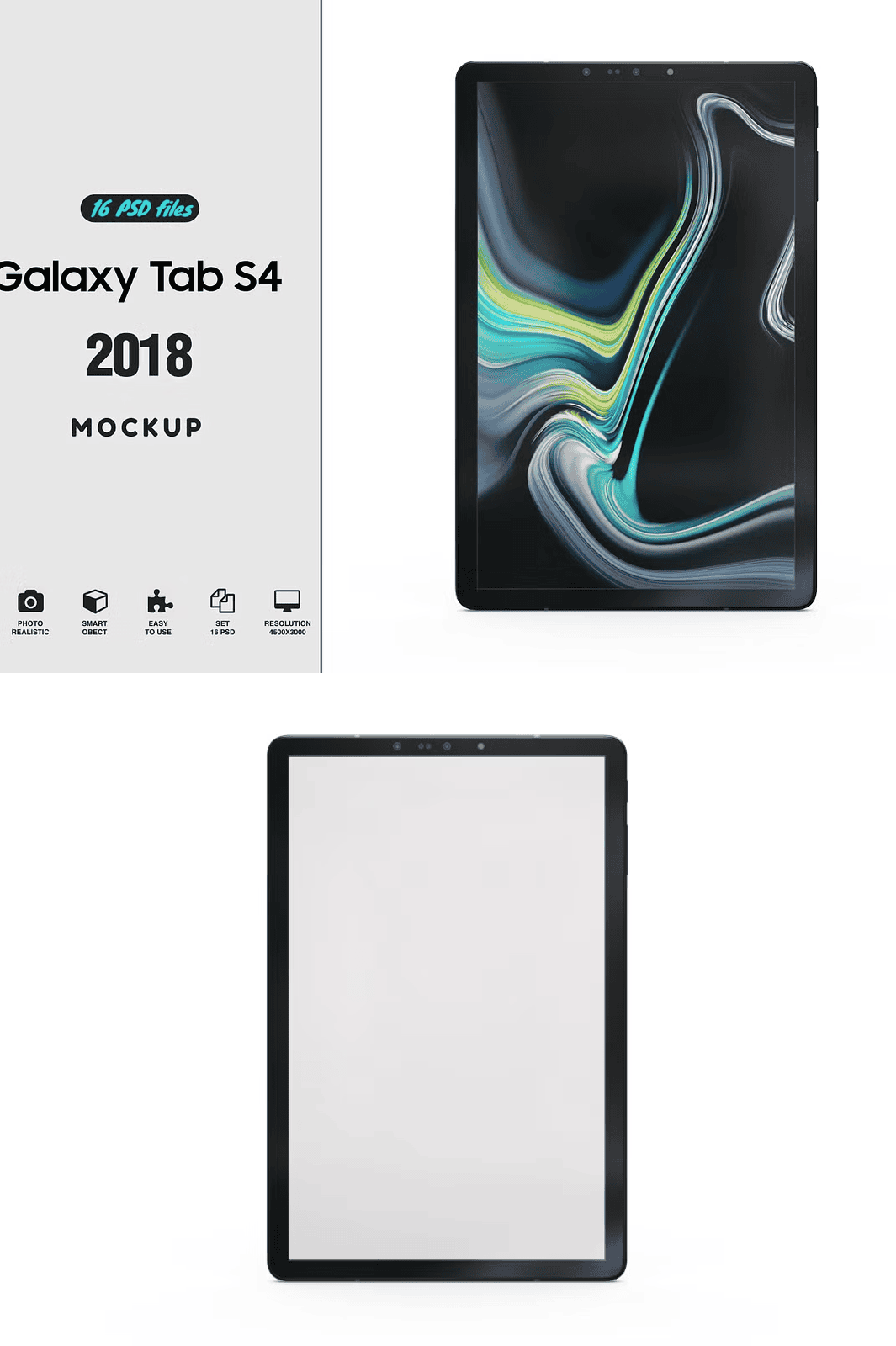
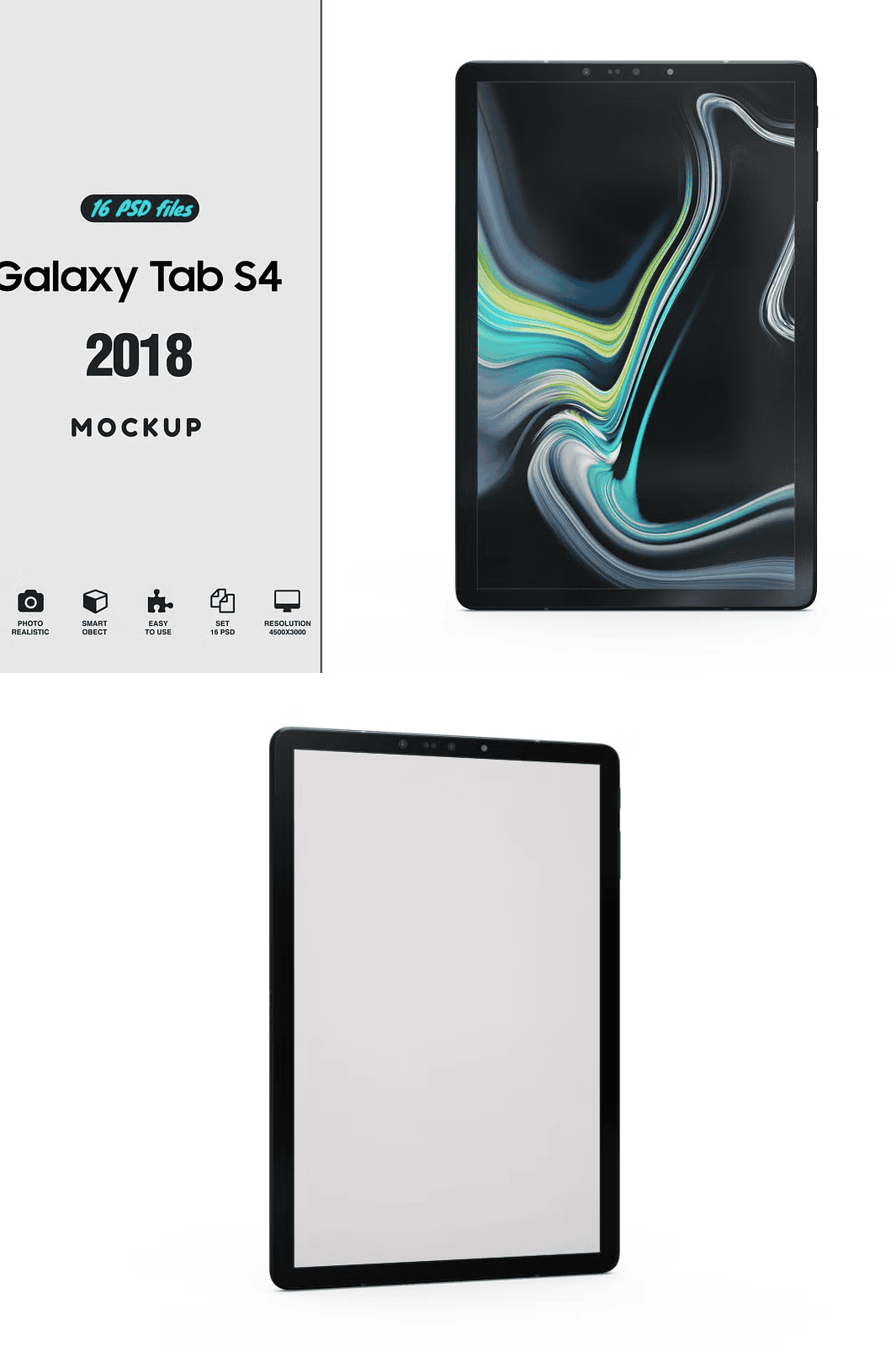
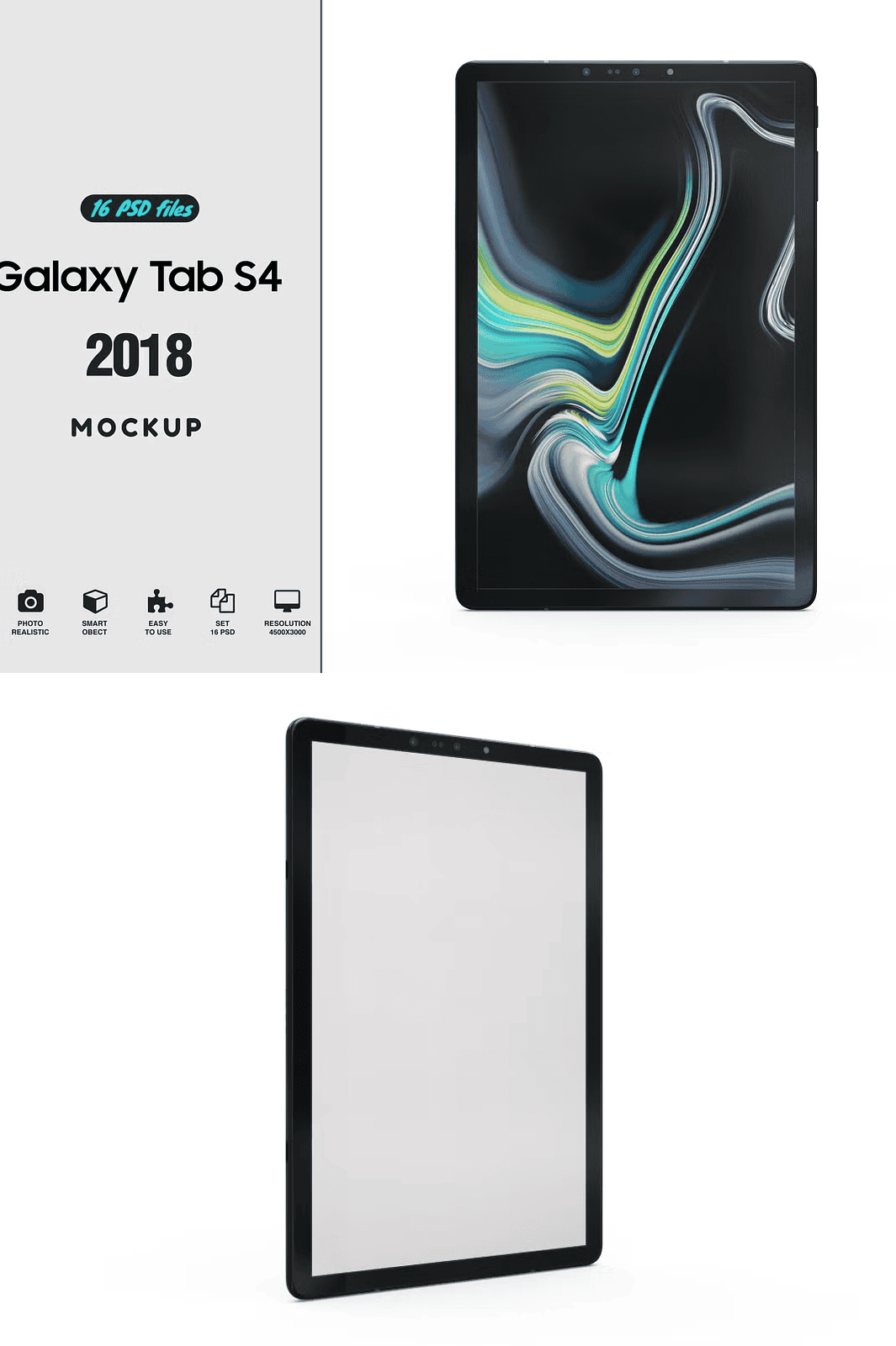
Revolutionize Your Creative Workflow with High-Fidelity Digital Mockups
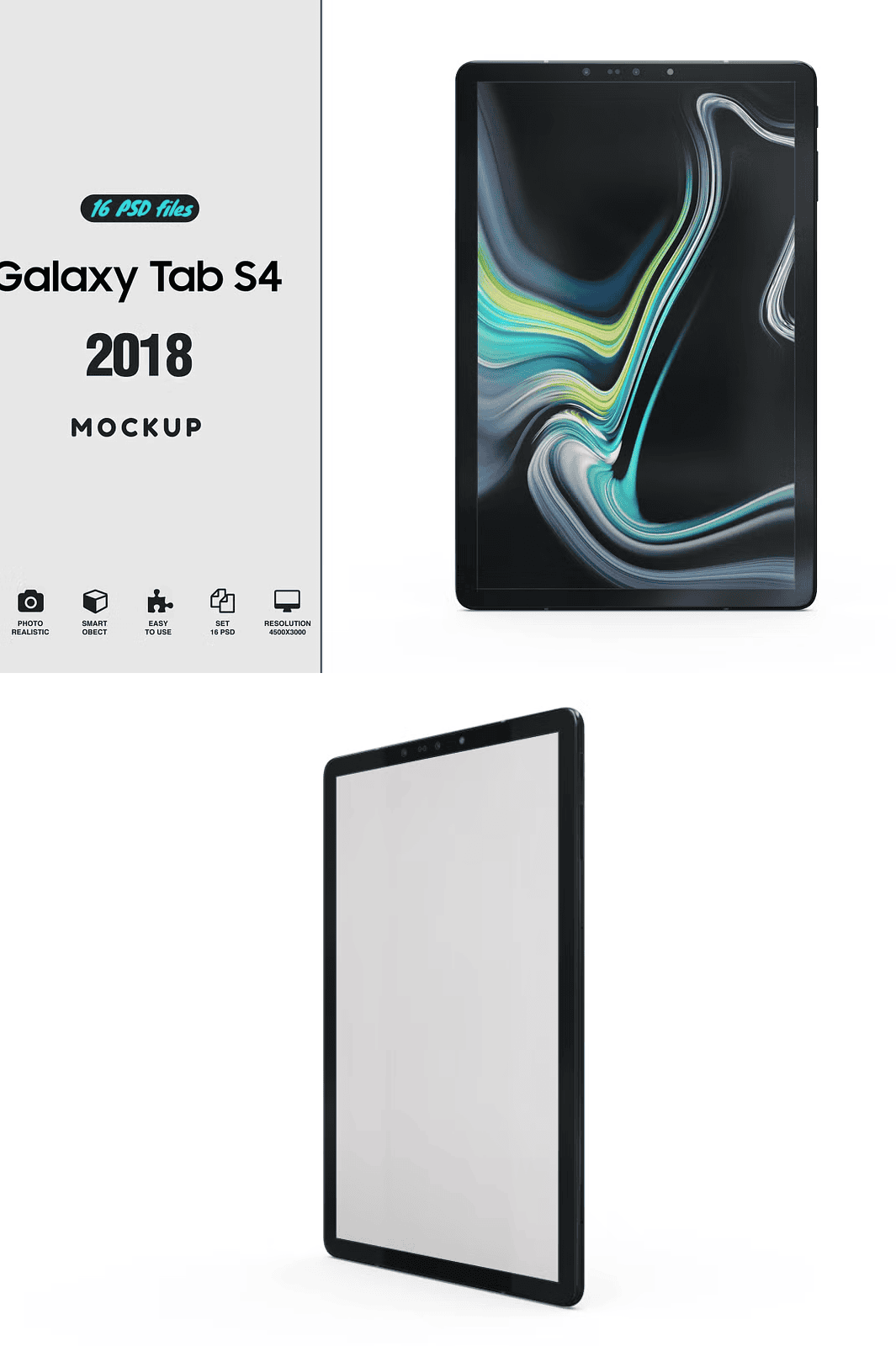
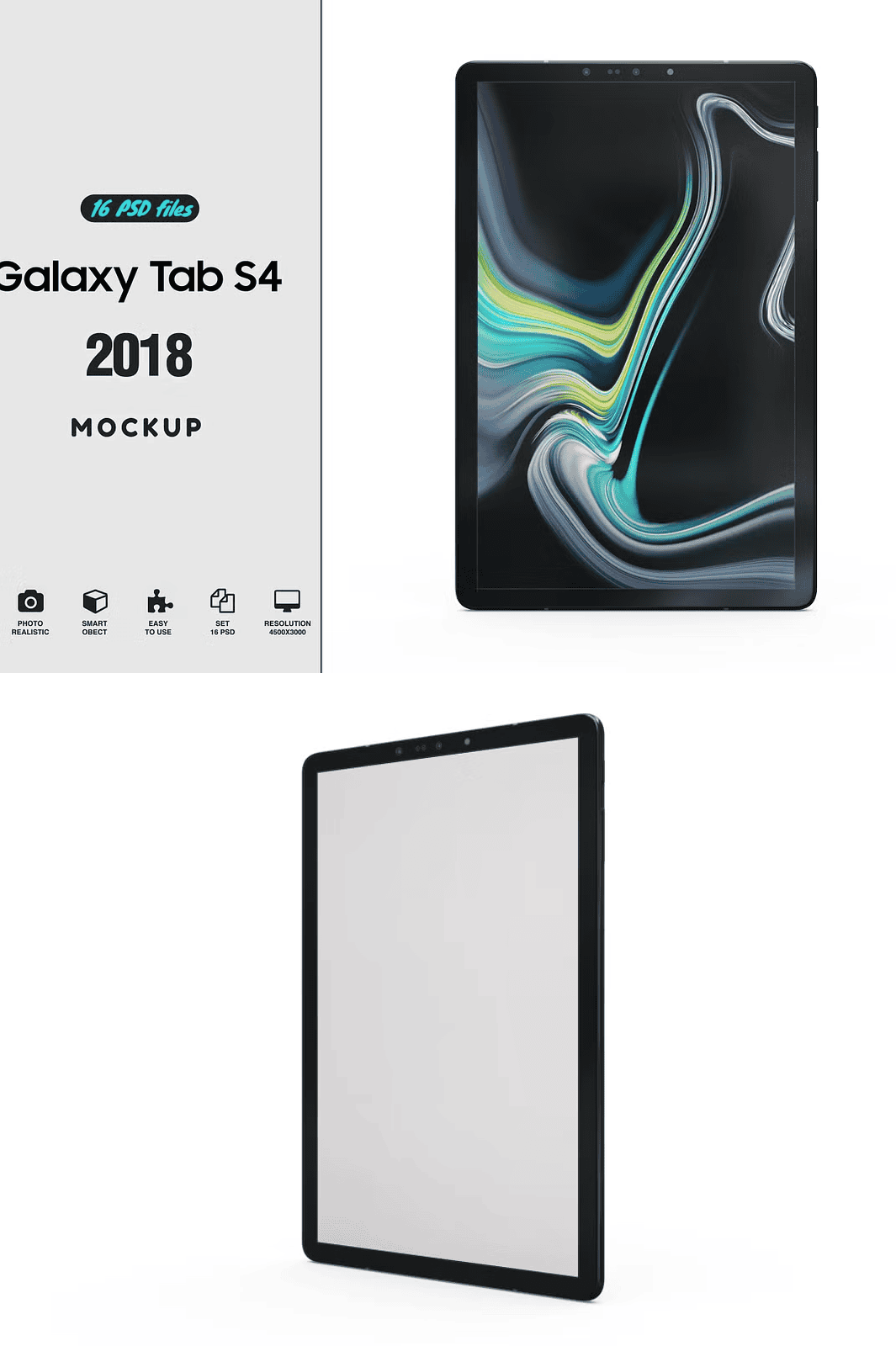
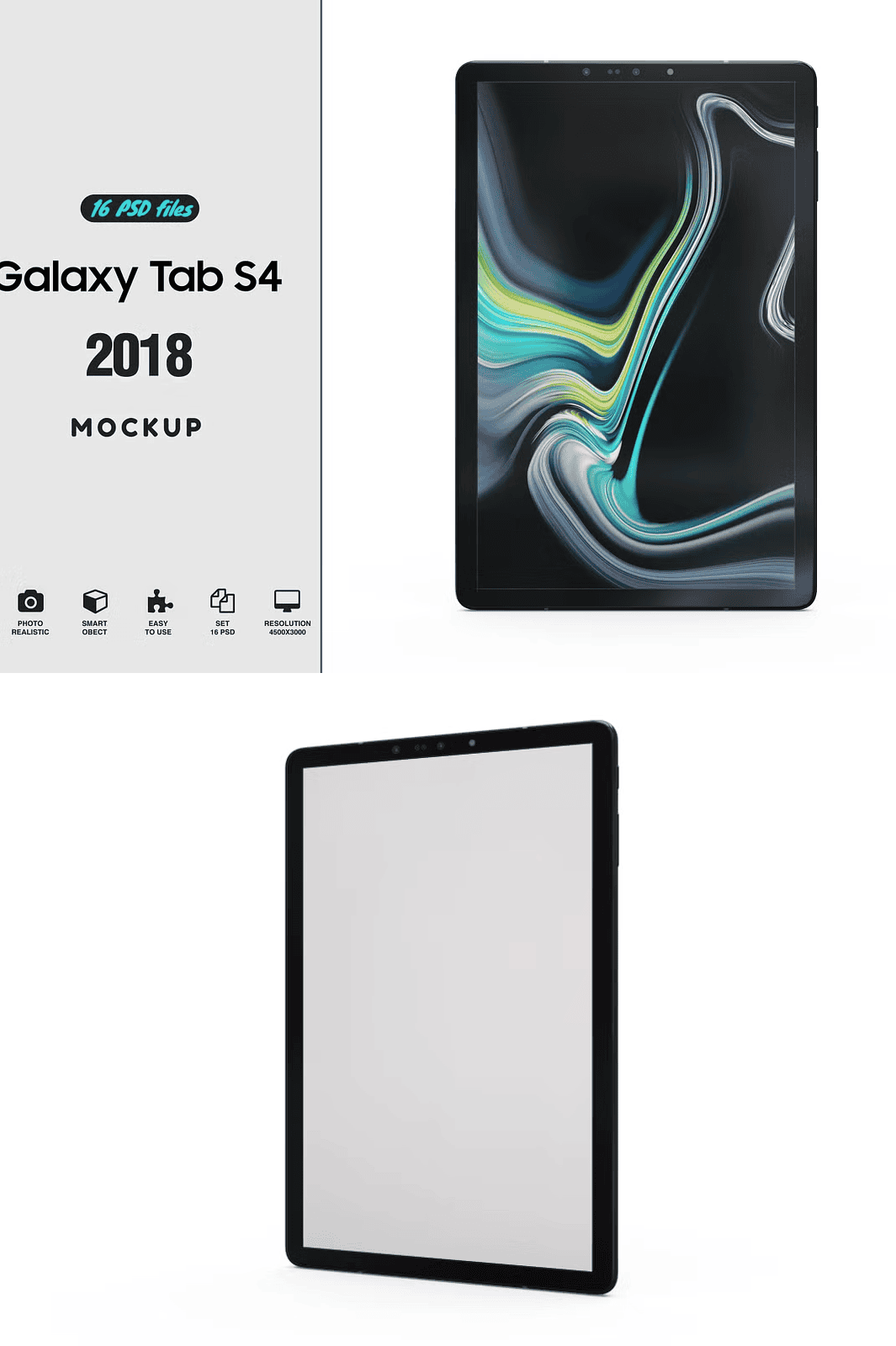
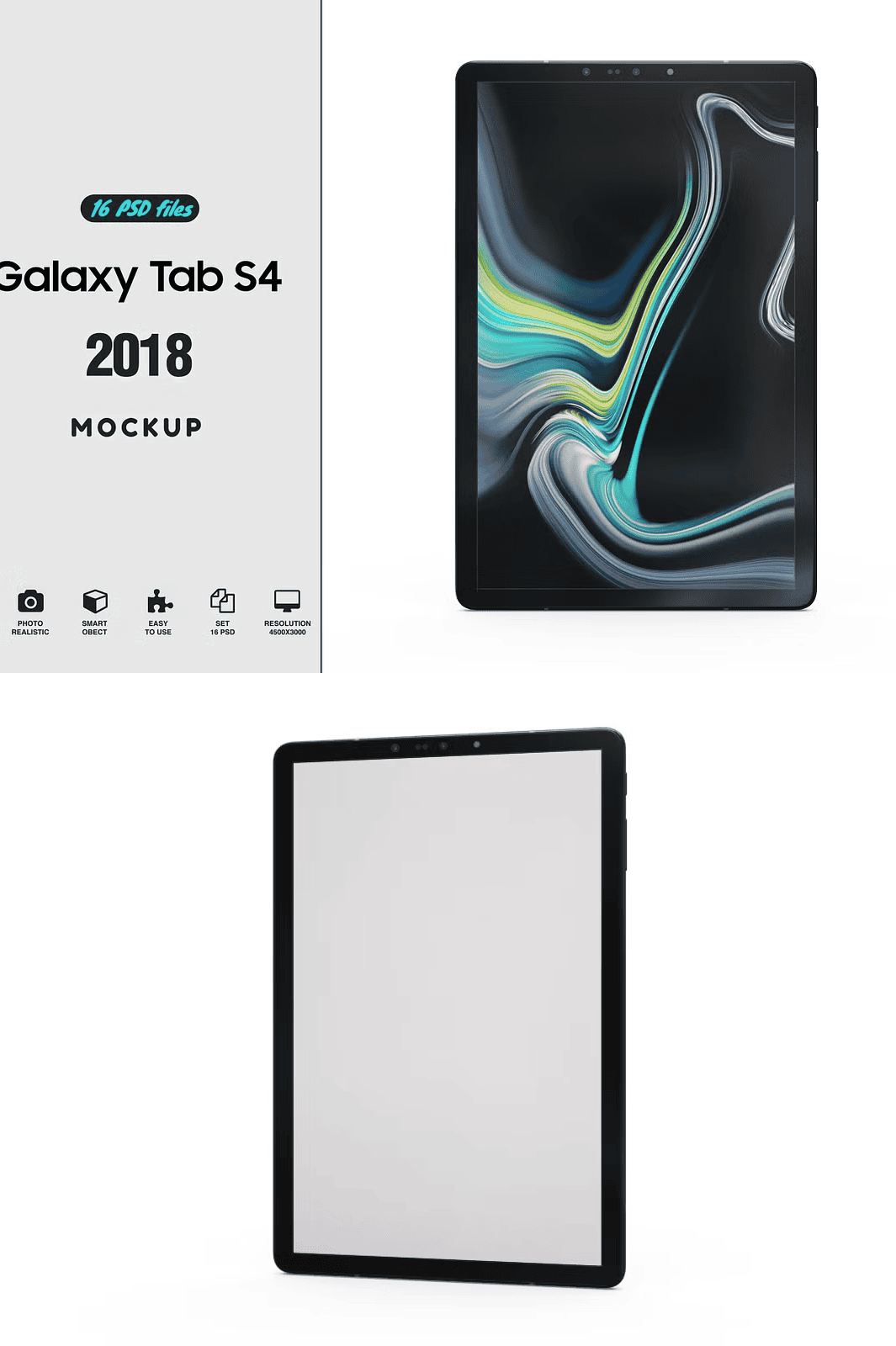
Elevate the professionalism of your digital presentations with this cutting-edge Samsung Galaxy S Tab 4 mockup, engineered for precision, realism, and effortless customization. Crafted for designers, marketers, and creative professionals, this fully editable PSD template delivers instant visual impact across web, social media, portfolios, and client proposals. Whether demonstrating a mobile app interface, showcasing a landing page design, or presenting a brand campaign, this mockup gives your content immediate context and credibility with lifelike detail and dynamic lighting.
Fully Editable Smart-Object Screen – Replace Content Instantly with One Click
Harness the power of Adobe Photoshop’s smart-object technology to swap your design content in seconds. Simply double-click the designated screen layer, insert your artwork, and watch your design appear seamlessly integrated into the device’s curved surface. No resizing. No distortion. No complexity. This smart-object integration ensures perfect clarity at any scale, whether you’re preparing a 4K video render, a print-ready brochure, or a high-engagement Instagram carousel. Accelerate your workflow dramatically while maintaining pixel-perfect quality across all output formats.
Unmatched Customization for Brand-Perfect Presentations
Tailor every visual element to align precisely with your brand identity and message. This mockup isn’t just a static image—it’s a dynamic design tool equipped with customizable parameters for professional-grade results:
- Adjustable Reflection Intensity – Choose from up to 3 distinct reflection styles to match studio lighting, soft sunlight, or low-key ambient settings.
- Dynamic Specular Light Control – Fine-tune highlight intensity and position for realistic screen glow and depth.
- Customizable Main Light Effect – Modify direction, softness, and color temperature to reflect various environmental conditions.
- Z-Depth Pass Layer – Achieve realistic shadow modeling and parallax effects for immersive, three-dimensional depth.
- Full Color Customization – Apply any hue, saturation, and brightness to the device frame, matching your brand’s color scheme with accuracy.
- Adjustable Shadow Settings – Modify opacity, blur radius, and angle to blend the device naturally into any background.
- Transparent Background Support – Seamlessly layer the device over any scene including websites, presentations, and editorial layouts.
Designed for Real-World Creativity Across Industries
This mockup is meticulously built for modern digital creators who demand versatility and speed. From UX/UI specialists prototyping mobile apps to entrepreneurs pitching startups, this tool supports every stage of the creative journey. Whether you’re a freelance designer crafting premium client decks, a marketing team launching a campaign, or a student building a digital portfolio, this template provides the polish and professionalism needed to stand out in competitive environments.
High-Resolution Output for Maximum Quality and Scalability
Built at **3000×2200 pixels with 300dpi resolution**, this mockup ensures your designs maintain crisp clarity and sharpness across all platforms. Use it confidently for print materials, large-format displays, website headers, or high-resolution digital thumbnails. The ultra-fine textures, accurate curvature modeling, and subtle surface imperfections replicate the authentic look and feel of a real tablet in hand, boosting believability and visual impact.
Comprehensive Support and Easy Implementation
Our team at Pixelmockup is committed to your success. Each download includes:
- 1 High-Resolution PSD File – 3000×2200 px, 300dpi, fully layered and named
- Smart-Object Screen Layer – Ready for instant design replacement
- Help Folder with Step-by-Step Guide and Troubleshooting Tips
- Zero Plugin Dependencies – Fully compatible with Photoshop CS5 and newer
- Transparent Background Layer – Enables quick integration into any scene
- 24/7 Email Support – Reach us anytime at pixelmockups@gmail.com
Effortless Setup – Complete in Minutes, Not Hours
Getting started is simple and intuitive:
- Open the downloaded PSD file in Adobe Photoshop CS5 or later.
- Locate the layer labeled “Your Work”
- Double-click the layer to activate the smart-object edit mode.
- In the new panel, place your design, image, or UI mockup directly onto the screen canvas.
- Close the edit window, click “Save” when prompted, and your design instantly appears on the device.
- Reposition, resize, rotate, or customize the mockup as needed to fit your presentation layout.
- Repeat the process anytime to switch designs—no rework, no delays.
Unlock the Full Power of Your Creativity – Download Now
Stop wasting time on low-quality, generic visuals or manual mockup creation. With this premium Samsung Galaxy S Tab 4 mockup, you gain a powerful, professional-grade tool that transforms how you present your work. Whether for client pitches, social media marketing, or personal projects, deliver visuals that command attention, convey credibility, and elevate your brand identity.
Note: The preview images and example content are for illustrative purposes only. The download package includes solely the editable PSD file and help documentation. No external assets are included.