Transform Your Designs with a Modern, High-Resolution Showcase
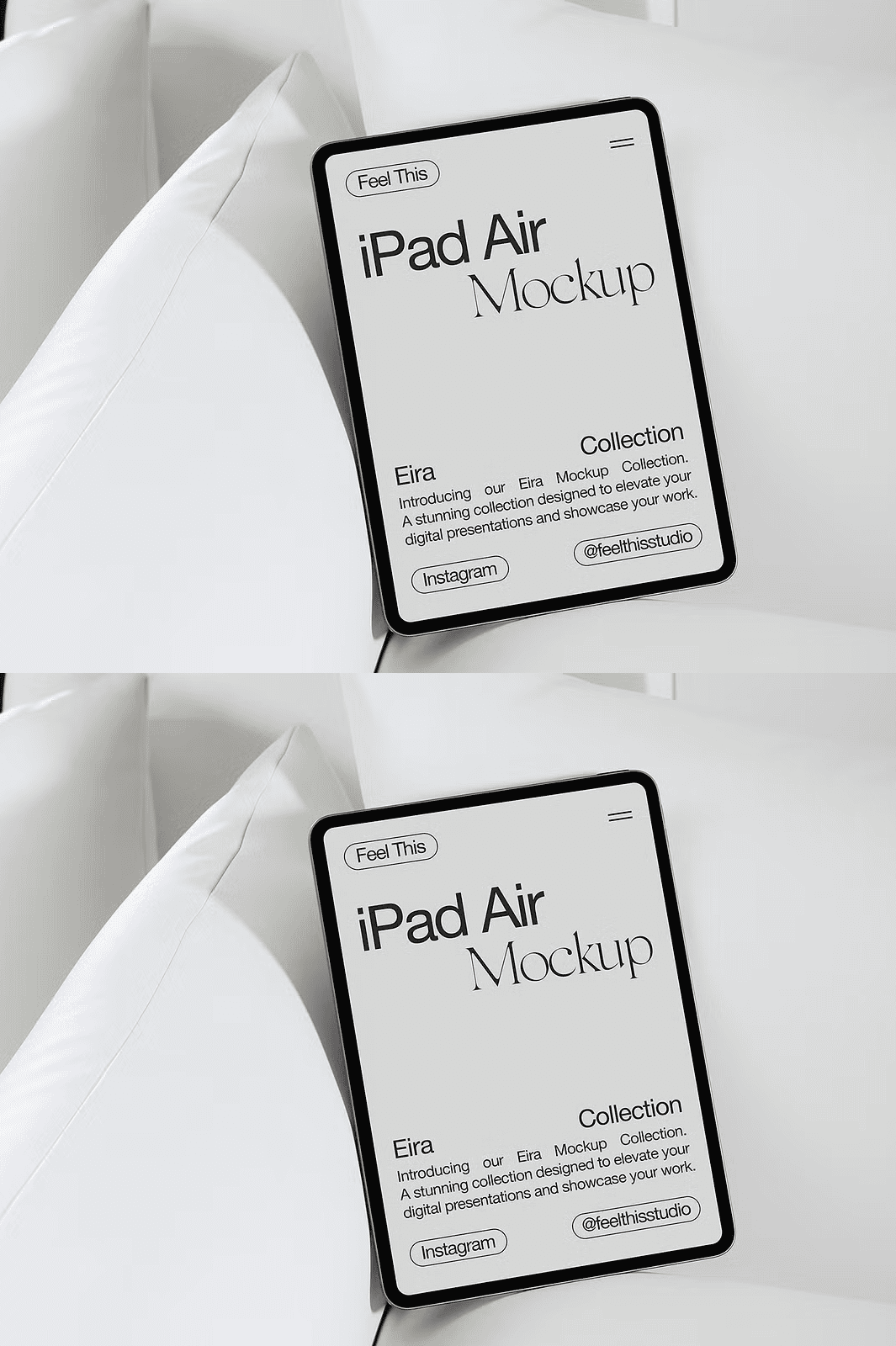
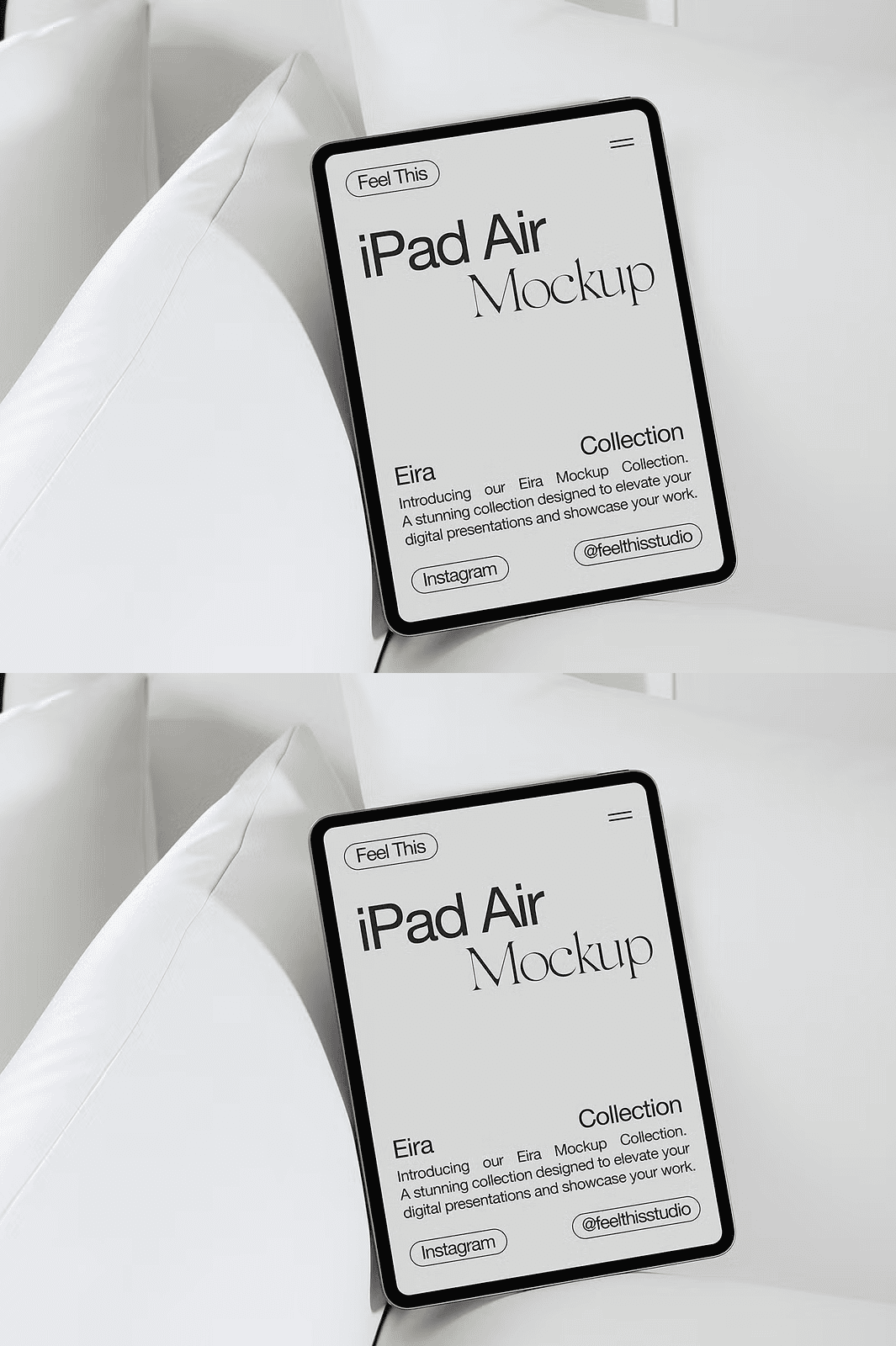
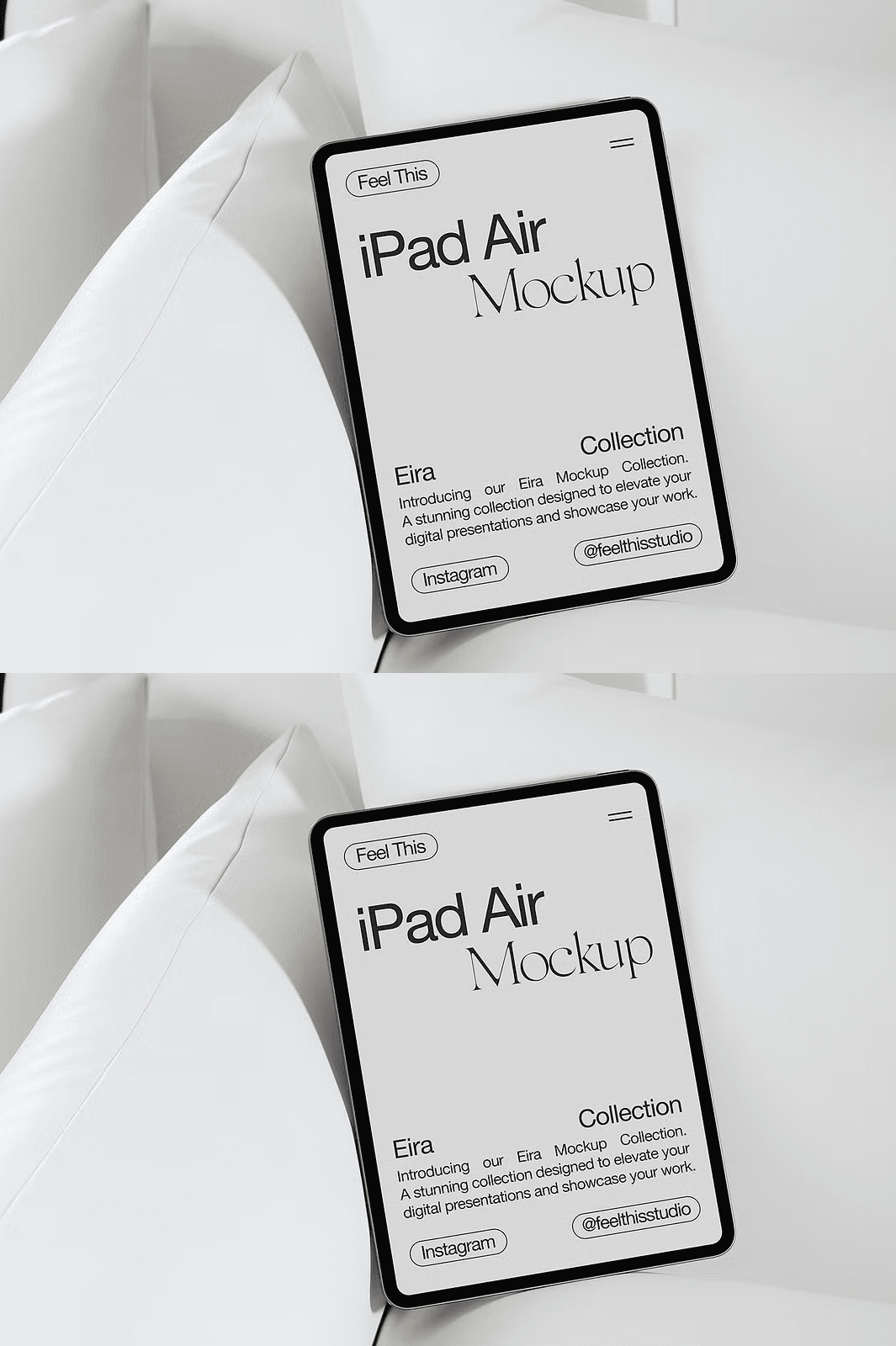
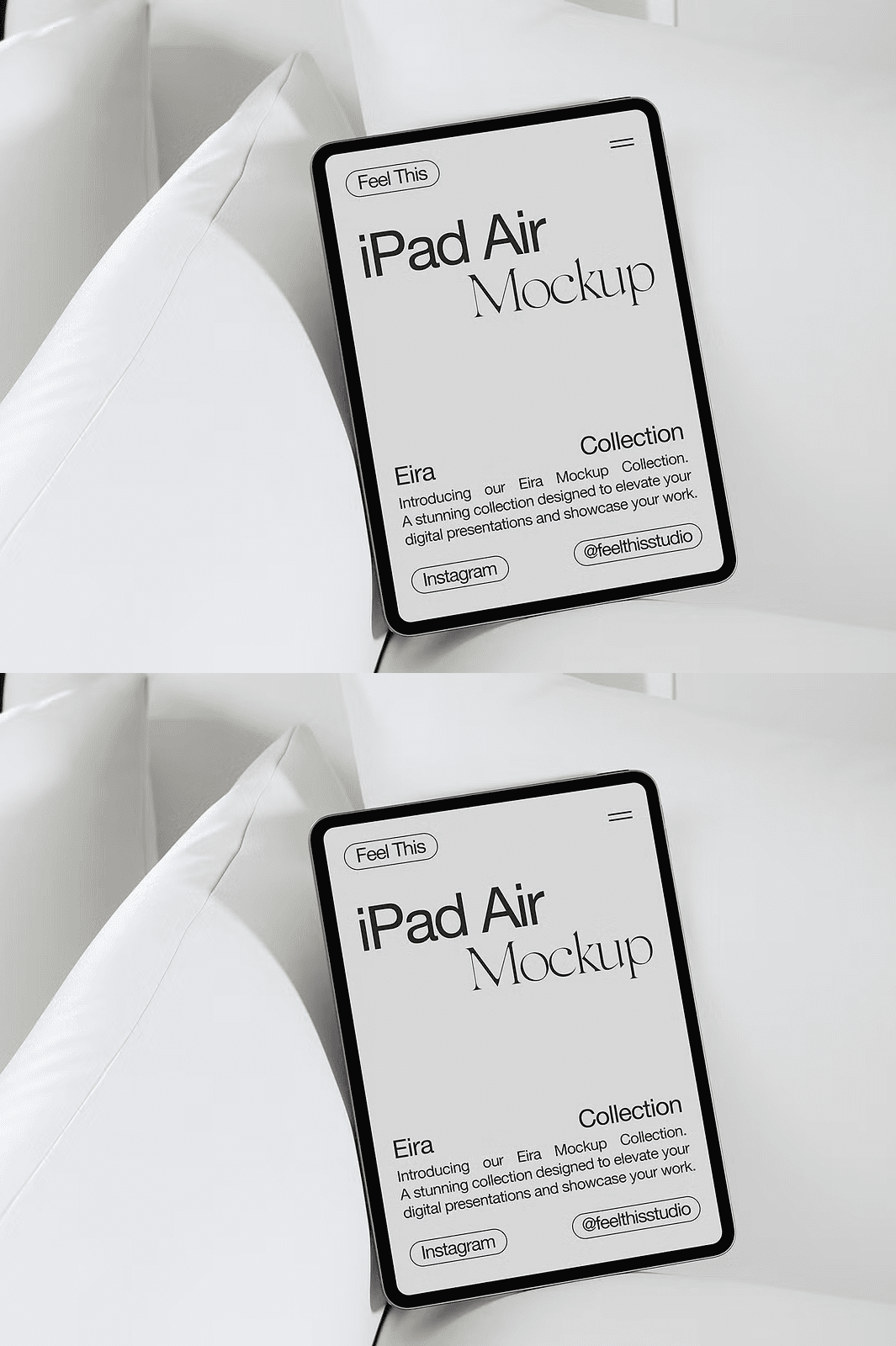
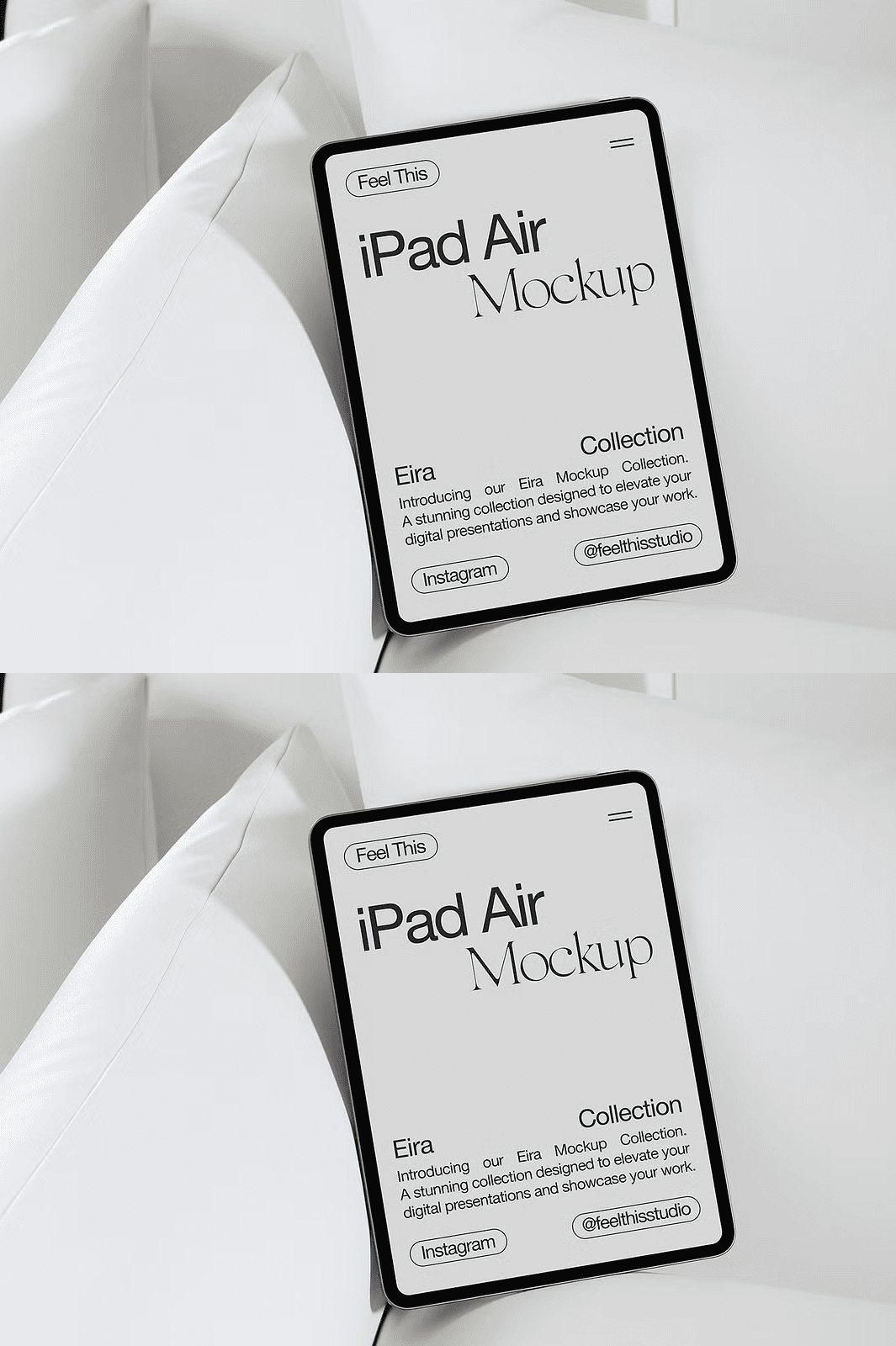
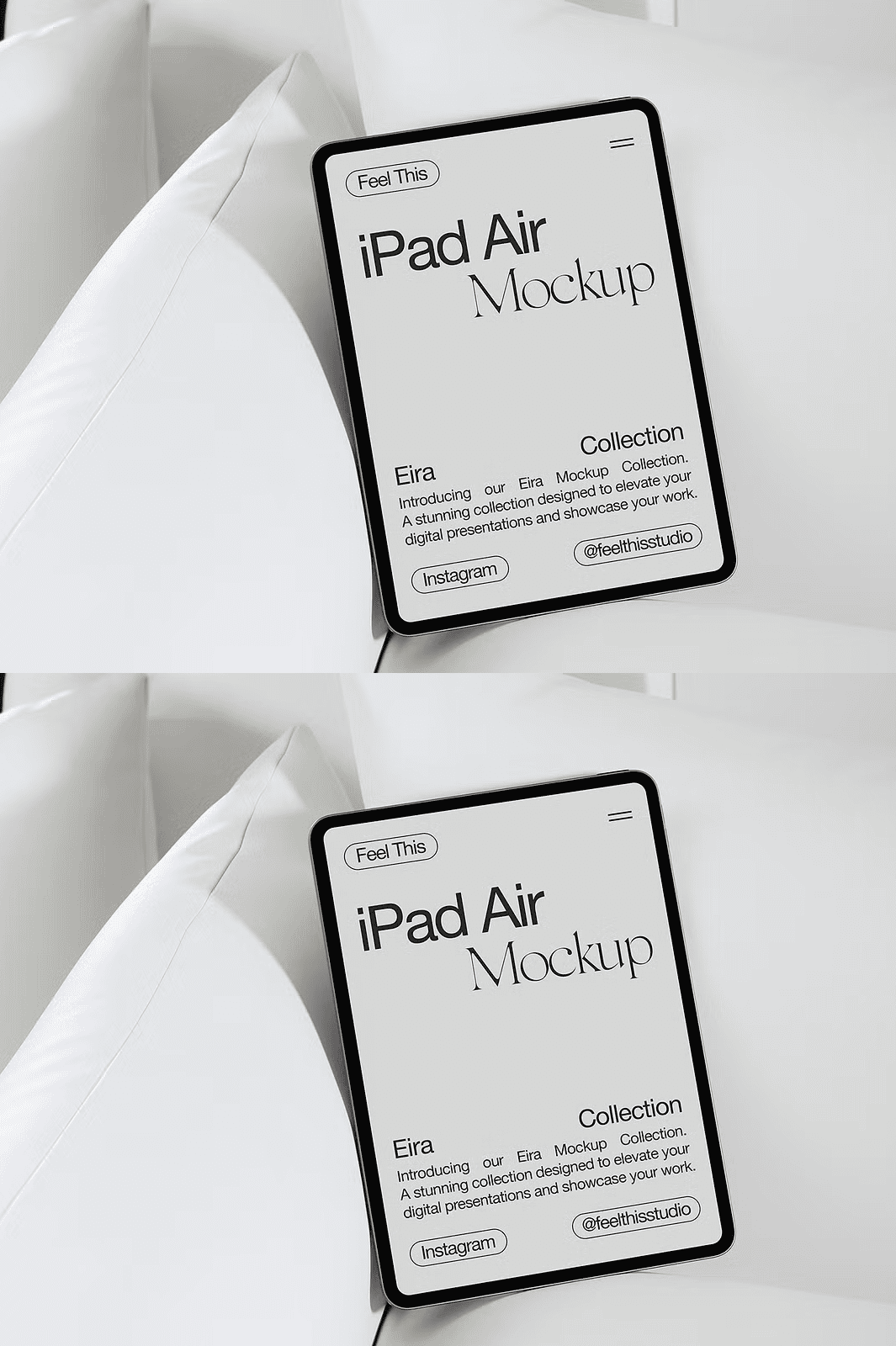
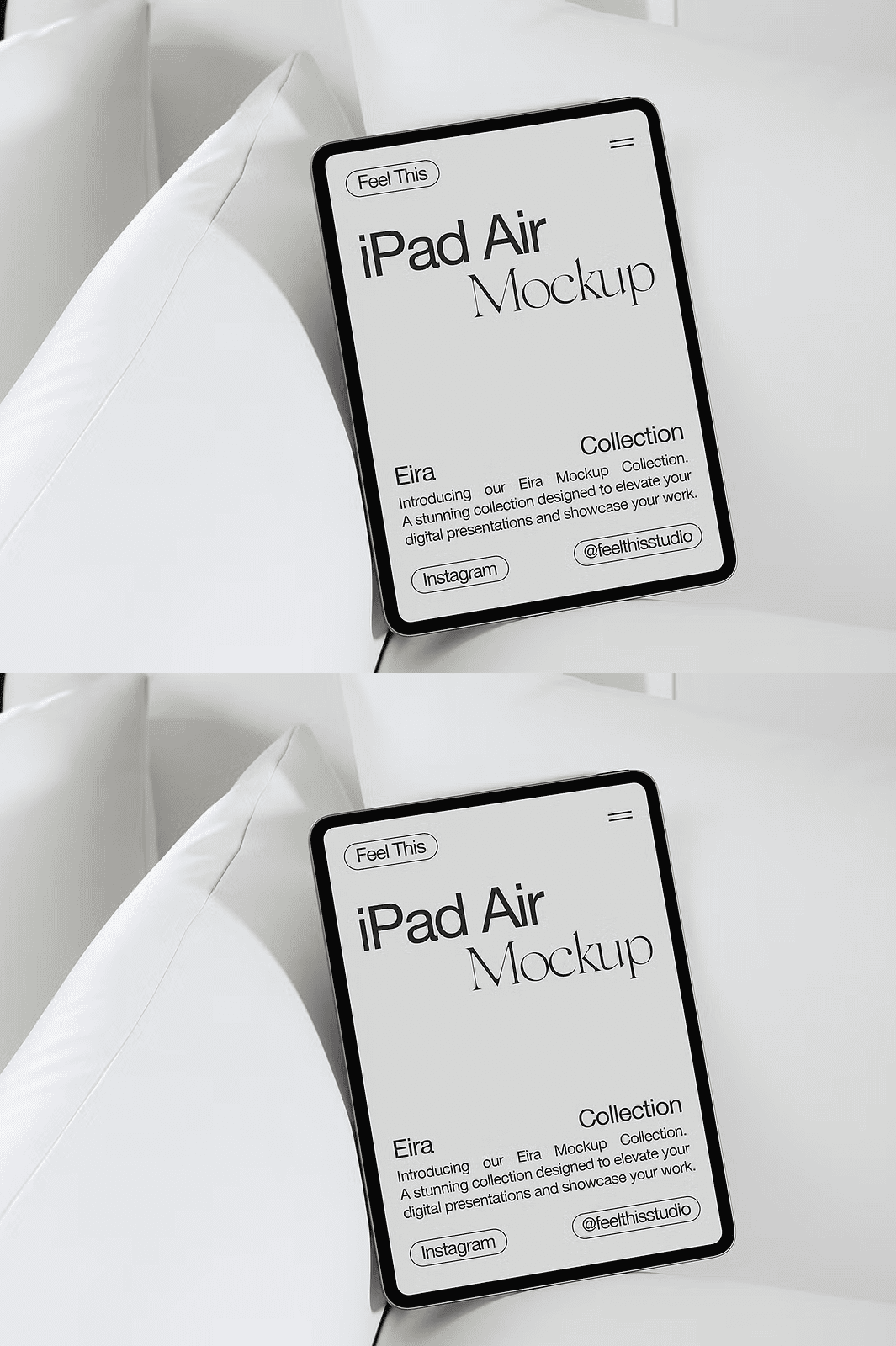
Unlock the full potential of your creative work with this refined iPad Air mockup, engineered for precision and professionalism. Designed to highlight app interfaces, website layouts, branding elements, and digital art, this mockup delivers a polished, real-world presentation that captures attention and conveys credibility. Its minimalist aesthetic, clean white interior, and soft ambient lighting eliminate visual clutter, ensuring your content shines with maximum clarity and impact.
Redefine Your Workflow with Smart Object Editing
Take full control of your design process using Adobe Photoshop’s advanced smart object technology. Replace screen content in seconds—simply double-click the dedicated smart layer, insert your design, and save. The system automatically maintains perfect proportions, resolution, and sharpness without any manual resizing or image distortion. This seamless editing experience dramatically accelerates your workflow, allowing you to iterate quickly and deliver client-ready mockups in record time.
Unmatched Quality and Functionality for Design Professionals
This mockup is built for excellence. Every detail is optimized for performance and visual appeal, delivering results that meet the highest industry standards.
– **Ultra-High-Resolution PSD File:** 300 DPI output ensures pixel-perfect clarity for print, web, and digital displays.
– **Fully Editable Smart Object Layers:** Instantly swap out screen content with precision and zero quality loss.
– **Minimalist Modern Aesthetic:** A distraction-free white interior enhances every design element you present.
– **Seamless Photoshop Integration:** Fully compatible with Adobe Photoshop, ideal for both beginners and advanced users.
What’s Included in Your Downloadable Package?
– 1 Premium iPad Air Mockup Scene
– 1 High-Resolution PSD File with Smart Layers
– Step-by-step Help Guide with Visual Instructions
– Optimized for Fast and Reliable Editing
Quick Setup: Customize Your Mockup in Minutes
Start creating powerful visual presentations with just a few simple steps:
1. Open the PSD file in Adobe Photoshop.
2. Locate the smart object layer labeled “Insert Your Design Here.”
3. Double-click the layer to open the linked file.
4. Paste your design—app interface, website preview, branding layout, or digital artwork—into the frame.
5. Save and close. The updated design instantly appears on the iPad screen with flawless alignment and high fidelity.
Customization Boundaries and Important Notes
This mockup is designed for screen content replacement only. The position, size, and rotation of the iPad device, background elements, and lighting are fixed to preserve visual consistency. The device illustrations used in previews are for reference only and do not include actual design files. Your download features a blank screen layer ready for your personal content.
Why This iPad Air Mockup Is Perfect for Marketing, Design, and Creative Professionals
Whether you’re preparing client proposals, building a portfolio, promoting digital products, or planning social media campaigns, this mockup gives you a professional edge. Use it to demonstrate app usability, validate responsive layouts, display brand identities with elegance, or present photography and digital art in a sophisticated context. It’s the ultimate visual tool for communicating your vision with clarity and confidence.
For any inquiries or support, reach out via private message—we’re here to help you achieve the best results.