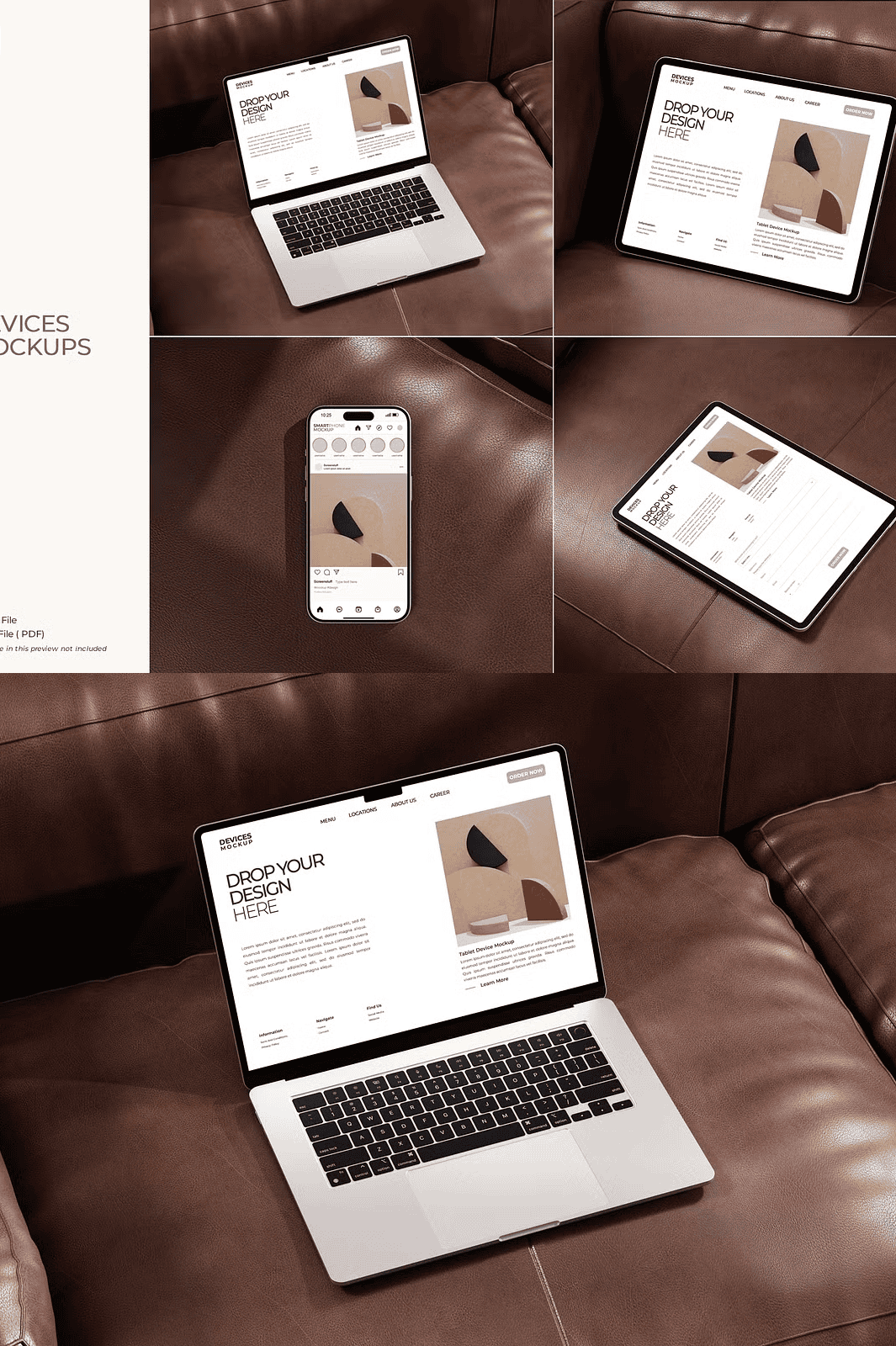
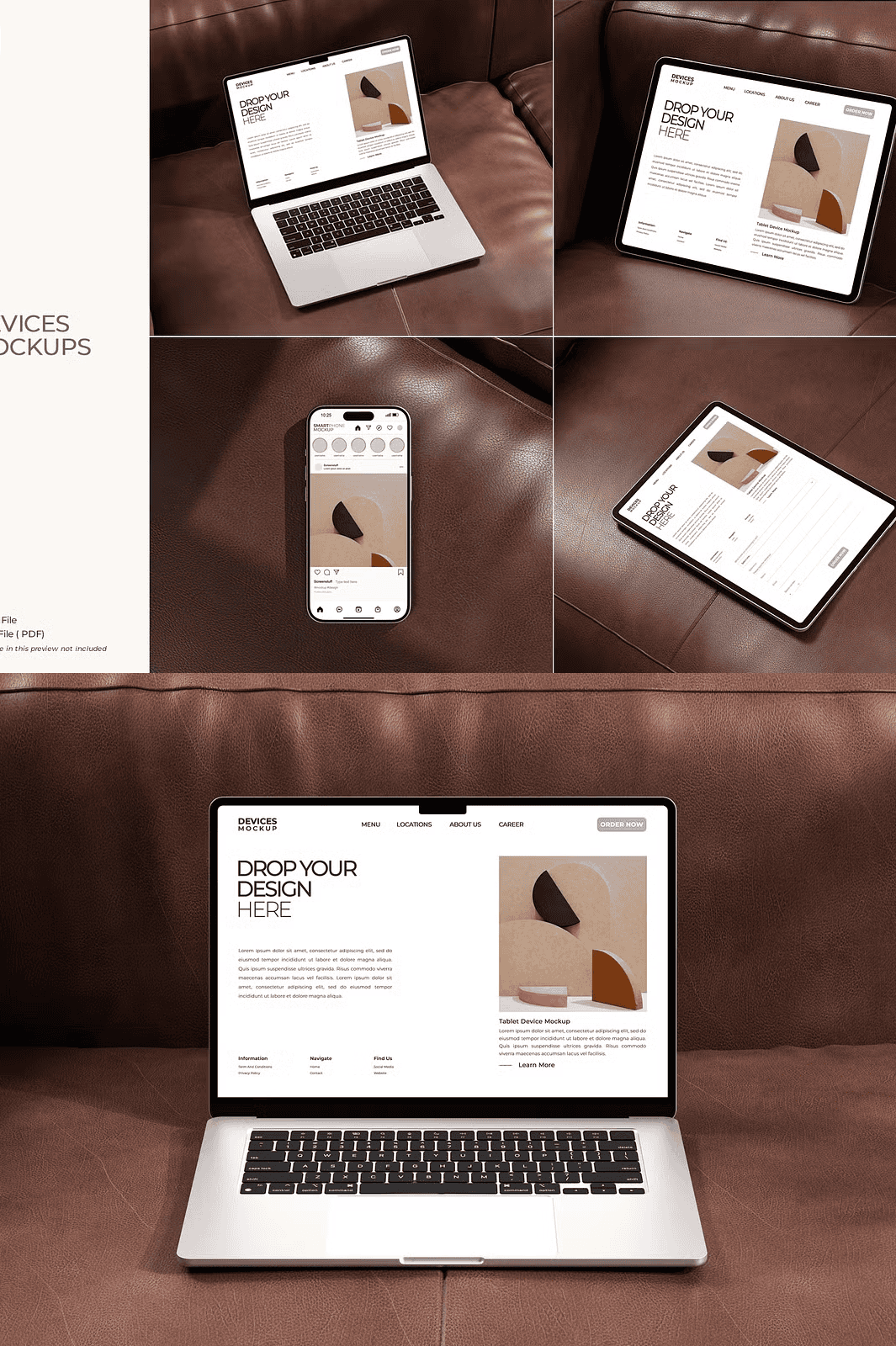
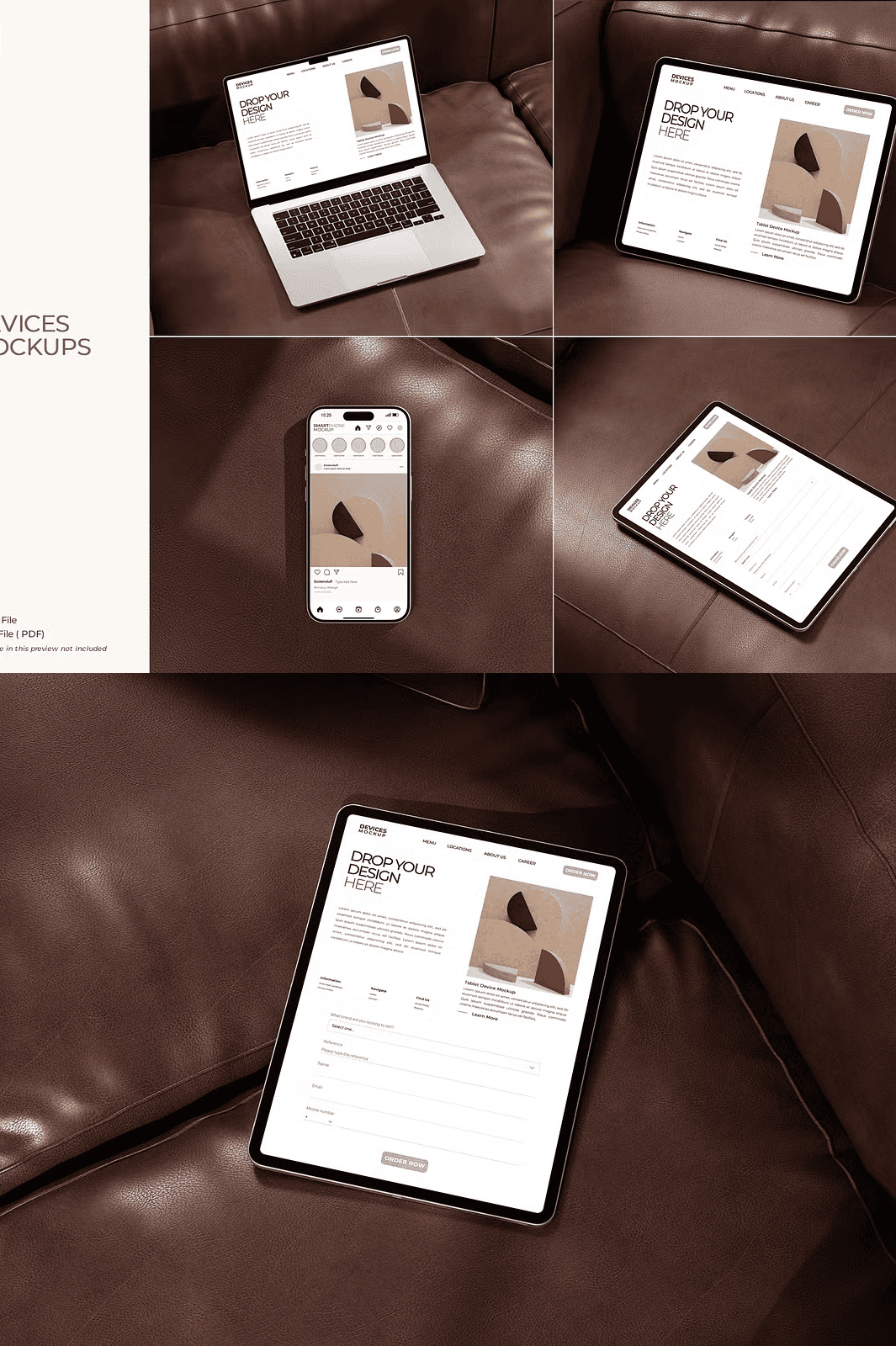
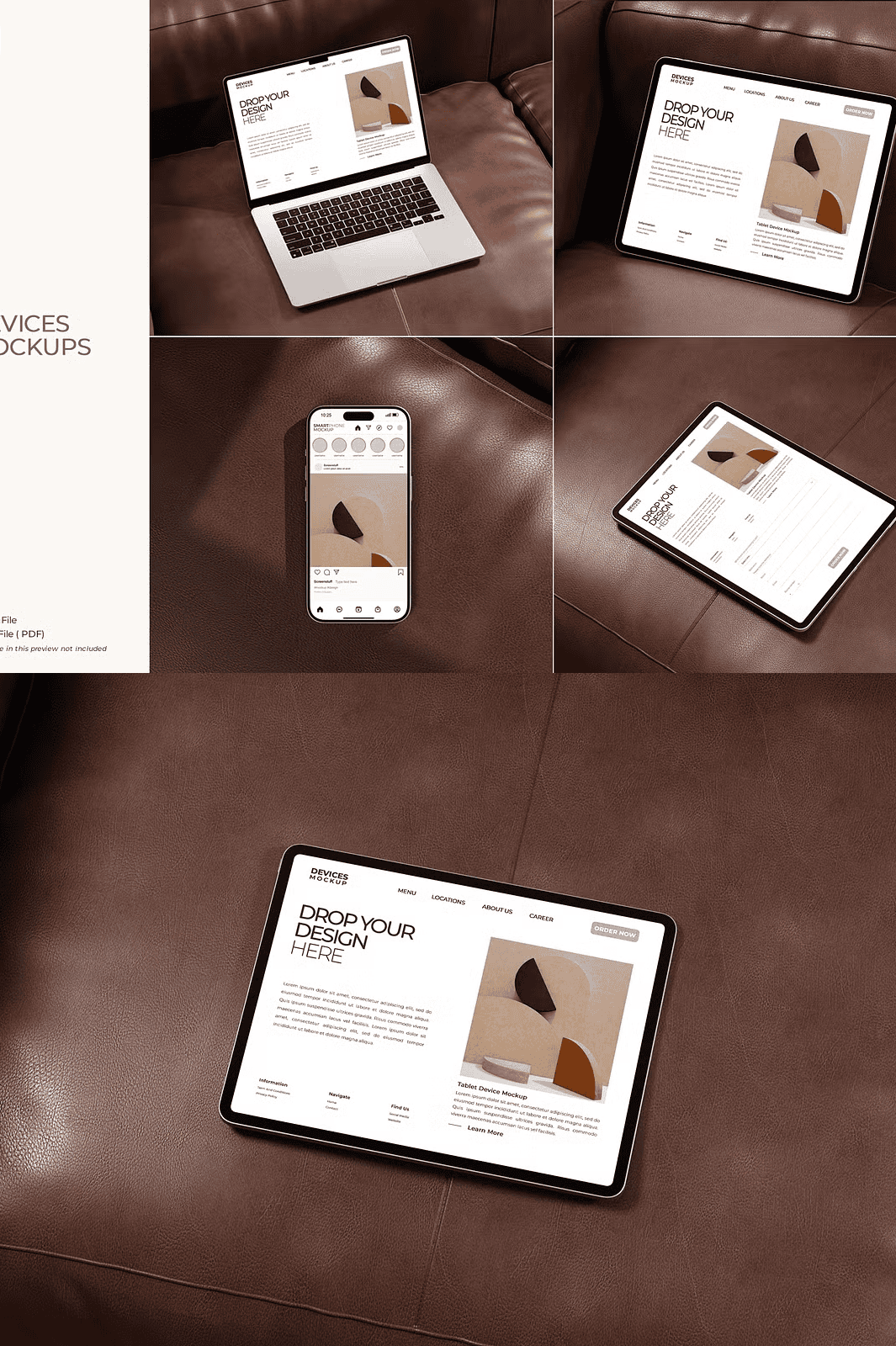
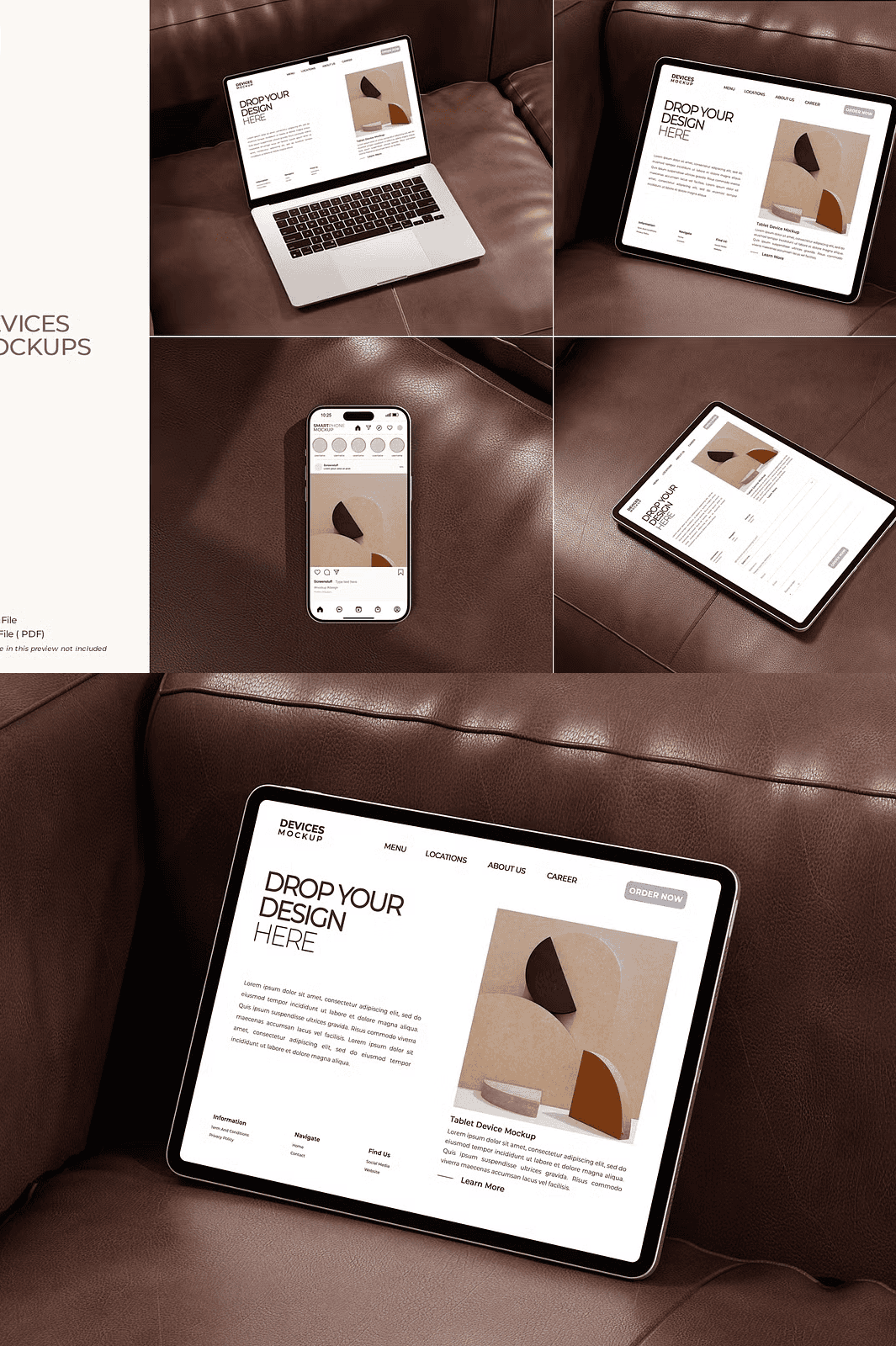
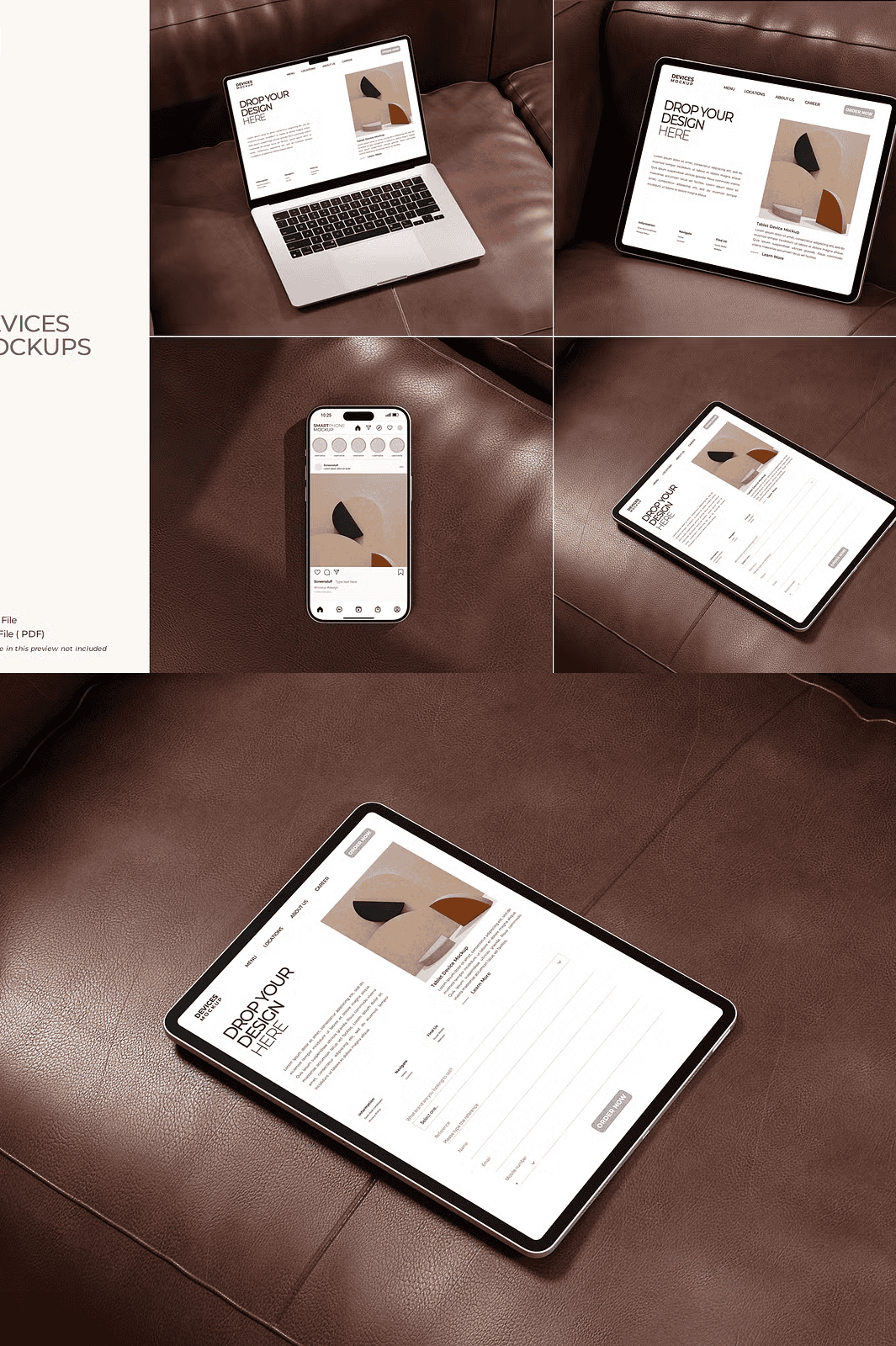
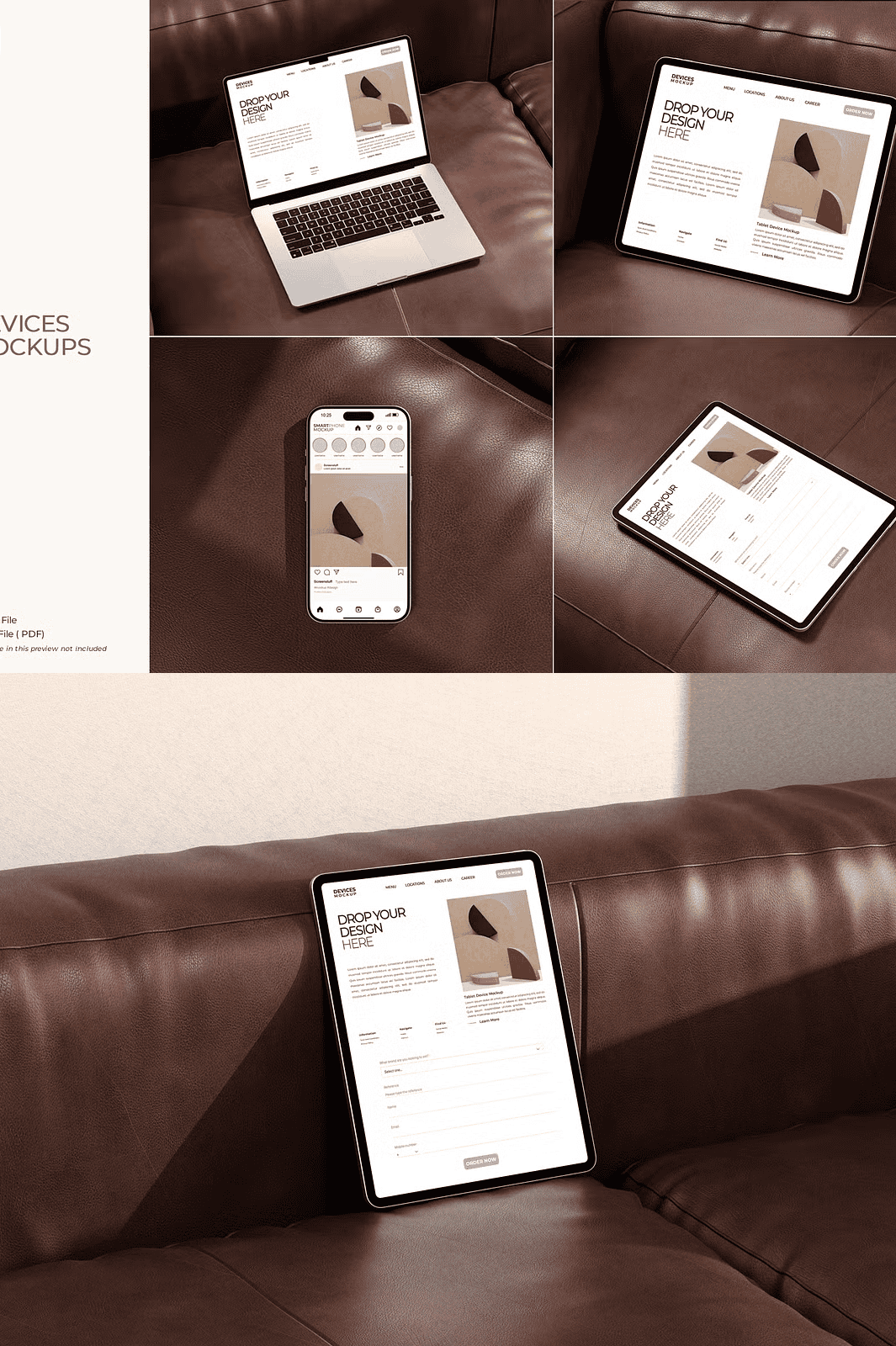
Transform Your Designs into Real-World Visual Stories Instantly
Stop using generic placeholders bring your digital creations to life with this powerful Devices Mockup bundle. Tailored for professional designers and creative entrepreneurs, this comprehensive collection delivers 12 hyper realistic, high-resolution PSD mockups engineered to showcase app interfaces, social media posts, website previews, and digital branding with stunning precision. With a massive 4500 x 3000 pixel canvas and 300 DPI clarity in RGB color mode, every detail from screen reflections to subtle fabric textures exudes professionalism and credibility.
Revolutionize Your Editing Process with Smart Object Technology
Harness the full potential of Adobe Photoshop’s smart object system to make editing faster, cleaner, and more efficient than ever before. Each mockup includes a dedicated smart object layer labeled “Insert Your Design Here,” allowing you to double-click, paste your artwork, and instantly see it rendered on the device screen—scaling perfectly without loss of quality. Whether you’re replacing a dashboard layout, updating a social media post, or testing multiple brand variations, this tool eliminates tedious resizing and repositioning, so you can focus on creativity—not technical fixes.
Designed for Speed, Built for Precision: Organized, Editable, and Intuitive
Every file in this bundle is meticulously structured with logical layer grouping, descriptive naming, and nested folders—ensuring smooth navigation and zero confusion. Whether you’re a beginner stepping into Photoshop or a seasoned designer streamlining your workflow, the intuitive layout makes customization effortless. Easily adjust:
– Screen content with one-click replacements
– Frame colors to align with your brand palette
– Background environments for context-specific contexts
– Shadow depth and lighting for enhanced realism
– Layer visibility to toggle between preview modes
This level of organization saves hours of prep time and keeps your projects clean and scalable.
Apply Your Skills Across Every Creative Project
Use these mockups to:
– Present app designs to clients with realistic device context
– Create compelling visual content for Instagram, LinkedIn, and TikTok
– Build eye-catching portfolio pieces that stand out
– Enhance pitch decks with professional-quality visuals
– Showcase UI/UX mockups in real-world usage scenarios
No matter your niche—freelance design, digital marketing, product development, or branding—this bundle adapts to your mission with precision and impact.
Everything You Need, Ready to Use—No Extra Effort Required
This package includes everything to begin creating immediately:
– ✅ 12 fully customizable PSD mockups (4500 x 3000 px, 300 DPI, RGB)
– ✅ Smart object support for instant design updates
– ✅ Organized, layered structure for seamless editing
– ✅ Comprehensive PDF guide with step-by-step instructions
– ✅ Transparent background support for flexible compositing
All preview images used in the product listing are for demonstration only and are not included in the download.
Get Started in Under 60 Seconds – The Fastest Visual Workflow in Photoshop
1. Open any PSD file in Adobe Photoshop (CS6 or newer).
2. Locate the smart layer labeled “Insert Your Design Here.”
3. Double-click it to open the edit window.
4. Paste your design—webpage, app screen, or social media post.
5. Save the file and return to the main document—the updated content appears instantly, perfectly scaled and aligned.
> ⚠️ Note: All background scenes and model assets are included for reference. Replace them with your own brand visuals to create fully custom, professional-grade presentations.
Crafted by graphicstuff.std • Empowering designers worldwide with premium, ready-to-use tools.
Thank you for supporting creative excellence!
Follow for more: @graphicstuff.std |
Discover more: Creative Market Portfolio