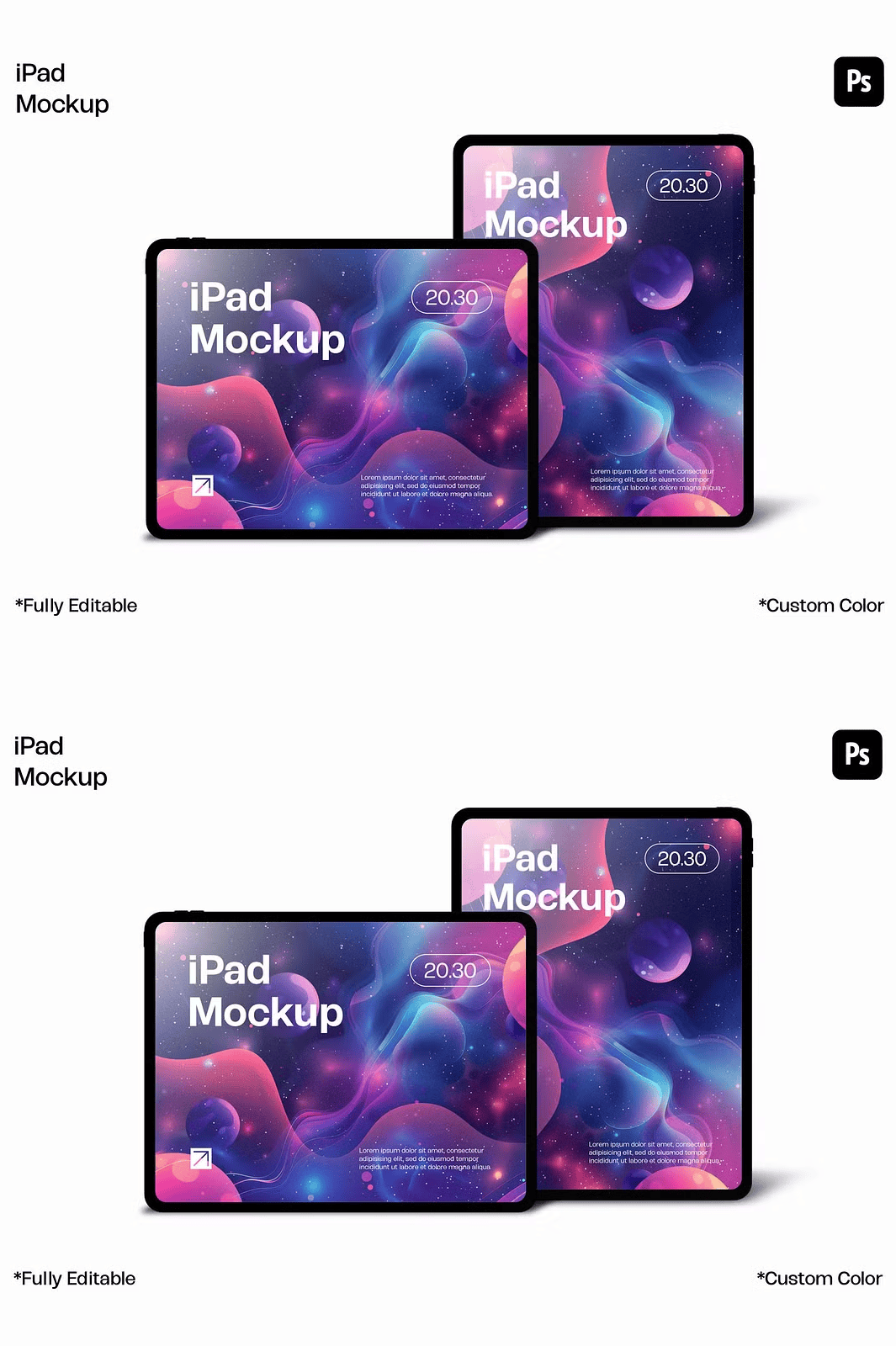
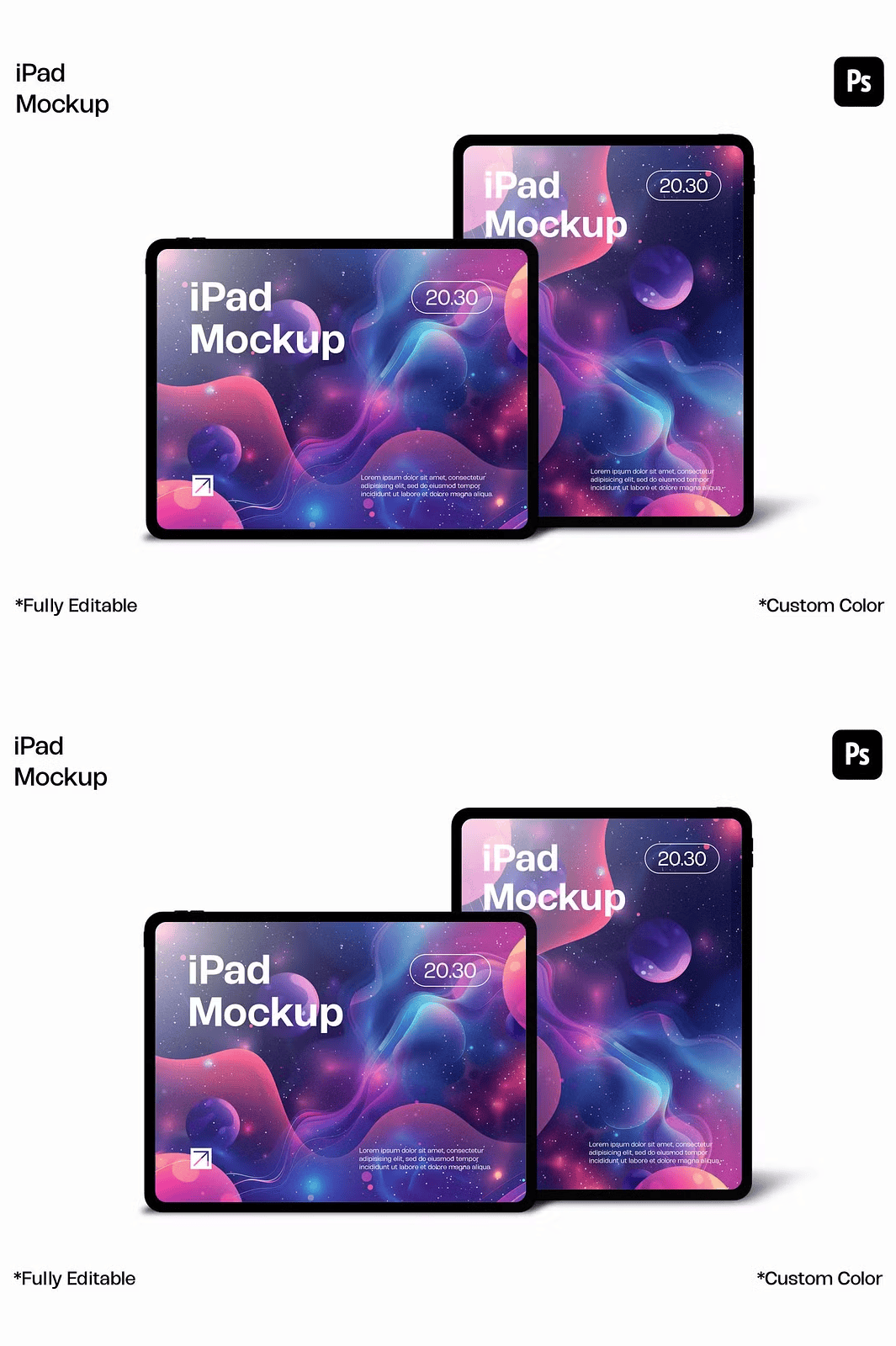
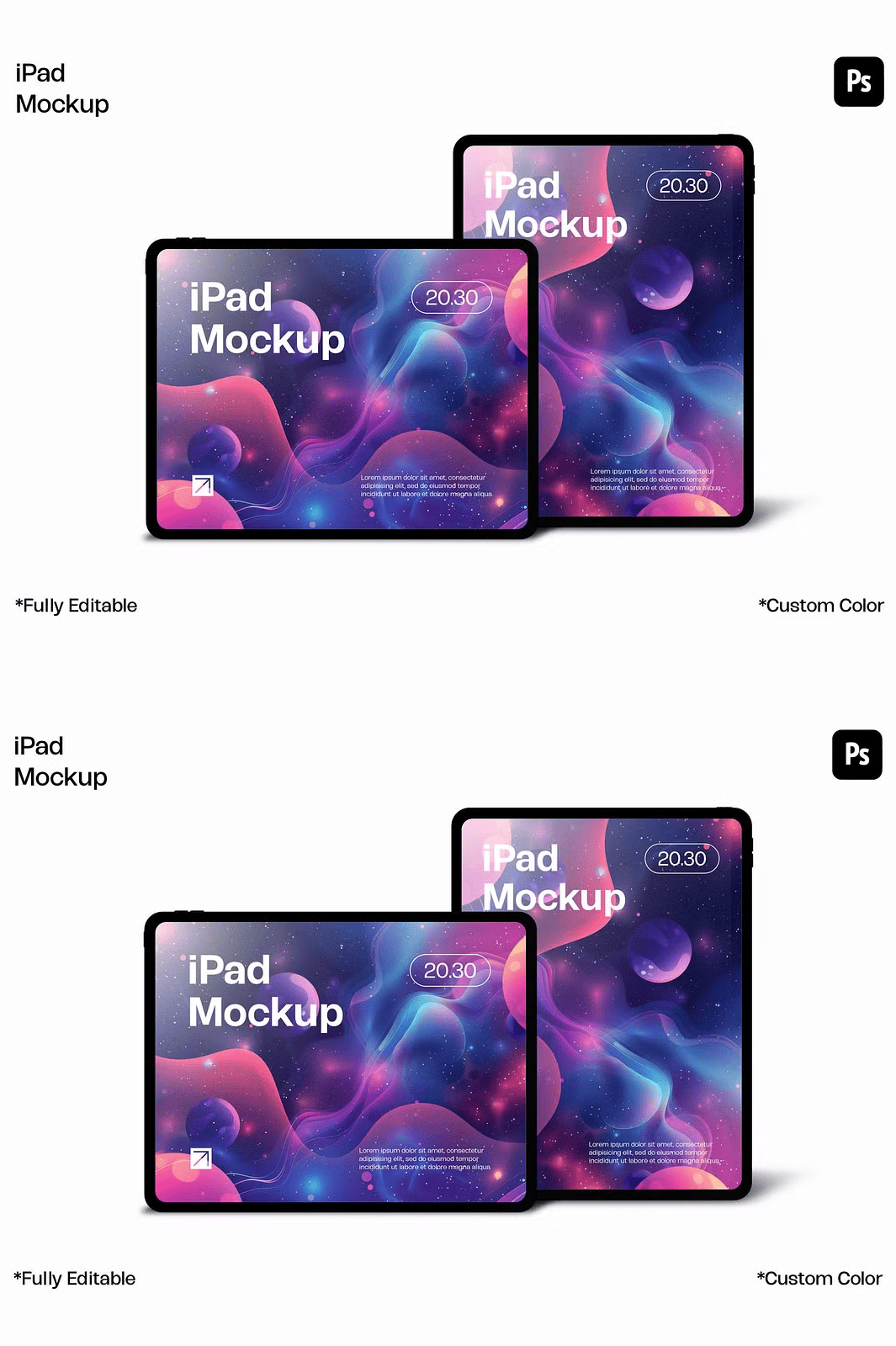
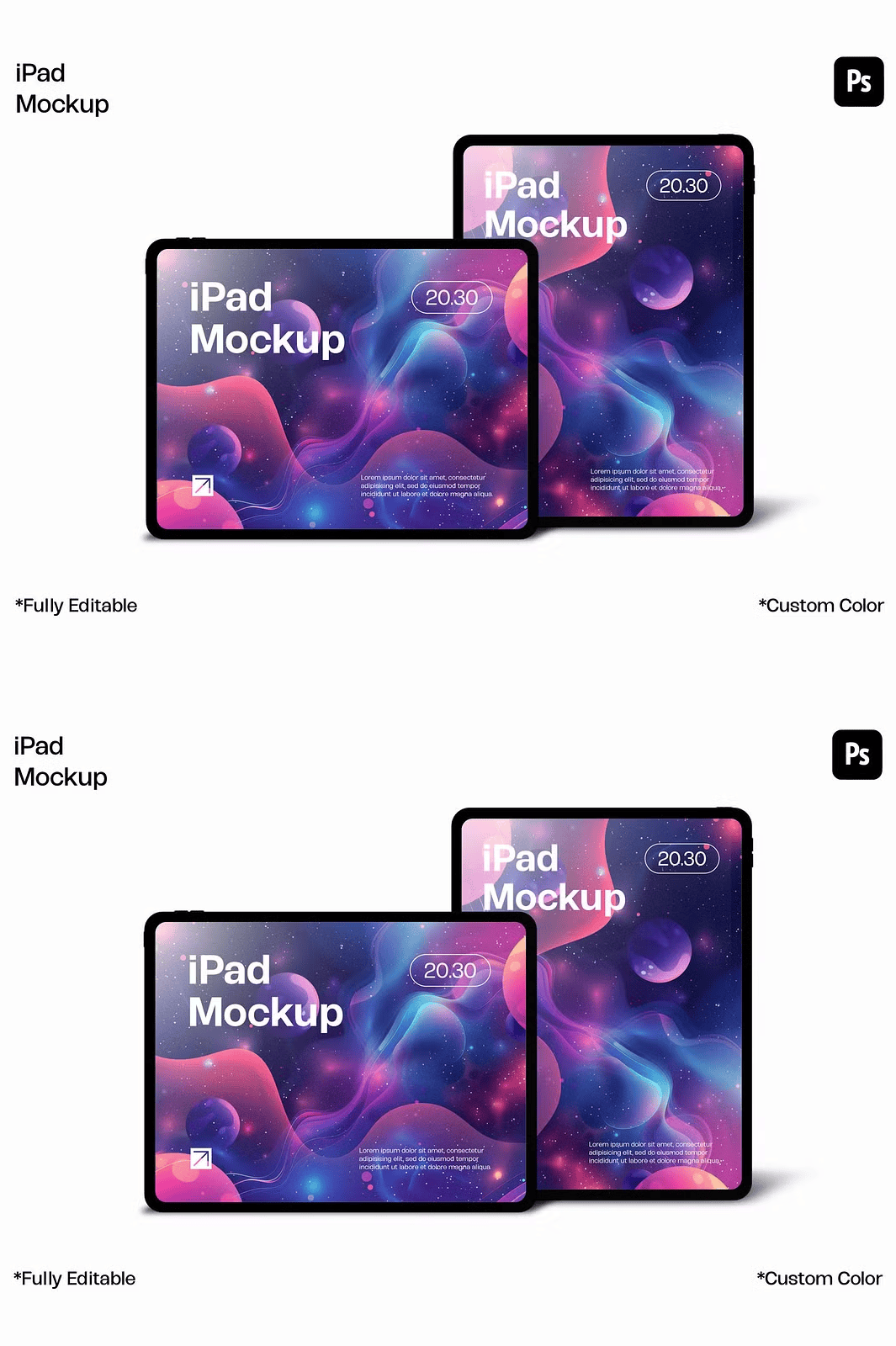
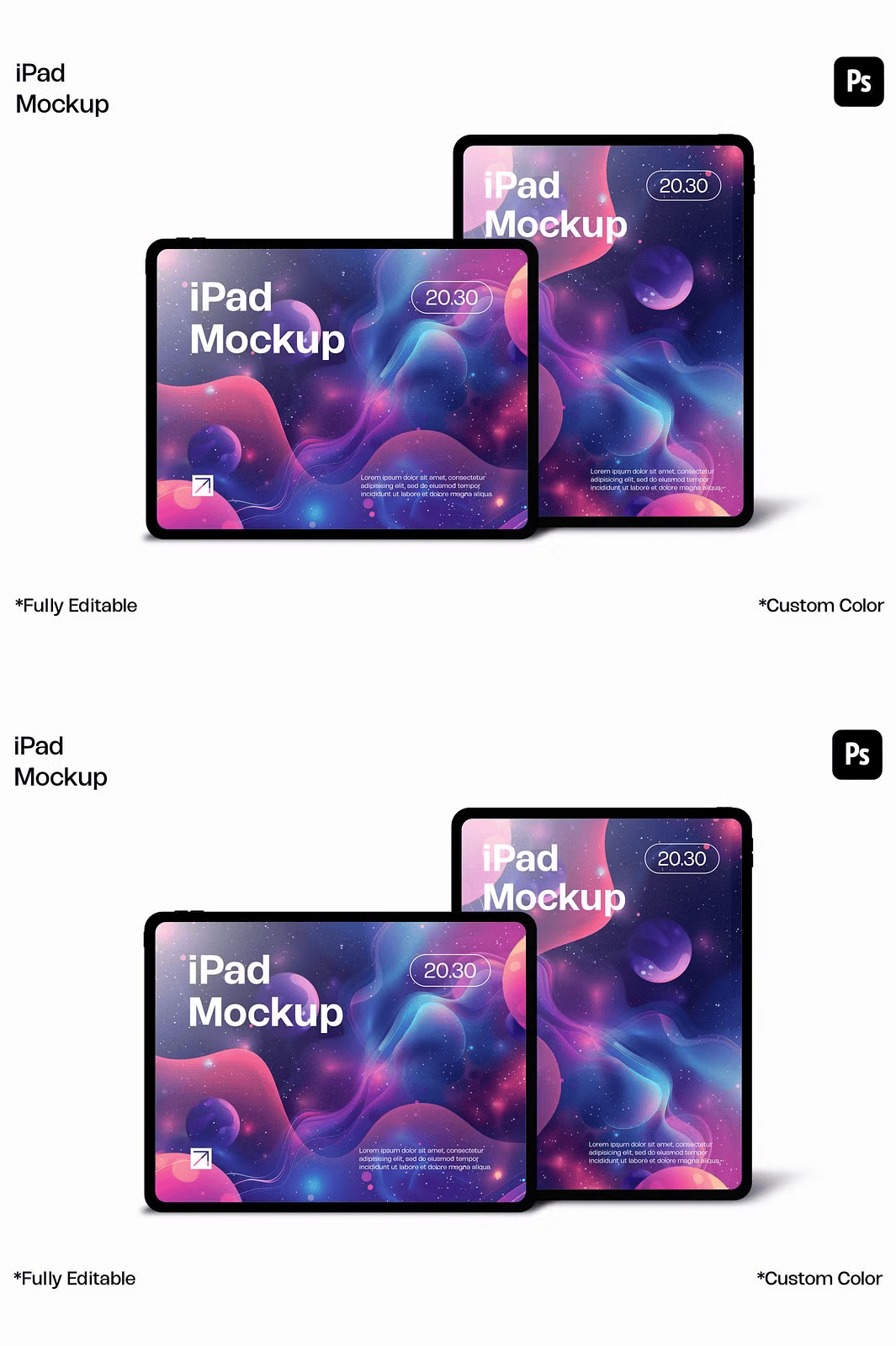
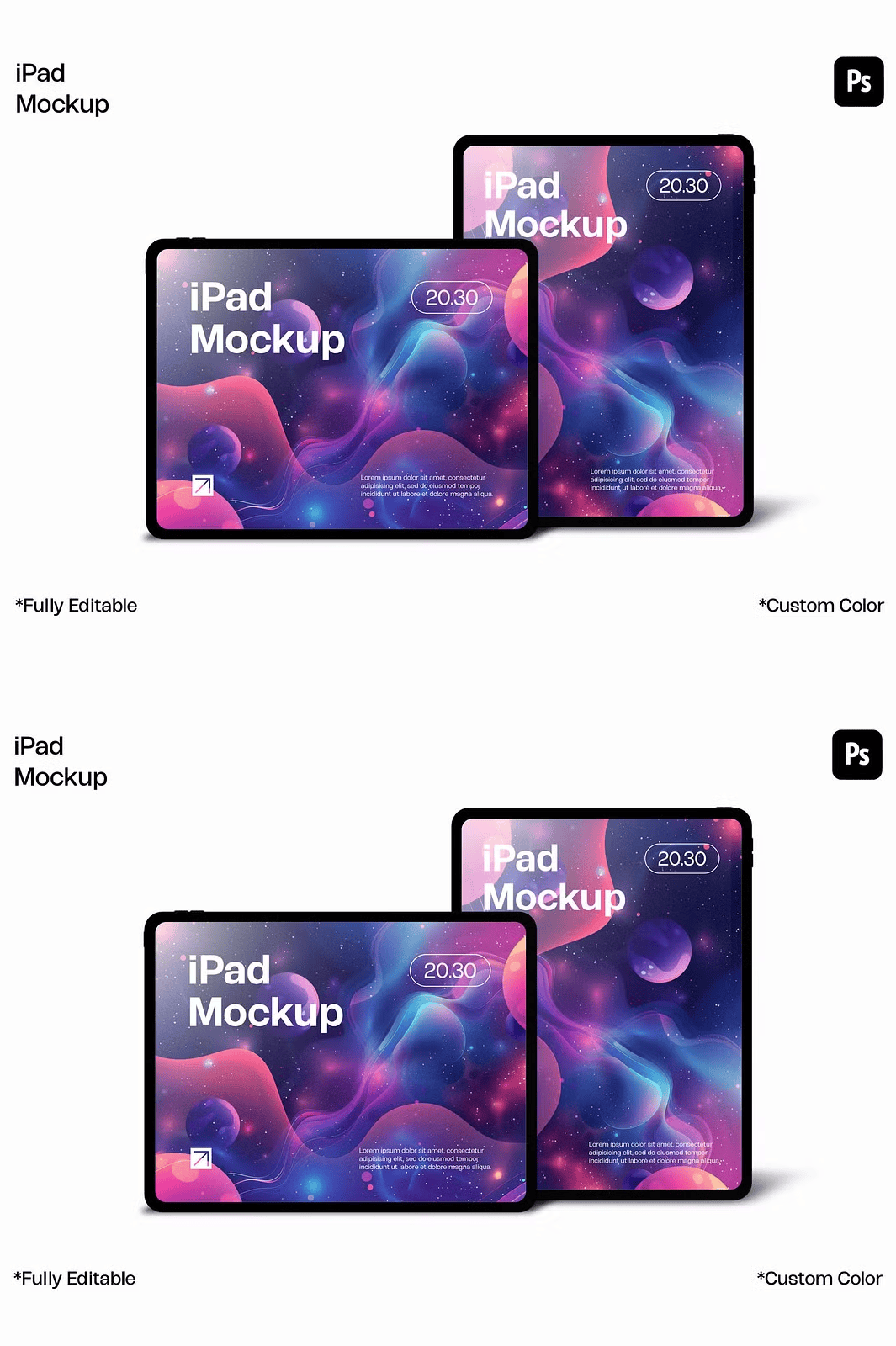
Bring Your Ideas to Life with Instant, Photorealistic Presentation Quality
Stop settling for static image previews supercharge your design presentations with this premium iPad mockup bundle. Engineered for creatives who demand precision, realism, and speed, each of the 4 high-resolution templates delivers studio-grade visual clarity with 3840 x 2560 pixels and 300 DPI resolution in RGB color space. Whether you’re displaying a new app interface, a social media campaign, a website layout, or a branding concept, these mockups instantly elevate your work from digital draft to premium visual story.
Revolutionize Your Workflow with Smart Object Editing
Never waste time manually resizing or repositioning content again. This mockup bundle uses Adobe Photoshop’s powerful smart object technology—allowing you to update your design with a single double-click. Locate the smart layer labeled “Insert Your Design Here,” open the embedded file, paste your artwork, and save. The updated design appears instantly on the iPad screen with perfect scaling, sharp edges, and pixel-perfect alignment. This seamless integration ensures professional output every time, no matter how many revisions you need.
Effortless Customization with Organized, Layer-Ready Design
Each PSD file is meticulously structured with clearly labeled, grouped, and nested layers—giving you full control without the clutter. You can quickly adjust:
– Screen content through smart object replacement
– Frame color to match your brand identity
– Background environment for context-specific presentations
– Shadow intensity and lighting effects to enhance realism
– Layer visibility for instant previews or clean exports
With a logical naming convention and intuitive hierarchy, you’ll spend less time searching and more time creating.
Design Beyond the Screen – Perfect for Any Creative Purpose
Use this mockup bundle to:
– Showcase website mockups to clients with lifelike detail
– Present mobile app interfaces in real-world usage context
– Build engaging social media content for Instagram, TikTok, and LinkedIn
– Strengthen your portfolio with professional-grade visuals
– Demonstrate UI/UX designs with confidence in pitch decks and presentations
Ideal for freelancers, web designers, marketing teams, and digital artists—this tool adapts to your workflow, not the other way around.
Get Started in Seconds – Complete with Professional Support
This ready-to-use package comes with everything you need for immediate impact:
– 4 high-resolution PSD templates (3840 x 2560 px, 300 DPI, RGB color mode)
– Fully editable smart object layers for instant content swap
– Transparent background support for seamless compositing
– Organized layer structure for fast navigation and clean exports
– Bonus help file (.txt) with step-by-step editing instructions
Quick Setup: From First Open to First Presentation in 60 Seconds
1. Open any PSD file in Adobe Photoshop (CS6 or later).
2. Double-click the “Insert Your Design Here” smart object layer.
3. Paste your website screenshot, UI design, or social media post.
4. Save and close the embedded file—the updated design appears live on the iPad screen.
5. Export in PNG, JPG, or PSD for use across digital and print platforms.
> ⚠️ Note: All background and model assets are for demonstration purposes. You are free to replace them with your own brand assets or custom scenes.
Proudly created by sweetmaroon.studio • Premium design tools for modern creators.
Thank you for choosing our mockups!
Follow for more: @sweetmaroon.studio |
Explore more: Creative Market Profile