Transform Your Designs into Stunning Visual Stories in Seconds
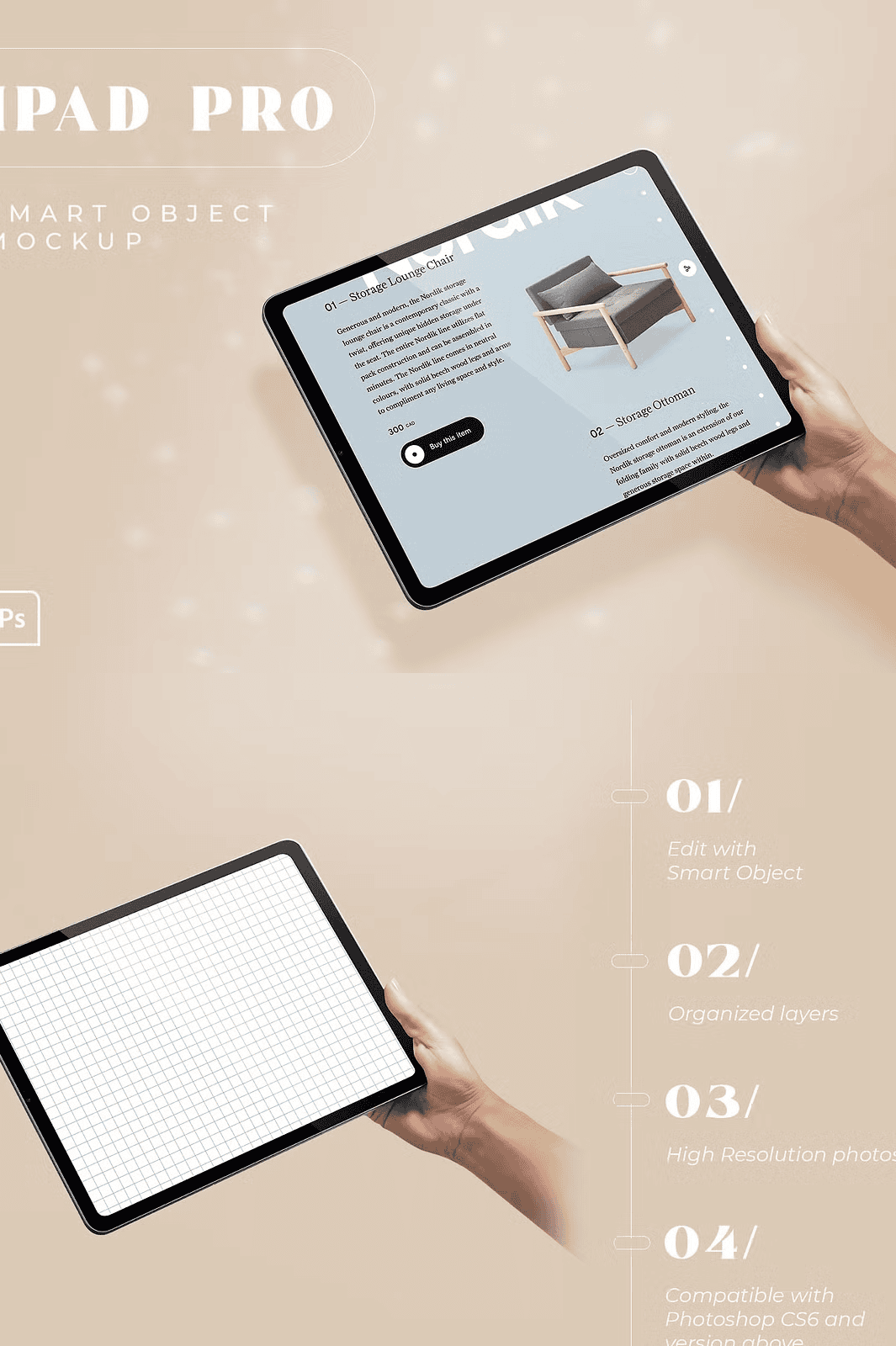
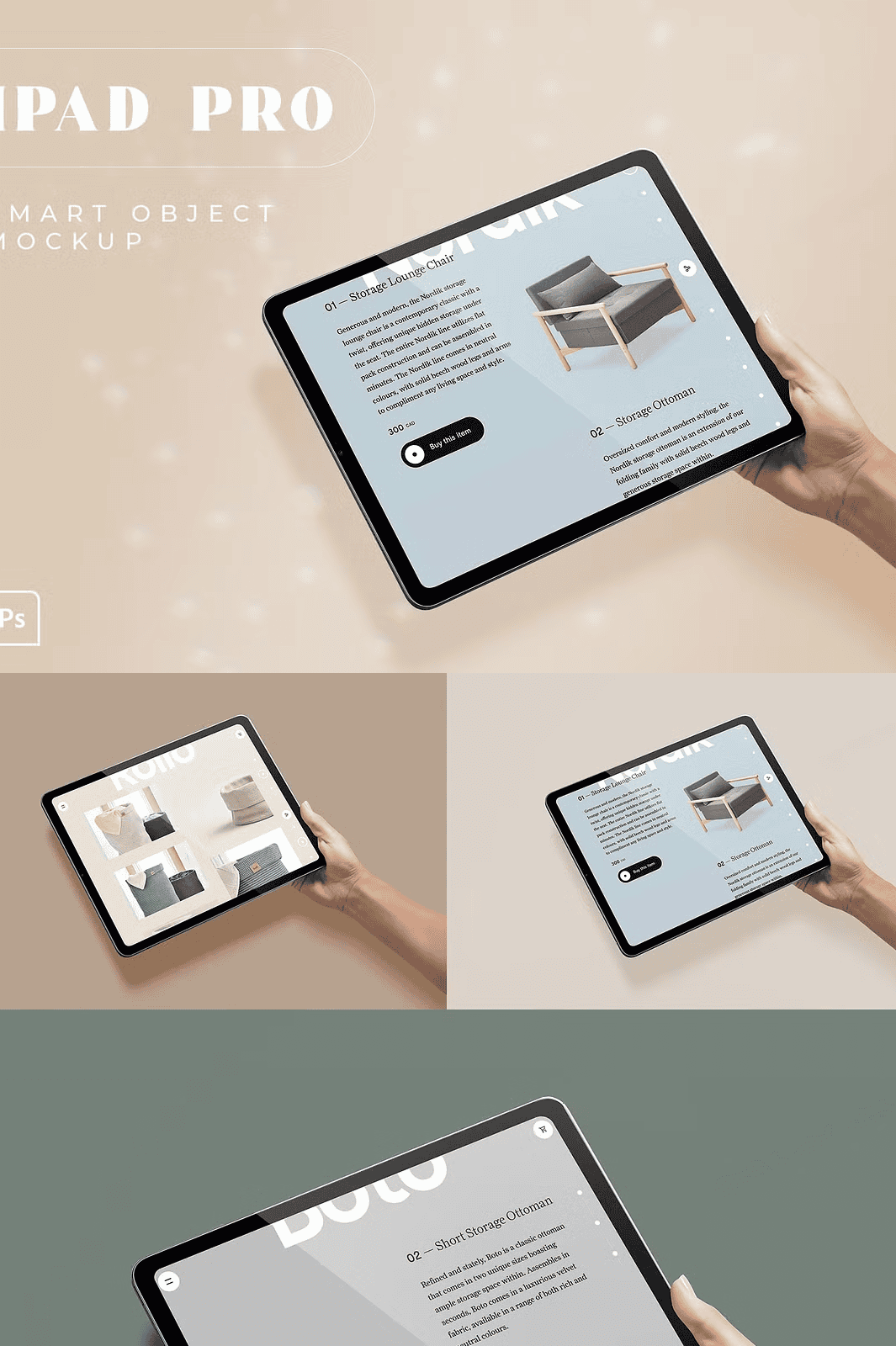
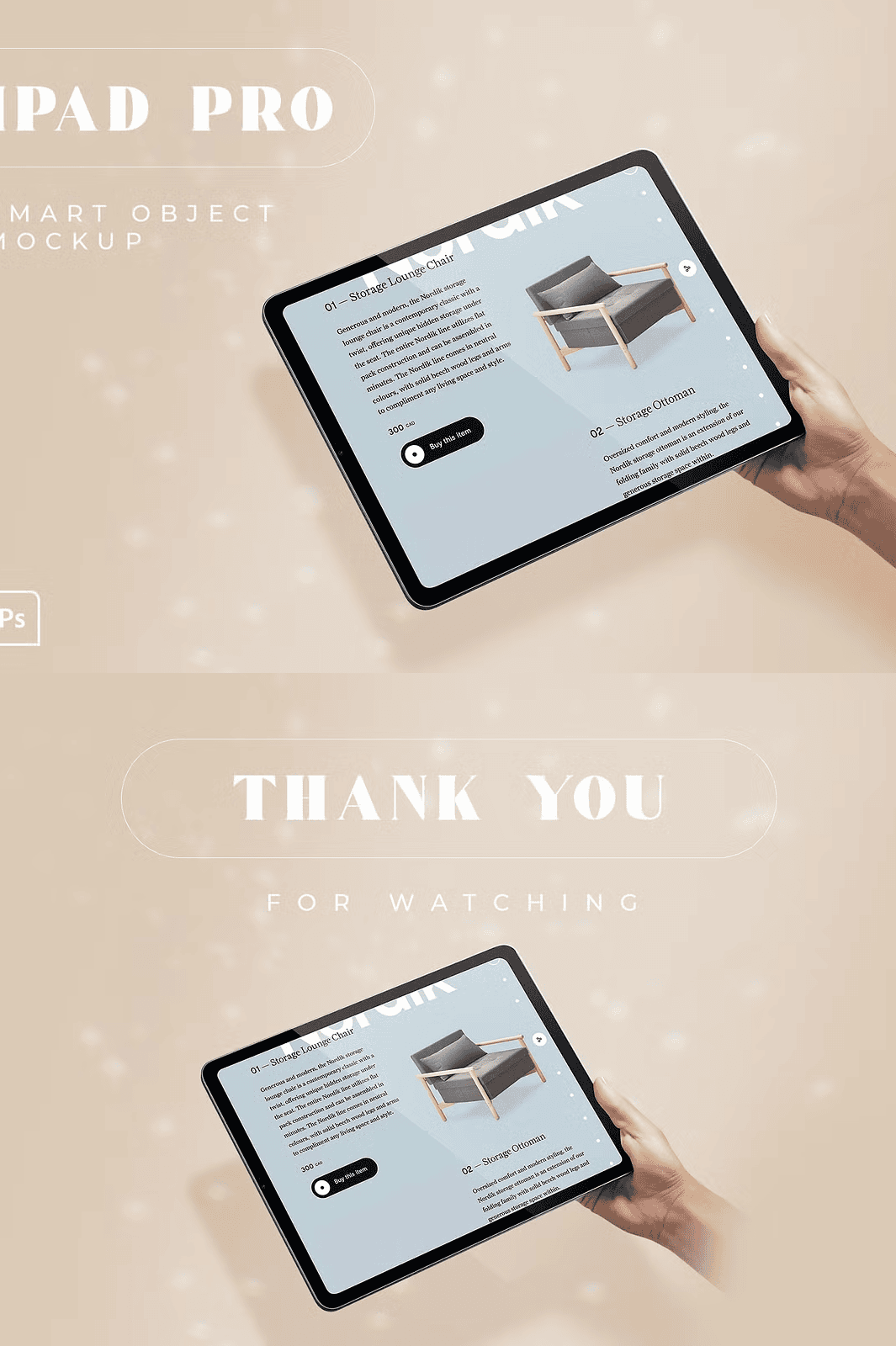
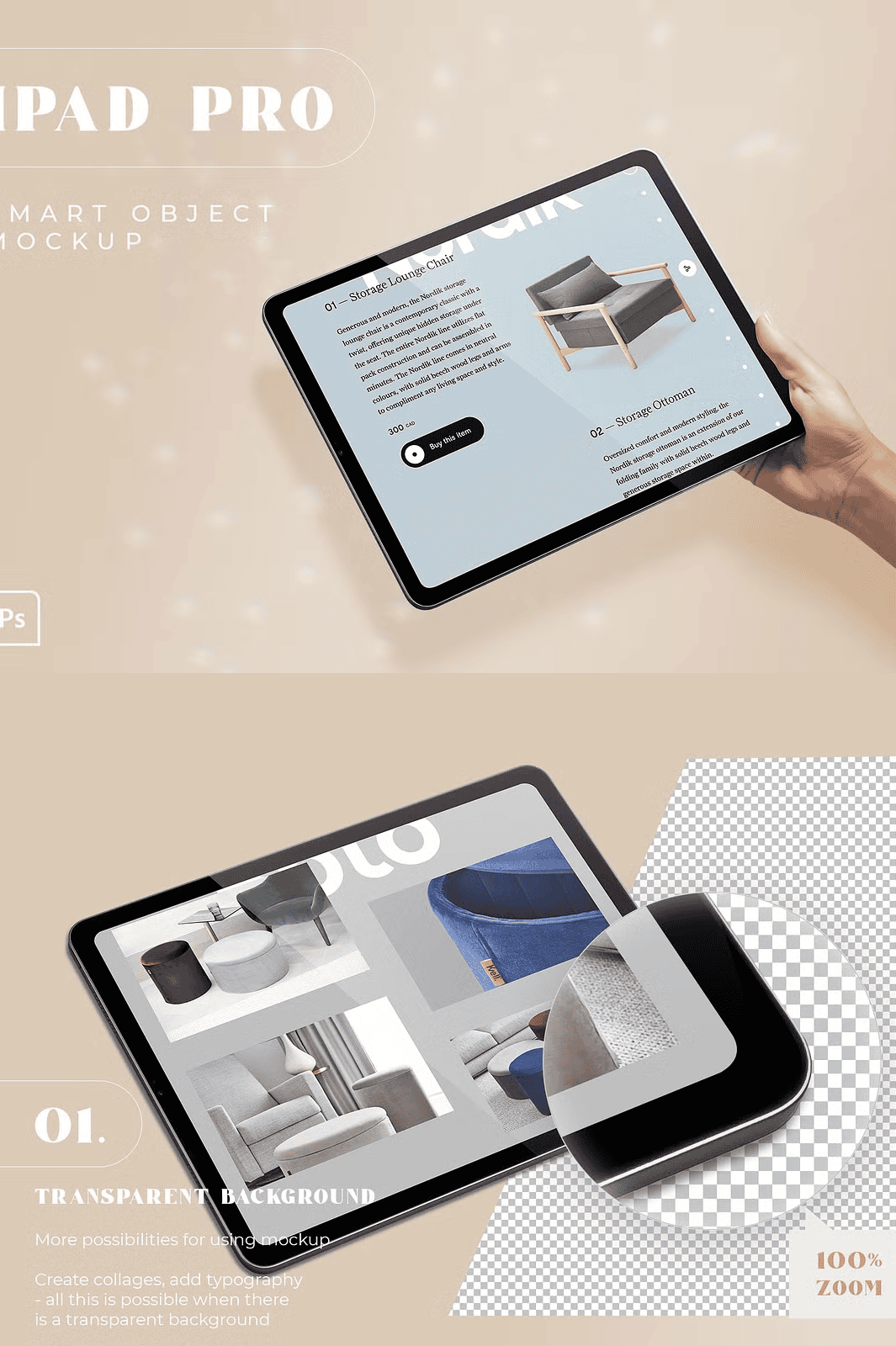
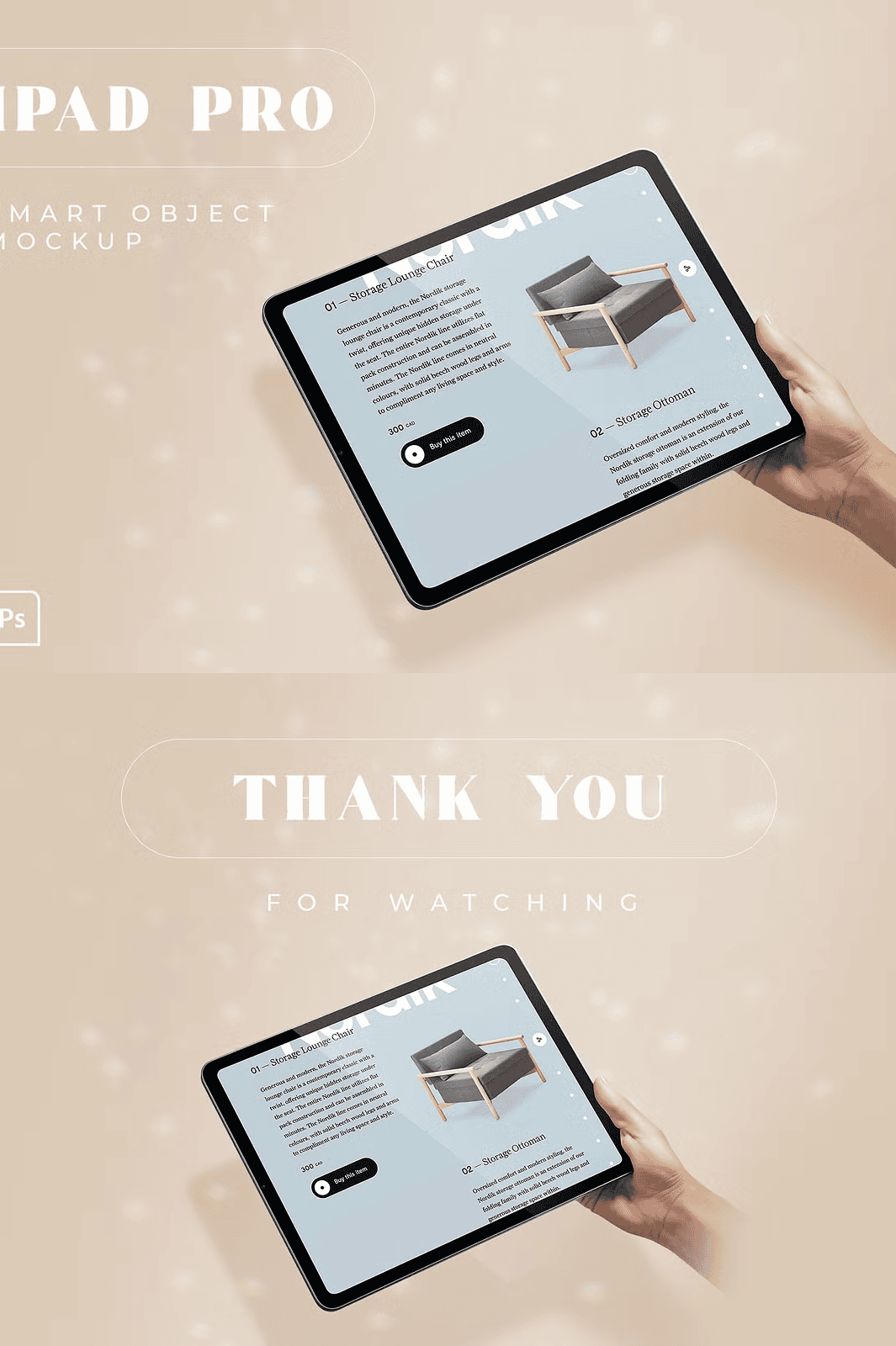
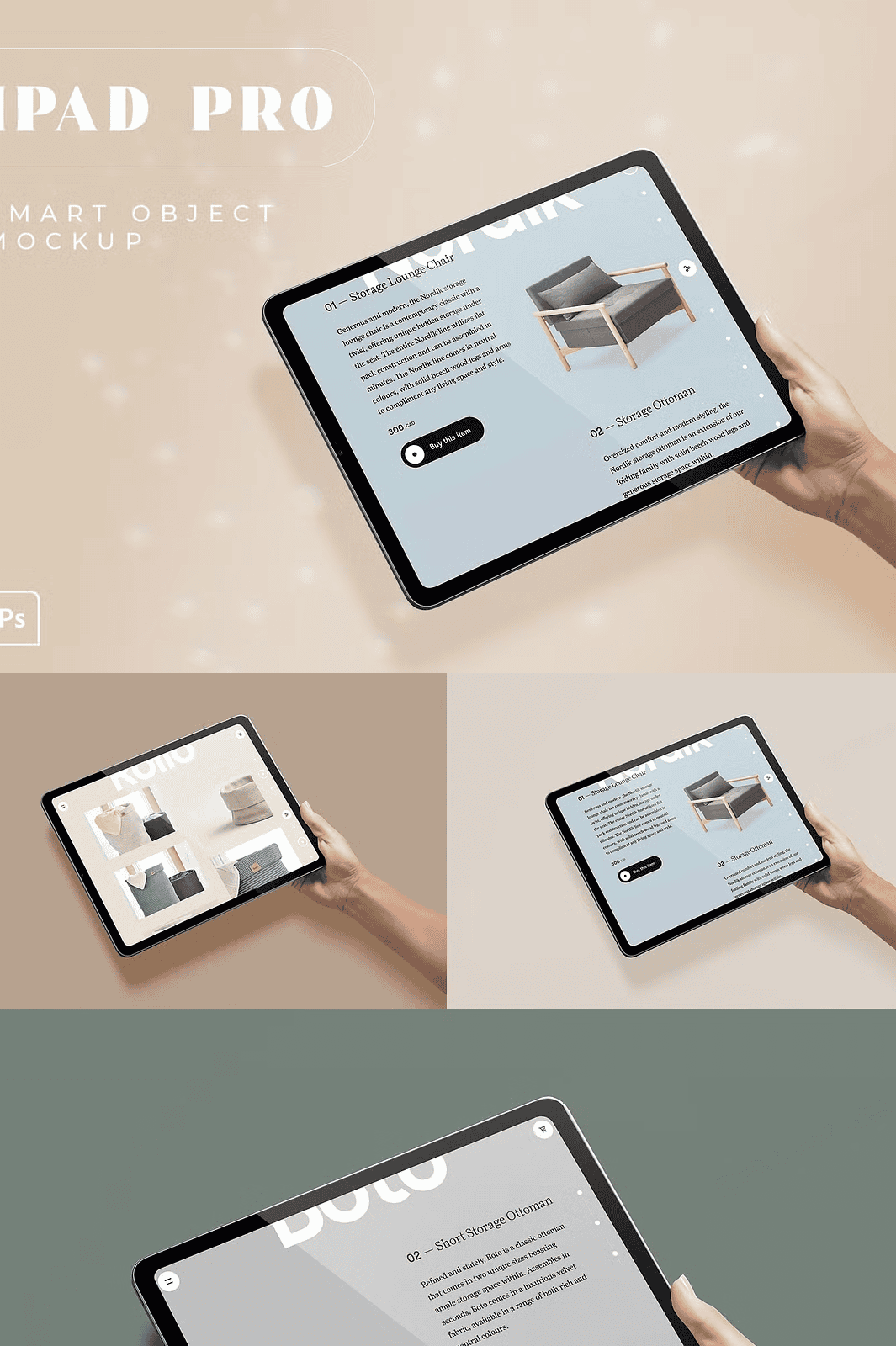
Unlock the power of real-world presentation with this high-quality iPad Pro mockup bundle engineered for designers, marketers, and creatives who value speed, precision, and visual impact. Featuring four distinct, photorealistic scenes in the iPad Pro .01 series, each PSD file delivers professional-grade realism with crisp 240 DPI resolution, transparent backgrounds, and fully layered composition. Whether you’re displaying a sleek website prototype, a vibrant Instagram post, a dynamic PowerPoint deck, or a polished SaaS interface, these mockups instantly elevate your work into a premium visual experience.
Experience Effortless Workflow with Smart Object Editing
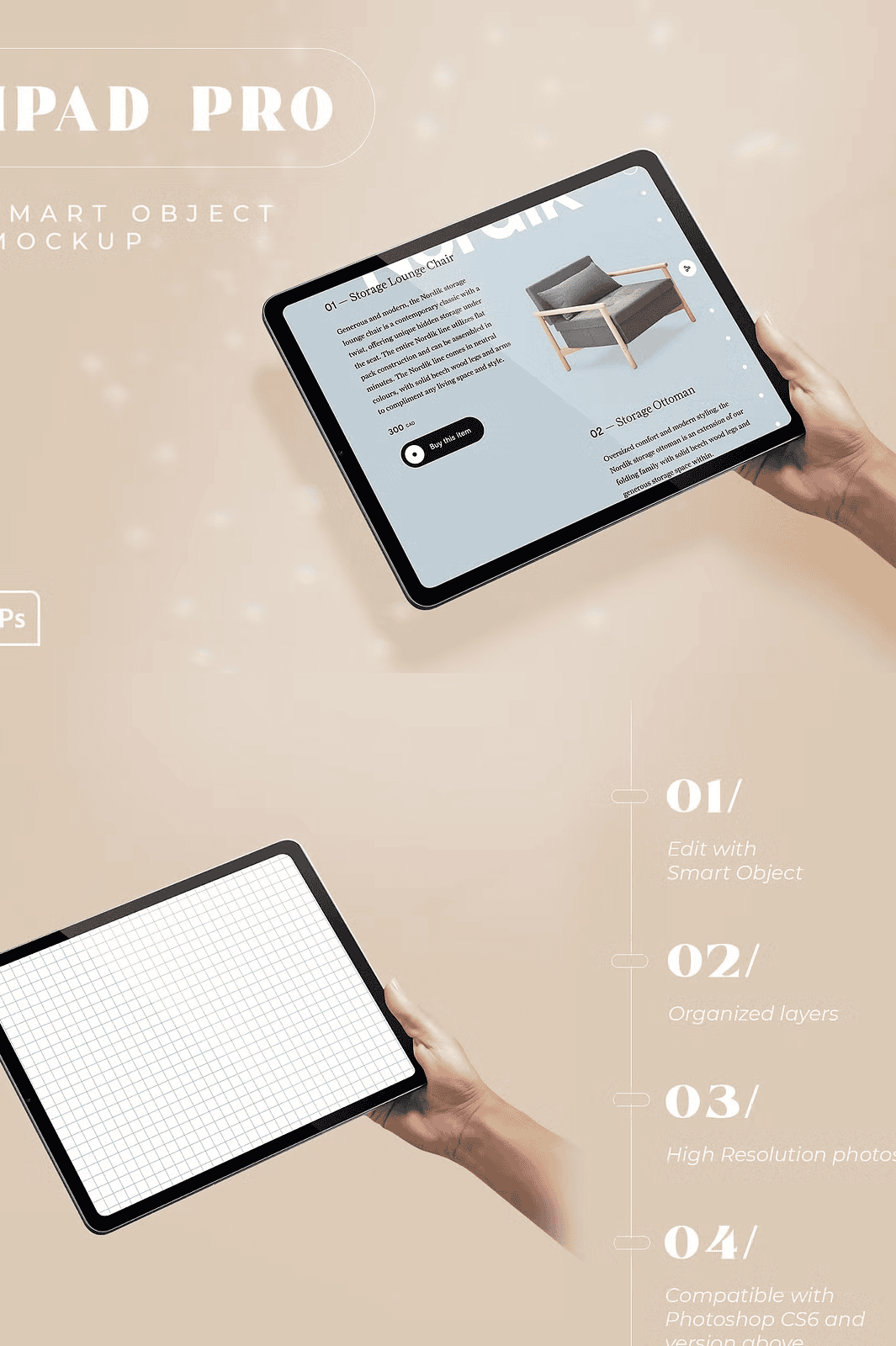
Say goodbye to complex masking and time-consuming edits. This mockup bundle is built around Adobe Photoshop’s smart object technology allowing you to update your content with a single double-click. Simply locate the designated “Insert Your Design Here” smart layer, open the embedded file, paste your design (screenshot, layout, or UI), and save. The result appears instantly on the screen with perfect scale, pixel clarity, and seamless integration. No more resizing issues or blurry exports—just flawless output, every time.
Take Full Creative Control with Organized, Editable Layers
Each mockup is meticulously structured with clearly labeled, grouped layers for maximum flexibility and fast editing. You can instantly customize:
– Screen content via smart objects
– Frame color to match your brand palette
– Background environment to suit your project context
– Shadow depth and lighting for enhanced realism
– Layer visibility for focused previews or clean exports
The organized layer hierarchy ensures rapid navigation and zero confusion, even during complex iterations or client revisions.
Design for All Platforms, All Purposes, All Audiences
This bundle is ideal for:
– Web designers showcasing responsive layouts
– Social media managers presenting campaign visuals
– Presenters creating polished pitch decks
– Freelancers enhancing their portfolio with professional mockups
– E-commerce sellers displaying digital products or app interfaces
Use it to demonstrate your work across any platform—website, email, social media, or print—with confidence and impact.
Everything You Need for Immediate, Professional-Grade Results
This complete package delivers full production readiness:
– 4 high-resolution PSD files (240 DPI, optimized for visual clarity)
– Transparent background support for easy compositing
– Fully compatible with Photoshop CS6 and all newer versions
– Clear README file with step-by-step editing guide (txt format)
– Pre-configured smart object layers for plug-and-play use
Quick Setup Guide: From Zero to Hero in Under 60 Seconds
1. Open one of the PSD files in Adobe Photoshop.
2. Double-click the layer labeled “Insert Your Design Here”.
3. Paste your image, design, or layout into the active canvas.
4. Save the file and close the window—the updated design appears on the iPad screen in real time.
5. Export in PNG, JPG, or PSD format for use across digital and print mediums.
> ⚠️ Note: All background and model images are for illustrative purposes only. You are free to replace them with your own branding, scenes, or mockup variations.
Created by PosterLobster • Premium design assets for modern creatives.
Follow for inspiration: @jule_graphicdesigner |
View project: Behance Project
Watch tutorial: How to Edit Using Smart Objects