Transform Your Designs with a Premium Digital Presentation Tool
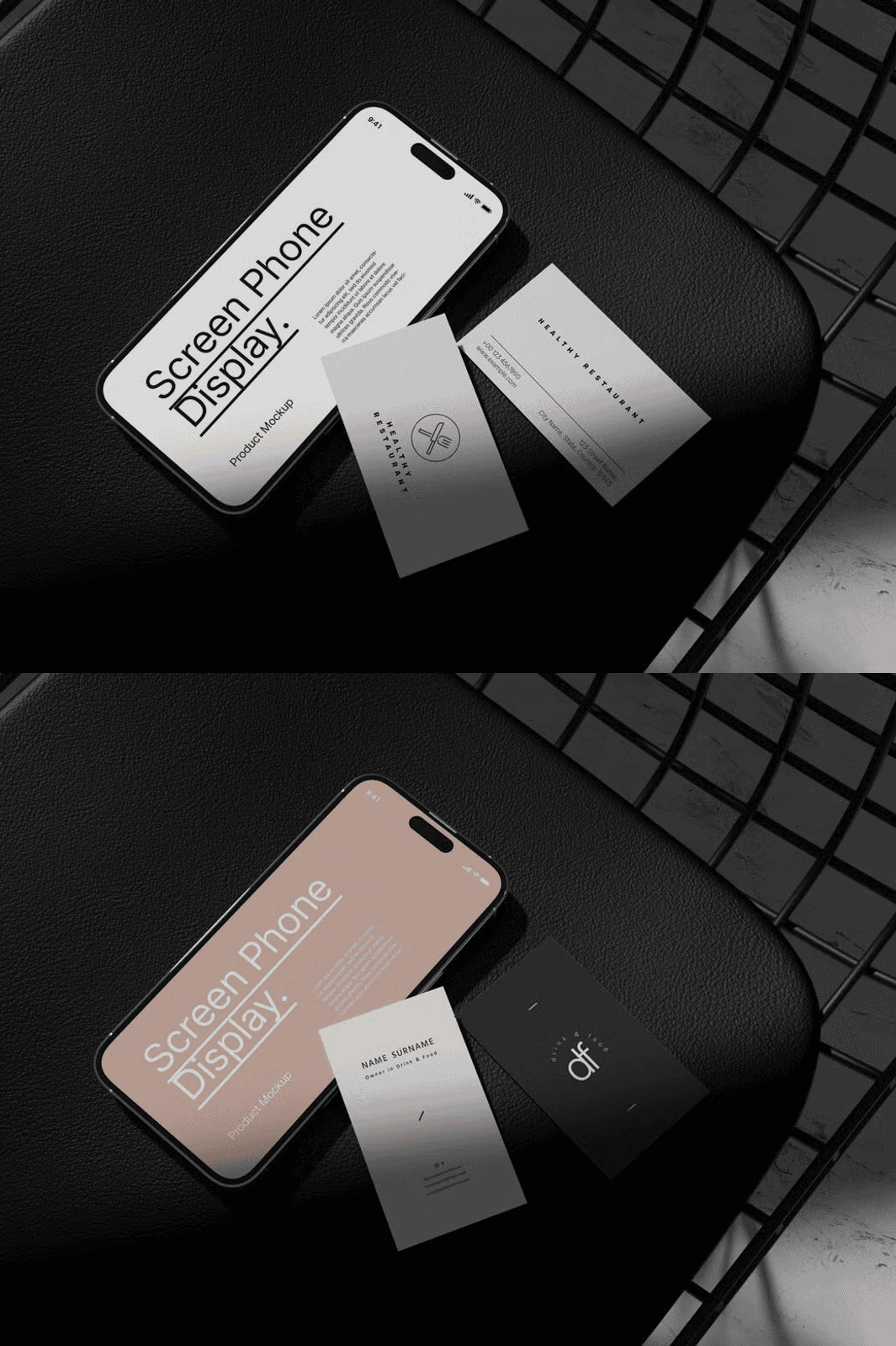
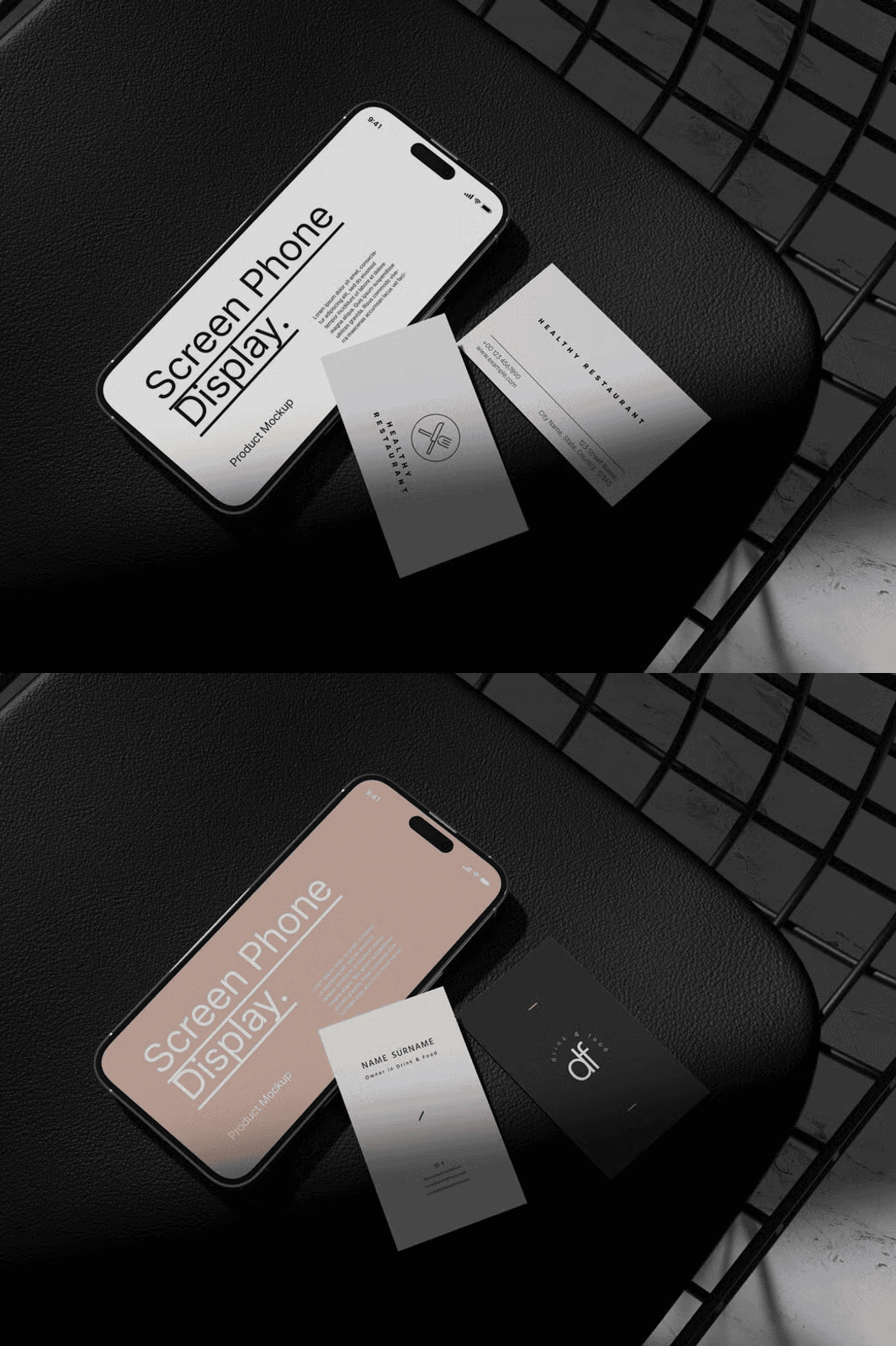
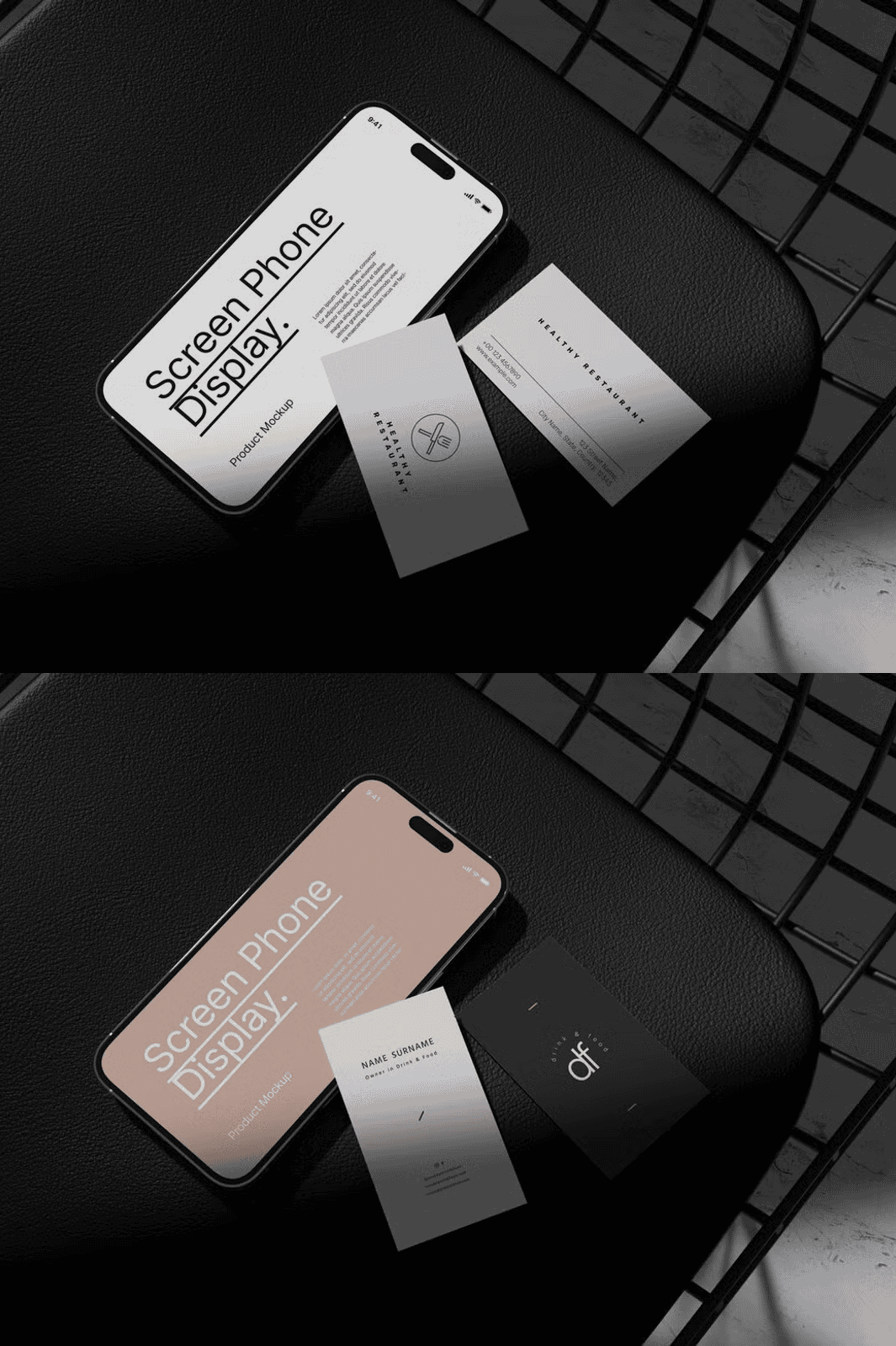
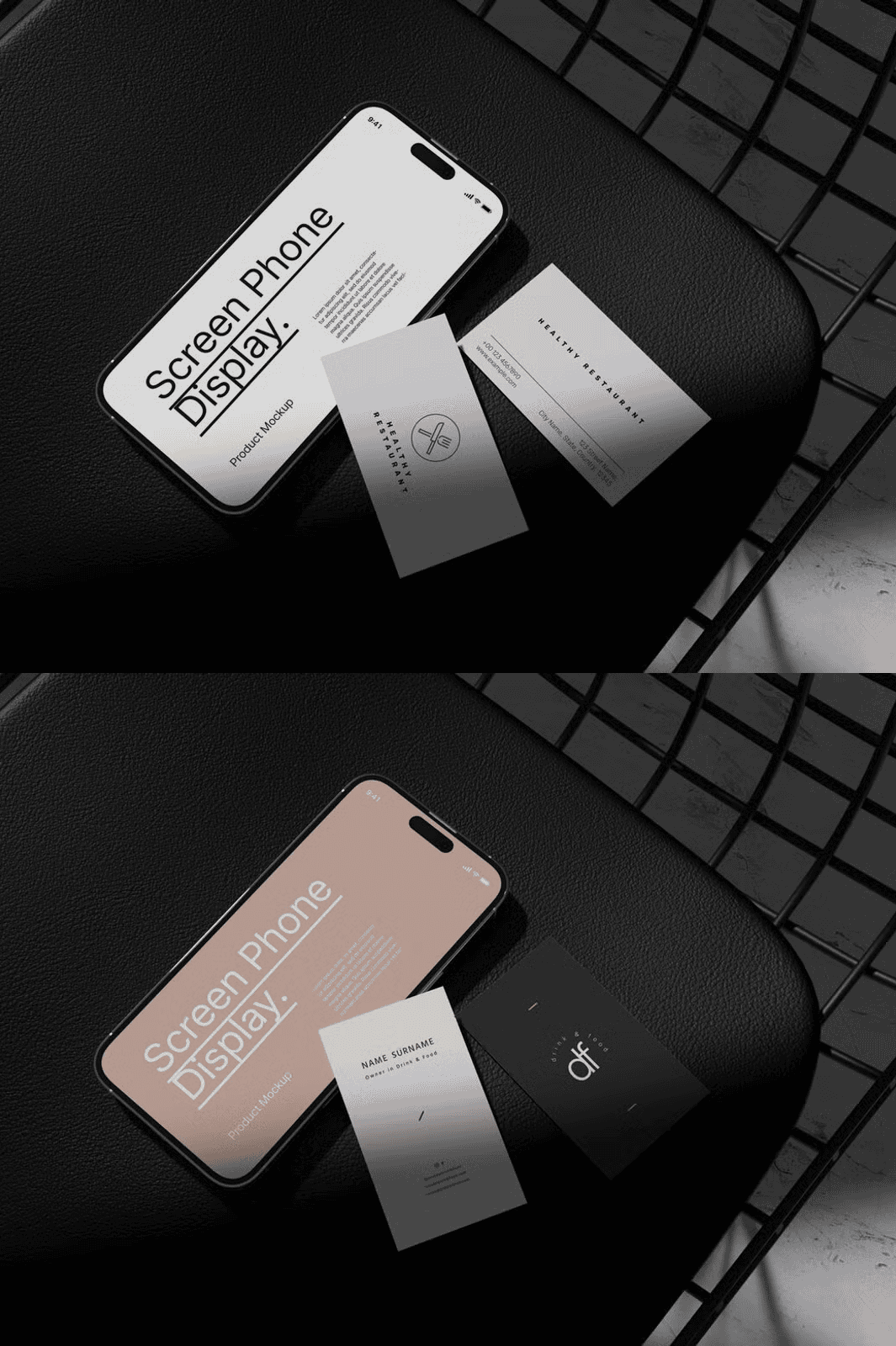
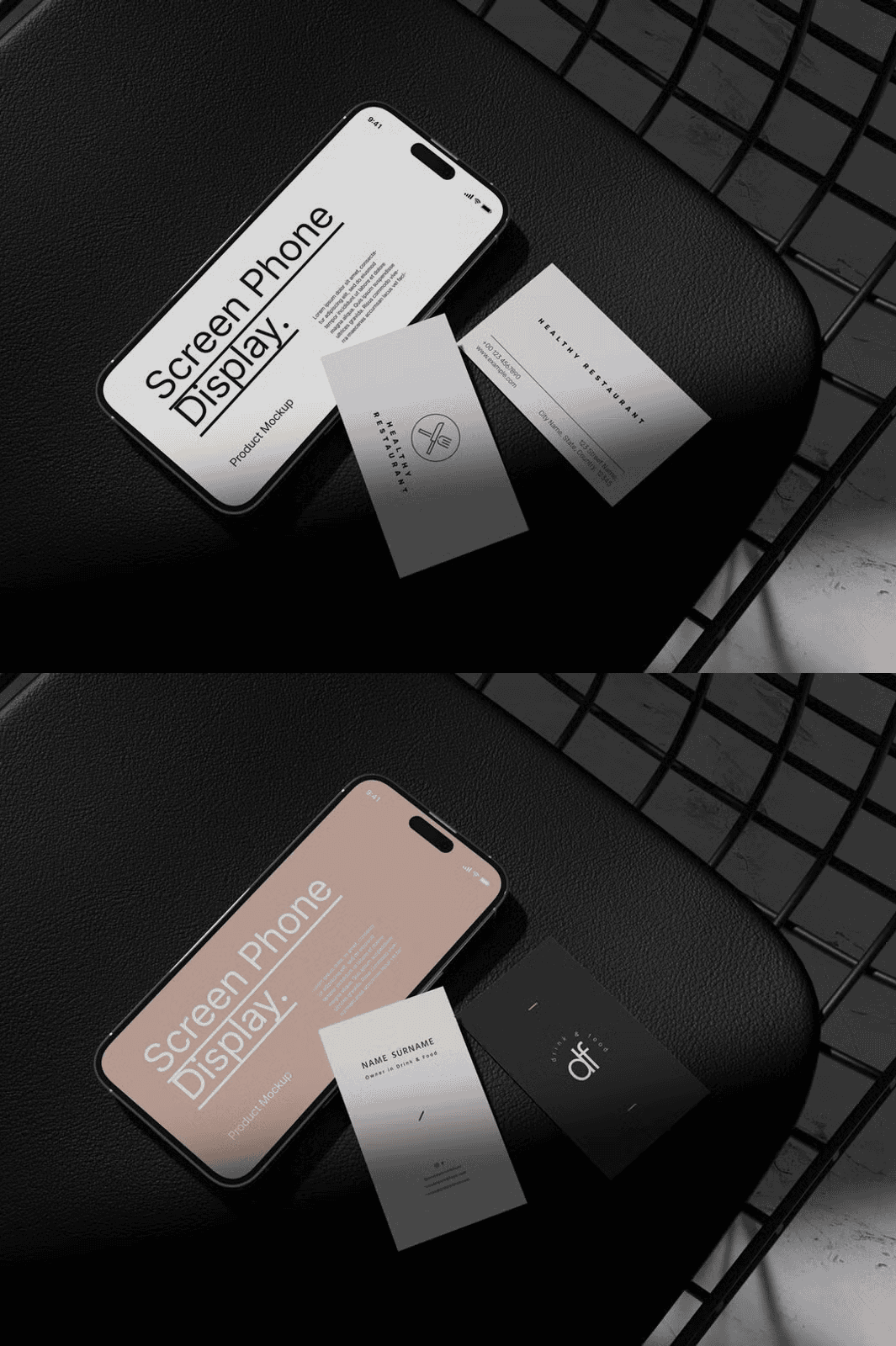
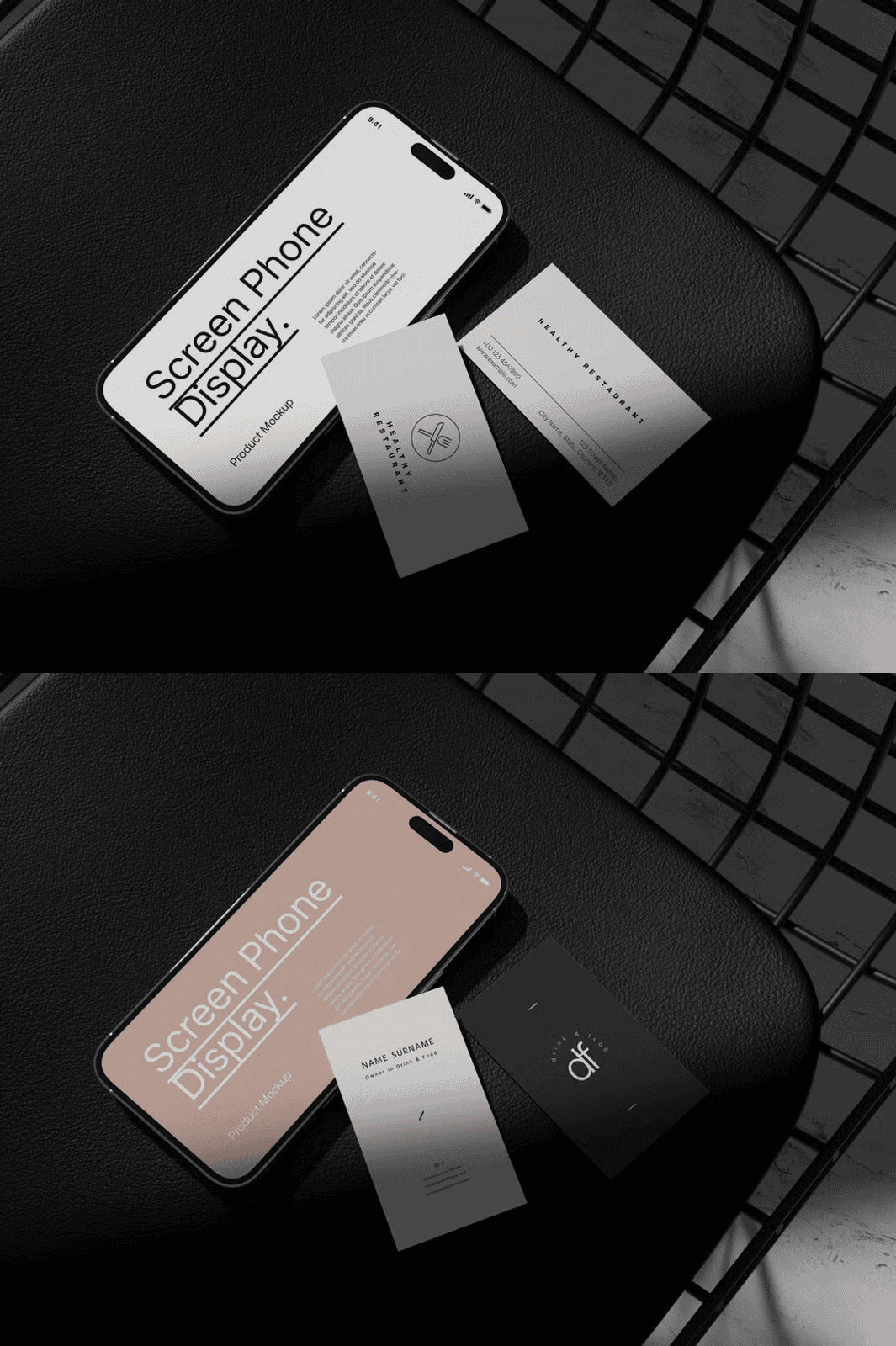
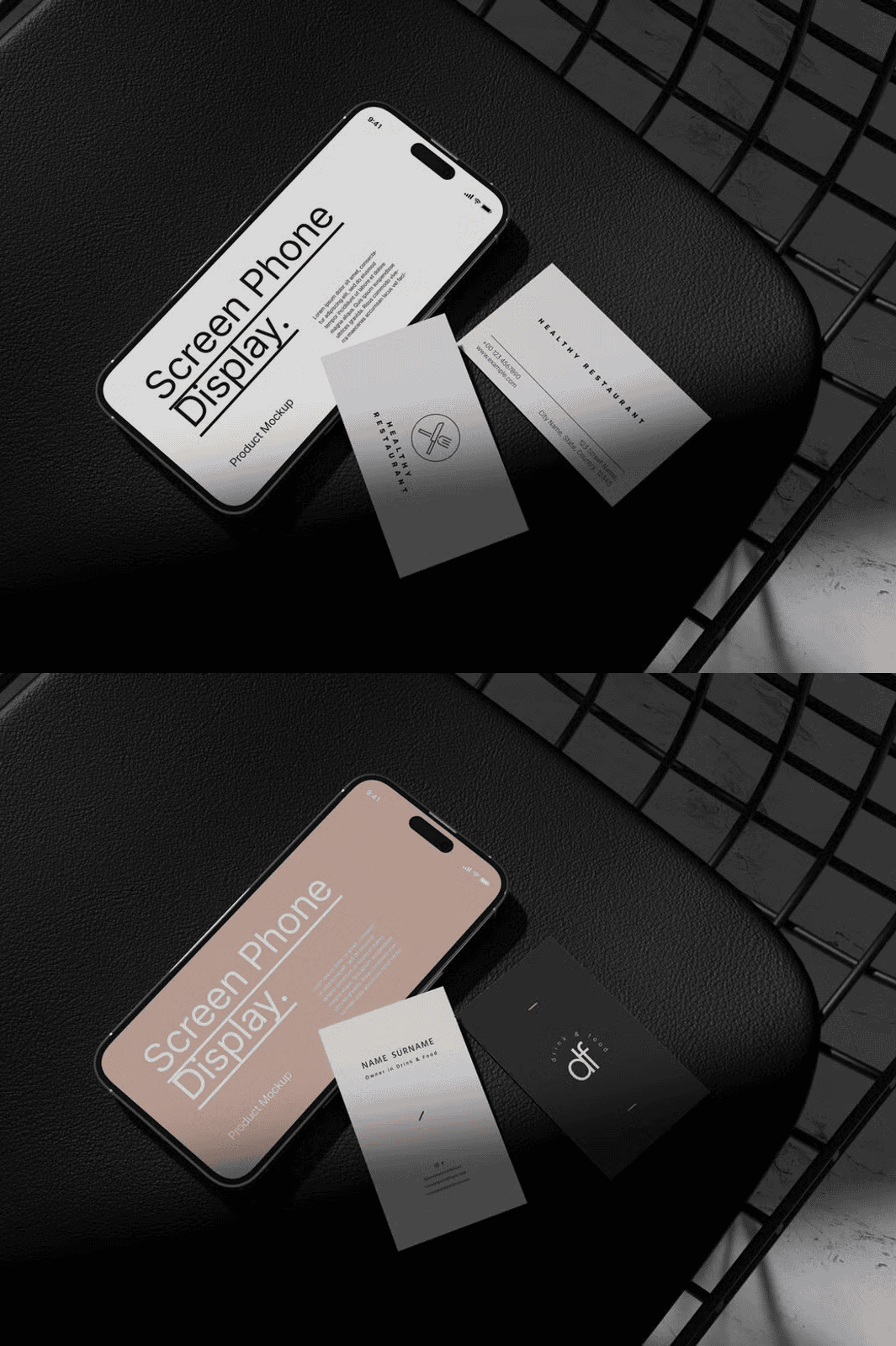
Bring your creative projects to life with this professional Phone and Business Card Mockup, designed for maximum impact and ease of use. Crafted with precision and high-resolution detail, this mockup empowers designers, marketers, entrepreneurs, and freelancers to showcase their work with unmatched clarity and realism. Whether you’re presenting a new app interface, promoting a business card design, or enhancing your portfolio, this customizable mockup delivers instant visual appeal and credibility.
Seamless Editing with Smart Object Technology
Leverage Adobe Photoshop’s powerful Smart Object feature to edit your designs on the fly. Open the PSD file, double-click the smart layer, insert your custom design, save the changes, and watch your work instantly appear on the screen. This dynamic workflow eliminates tedious manual adjustments and accelerates your design review and presentation process. No technical skills required—just drag, drop, and deliver.
High-Resolution Quality for Print and Digital Excellence
Engineered for professional standards, this mockup features a crisp 3000×2000 px resolution at 300 dpi—ideal for high-quality prints, web visuals, and social media content. The clear, layered structure ensures that every detail is preserved, and your final presentation maintains a sharp, polished appearance across all platforms. With well-organized layers, you can easily adjust lighting, background, and composition to match your creative vision.
Customizable Backgrounds and Design Flexibility
Tailor the mockup to your brand identity with fully customizable background colors. Whether you prefer a sleek monochrome, vibrant accent, or neutral studio tone, you can adapt the environment to reflect your style. This flexibility makes it perfect for use in diverse marketing campaigns, client pitches, and digital content creation.
Perfect for Designers, Marketers, and Creative Professionals
This Phone and Business Card Mockup is an essential tool for freelance designers, digital marketing teams, startup founders, and creatives who value visual storytelling. Use it to:
– Showcase mobile app interfaces with realism
– Present business card designs to clients
– Enhance blog posts, social media visuals, and email newsletters
– Build a consistent brand identity across platforms
How to Use This Mockup – Fast and Simple
Follow these steps to get started in seconds:
1. Open the PSD file using Adobe Photoshop.
2. Double-click on the smart layer to access the editable design area.
3. Paste your own design, image, or logo.
4. Save the changes and close the smart layer tab.
5. Your design is now perfectly displayed in the mockup frame.
> ⚠️ Note: Model images and photographs are for presentation purposes only and are not included. The mockup is a template for displaying your own original designs.