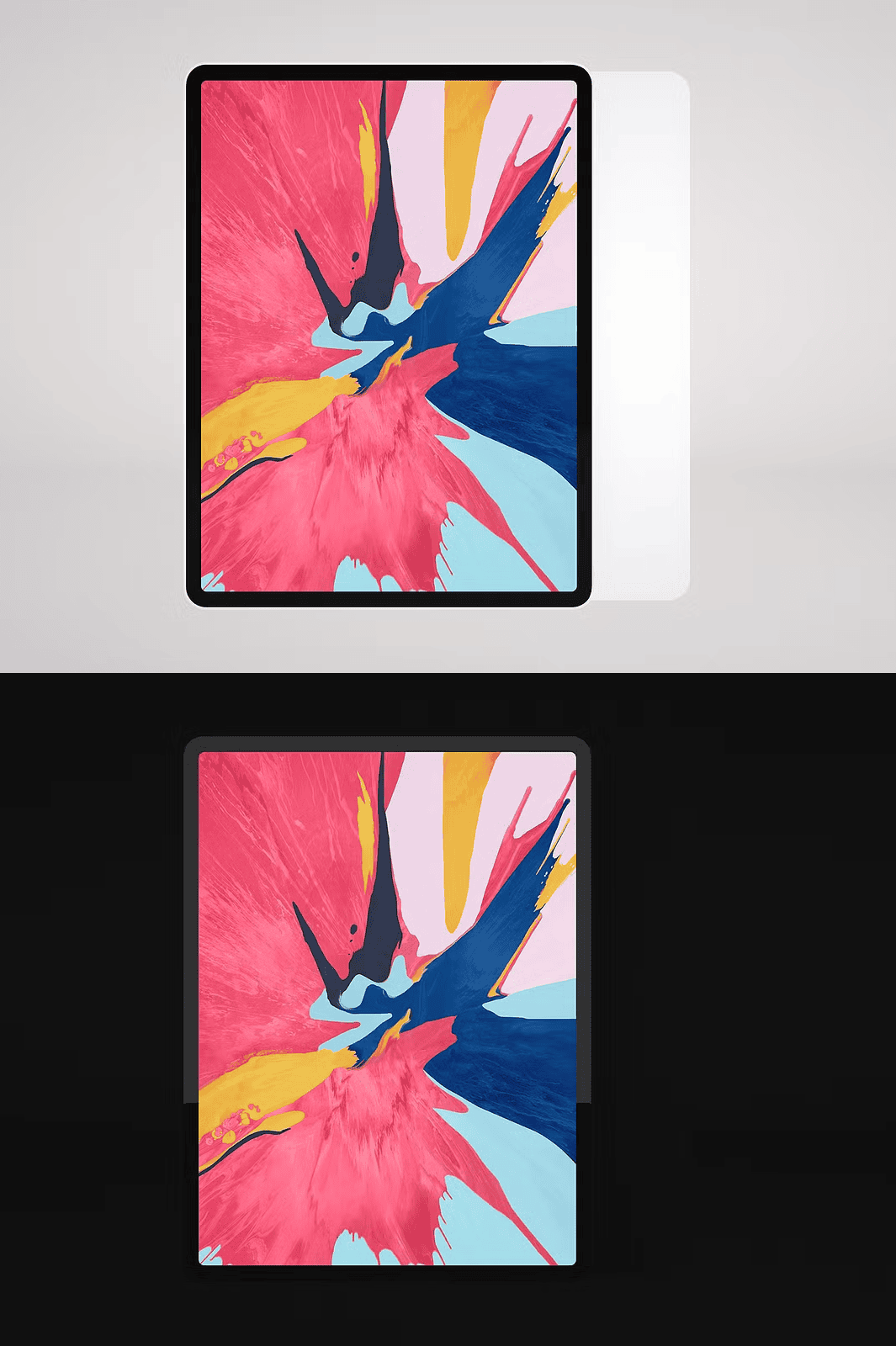
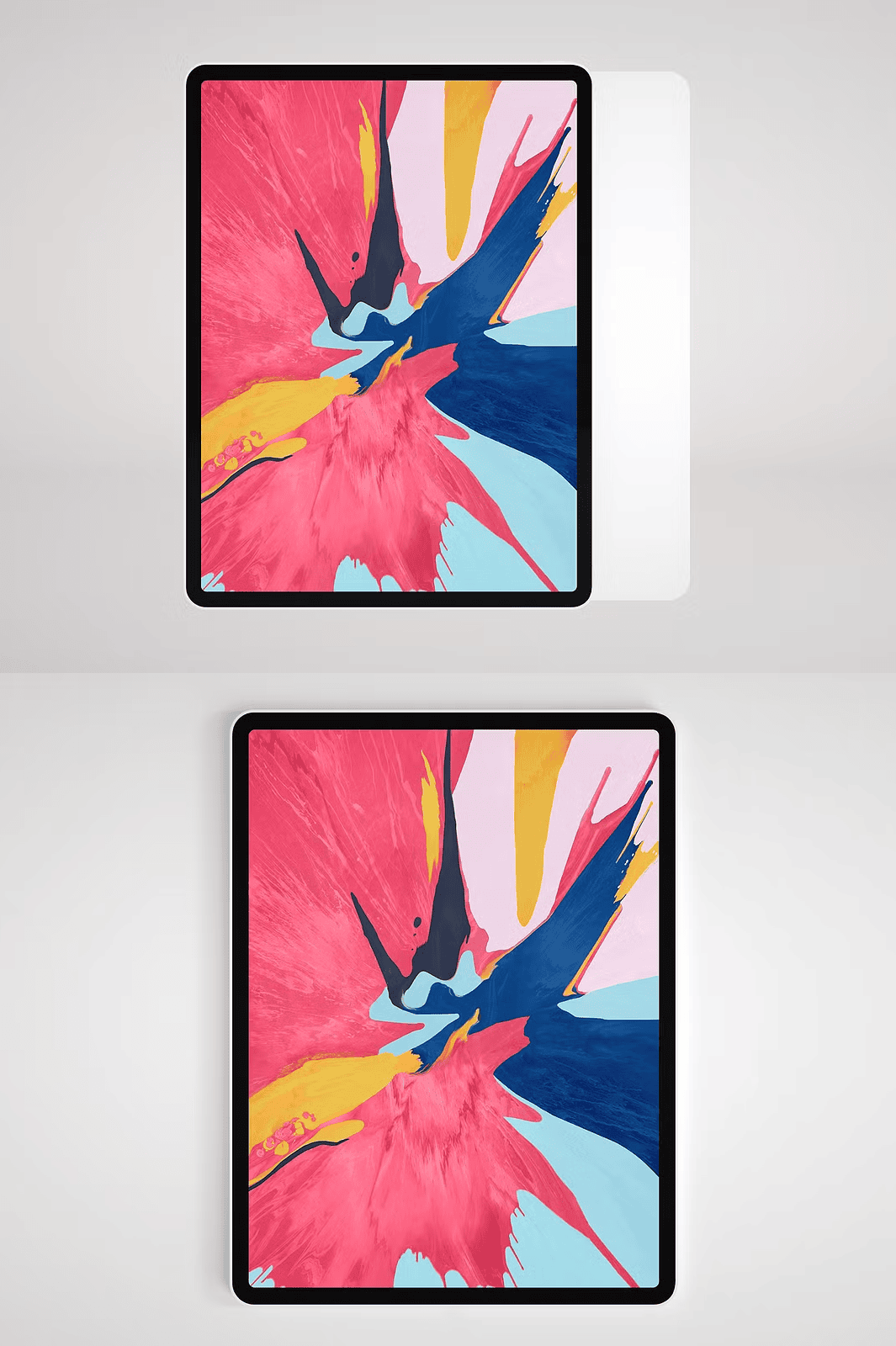
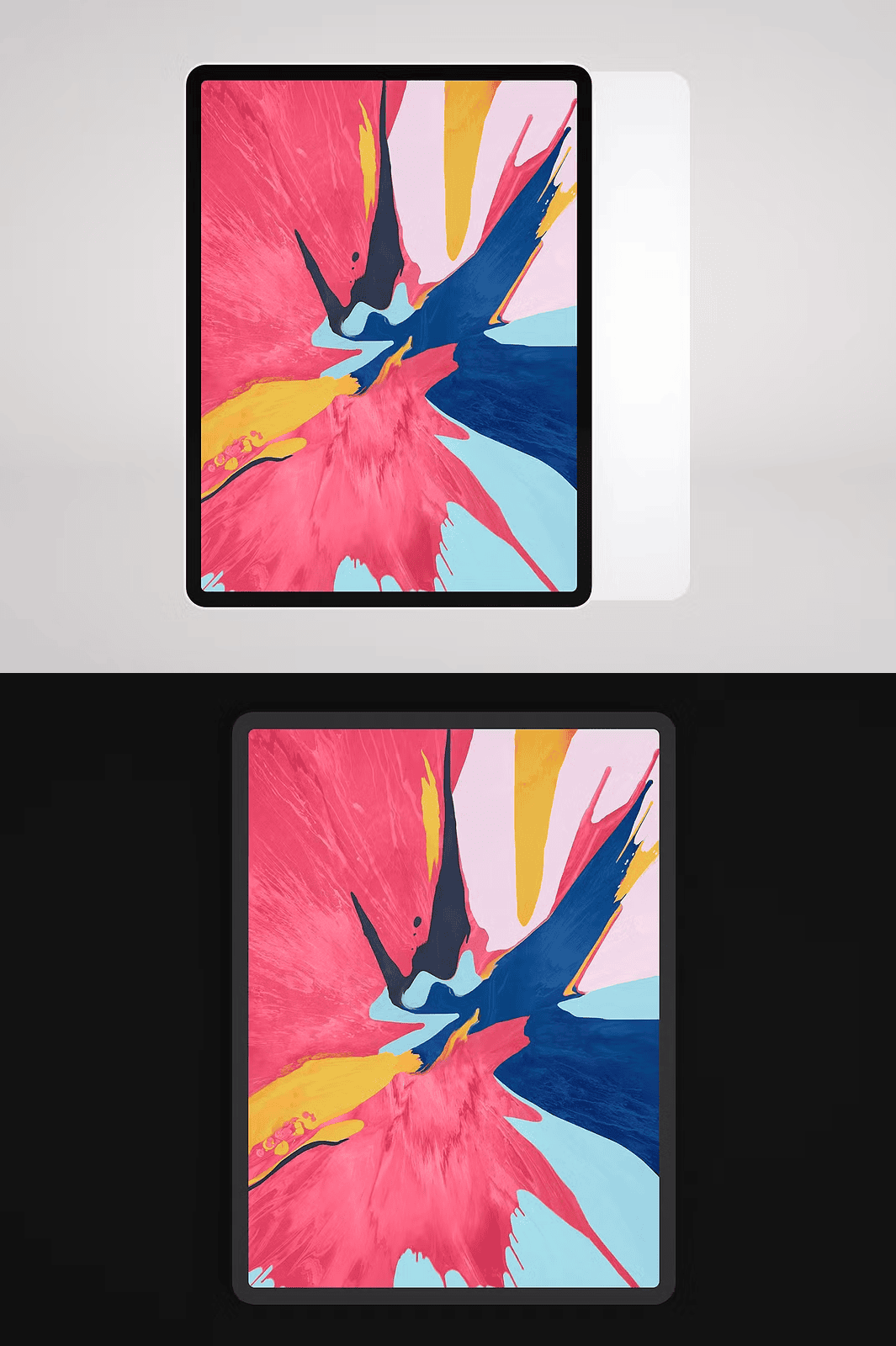
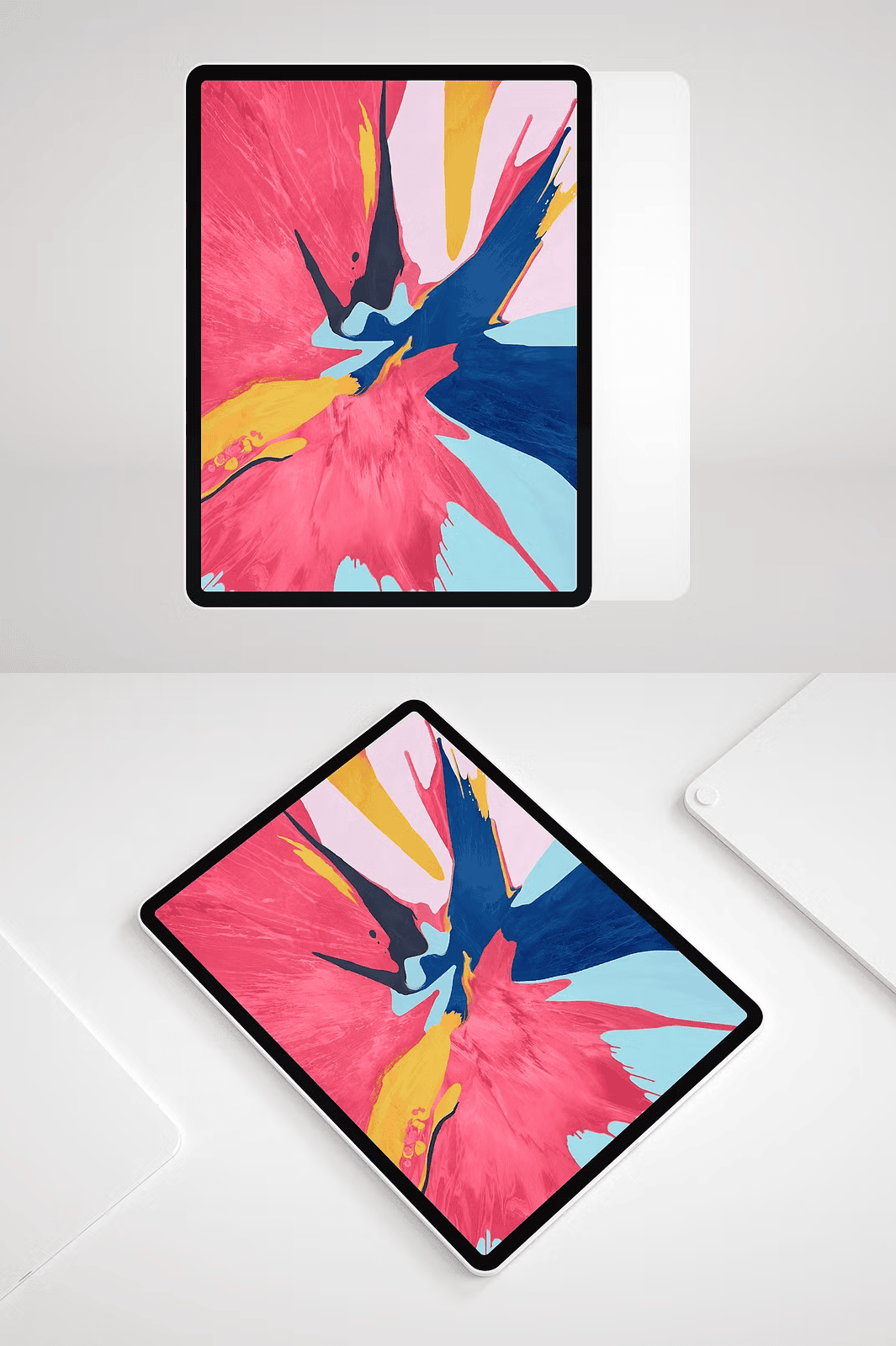
Unleash Creative Freedom with 5K-Resolution, Dual-Color PSD Templates for Premium Presentations
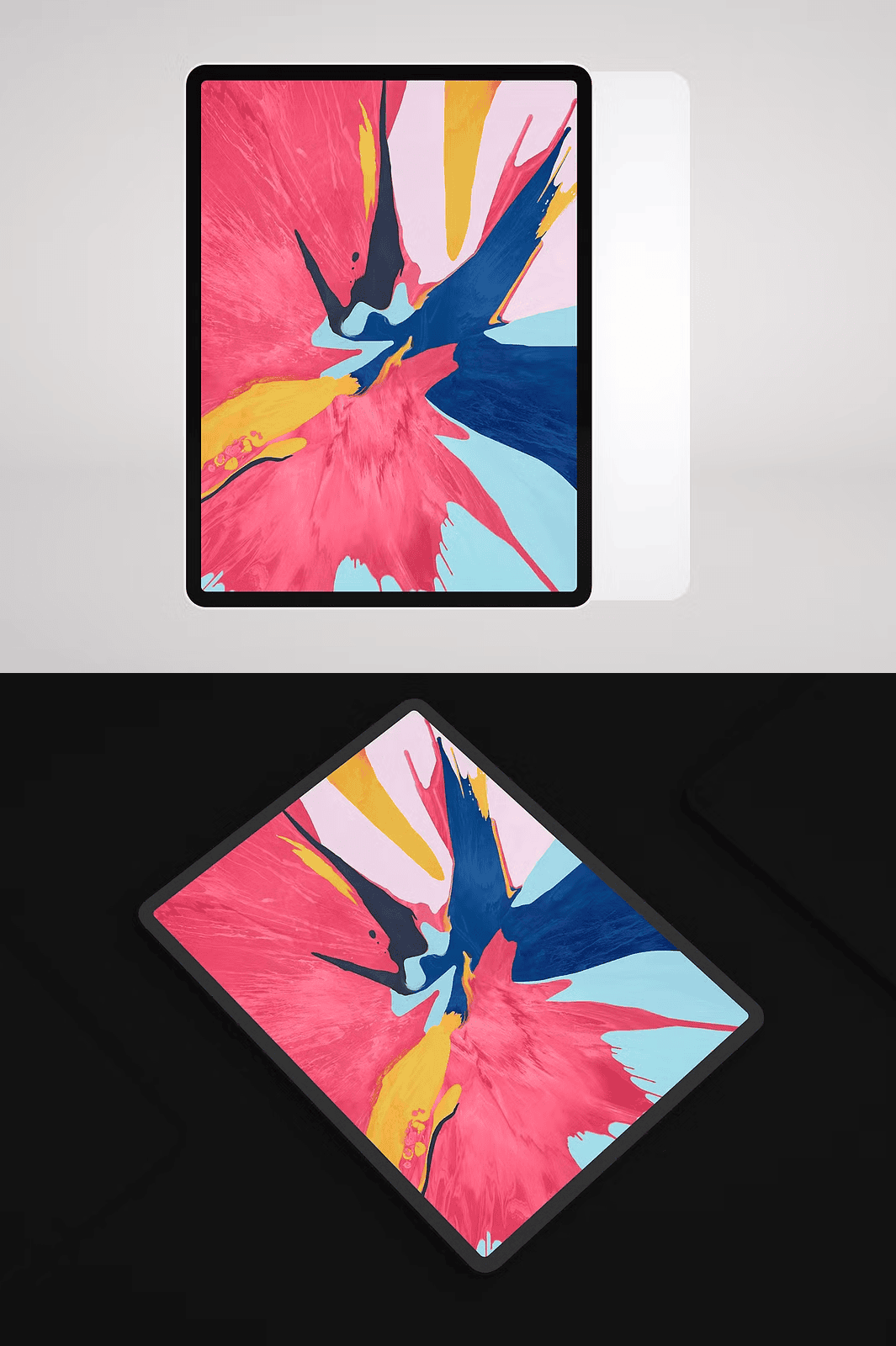
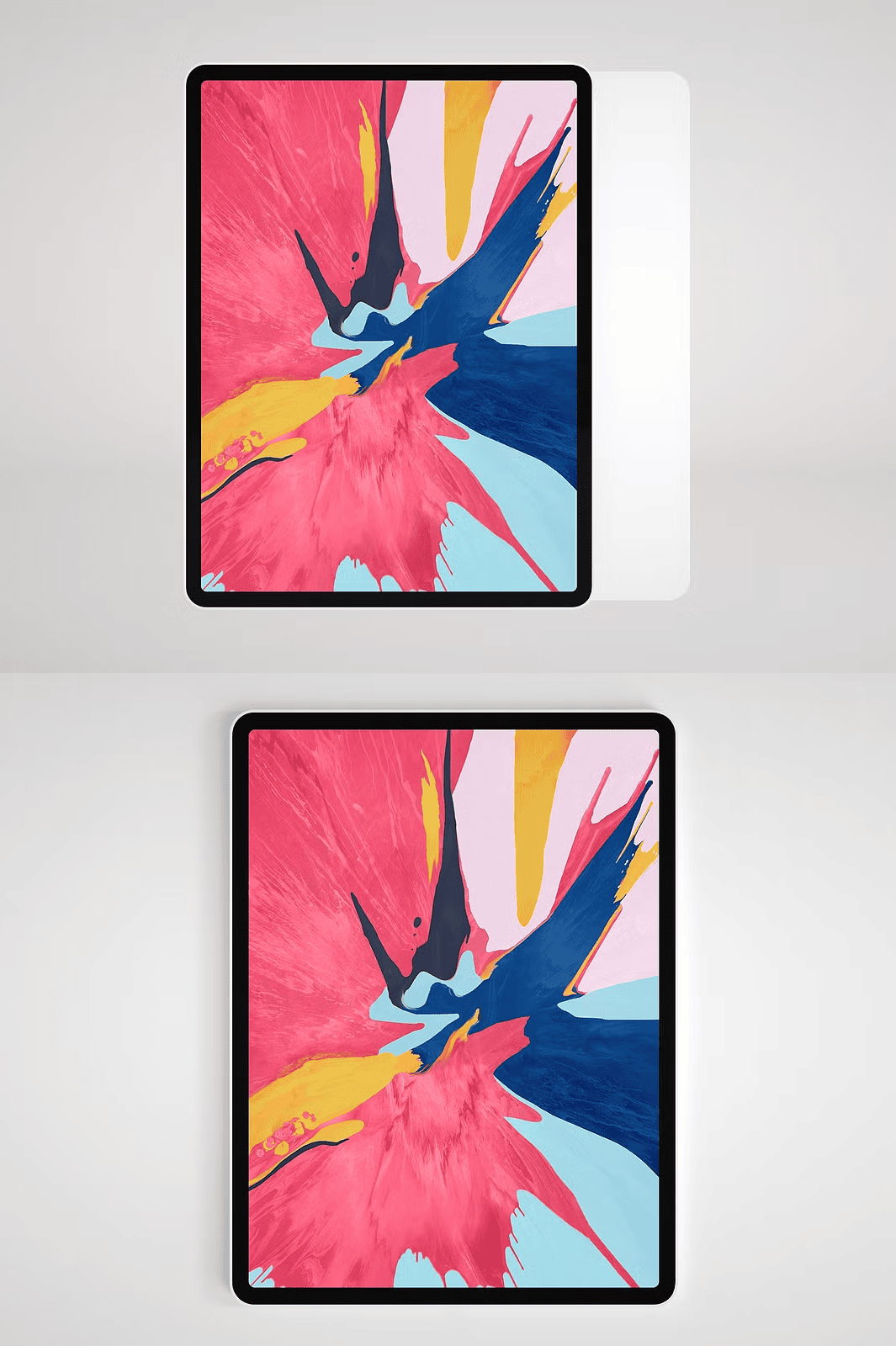
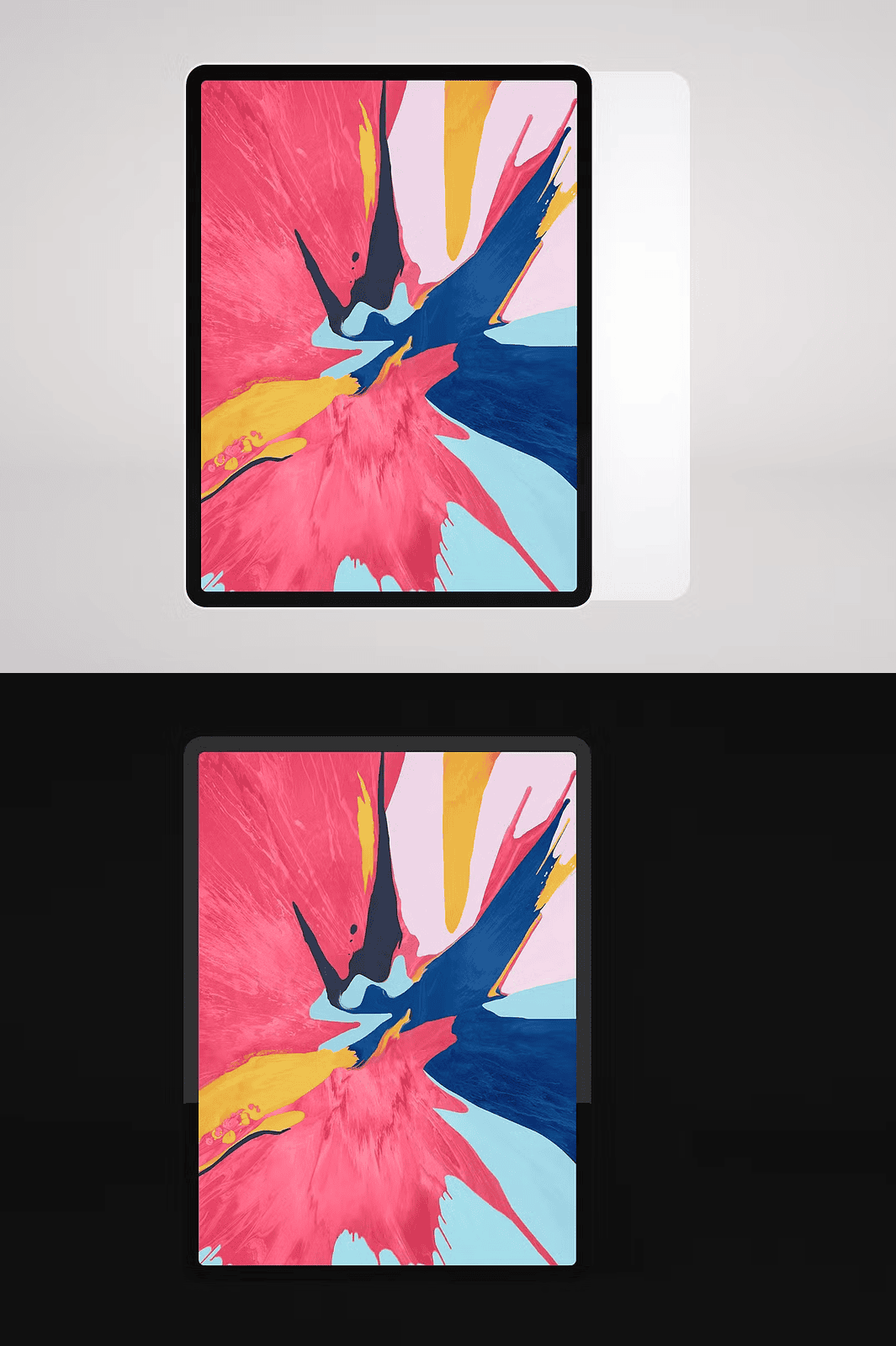
Bring your visual concepts to life with the **Apple iPad Pro 2018 Mockup 5K**, a professionally crafted, high-resolution design tool built for precision and performance. Whether you’re presenting branding assets, mobile app interfaces, or digital illustrations, this mockup delivers **crisp, lifelike visuals** in stunning 5K resolution (5760 x 3240 px), ensuring every pixel pops across websites, portfolios, and client proposals. Engineered for **design professionals, digital marketers, and creative agencies**, this file offers two distinct versions — **Black and White** — each stored as separate layers within a single PSD for seamless switching and rapid iteration.
Effortless Design Integration with Smart Layer Masks and Reflection Effects
Simplify your workflow with **intelligent layer management**. The mockup includes dedicated mask layers and reflection elements, enabling you to insert your artwork with minimal effort and maximum realism. Simply navigate to the “PLACE YOUR IMAGE HERE” smart object, double-click to edit, and instantly see your design rendered with accurate lighting, perspective, and depth. The built-in reflection layer enhances realism by simulating how light interacts with the device’s glossy surface, giving your presentation a polished, high-end feel.
Flexible File Support for Maximum Compatibility and Creative Freedom
The Apple iPad Pro 2018 Mockup 5K isn’t limited to Photoshop — it provides **multiple file formats** to suit every workflow. Whether you work in 3D, web, or print, you’re covered:
– ✅ **PSD (Photoshop) file** – Fully layered, with adjustable layers, mask groups, and non-destructive editing support
– ✅ **Transparent PNG (5760 x 3240 px)** – High-resolution, ready-to-use image with realistic shadow layer — ideal for web designs, presentations, and social media without needing Photoshop
– ✅ **C4D (Cinema 4D) 3D scene** – Complete 3D object, lighting setup, and camera angles for dynamic animations and depth-of-field effects
– ✅ **Low-res preview images** – Quick reference visuals to preview the mockup’s look before full-resolution export
All formats are designed for **seamless integration**, ensuring smooth transitions between design stages and platforms.
Advanced 3D Scene Setup with Multiple Camera Views for Dynamic Storytelling
Leverage the **Cinema 4D (C4D) 3D scene** for cinematic presentation power. The scene includes fully rigged camera angles, lighting setups, and depth-of-field effects, allowing you to create dynamic product reveals, video intros, or animated social media content. Switch between wide-angle, close-up, and perspective views without reworking the model — just adjust the camera and render your scene in minutes.
One-Click Background and Color Customization for Brand Consistency
Ensure brand alignment by easily swapping between the Black and White versions with a single click. Each version is layered separately, enabling you to compare your design in different contexts. Use the neutral tones to highlight your artwork, or customize the background with your brand’s colors using the provided adjustment layers — all without altering the original design.
Optimized for Speed, Quality, and Professional-Grade Output
This mockup is engineered for performance. With **300 DPI resolution** and pixel-perfect composition, it delivers print-quality results for brochures, posters, and client printouts. Every texture, shadow, and reflection is handcrafted to simulate real-world lighting, ensuring your design looks authentic and credible on any platform.
What’s Included in the Download Package?
– ✅ **PSD file** – Dual-layered (Black & White), with smart object, mask, and reflection layers
– ✅ **High-resolution transparent PNG** (5760 x 3240 px) – Ideal for web, emails, and apps
– ✅ **Cinema 4D 3D scene (.c4d)** – Complete 3D environment with multiple camera setups
– ✅ **Low-resolution preview images** – For quick reference
– ✅ **Full commercial license** – Use in unlimited client projects without restrictions
Quick Start Guide – Get Your Project Live in Under 2 Minutes
1. **Download** the ZIP file and extract it to your design folder.
2. **Open** the PSD file in Adobe Photoshop.
3. **Locate** the “PLACE YOUR IMAGE HERE” smart object layer.
4. **Double-click** to open the embedded canvas.
5. **Paste** your logo, app screen, or visual asset.
6. **Save and close** — your design now appears naturally on the iPad Pro screen.
7. **Export** as PNG, JPG, or PDF for presentations or web use.
For C4D users: Open the .c4d file in Cinema 4D, select your preferred camera angle, and render your scene with custom lighting and depth settings.
*Need support? Check the included guide or visit the creator’s Creative Market profile for tutorials and updates.*