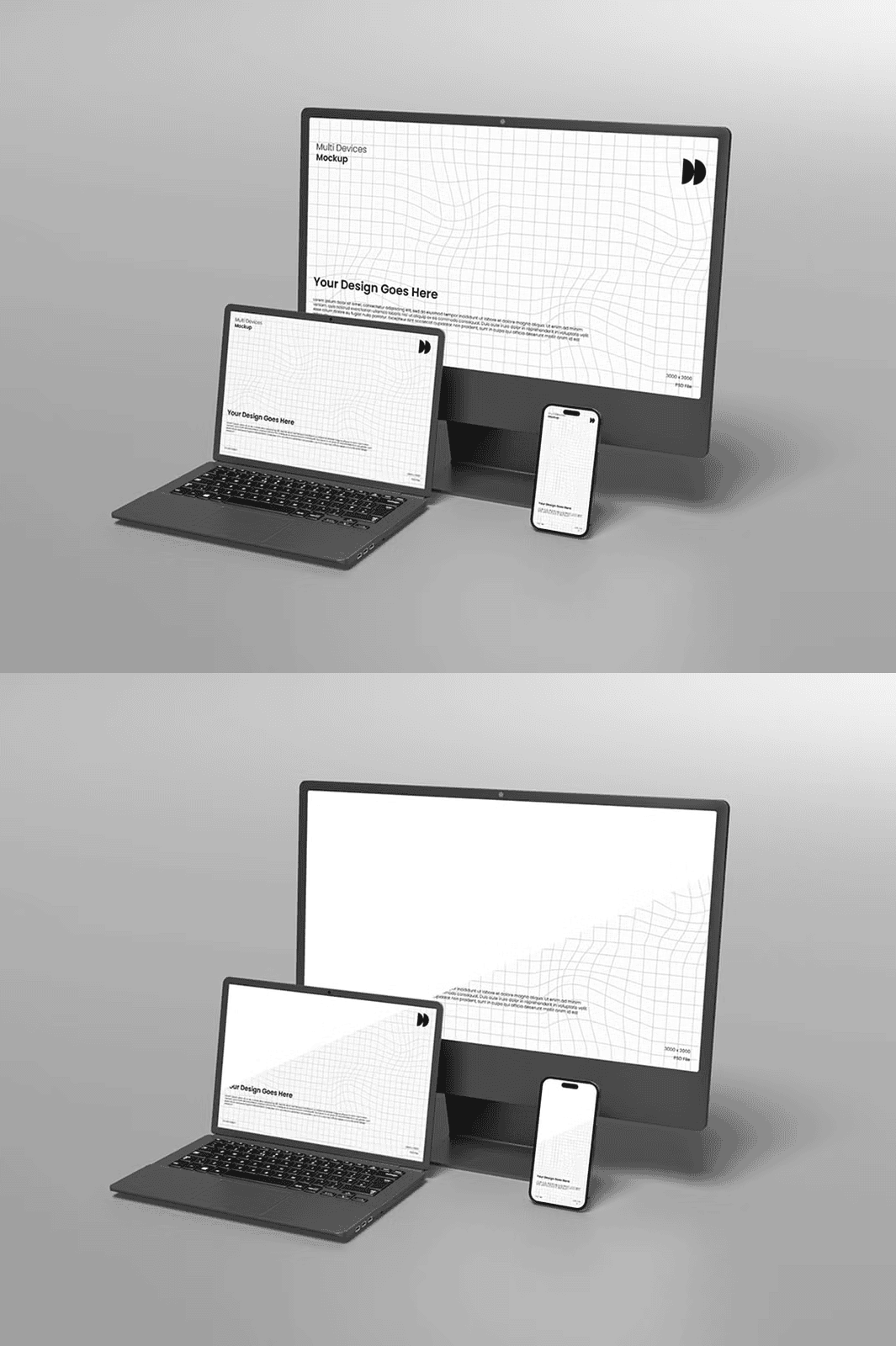
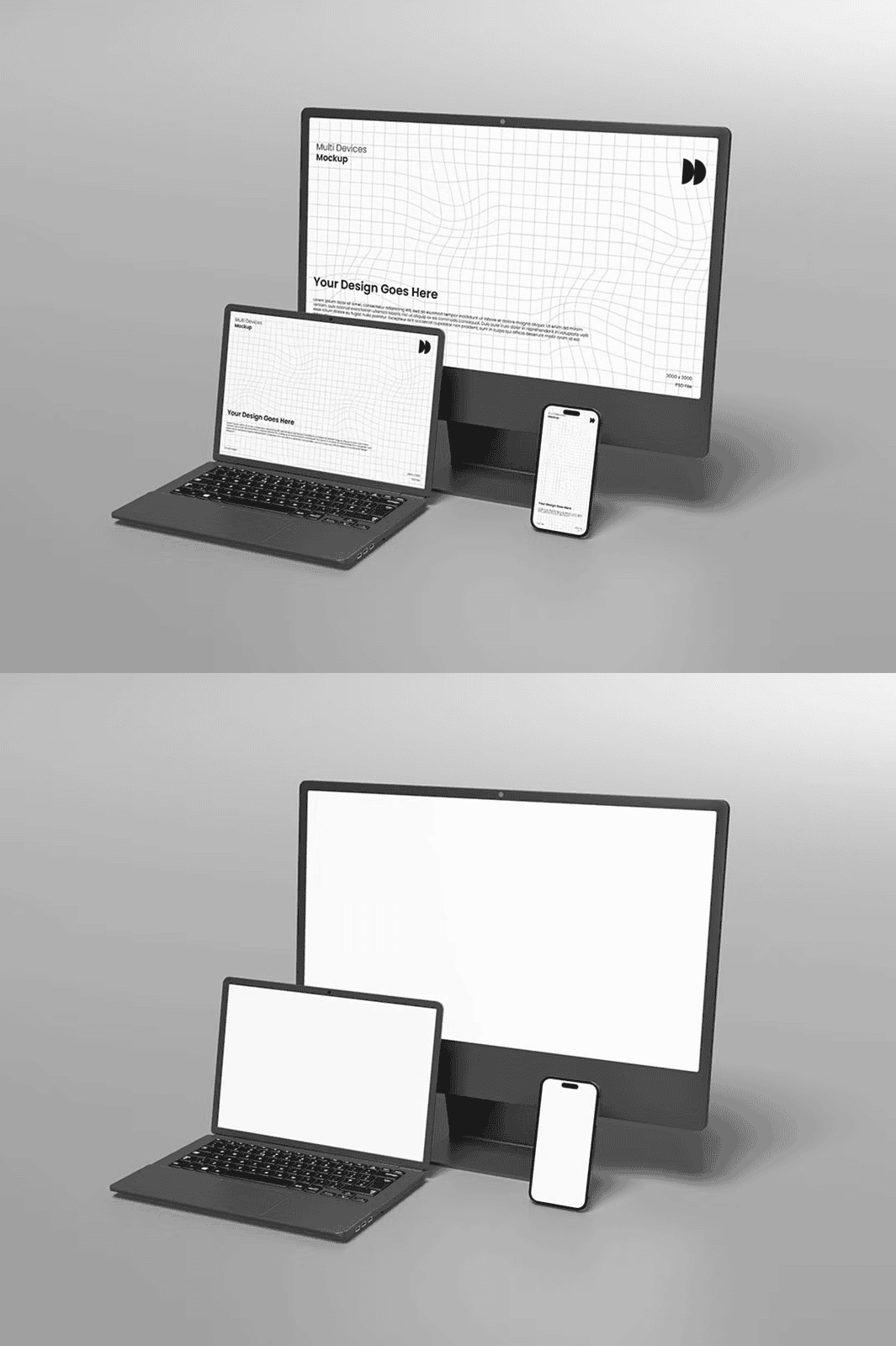
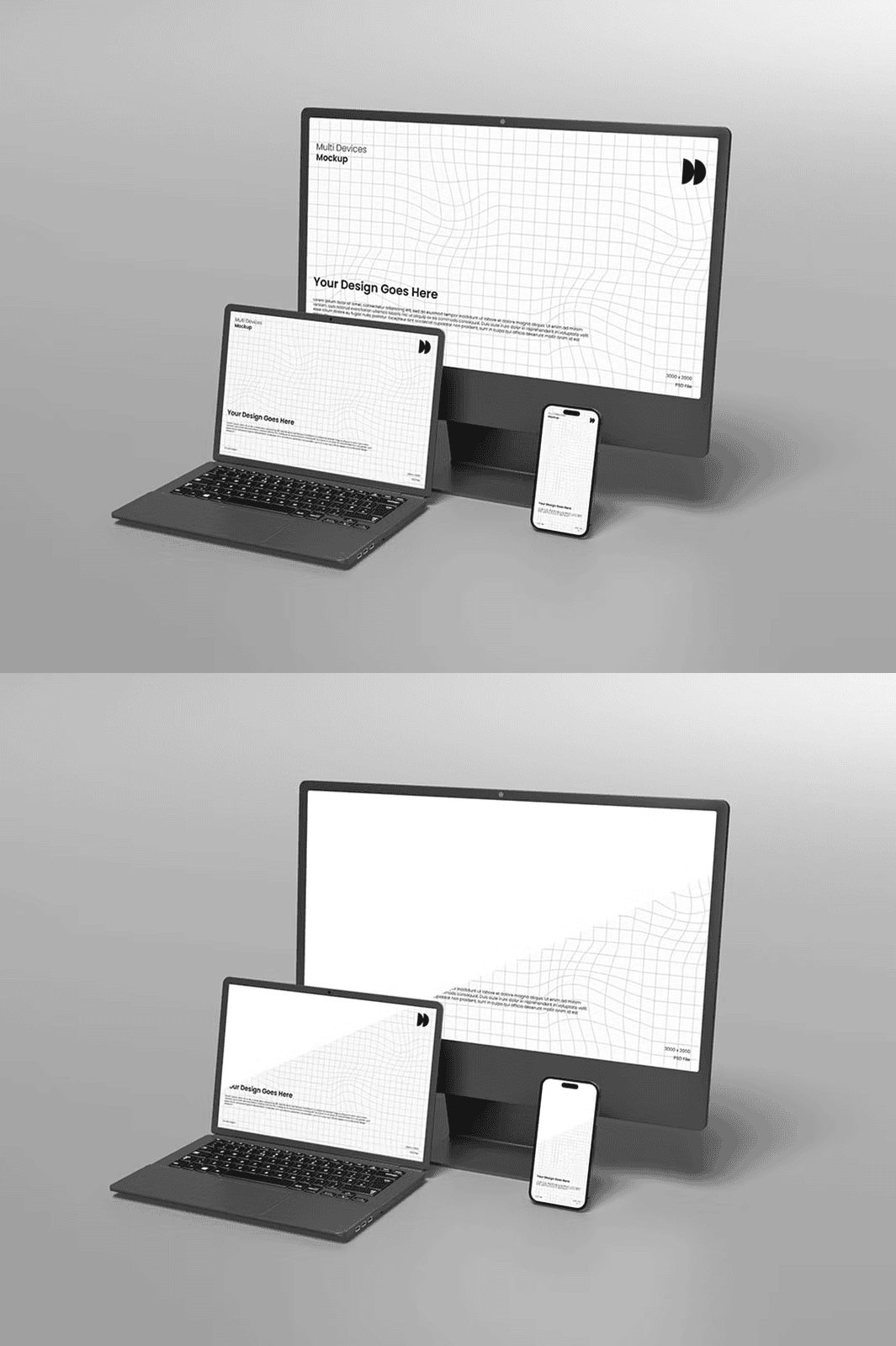
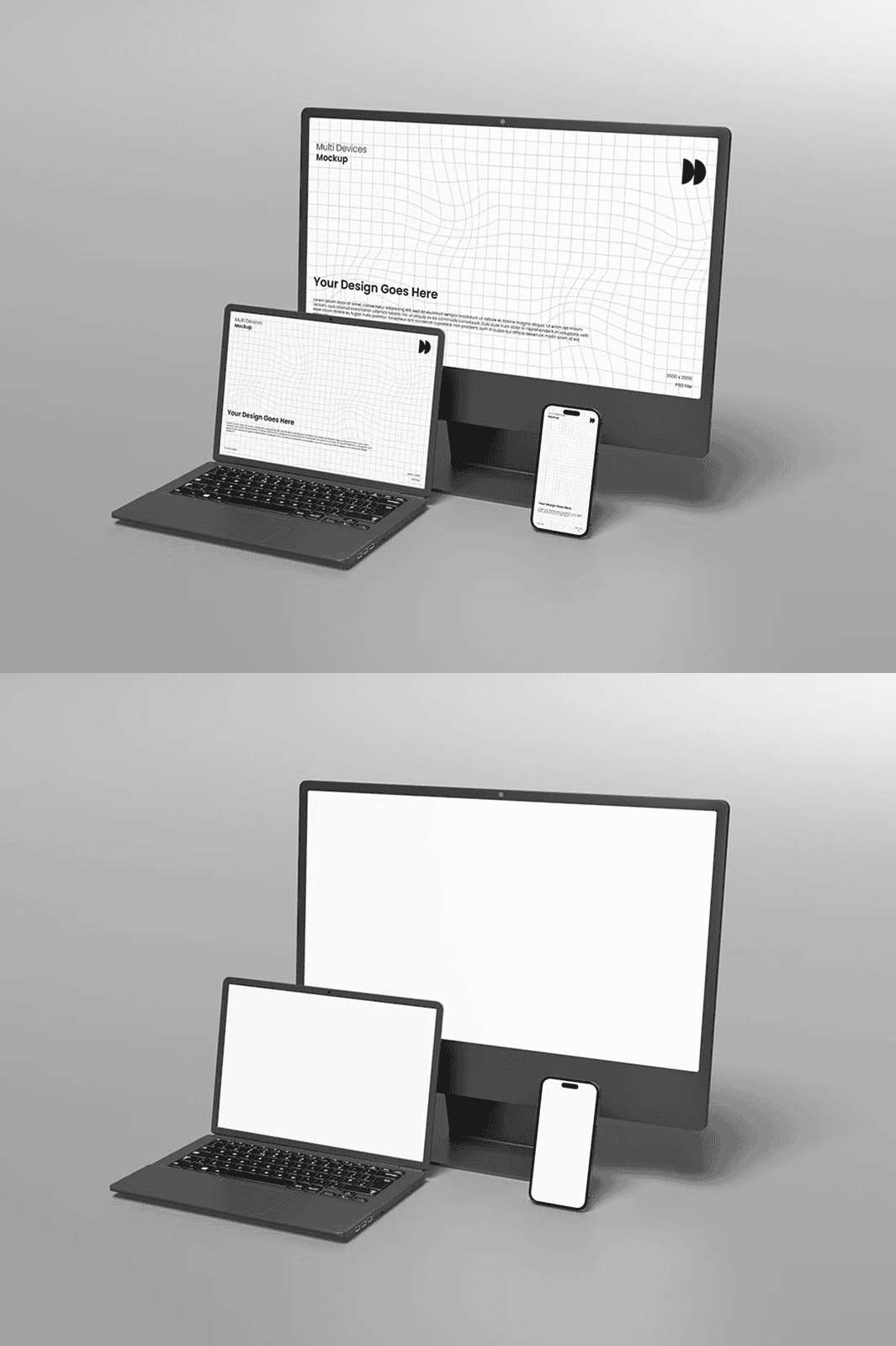
Streamline Your Design Workflow with a Clean, High-Performance Mockup Platform for Modern Branding
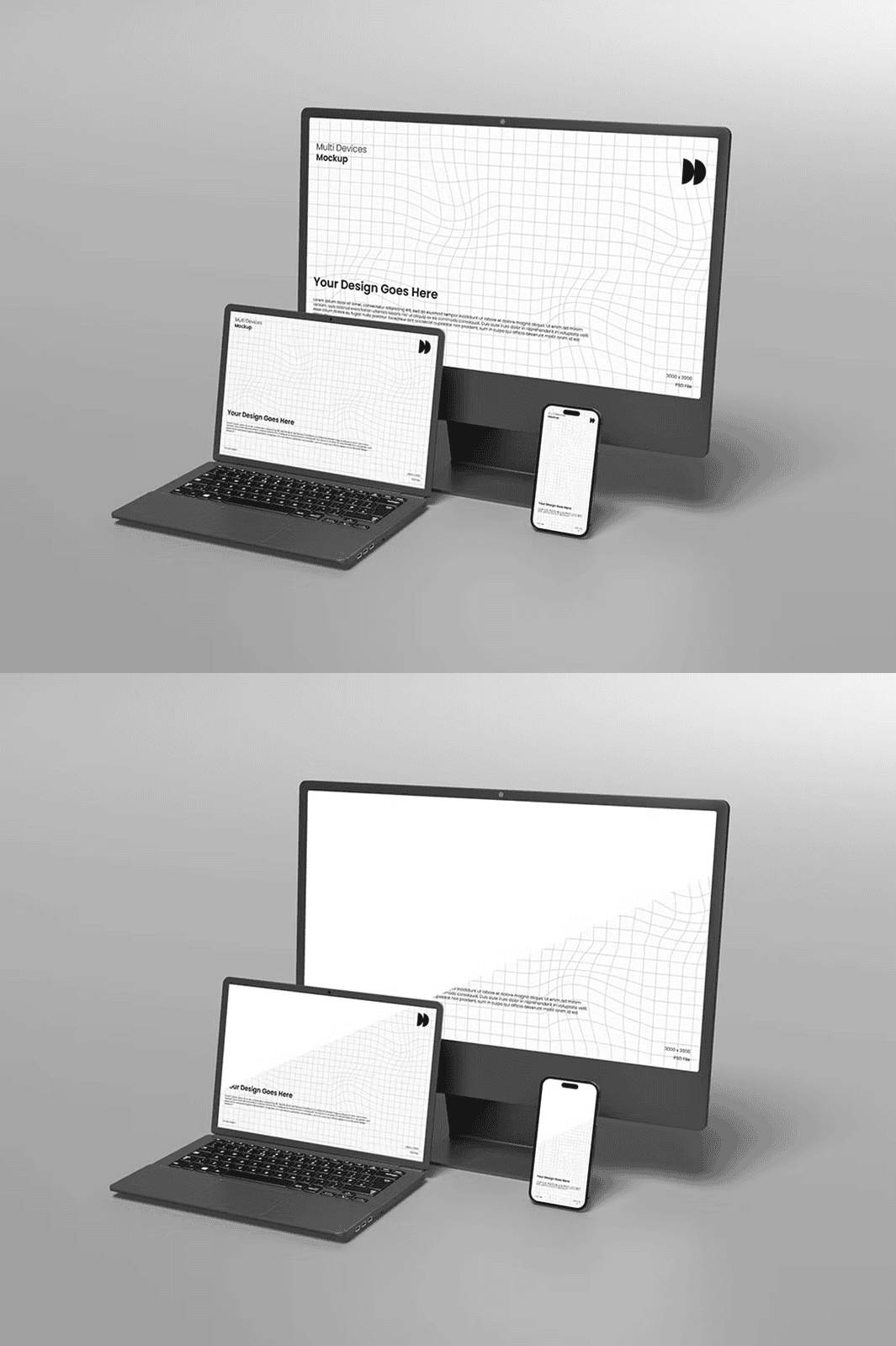
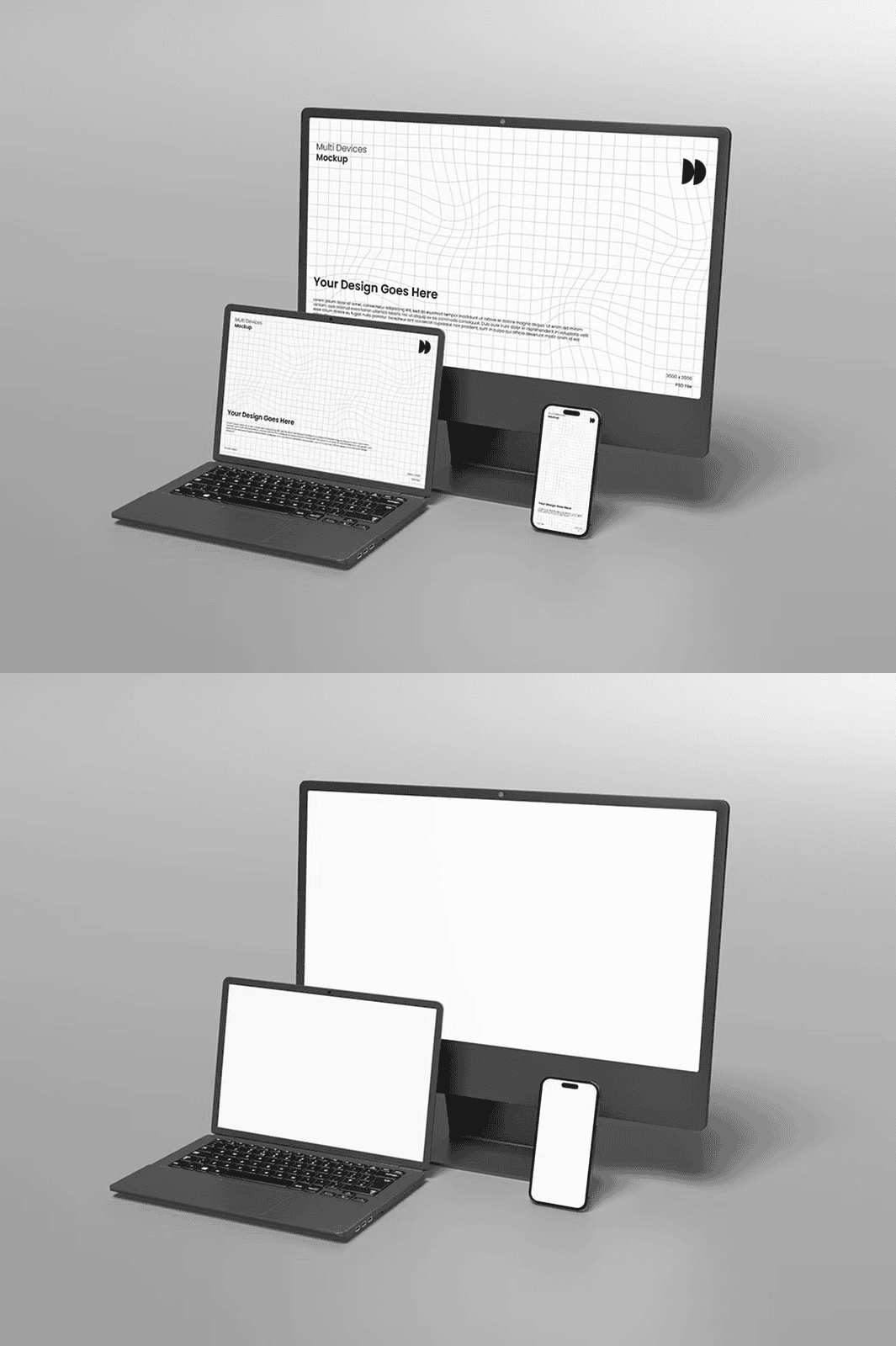
Unlock next-level presentation quality with the **Multi Devices Mockup**, a meticulously crafted PSD template designed for clarity, speed, and professional results. Engineered for **logo designers, branding agencies, creative entrepreneurs, and digital artists**, this mockup eliminates guesswork and dramatically shortens your editing process. With a clean aesthetic and advanced file structure, it ensures your branding work is displayed with the sophistication and realism it deserves—without wasting time on unnecessary adjustments.
Effortless Customization with Fully Editable Smart Object Layers
Transform your designs in seconds using **smart object integration**, the cornerstone of this mockup’s fast-editing performance. Simply double-click the designated smart layer, insert your logo, app interface, or visual asset, and instantly see your artwork rendered across multiple devices. This non-destructive method maintains your original file integrity, enables perfect scaling, and guarantees sharp, distortion-free results at any size.
Perfect for Realistic Presentations Across Multiple Platforms
Whether you’re preparing client proposals, showcasing social media content, or building a digital portfolio, this mockup delivers **photo-realistic depth and texture** that makes your designs feel alive. The layered environment features:
– Realistic device backgrounds with subtle shadows and surface detail
– High-precision 300 DPI resolution for print-quality output
– Well-structured and commented layers to speed up editing
– Flexible background color changes to match any brand palette
– RGB color support for accurate screen and web display
Every element is designed to work together seamlessly, so you can switch between devices—like smartphones, tablets, and laptops—without reworking your scene.
Customize Backgrounds with One Click – Match Your Design’s Identity
Stand out with dynamic visual flexibility. The mockup includes **one-click background swap functionality**, allowing you to shift the scene’s mood with a single adjustment. Whether you’re presenting a bold, vibrant brand or a calm, minimalist design, change the background to neutral, branded, or lifestyle settings in seconds. This feature ensures your design is always presented in the right context, enhancing visual impact.
Professional-Grade Layers for Rapid Iteration and Team Collaboration
Each layer is clearly labeled, grouped, and organized to allow for **instant navigation and swift edits**, even in complex files. Whether you’re working solo or with a team, this structured approach ensures no time is lost hunting for the right layer. The intelligent layer system makes adding new elements, adjusting lighting, or fine-tuning shadows intuitive and predictable.
Optimized for Performance, Trusted by Top Designers Worldwide
Built with **300 DPI optimization**, the Multi Devices Mockup delivers crystal-clear visuals suitable for high-end print projects, digital ads, and social media content. Every texture, reflection, and shadow has been carefully rendered to simulate real-world lighting, ensuring your brand looks authentic and credible.
This mockup is compatible with:
– Adobe Photoshop CS4 and later
– Photoshop CC and Creative Cloud (latest versions supported)
– All major operating systems (Windows, macOS)
What’s Included in the Download?
– ✅ One fully layered PSD file (multi-device scene)
– ✅ Multiple smart object placeholders for instant content insertion
– ✅ 300 DPI resolution for premium output in print and digital
– ✅ Organized layers with descriptive names for rapid workflow
– ✅ Realistic textures and background elements for immersive visuals
– ✅ Adjustable background color with easy-to-use color fill layers
– ✅ Full commercial license – use in client projects without restrictions
*Note: Preview images used for demonstration are not included in the file package to reduce file size and maintain clarity in the template.*
Quick Start Guide – Launch Your Design in Under 90 Seconds
1. **Download** the ZIP file and extract it to your Design folder.
2. **Open** the PSD file in Adobe Photoshop.
3. **Locate** the smart object layer labeled “Your Design Here.”
4. **Double-click** the layer to activate editing.
5. **Paste** your logo, app screen, or visual asset into the embedded canvas.
6. **Save** and exit the smart object—your artwork now appears perfectly framed.
7. **Export** as PNG, JPG, or PDF for presentations, websites, or client sharing.
*Need help? A concise guide is included with the download. For further support, visit Meizzaluna Design on Creative Market.*