Bring Your App & Website Designs to Life on the Latest Flagship Tablet Display
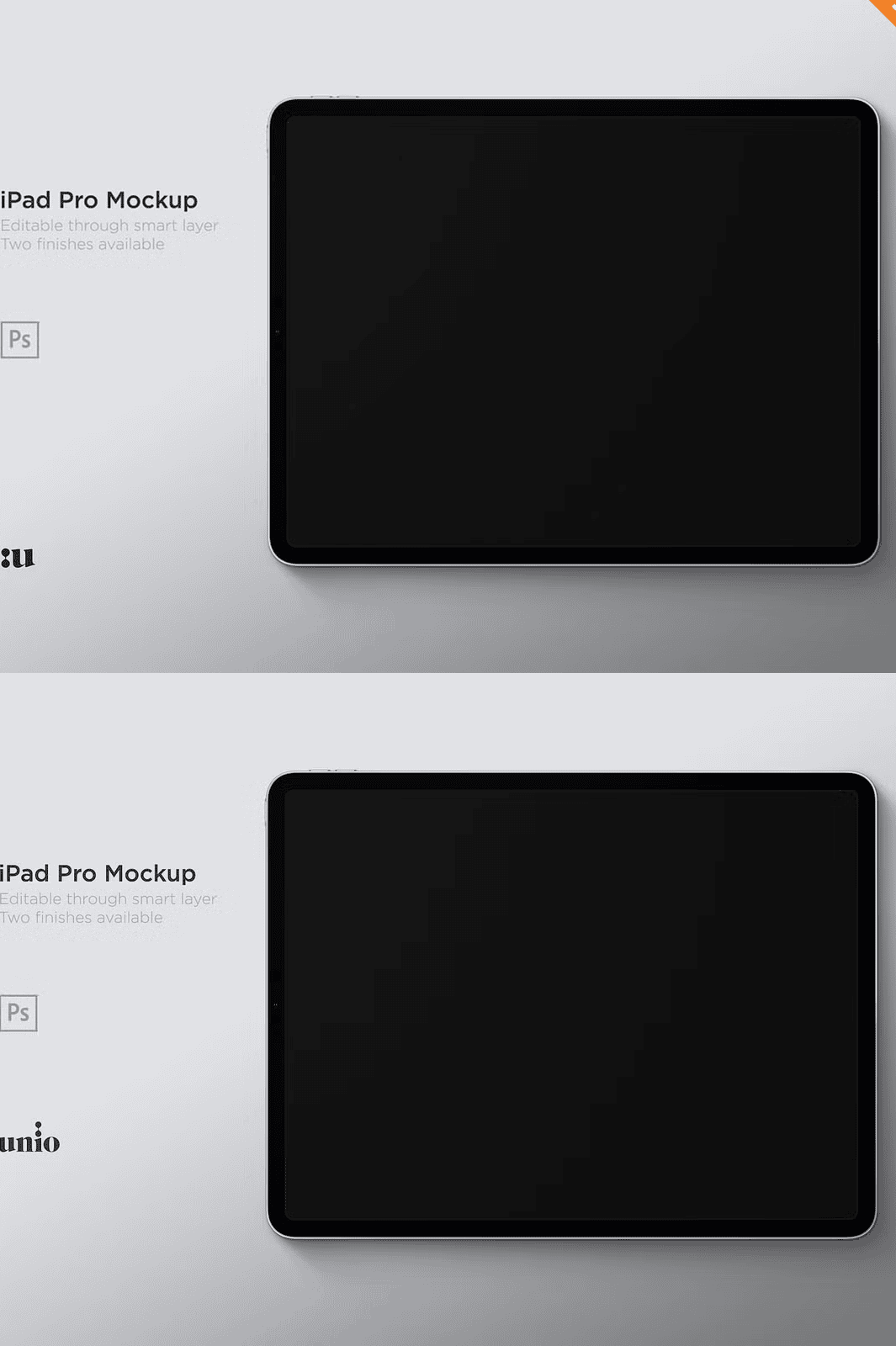
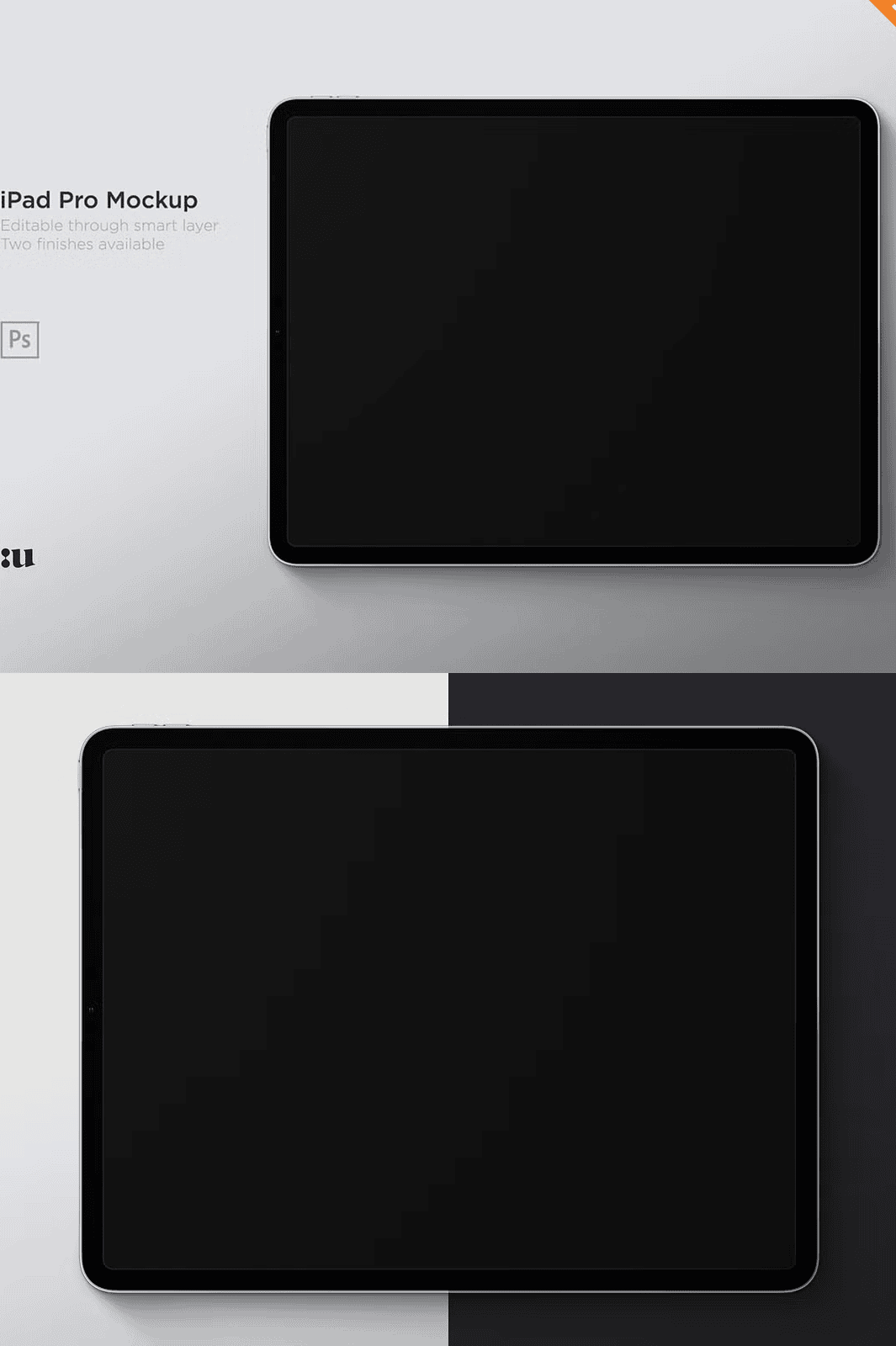
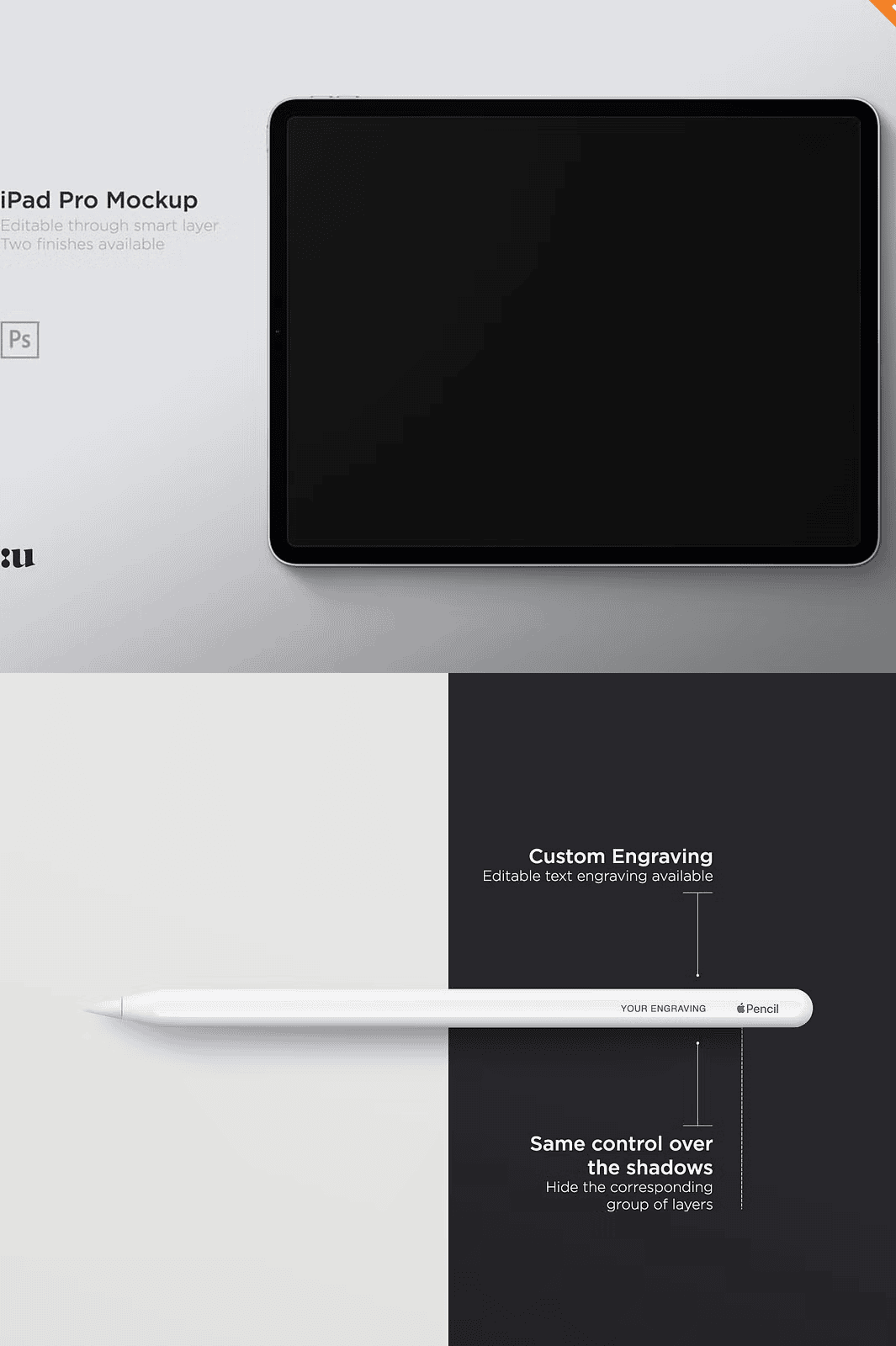
Elevate your creative presentations with the **Apple iPad Pro 12.9-inch 2018 Mockup**, a precision-designed PSD bundle built to showcase your digital work on the industry-leading bezel-less display. Whether you’re pitching a mobile app, demonstrating a responsive web layout, or highlighting UI/UX concepts, this mockup delivers **realistic, high-impact visuals** that impress clients and stakeholders. Crafted with attention to detail, it replicates the modern look and refined finish of Apple’s flagship tablet in both **vertical and horizontal orientations**, ensuring your designs are displayed exactly as intended.
Complete Control with Editable Smart Object Layers
The mockup is fully **layered in Adobe Photoshop**, giving you instant access to editable smart objects. Replace your screen content in seconds—just **double-click the smart layer, paste your design, and save**. No resizing, no pixelation, no formatting issues. Your original artwork remains pristine while the mockup dynamically adapts to your content. This non-destructive workflow saves hours of manual labor and keeps your design process fast, flexible, and professional.
Professional Features Designed for Real-World Use
Maximize your presentation quality with advanced editing options that mimic real-life usage.
Choose Between Vertical and Horizontal Layouts for Full Flexibility
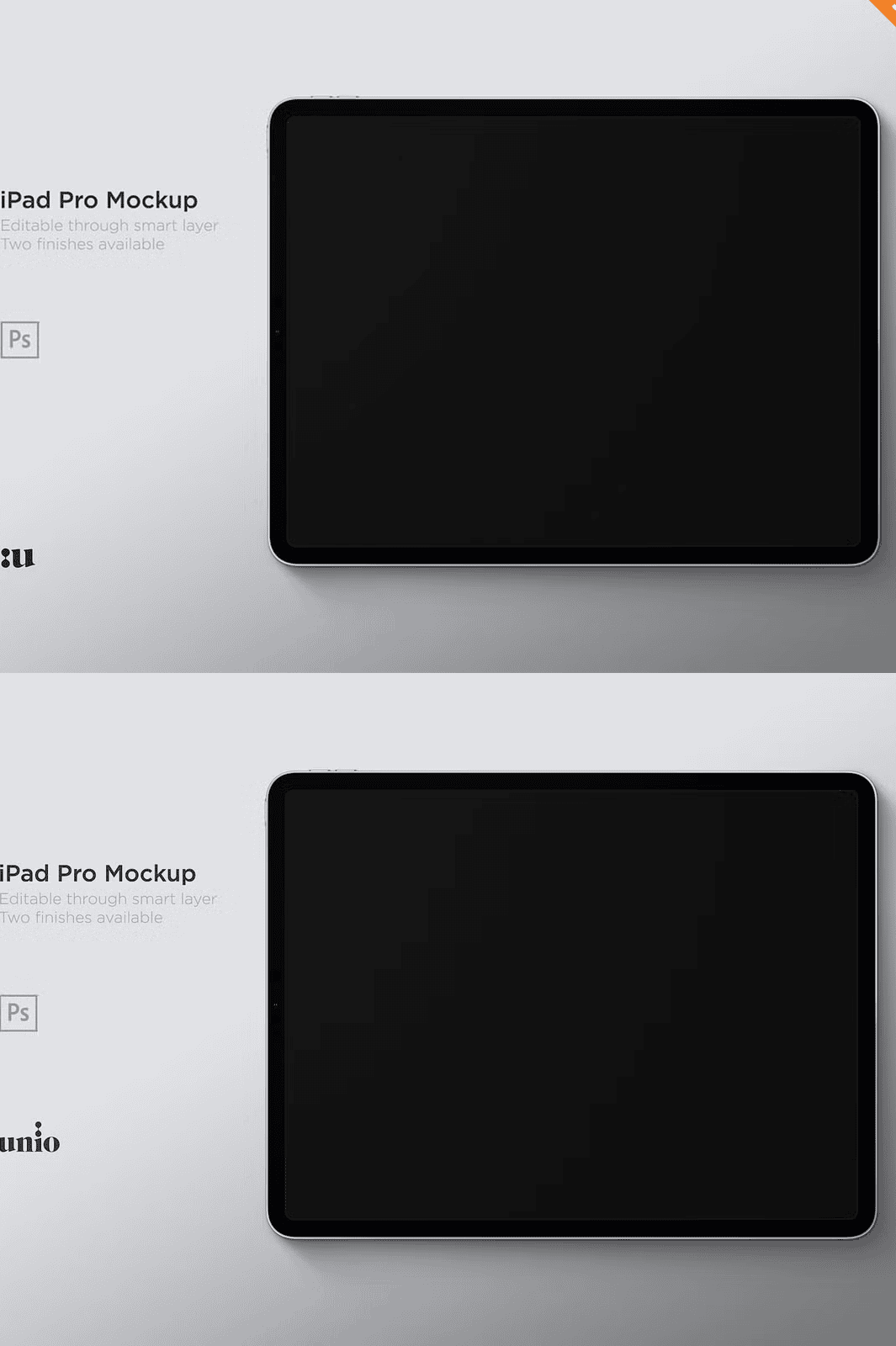
Whether your design is optimized for portrait or landscape mode, this mockup provides **two fully separate templates** for both orientations. Use the vertical version to highlight mobile apps or social media content, or switch to the horizontal layout for website previews, dashboards, or multimedia displays. Each layout includes realistic reflections, depth, and lighting to ensure authenticity.
Customizable Apple Pencil with Editable Engraving
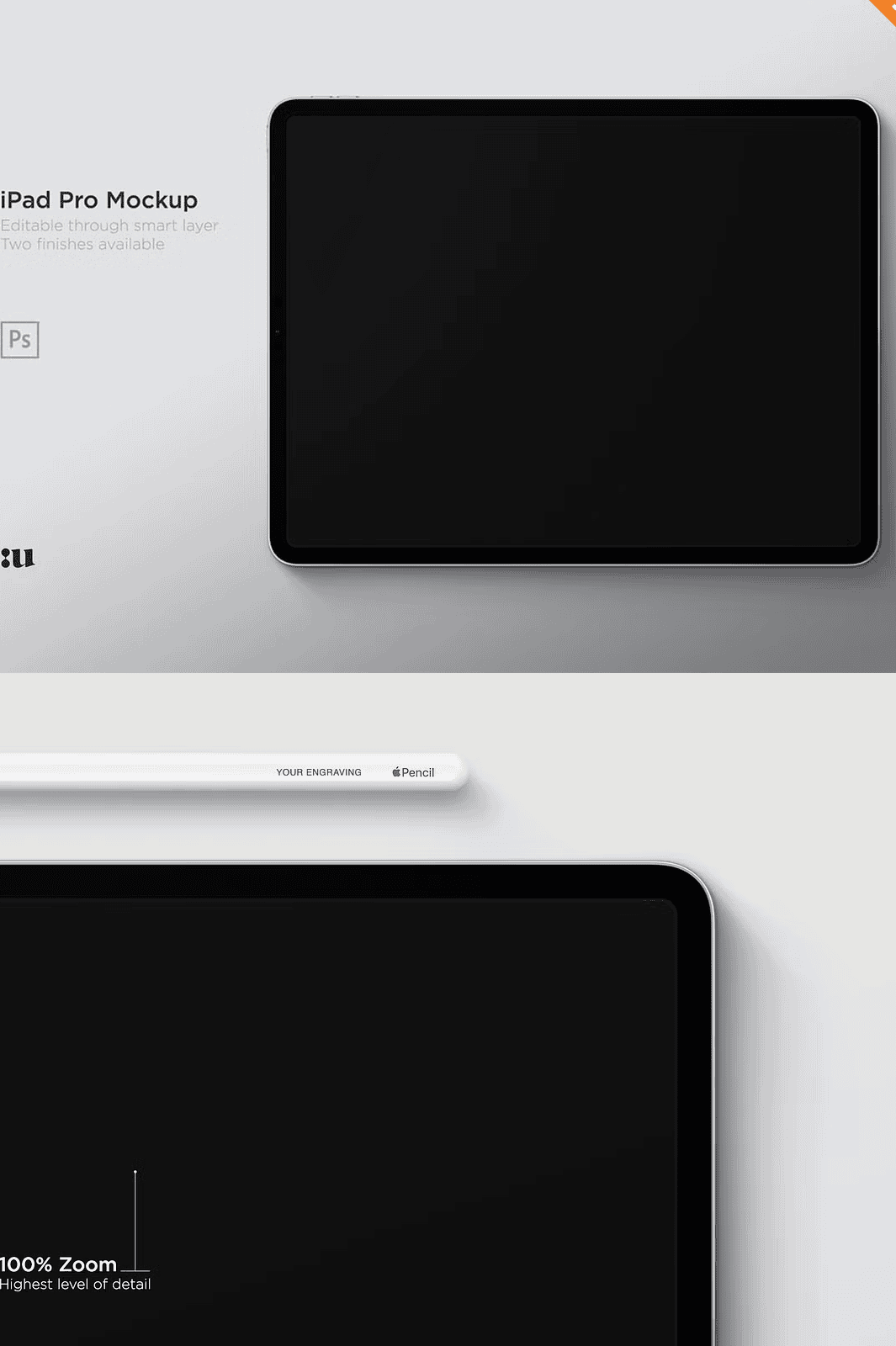
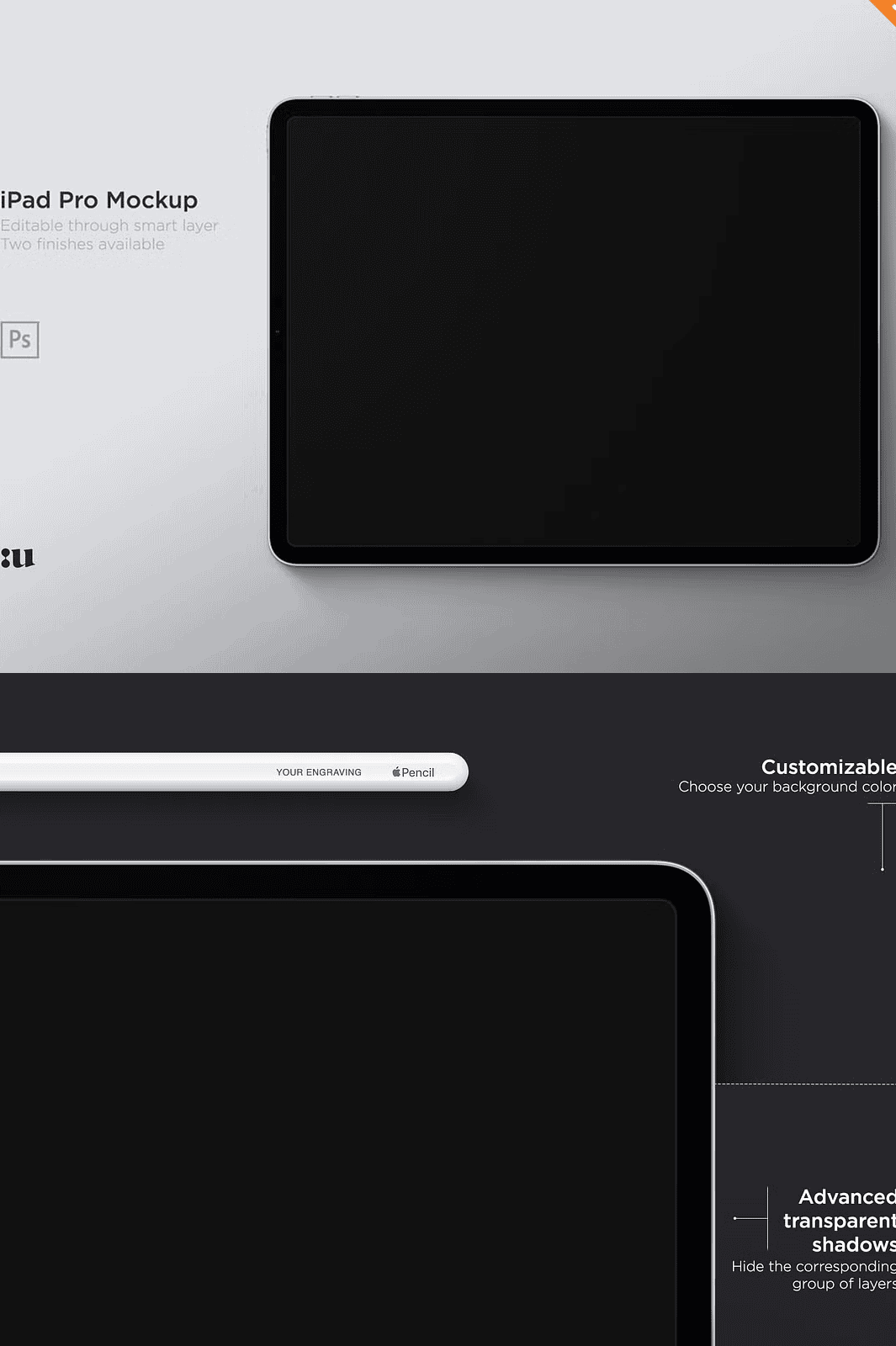
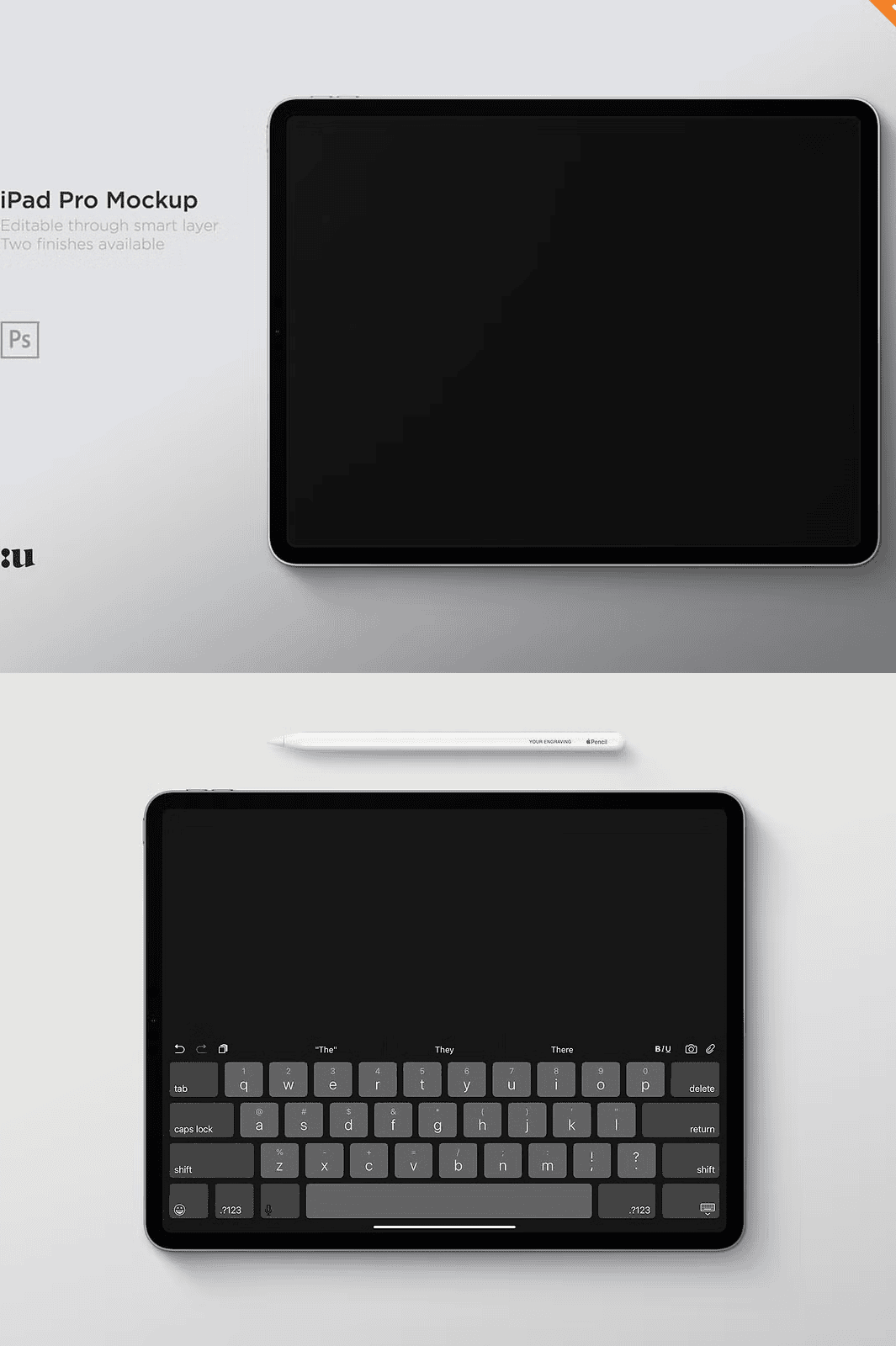
The mockup includes a **realistic Apple Pencil** designed to match the tablet’s premium finish. Available in **Silver and Space Gray**, the stylus features **editable engraving text**, so you can personalize it with names, logos, or short messages. Perfect for client feedback sessions or branding presentations where tactile elements matter.
Switch Shadows & Reflections On or Off for Dynamic Visuals
Need a clean, minimal look for your presentation? Switch off reflections and shadows to create a flat, modern aesthetic. Want to simulate a high-end showroom vibe? Re-enable the reflective surfaces and ambient lighting to enhance realism. This **toggleable lighting system** ensures your mockup always fits the context.
Instant Background Color Editing for Brand Consistency
Match your brand palette in seconds with the included **editable background layer**. Change the environment color with a single click—ideal for aligning your mockup with website themes, product branding, or mood boards. Whether you’re presenting in a bright studio or a dark meeting room, your visuals look intentional and professional.
Complete Design Package with Full Support
This professional-grade mockup bundle includes everything you need for immediate use:
– ✅ **2 layered PSD files** (horizontal and vertical orientation)
– ✅ **3000 x 3000 px resolution at 72dpi** – perfect for web and print
– ✅ **Smart object layers** – instant content replacement
– ✅ **Editable Apple Pencil** with custom engraving text
– ✅ **Switchable shadows and reflections** – dynamic visual control
– ✅ **Adjustable background color** – brand-aligned presentation
– ✅ **Comprehensive help file included** – clear setup instructions
– ✅ **Commercial use licensed** – fully compliant for agencies and freelancers
*Note: A reduction has already been applied on the Commercial license. No preview images are embedded—only templates to ensure your work remains the centerpiece.*
How to Use the Apple iPad Pro 12.9-inch Mockup – Simple Setup Guide
1. **Download** and extract the ZIP file.
2. **Open** either the vertical or horizontal PSD in Adobe Photoshop.
3. **Locate the smart object layer** labeled “Your Design Here” or similar.
4. **Double-click** the layer to open the embedded canvas.
5. **Paste** your app screen, website layout, or UI mockup.
6. **Save and close** the layer—your iPad is now updated.
7. **Export** as PNG, JPEG, or PDF for sharing or presentation.
*All templates are compatible with Photoshop CC and later. For support, contact UnioDesigns at Unio@gmail.com.*