Transform Your Design Showcase with Professional-Grade Image and Video Mockups
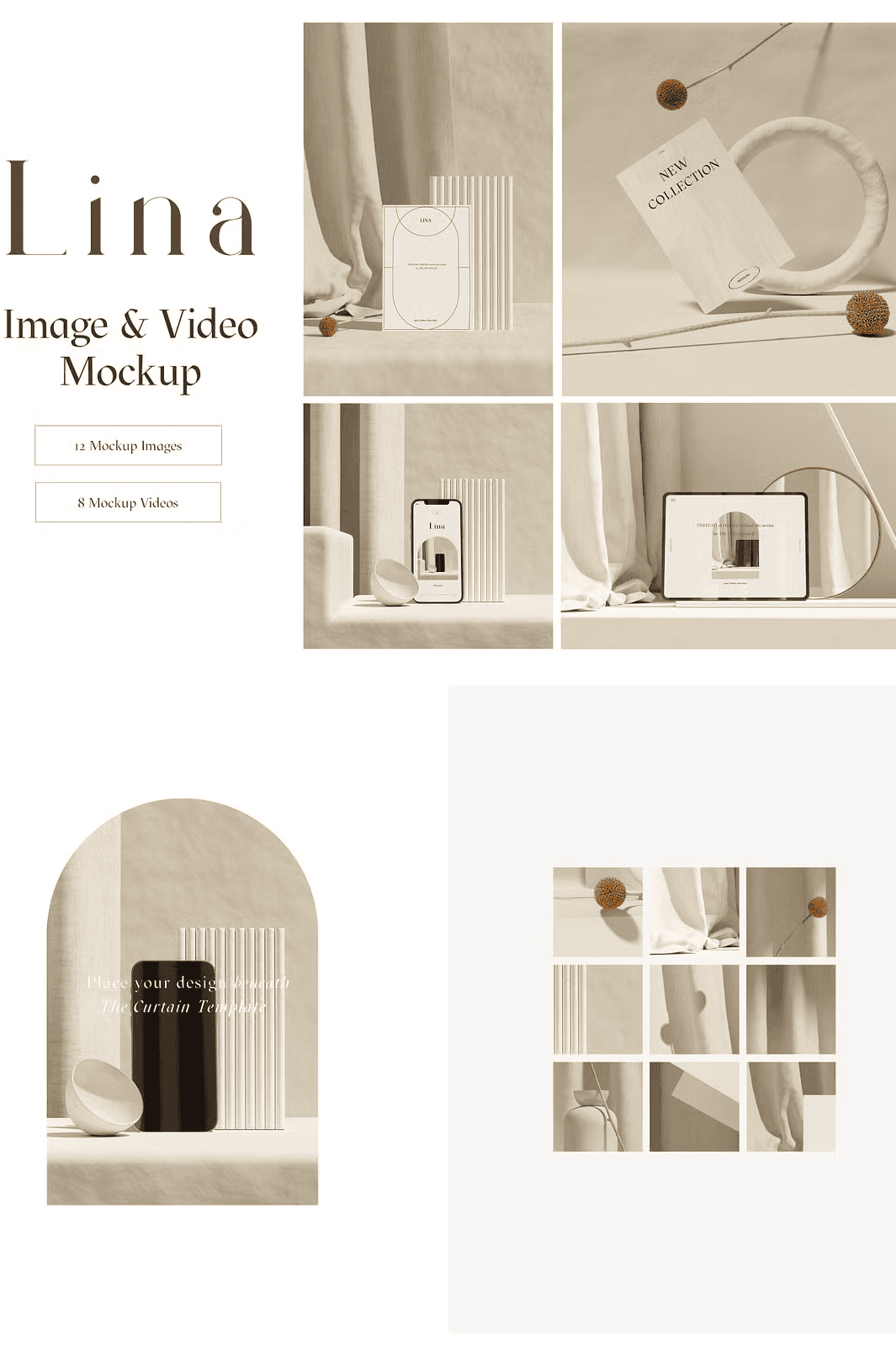
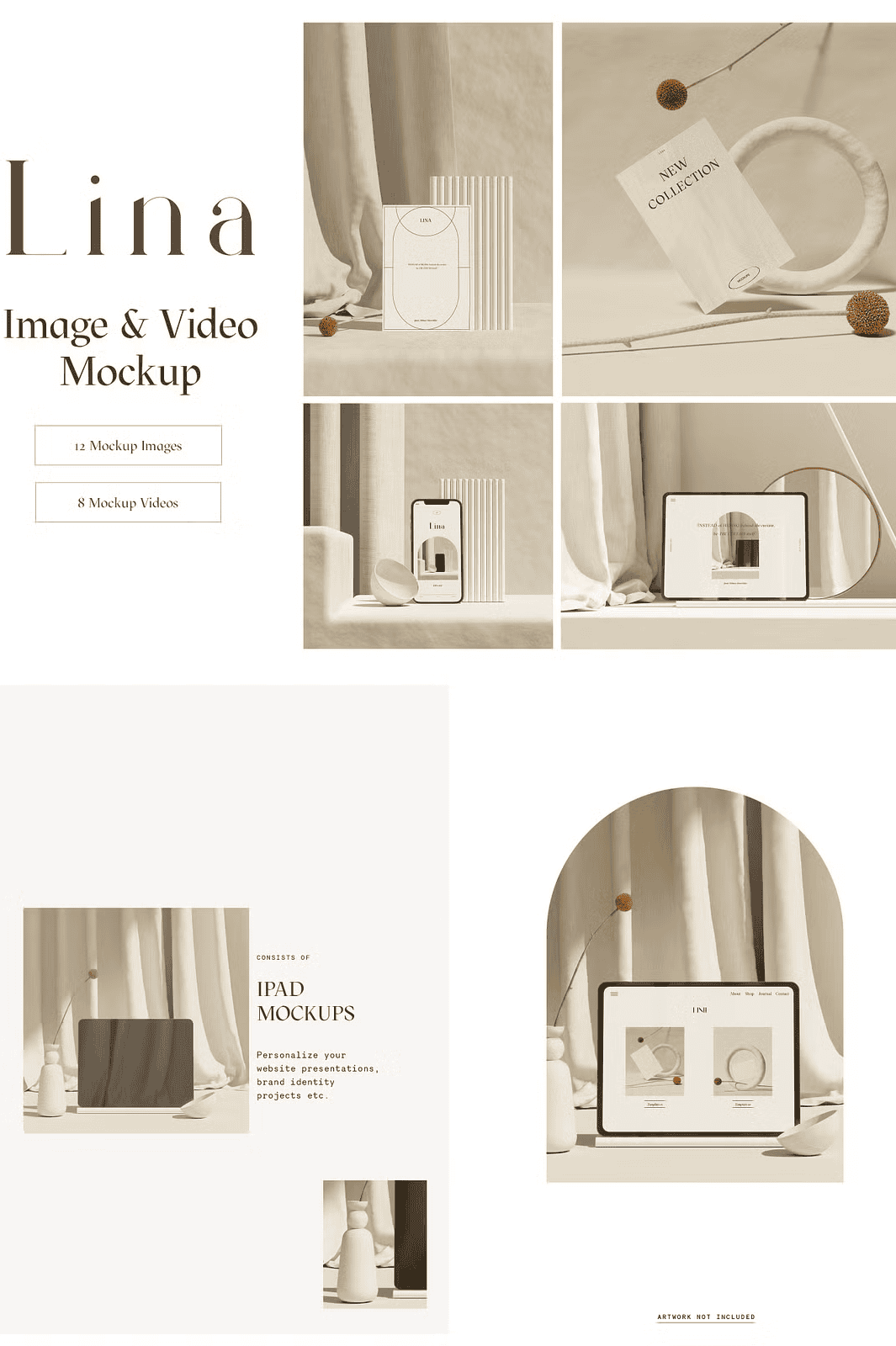
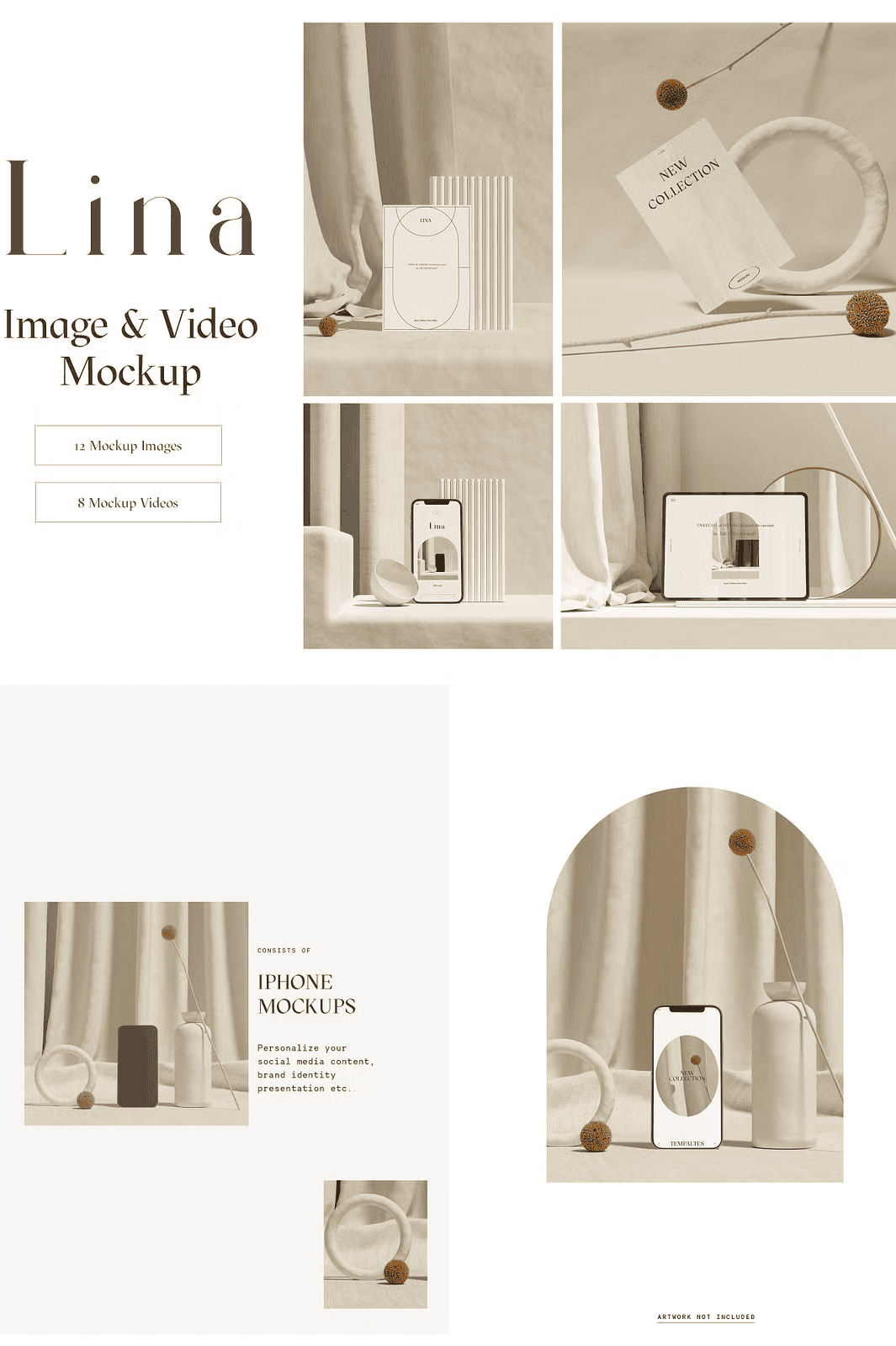
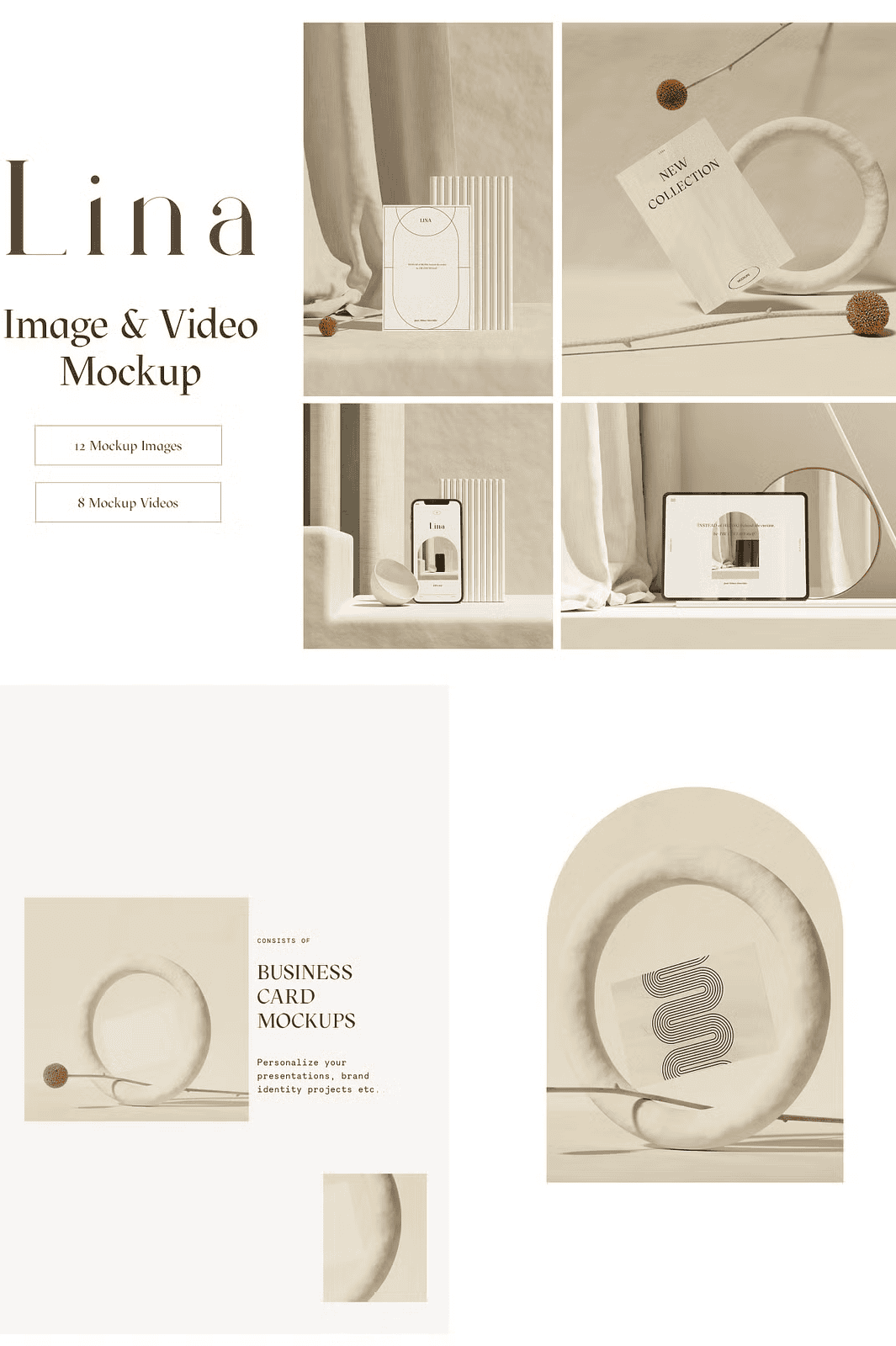
Elevate your creative portfolio with the **Lina Branding Collection**, a meticulously crafted suite of 12 visual scenes and 8 seamless video sequences designed for modern, minimal, and natural presentation aesthetics. Whether you’re promoting a brand identity, presenting a digital artwork, launching a product line, or building a social media presence, Lina empowers you to display your work in a clean, authentic, and visually engaging environment. Say goodbye to cluttered compositions and hello to polished, professional presentation in seconds.
Seamless Integration of Video and Image Mockups for Maximum Impact
The Lina Branding Collection combines both **static image scenes** and **dynamic video mockups** to deliver versatility across platforms. The 8 animated scenes—each created as a seamless loop—are optimized for Instagram Reels, TikTok, Pinterest, and YouTube Shorts, where motion content drives higher engagement. Easily integrate your designs into moving devices, flowing curtains, or gently swaying paper, all while maintaining high resolution and smooth performance. The 12 image scenes offer precise, scalable layouts perfect for high-impact static posts, website banners, or print-ready materials.
Full Customization via Smart Objects and Dynamic Color Controls
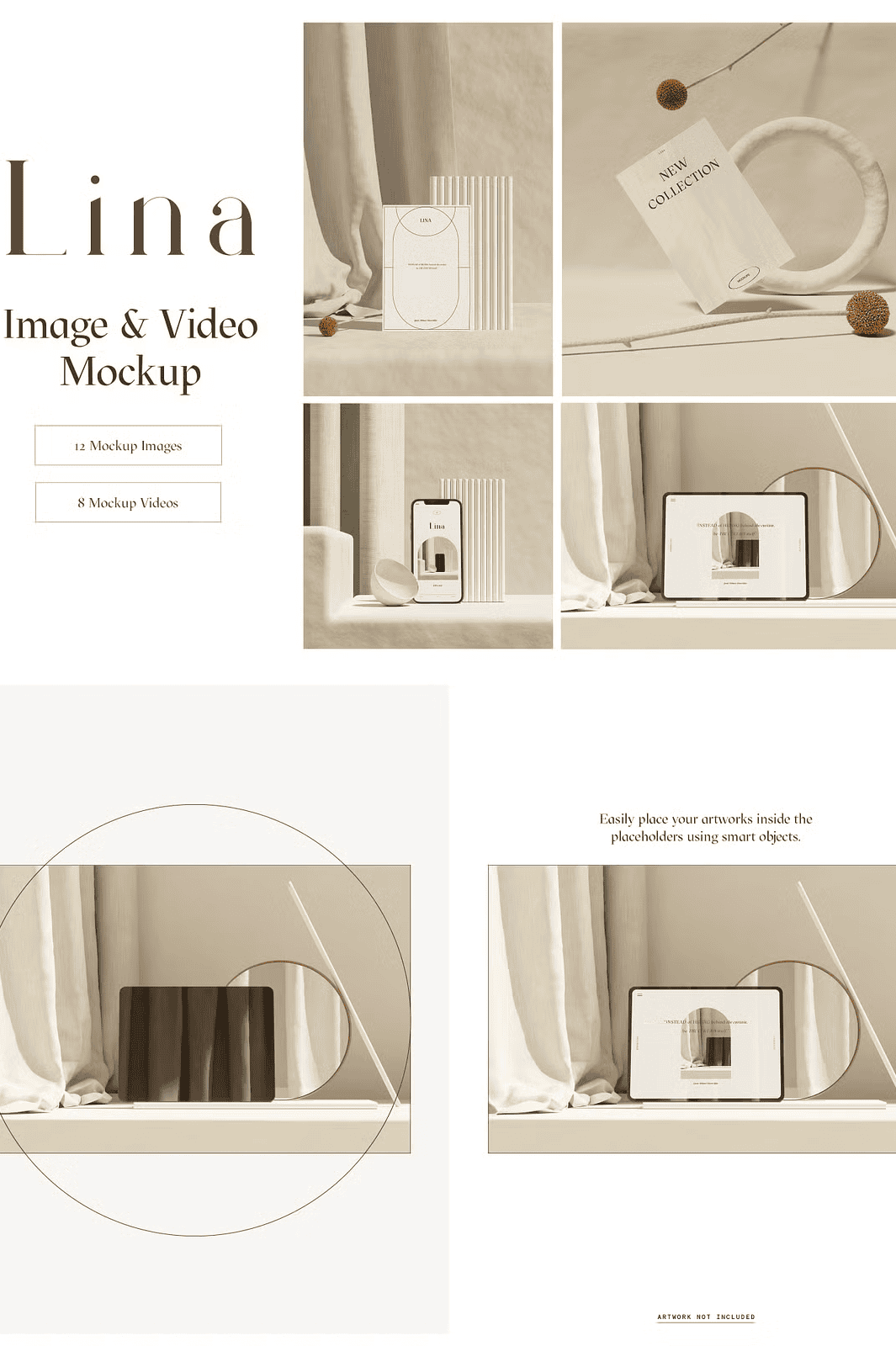
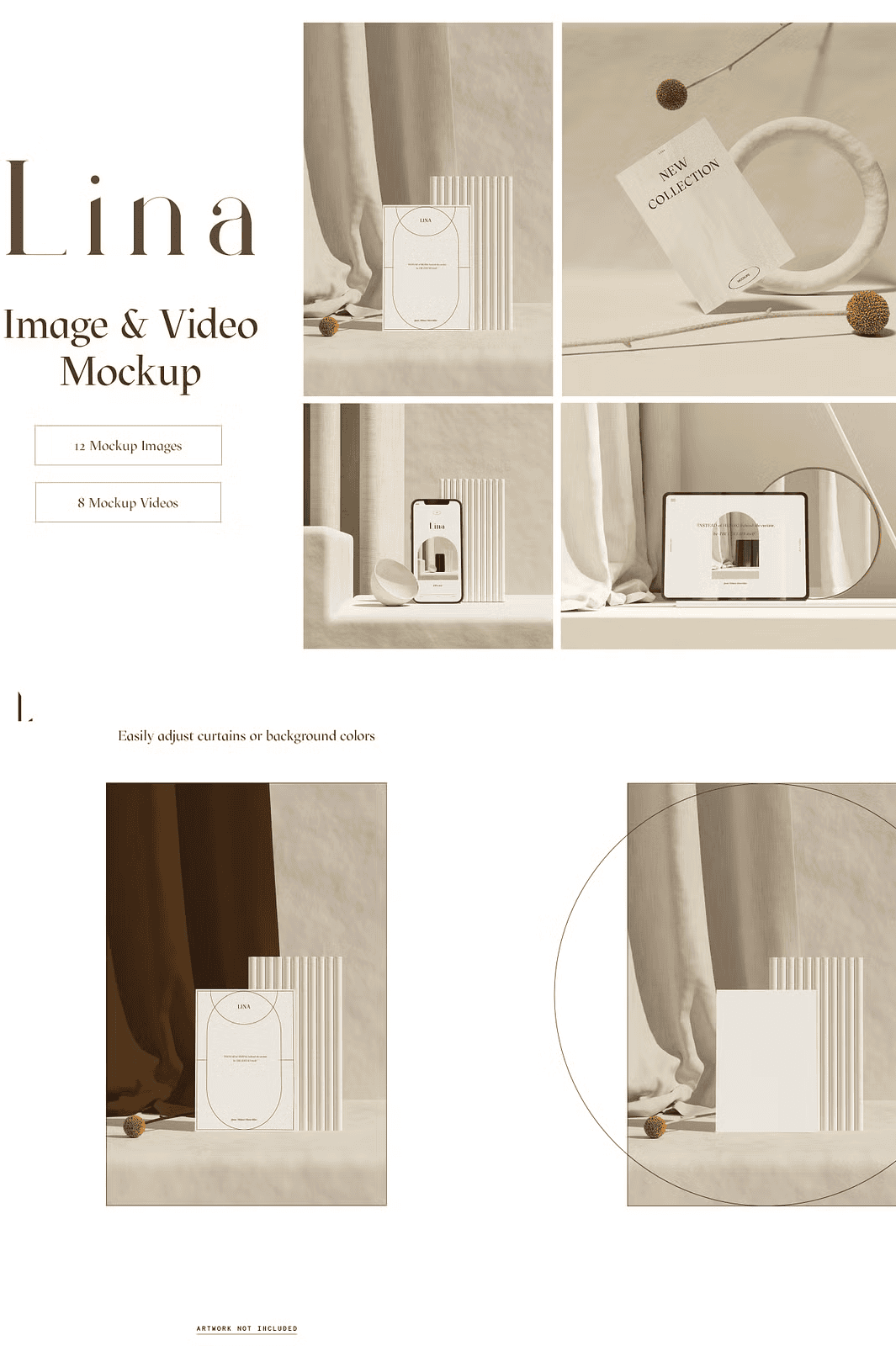
Take full control of every detail with **smart object integration**. Replace placeholder content with your original artwork by double-clicking the designated smart layer in Adobe Photoshop (CS6 or CC). Adjust colors with the built-in **color picker tool**, instantly changing background tones, curtain shades, or paper hues to match your brand palette. Each scene maintains layer transparency, preserves file integrity, and ensures non-destructive editing—so your workflow stays fast, clean, and flexible.
Engineered for Professional Designers & Social Media Creators
Built with real-world creative workflows in mind, the Lina Branding Collection delivers ready-to-use, high-res resources that simplify your design process:
– ✅ 12 high-resolution image scenes (3000×3000 px, 2000×3000 px, 72dpi)
– ✅ 8 high-quality video sequences (2000×2000 px, 72dpi, seamless loop)
– ✅ Fully editable layers with smart objects for easy content replacement
– ✅ Customizable background color and curtain tone via color picker
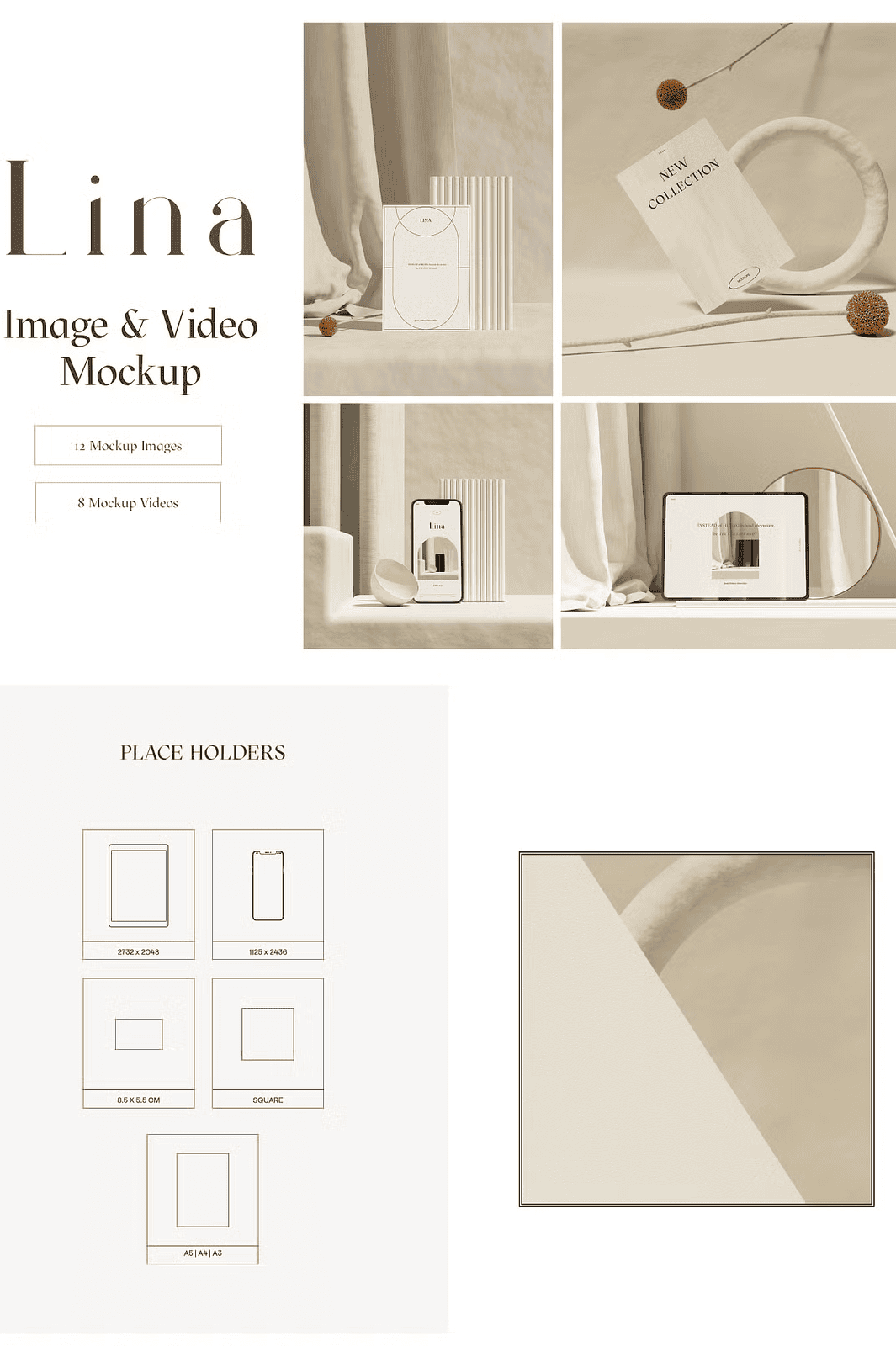
– ✅ Optimized dimensions: iPad (2732×2048 px), iPhone (1125×2436 px), A4 paper, business cards (8.5 cm × 5.5 cm), and square cards (1×1 ratio)
– ✅ Organized, labeled, and well-structured PSD files for quick navigation
– ✅ Step-by-step PDF guide included for effortless onboarding
– ✅ Compatible with Adobe Photoshop CC and CS6
Effortless Workflow: From Download to Final Delivery
1. **Download** and extract the ZIP file to your preferred workspace.
2. **Open** the PSD file in Adobe Photoshop (CC strongly recommended).
3. **Double-click** the smart object layer to insert your design.
4. **Adjust** the background color, shadow tone, or texture using the color picker.
5. **Preview** the scene in animation mode to test motion flow (video versions).
6. **Export** your final render in high-resolution JPEG, PNG, or video format for social sharing or client presentations.
Ideal for Designers, Marketers, and Brand Builders
This collection is engineered for professionals who demand precision, speed, and visual clarity. Use it to pitch creative proposals, launch new branding packages, enhance e-commerce product pages, or grow your audience on visual platforms like Instagram and Pinterest. The minimalist environment ensures your design remains the focal point—no distractions, just impact.
*Note:* All preview elements (devices, paper, plants, curtains) are for display purposes only and are not included for reuse. Reselling, redistributing, or modifying the templates for third-party use is strictly prohibited. The Lina Branding Collection is a **static mockup bundle**, not a scene creator—objects and compositions cannot be moved or repositioned. For full functionality, ensure Photoshop compatibility and basic familiarity with layer management.