Master Professional Mockup Creation in Seconds with Intelligent, Editable Templates
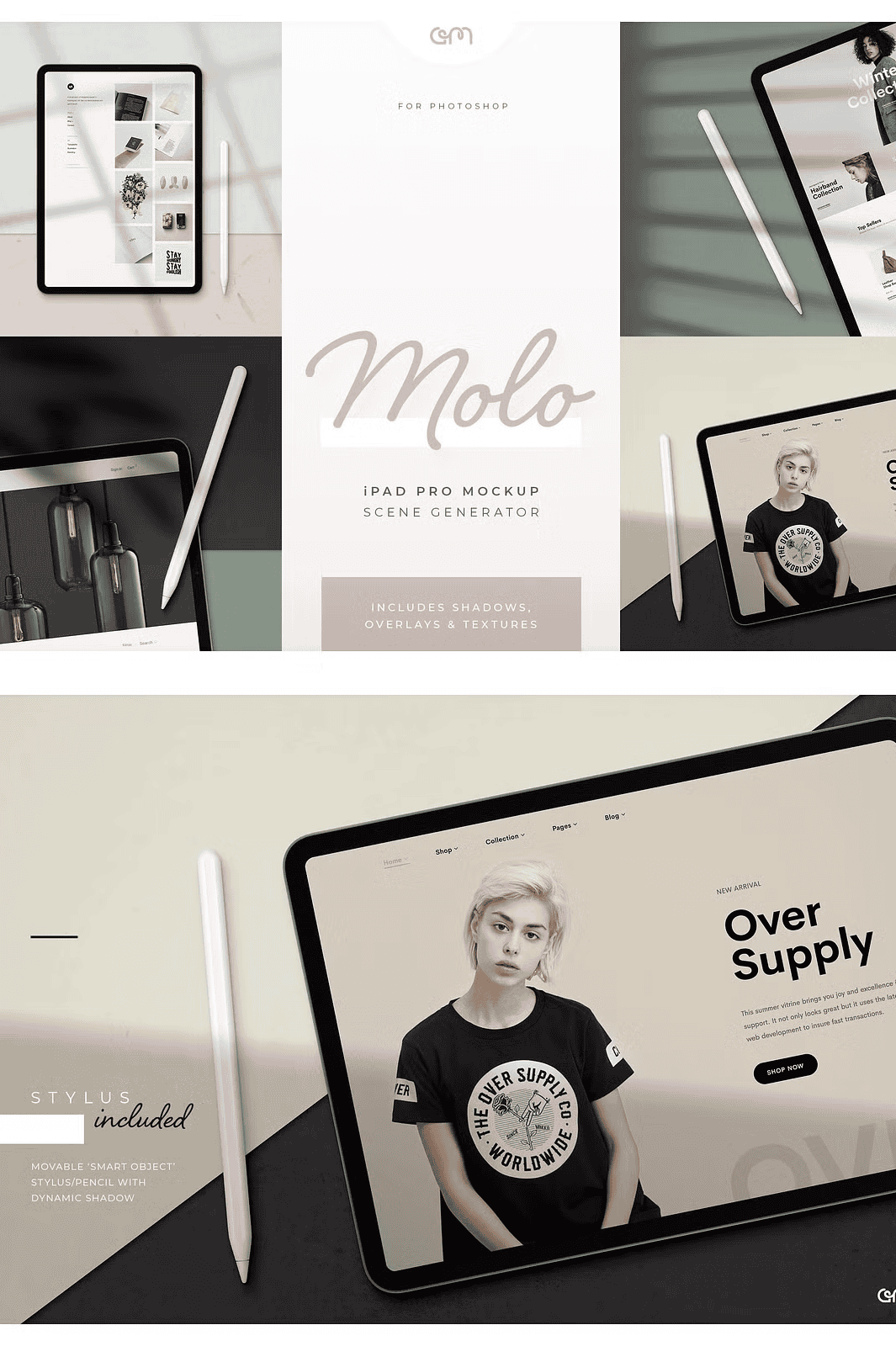
Unlock the full potential of your digital artwork with **Molo – iPad Pro Mockup Scene Creator**, a modern, highly customizable mockup collection designed for speed, precision, and professional-grade results. With just a few simple steps, you can replace your artwork, adjust lighting, toggle layers, and generate photorealistic previews that captivate audiences on social media, websites, or in design portfolios. This isn’t just a mockup—it’s a powerful creative engine built for real-world design workflows.
Complete Creative Freedom with Smart Object Integration and Dynamic Controls
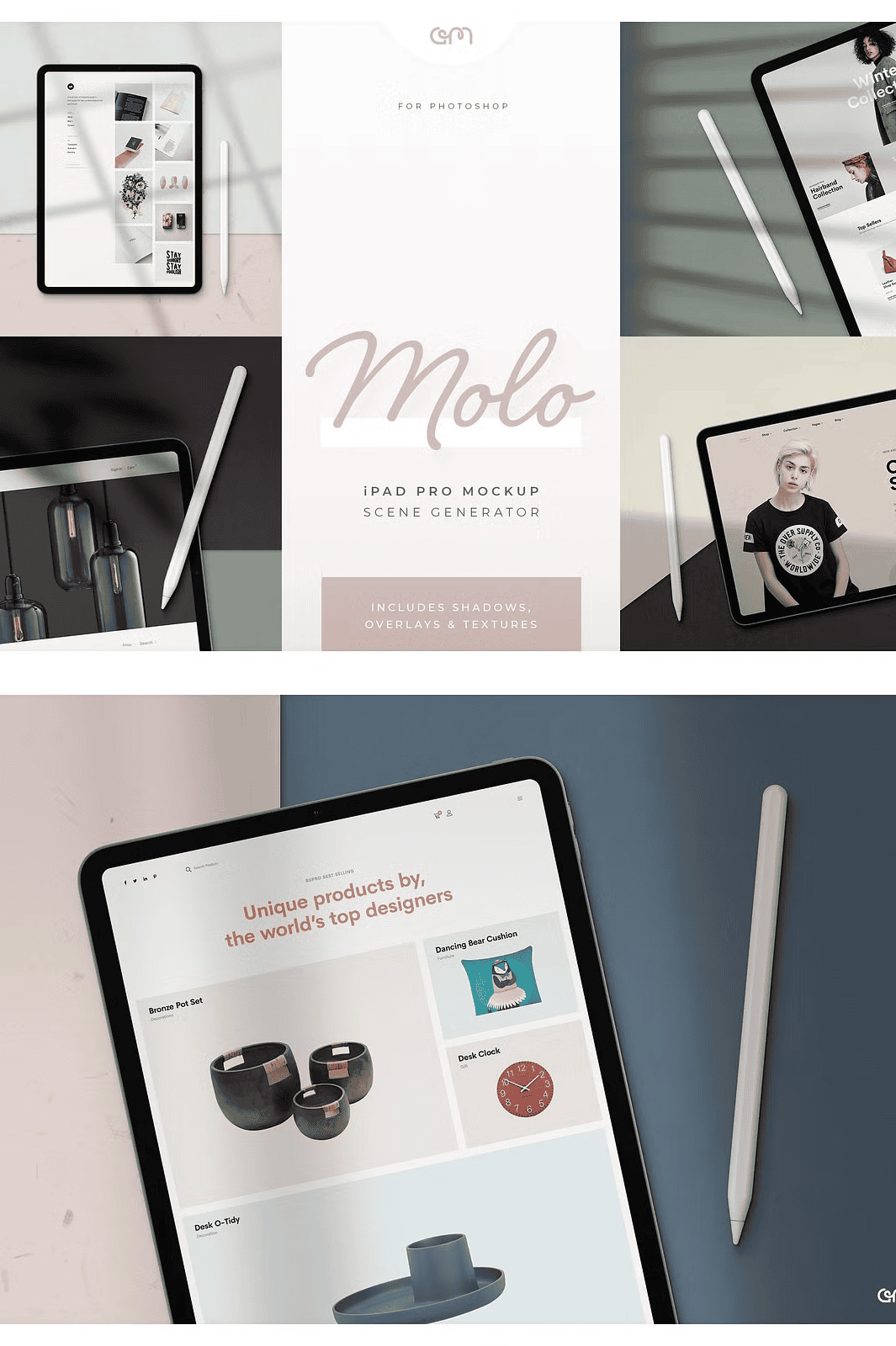
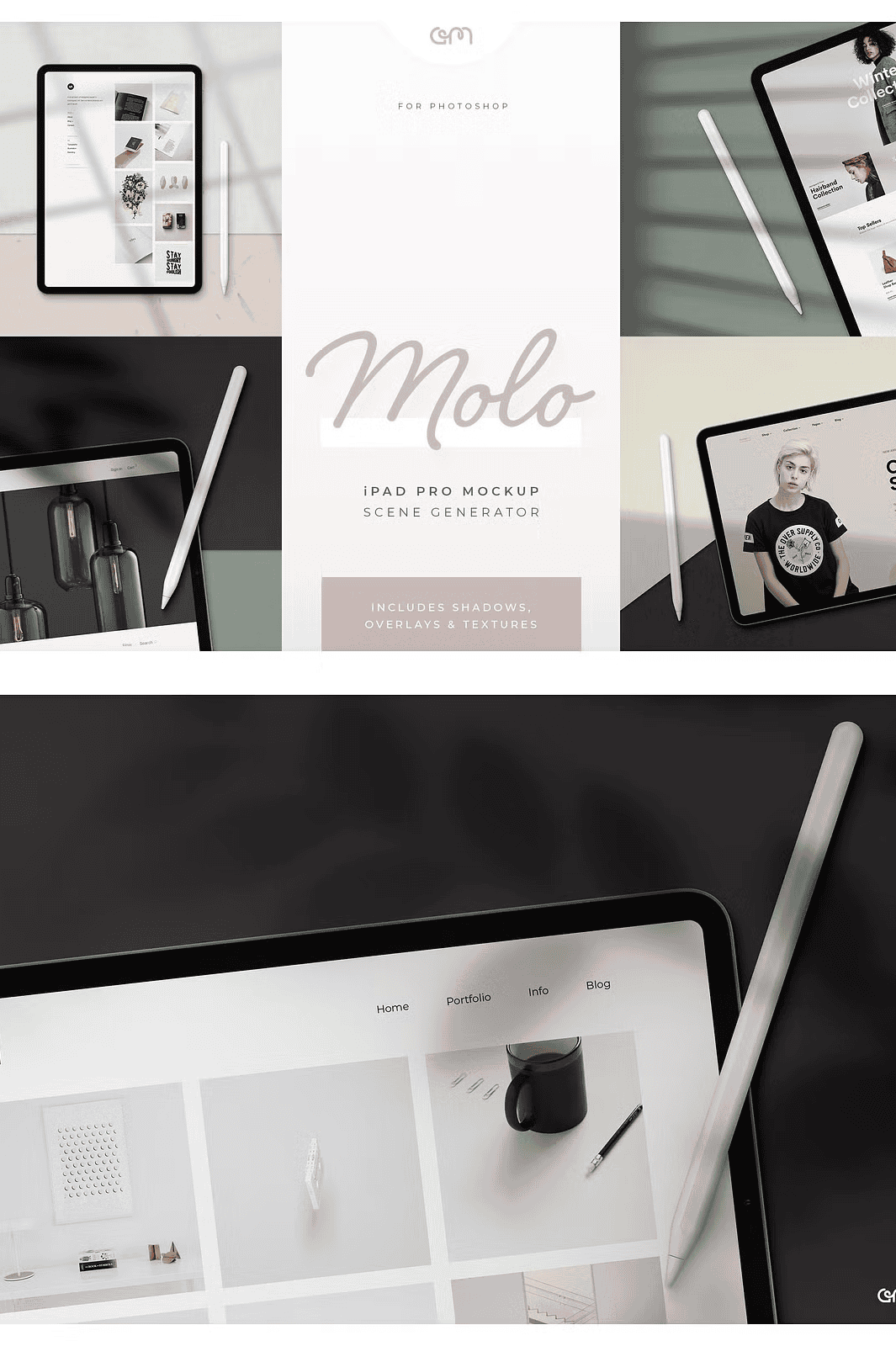
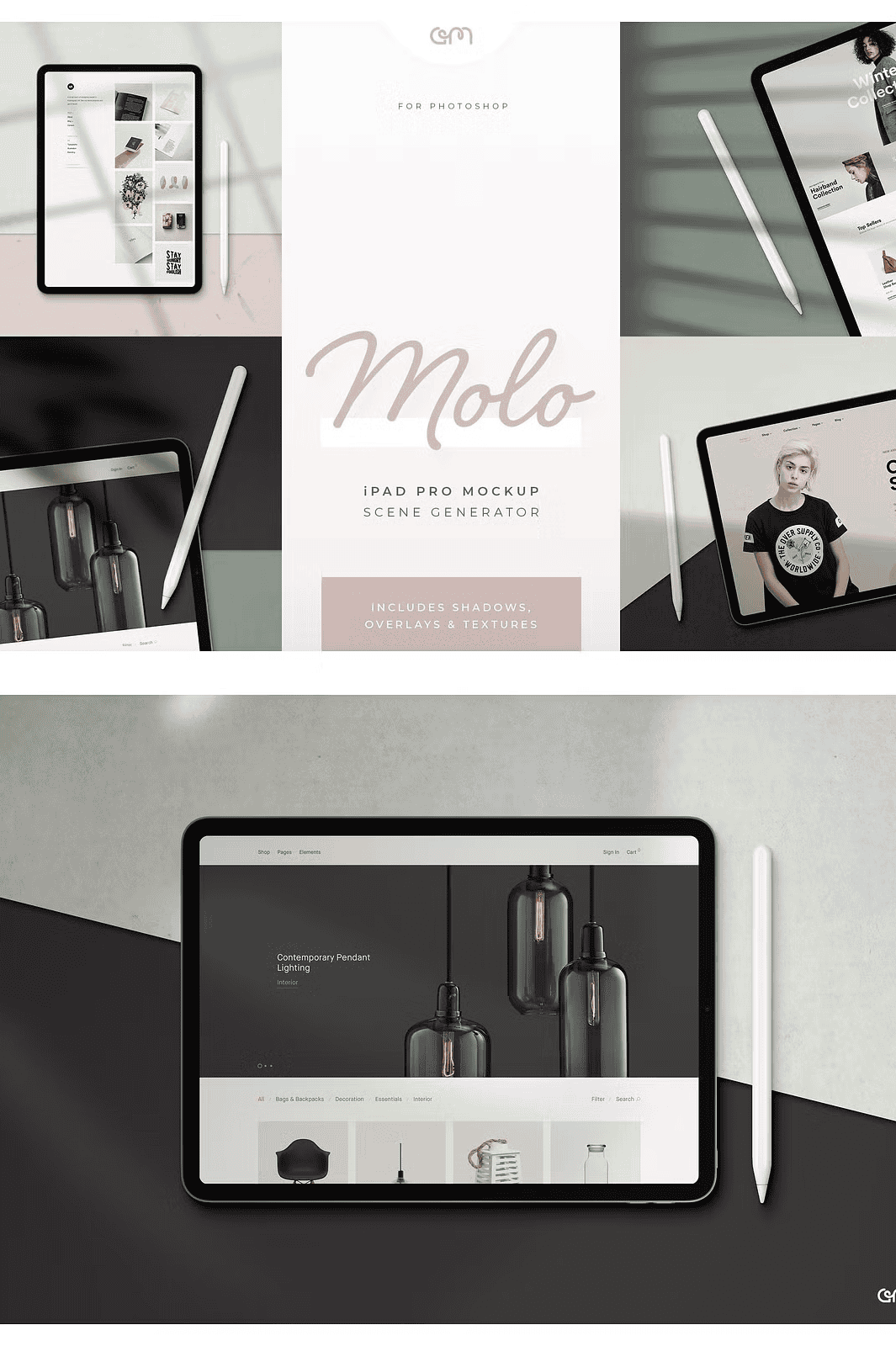
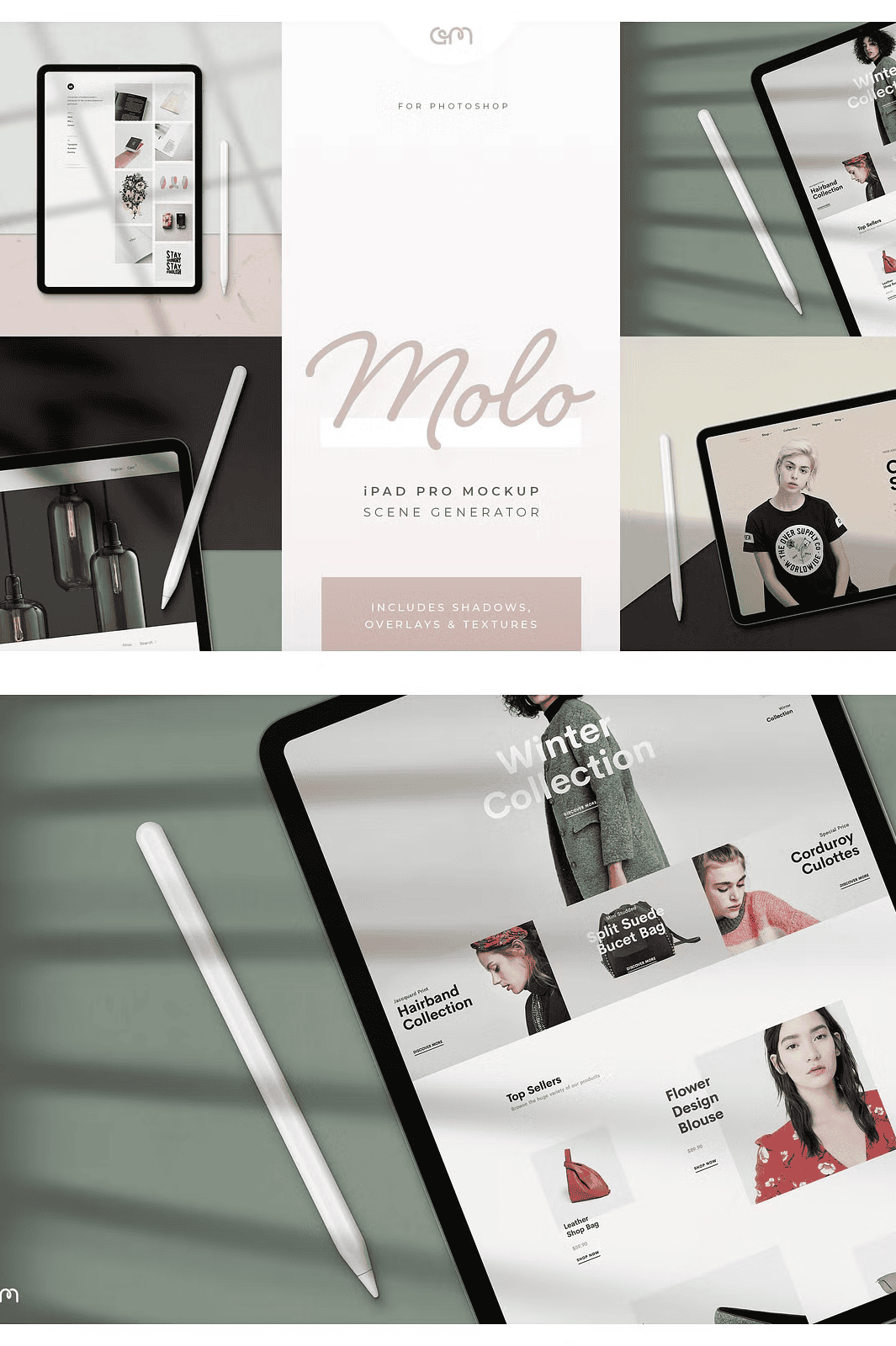
Each of the six high-resolution mockup scenes—three in portrait and three in landscape mode—is built with **smart object layers**, allowing unlimited scalability without quality loss. Replace your artwork instantly by double-clicking the smart object layer in Photoshop. The system supports **real-time updates** and preserves layer integrity, so your mockup adapts flawlessly to every design change. Add your own content, adjust shadows, reposition the stylus or pencil, and apply texture overlays—all with intuitive, non-destructive edits.
Customize for Perfection: 16 Shadow Styles, 4 Textures, 6 Color Tones
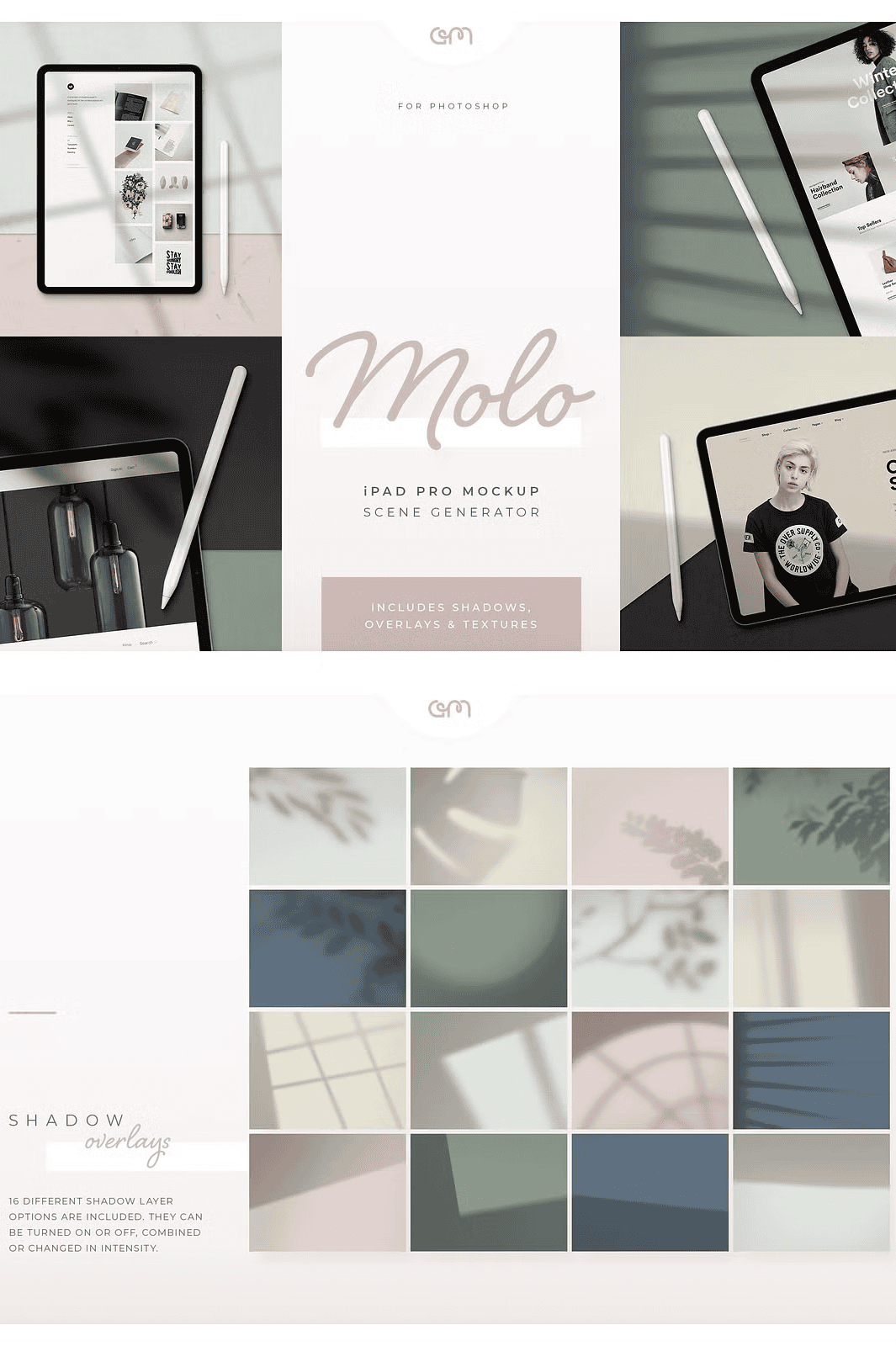
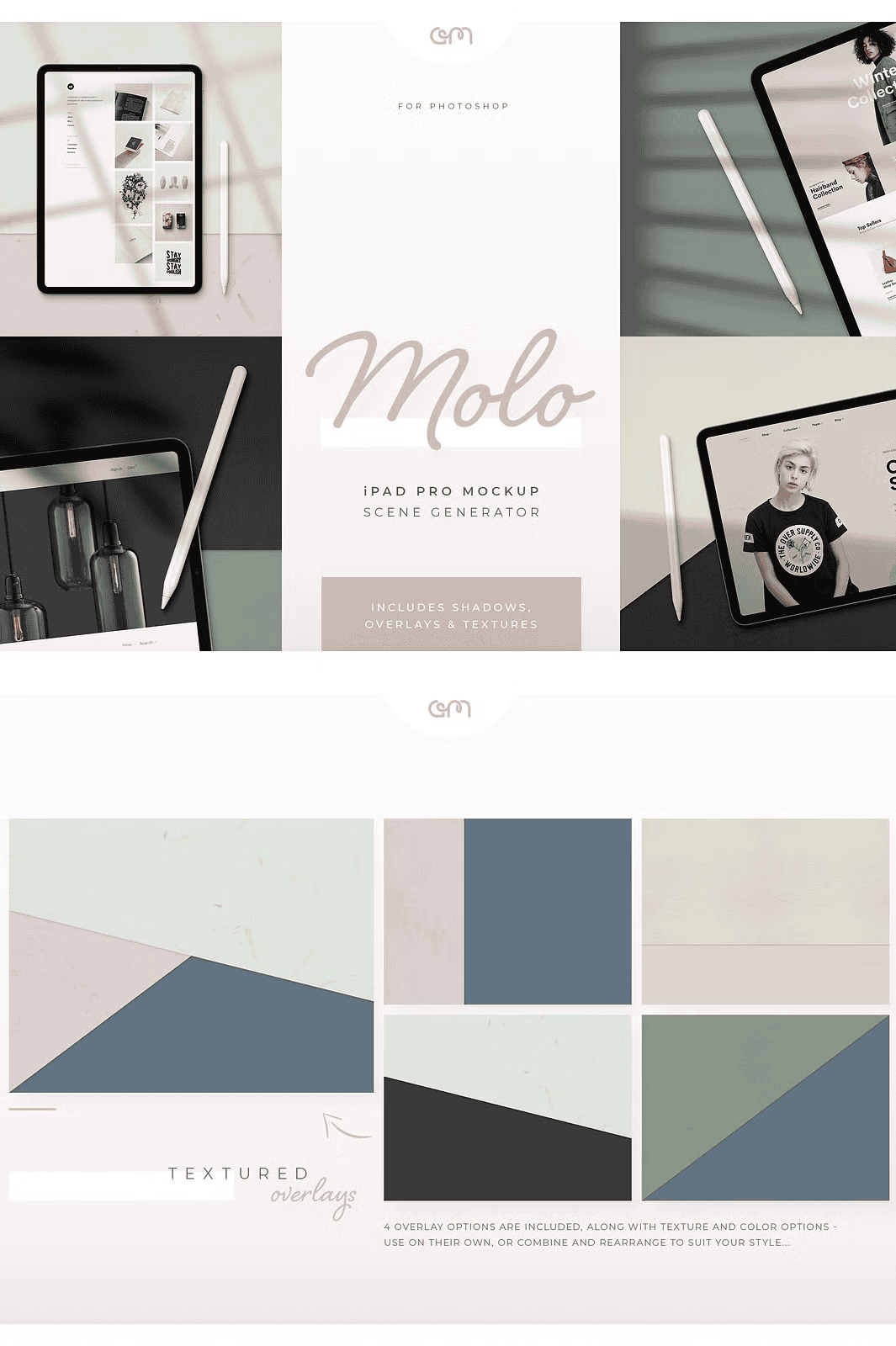
Molo empowers you to go beyond basic mockups. Choose from **16 dynamic shadow overlays**, including floral patterns, soft window highlights, and solid shadow effects, to match your artistic vision. Pick from **4 realistic paper texture options** to add depth and tactile realism. With **6 pre-set muted color tones**, you can instantly switch the mood of your display—from sleek minimalism to warm, inviting atmosphere—without needing to recolor your entire composition.
Designed for Speed, Built for Professional Use
Engineered for both beginners and experienced designers, Molo delivers a seamless experience with:
– ✅ 6 distinct iPad Pro scene options (3 tall, 3 wide)
– ✅ Fully editable stylus and pencil layer (scalable and positionable)
– ✅ 16 unique shadow overlays for mood and realism
– ✅ 4 high-quality paper textures for texture depth
– ✅ 6 customizable color tone presets to kickstart your project
– ✅ 4000 x 3000 pixel resolution for print and web use
– ✅ Organized, annotated layers for fast navigation
– ✅ PDF Quick Edit Guide with clear step-by-step instructions
– ✅ Compatible with Photoshop CS4 and above (CC recommended)
Effortless Workflow from First Click to Final Output
1. **Download** the ZIP file and extract it to your preferred folder.
2. **Open** the PSD file in Adobe Photoshop (CC recommended for best performance).
3. **Double-click the smart object layer** to edit your artwork.
4. **Insert your design**, update text, or reposition elements as needed.
5. **Toggle on/off layers** to switch between portrait/landscape or add/remove stylus.
6. **Adjust shadows, textures, and colors** using the easy-to-use layer stack.
7. **Export your final mockup** in high-resolution JPG, PNG, or PDF for web, print, or sharing.
Perfect for Creators: Designers, Marketers, and Digital Artists
Whether you’re showcasing a mobile app UI, presenting your web design, promoting a digital product, or building a personal brand, Molo gives you the tools to stand out. Use it to create content for Instagram, LinkedIn, a personal website, or client portfolios—without spending hours on manual composition.
*Please note:* All preview images are for demonstration only and are not included in the download. Replace them with your original artwork. Original image copyrights remain with their respective owners. The total compressed file size is 580MB, with an uncompressed size of 1.3GB. A basic understanding of Photoshop is recommended, but the intuitive layout and provided guide ensure quick mastery.