Elevate Your Book Presentations with High-Quality, Fully Customizable Mockups
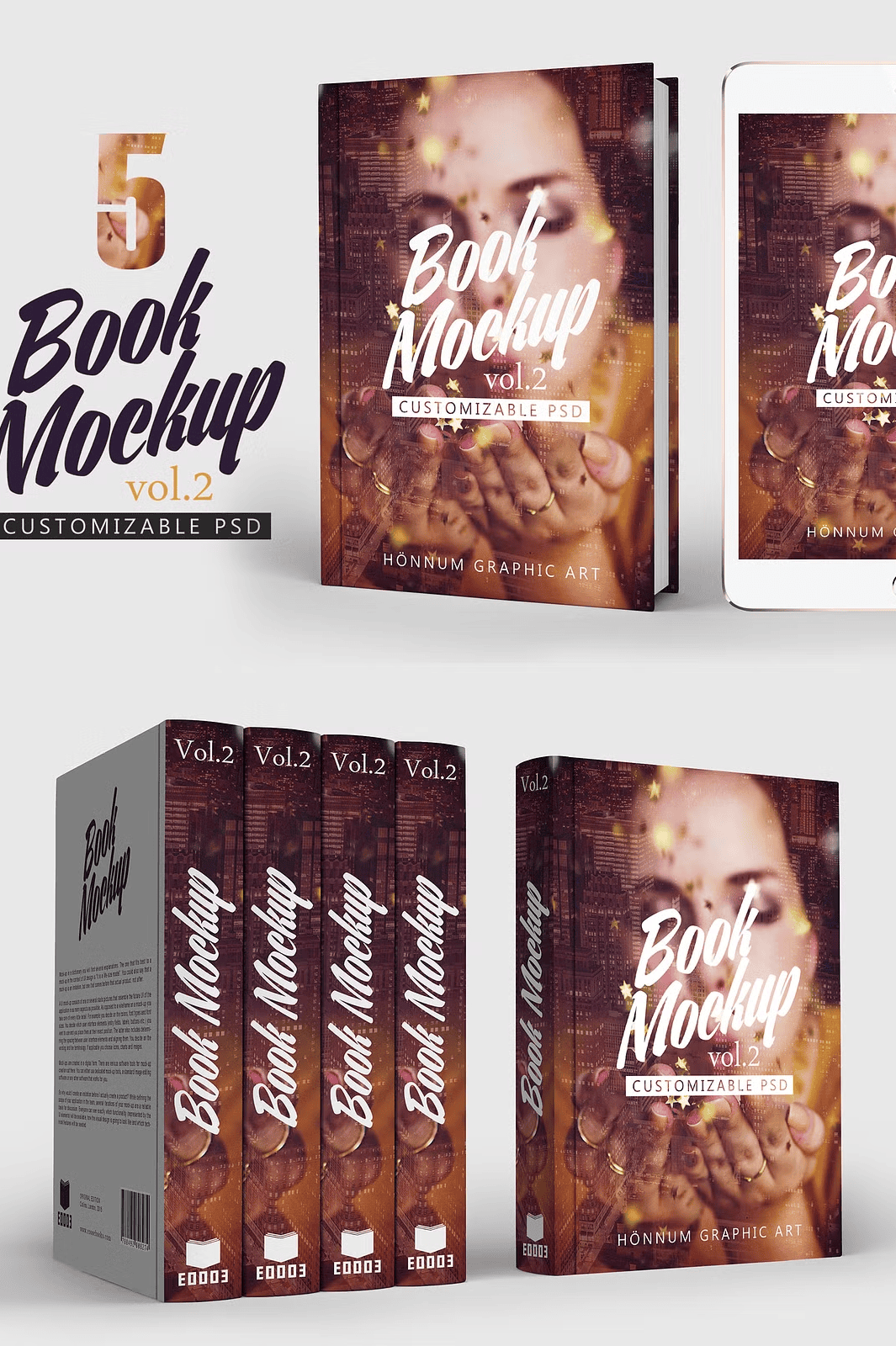
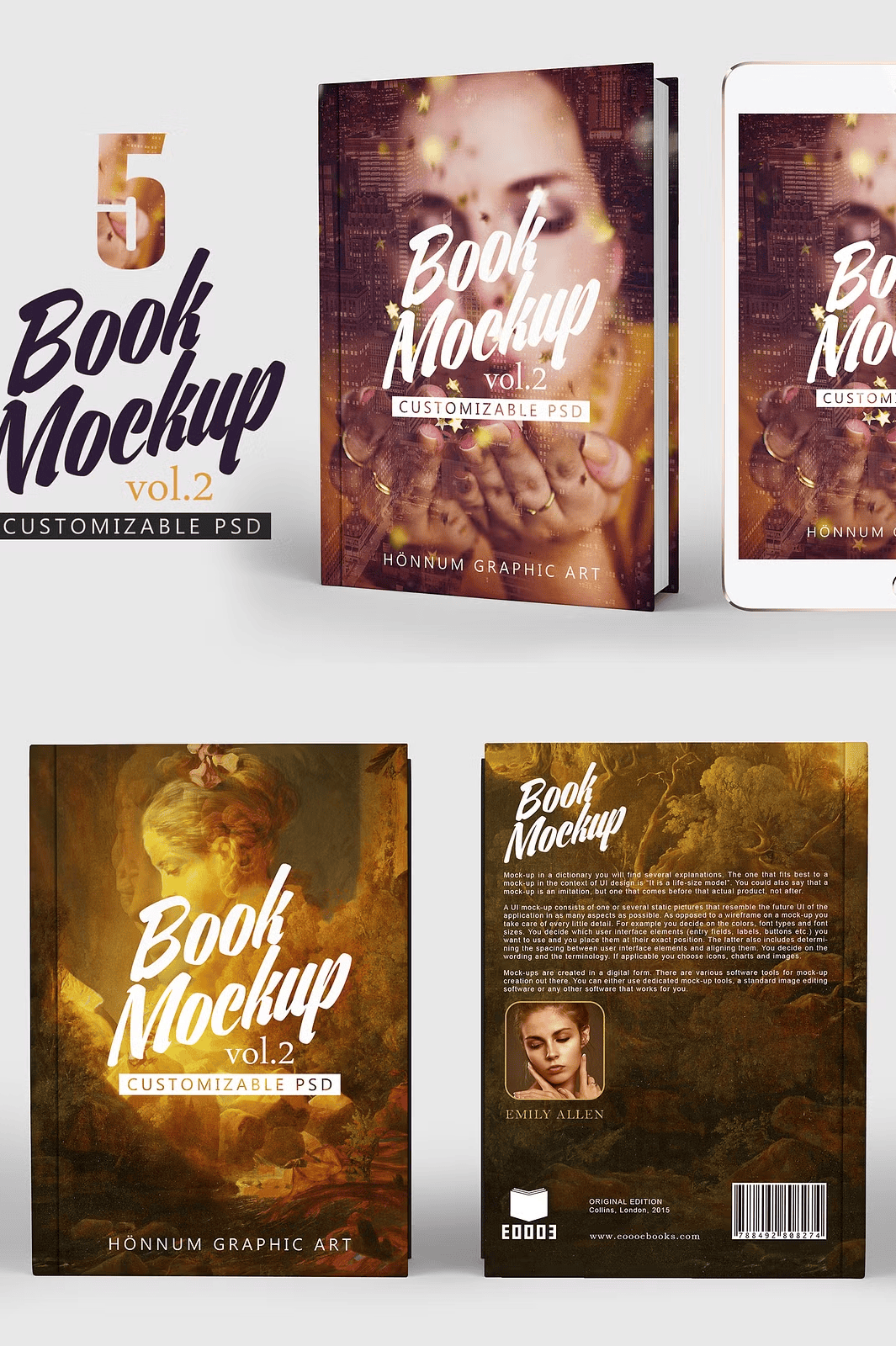
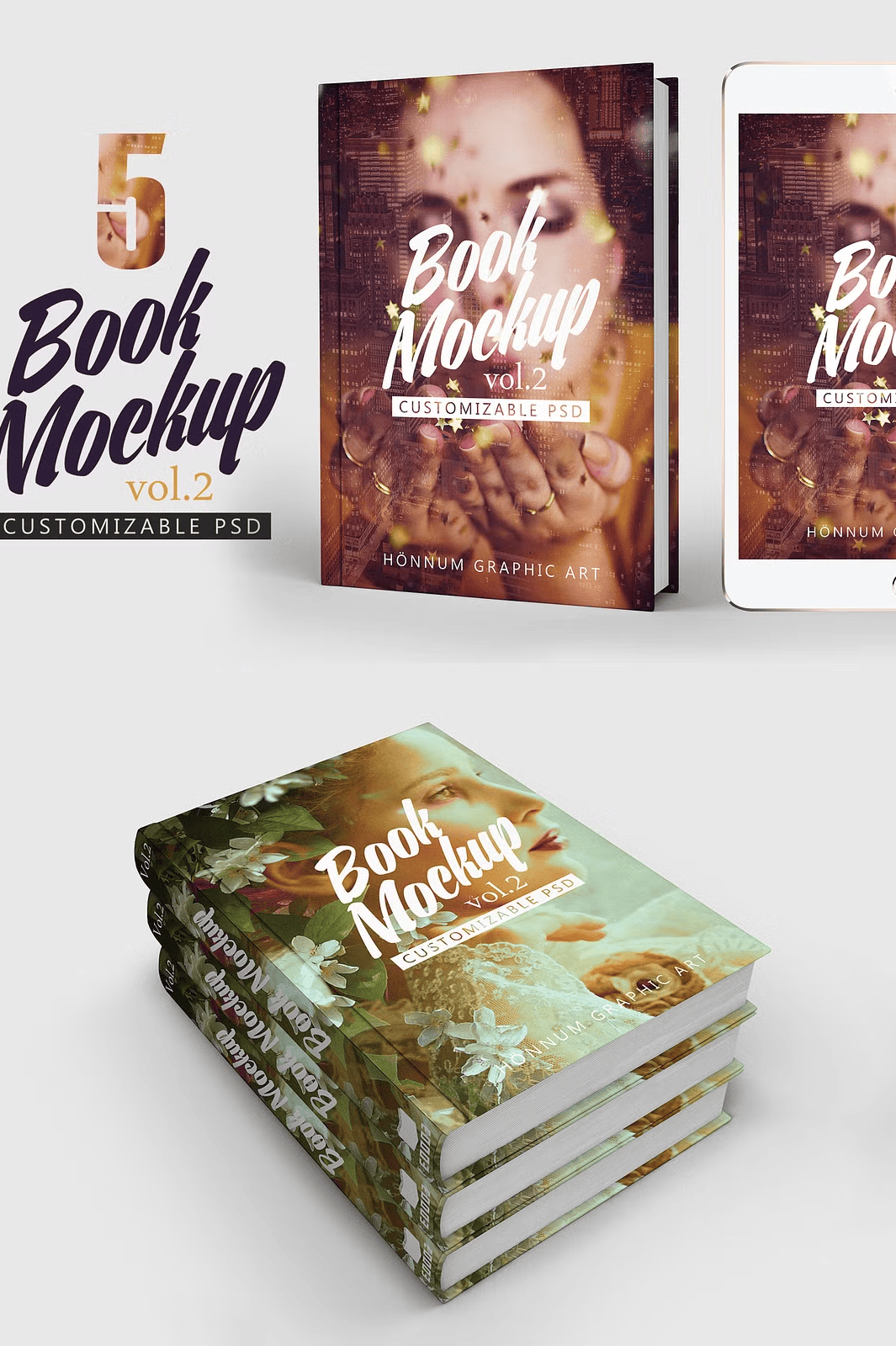
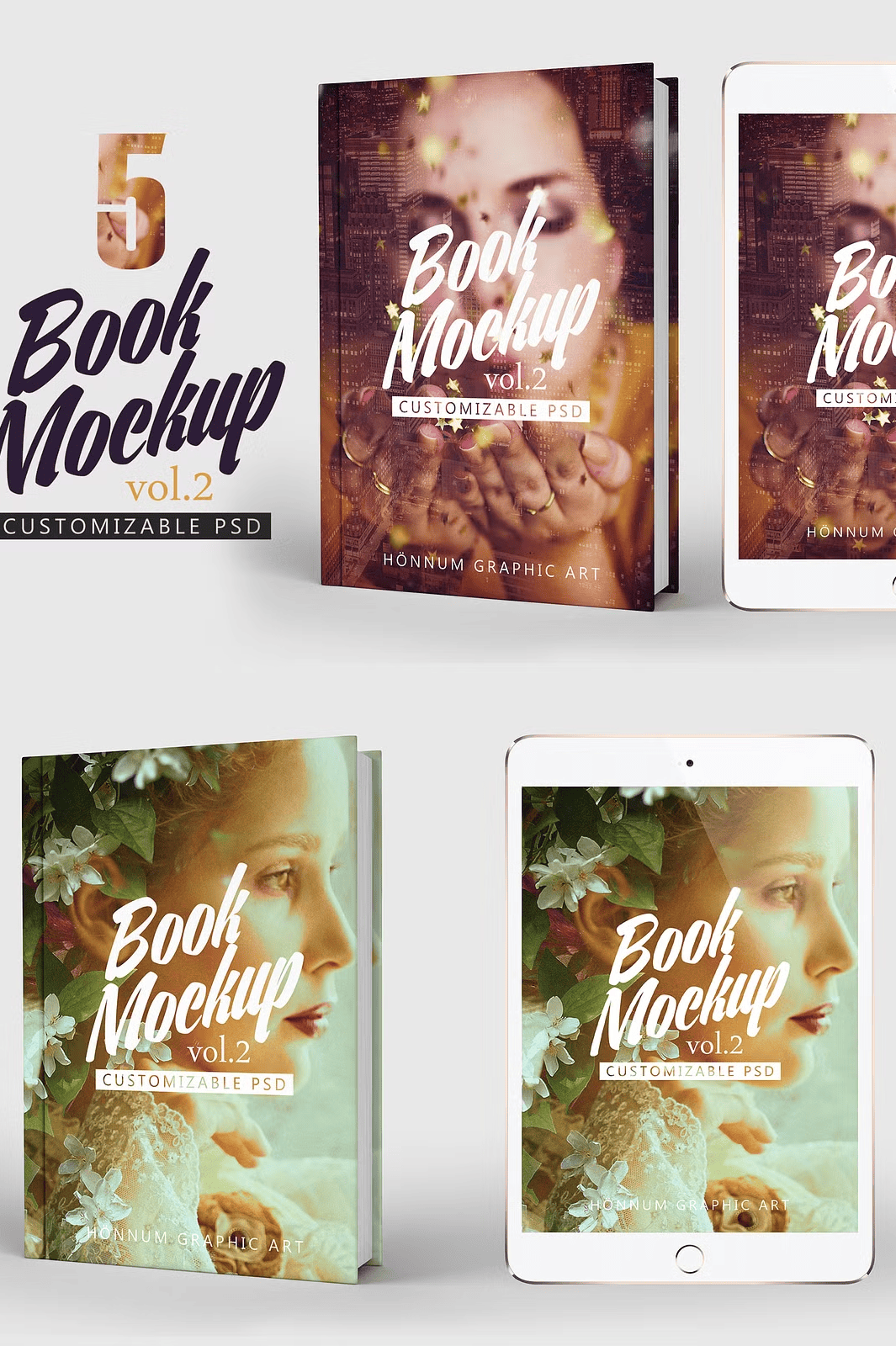
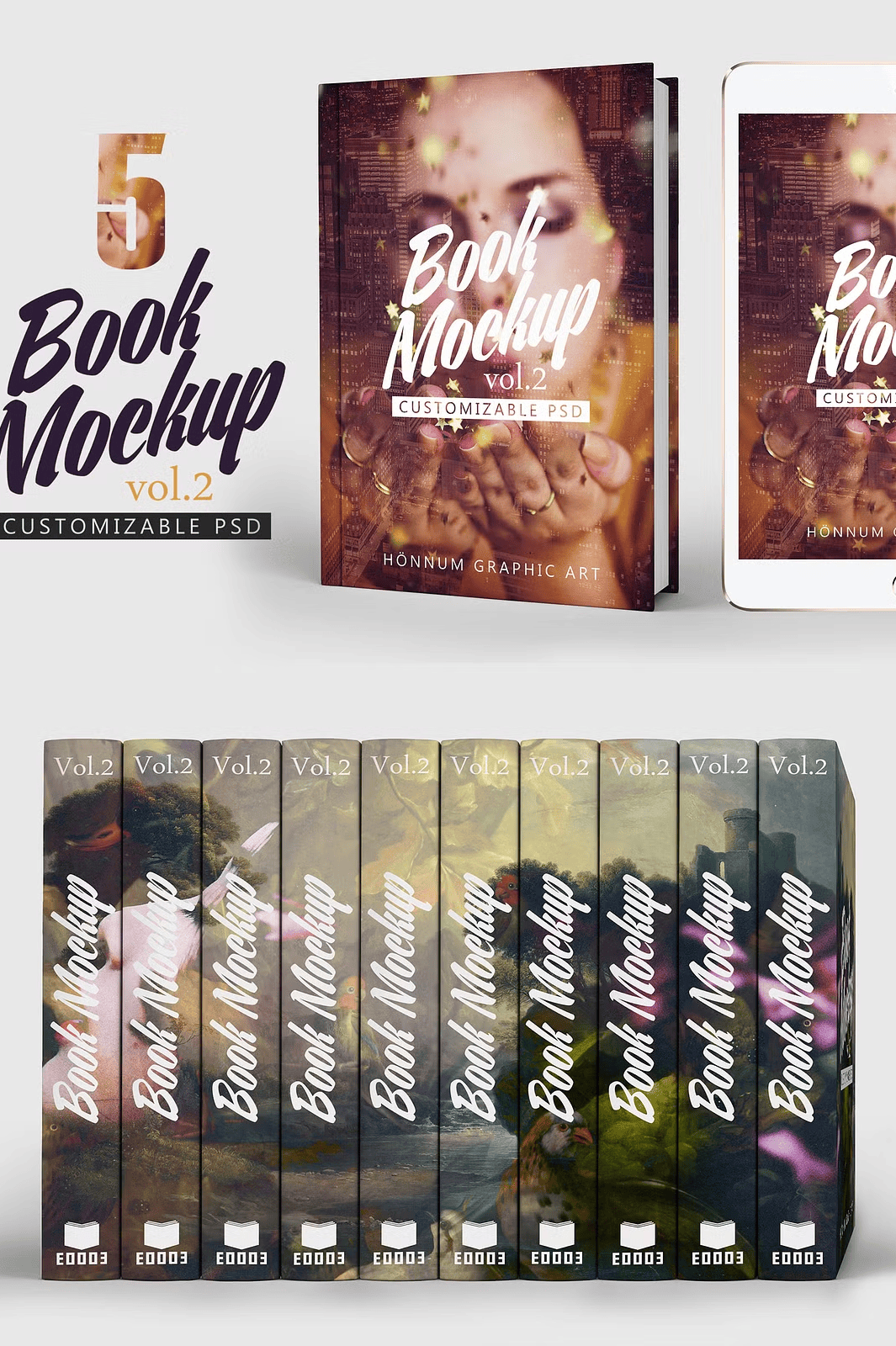
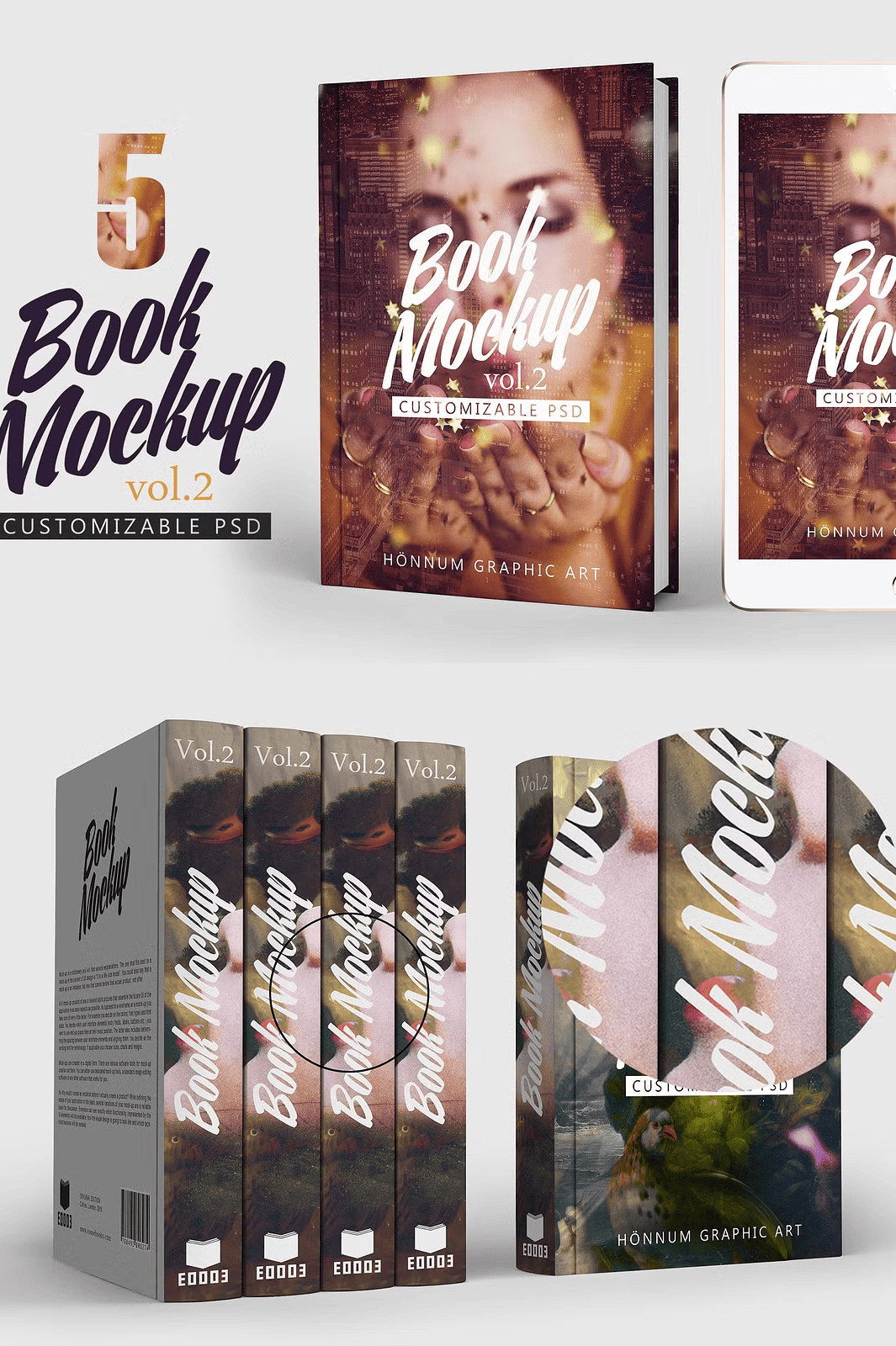
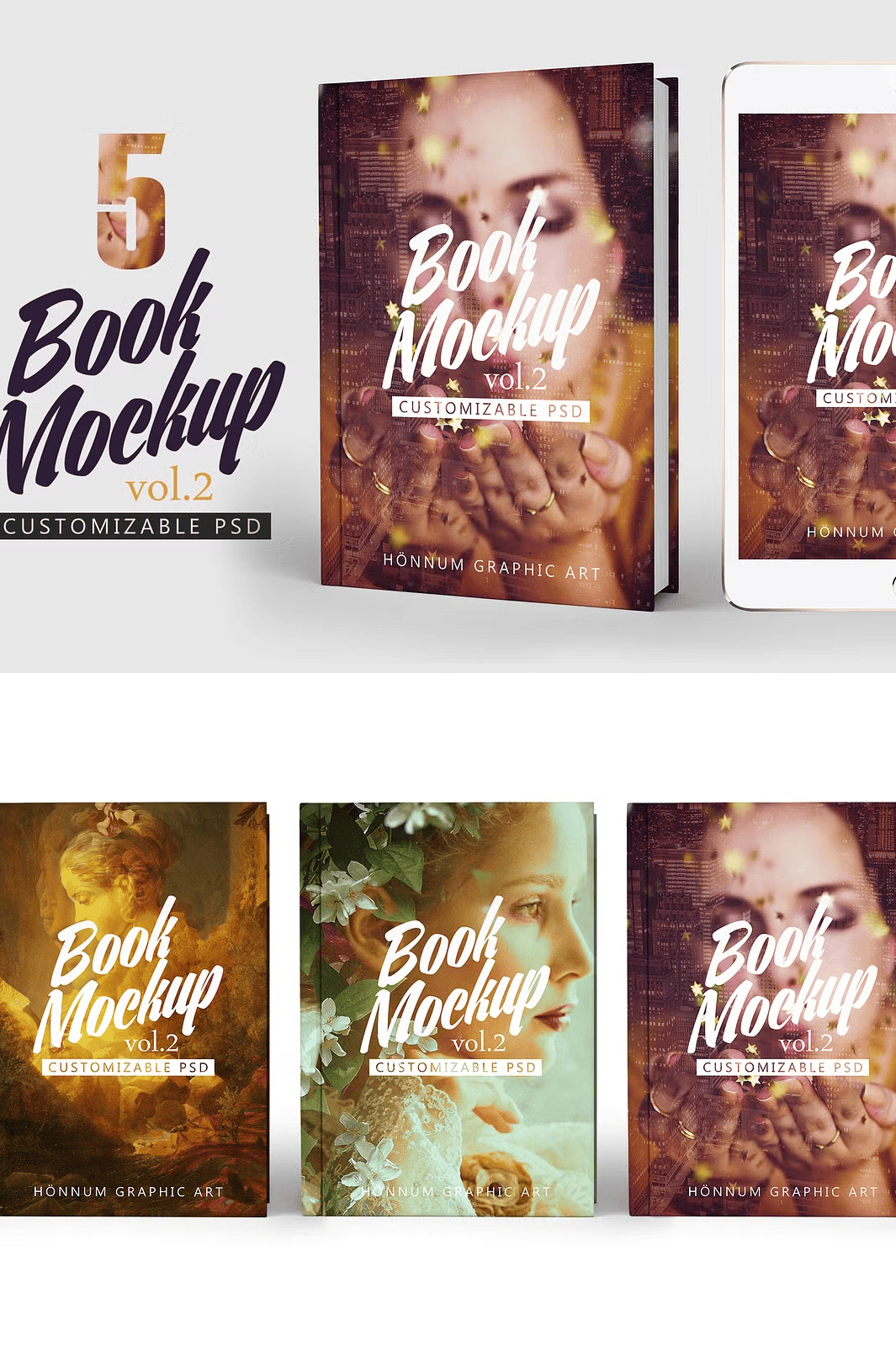
Unlock the full potential of your book designs with **Book Mockup Vol 2** – a powerful collection of five high-resolution, layered PSD templates designed for professional and creative use. Whether you’re an independent author, a publishing house designer, or a marketing specialist, these mockups deliver instant, polished presentation-ready visuals with minimal effort and maximum impact. Experience the ease of changing covers, spine, endpapers, background, and shadows in just a few clicks.
Advanced Features for Complete Creative Control and Realistic Results
Each mockup in this set delivers **realistic depth and professional-grade detail**, thanks to its 100% layered structure and smart object integration. Easily replace your design by double-clicking on the smart object layer—no complicated workarounds, no time wasted. Customize the **front cover, back cover, spine, endpapers, background color, and shadows** with precision. Adjust the book size to fit A4 (21 x 29.7 cm) or scale it to your preferred dimensions.
Optimized for Efficiency and Seamless Workflow
Designed with speed and usability in mind, Book Mockup Vol 2 includes a **dedicated Settings and Effects folder** for quick access to lighting, shadow, and texture adjustments. The mockups are built with **transparent background layers**, enabling effortless compositing into any design context. You also get the option to export as **PNG for transparent backgrounds** or use the full PSD for further editing. A step-by-step **tutorial is included** to guide you through every customization stage, even if you’re new to Photoshop.
Complete Package for Immediate Use and Creative Flexibility
This product delivers outstanding value with:
– ✅ 5 high-quality PSD files (350 DPI, 2900 x 1800 px resolution)
– ✅ Fully layered, non-destructive file structure
– ✅ Smart object integration for instant design replacement
– ✅ Transparent background and PNG export options
– ✅ Adjustable shadows and customizable cover lines
– ✅ Removable cover lines for cleaner, minimalist designs
– ✅ PDF guide for quick reference and advanced tips
– ✅ Designed for compatibility with Adobe Photoshop (CC preferred)
Seamless Integration with Complementary Resources
For users looking to expand their design toolkit, explore the original **Book Mockup Vol 1** by Honnum Graphic Art: [Book Mockup Vol 1 on Creative Market](https://creativemarket.com/HonnumGraphicArt/653800-Book-Mockup-Vol-1)
Start Creating in Minutes – Step-by-Step Process
1. **Download and extract** the ZIP file to your preferred folder.
2. **Open any PSD file** in Adobe Photoshop.
3. **Locate the smart object layer** (highlighted in your layer panel).
4. **Double-click the smart object** to open the embedded layer.
5. **Insert your custom cover design**, adjust layout and typography.
6. **Save the smart object**, and watch your new book design instantly appear in the mockup with accurate lighting and shadows.
7. **Export your final image** in JPG, PNG, or any other format for presentations, portfolios, or online sales.