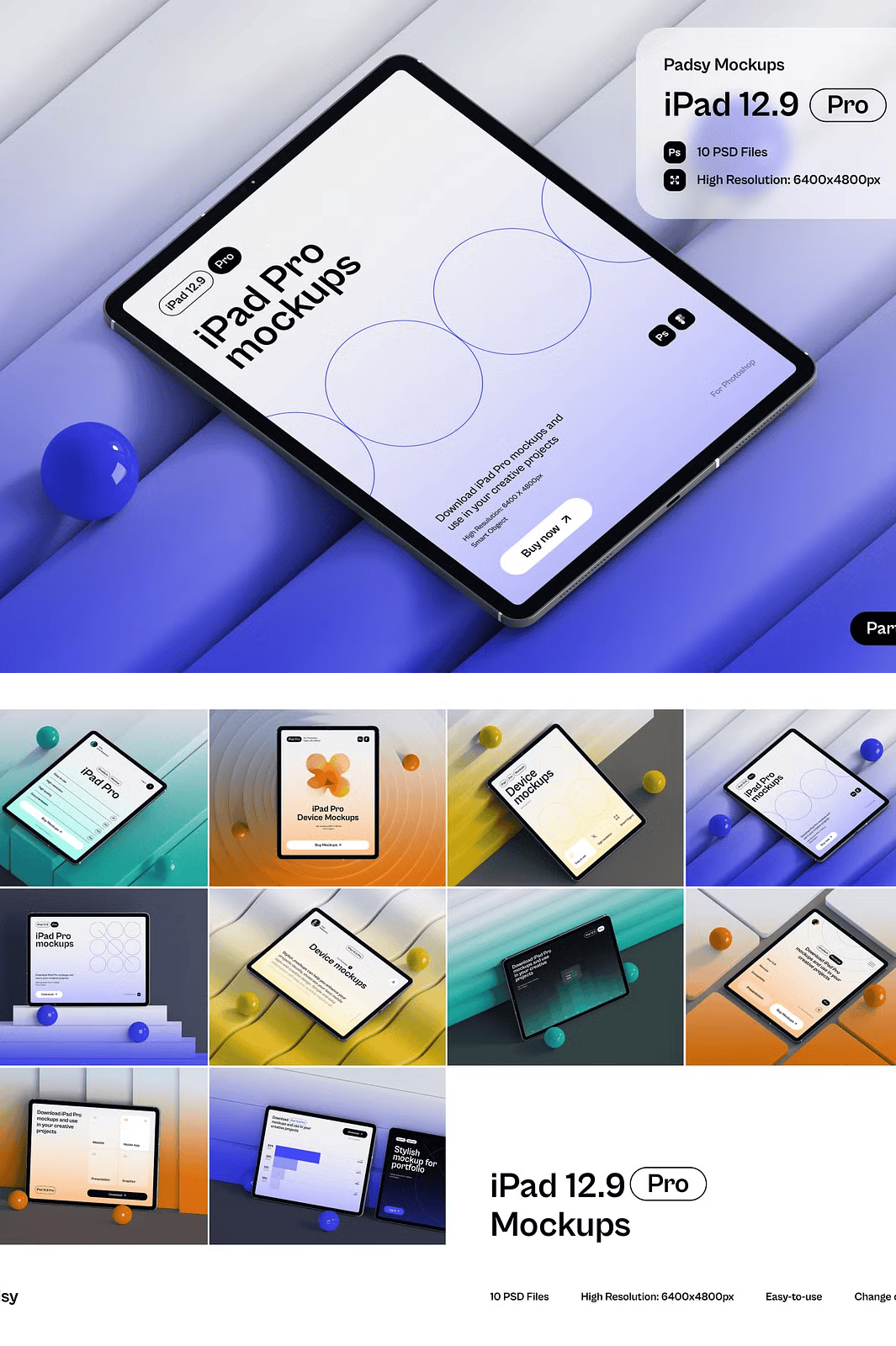
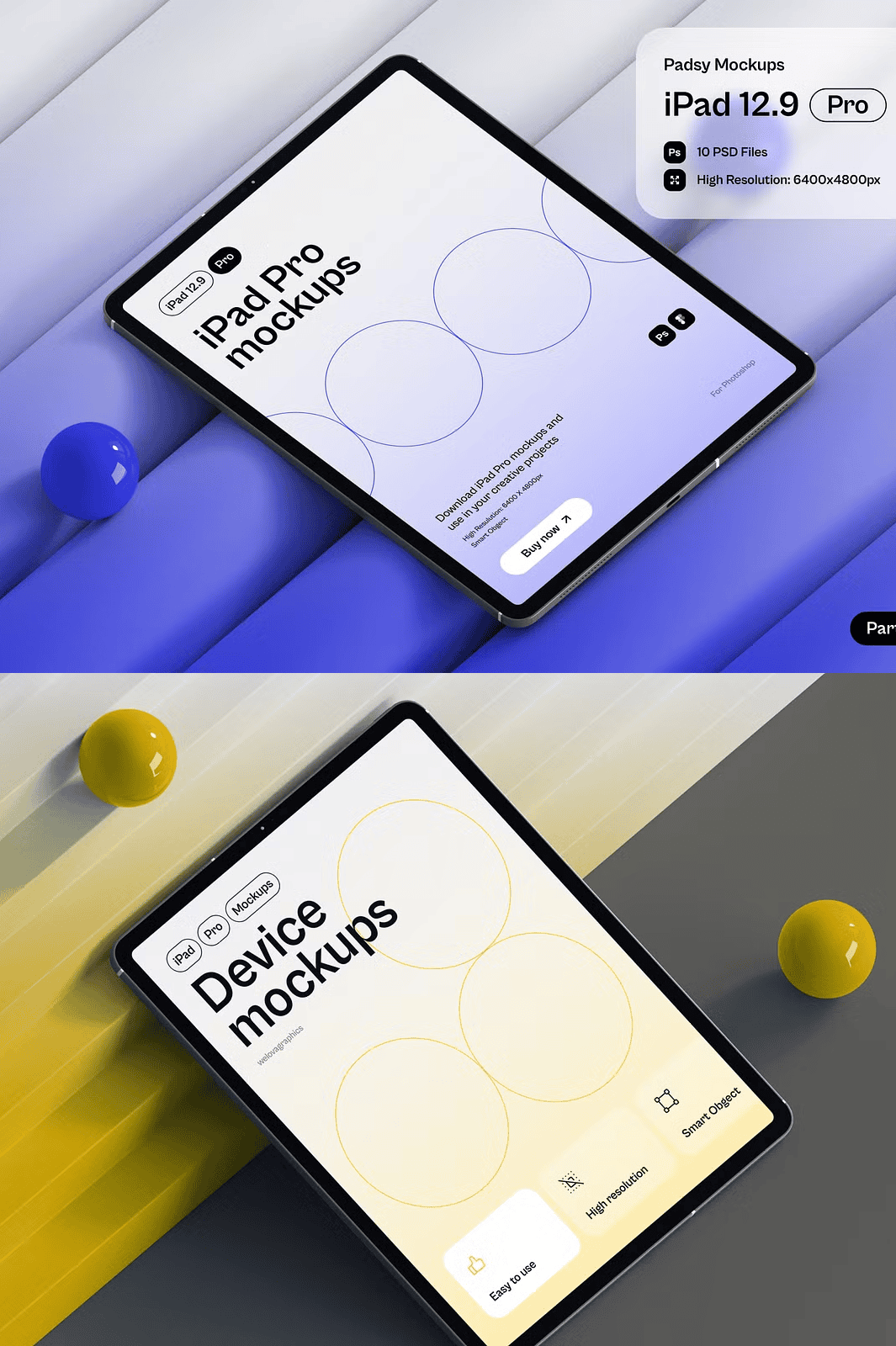
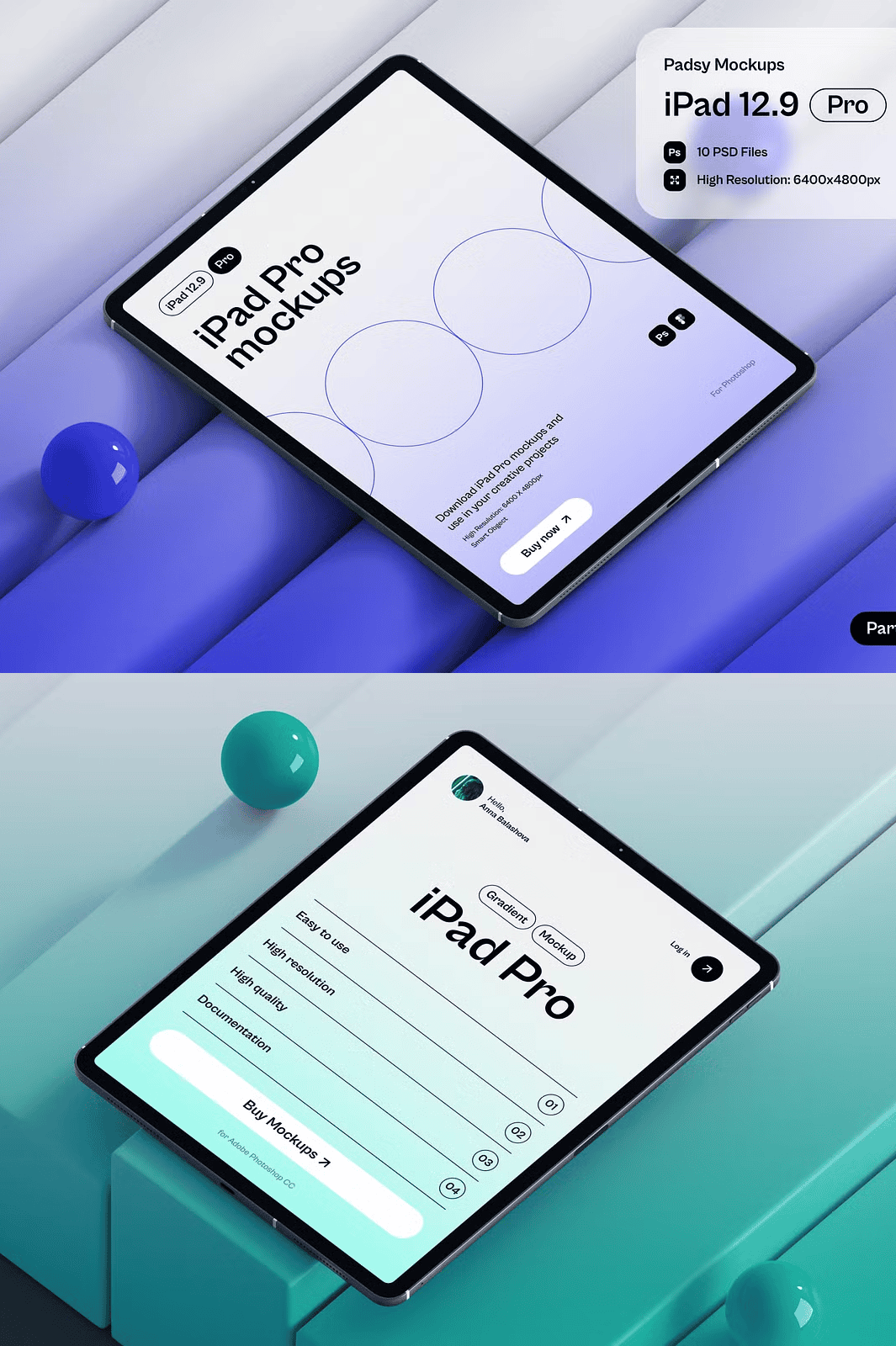
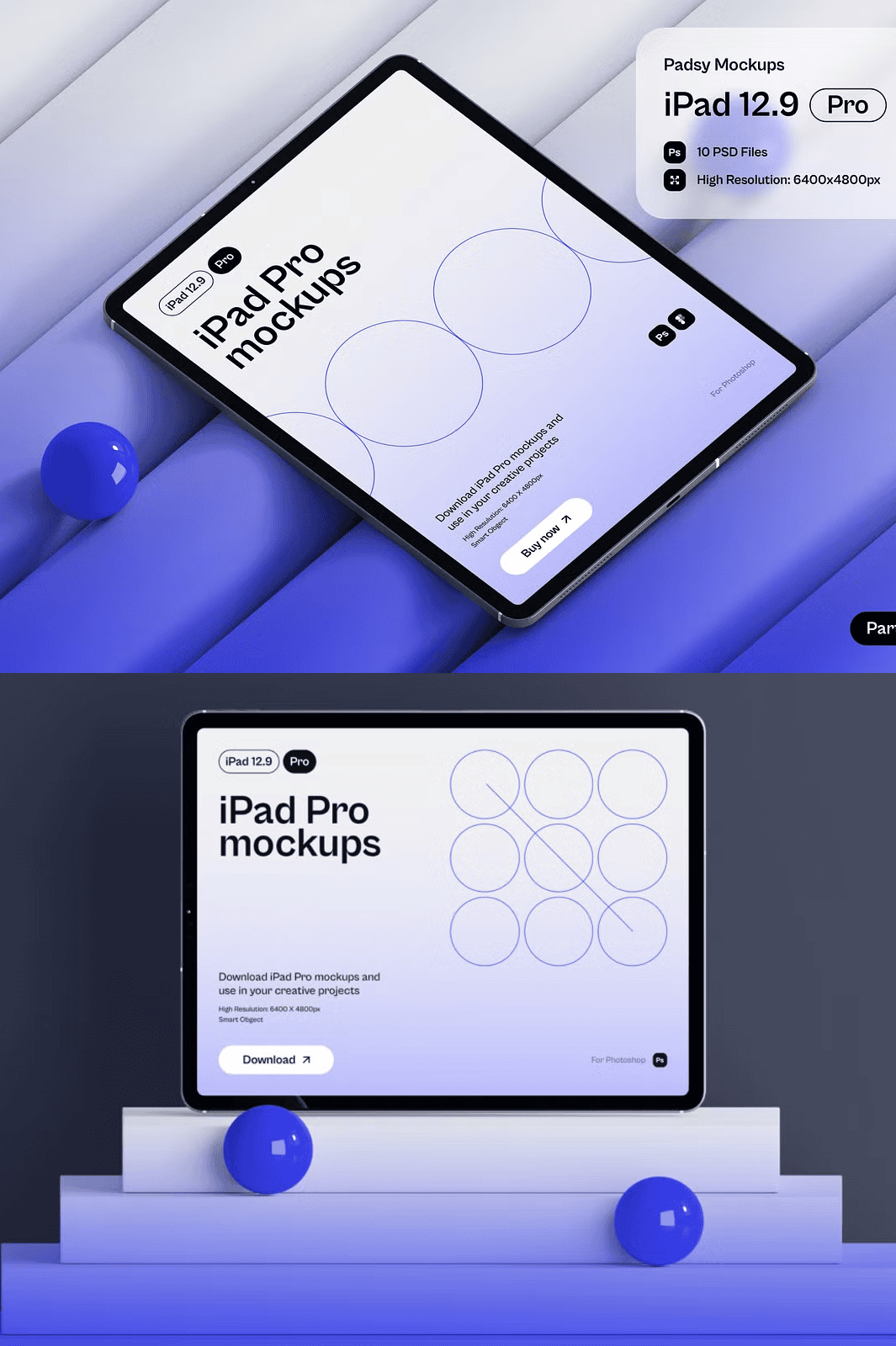
Present Your Designs with Professional Precision and Modern Visual Impact
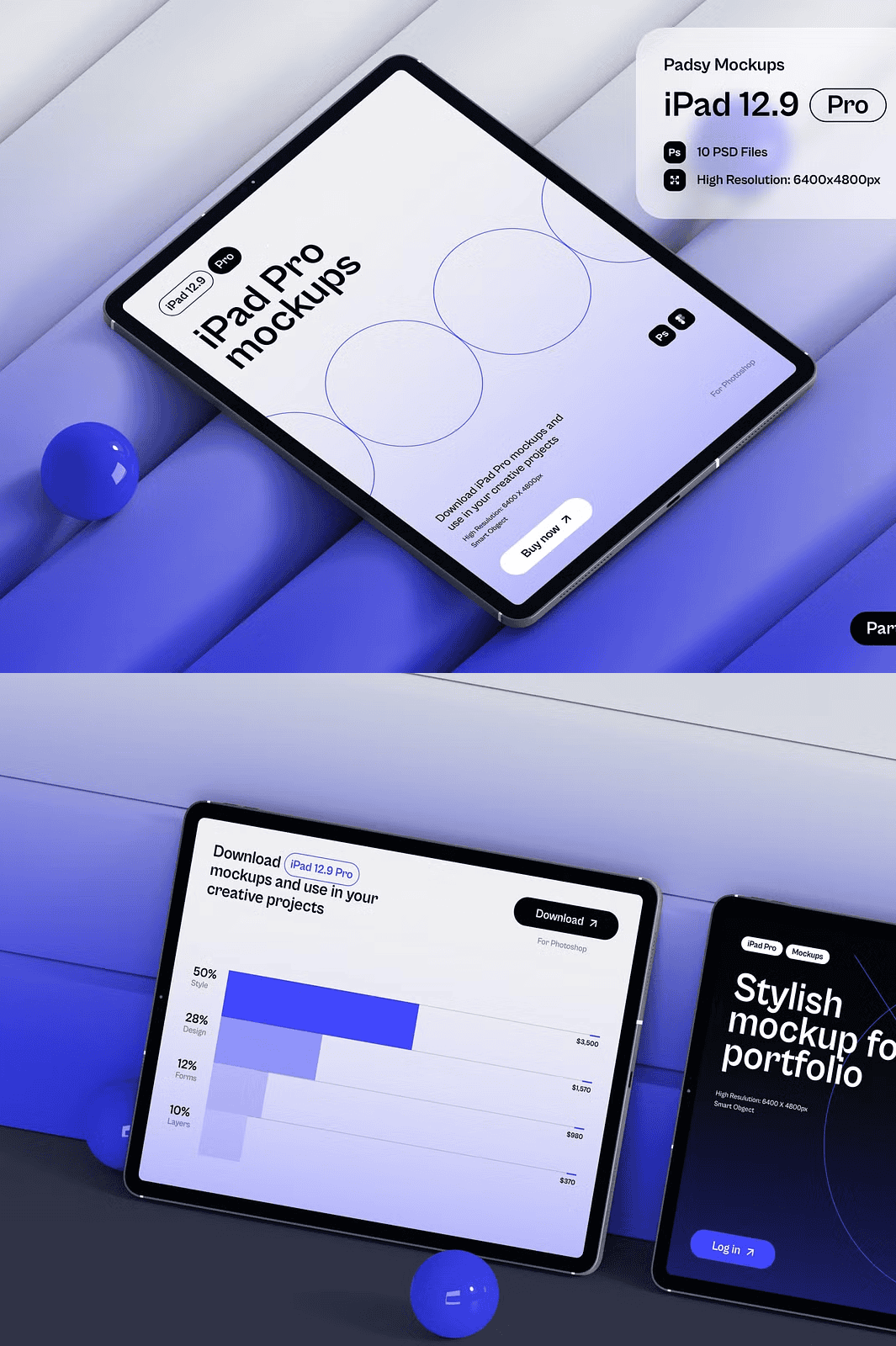
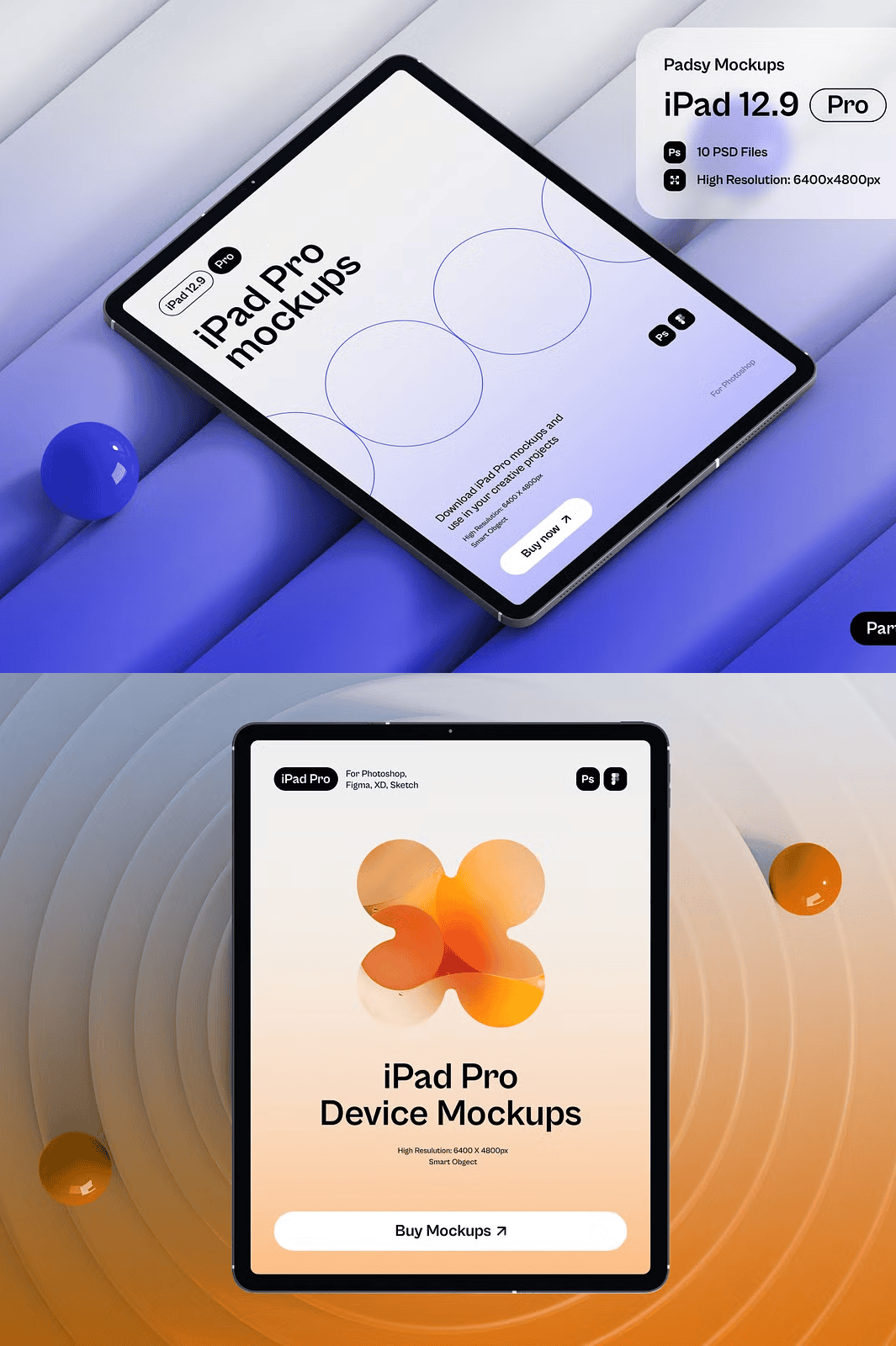
Step into the future of digital presentation with this **Premium iPad Pro Mockup Collection** — a curated set of 10 ultra-high-resolution PSD templates, each crafted with minimalist elegance and technical excellence. Whether you’re marketing a mobile app, displaying a website layout, highlighting a digital artwork, or enhancing your personal portfolio, these mockups deliver unmatched realism and clarity. Built for professionals who value clean design and seamless workflow, this collection ensures your work stands out in a crowded visual landscape.
Engineer Realism with Uncompromising Resolution and Clean Aesthetics
Each template is rendered at **6400×4800 pixels with 300 DPI**, guaranteeing stunning quality for both digital and print use. The minimalistic design emphasizes your content without distraction, letting your UI, branding, or creative concept take center stage. Subtle lighting, realistic material textures, and precisely aligned shadows create a lifelike appearance that builds credibility and visual trust with your audience. Perfect for presentations, e-commerce product pages, or social media content.
Unlock Full Creative Control with Smart Object Editing and Customization
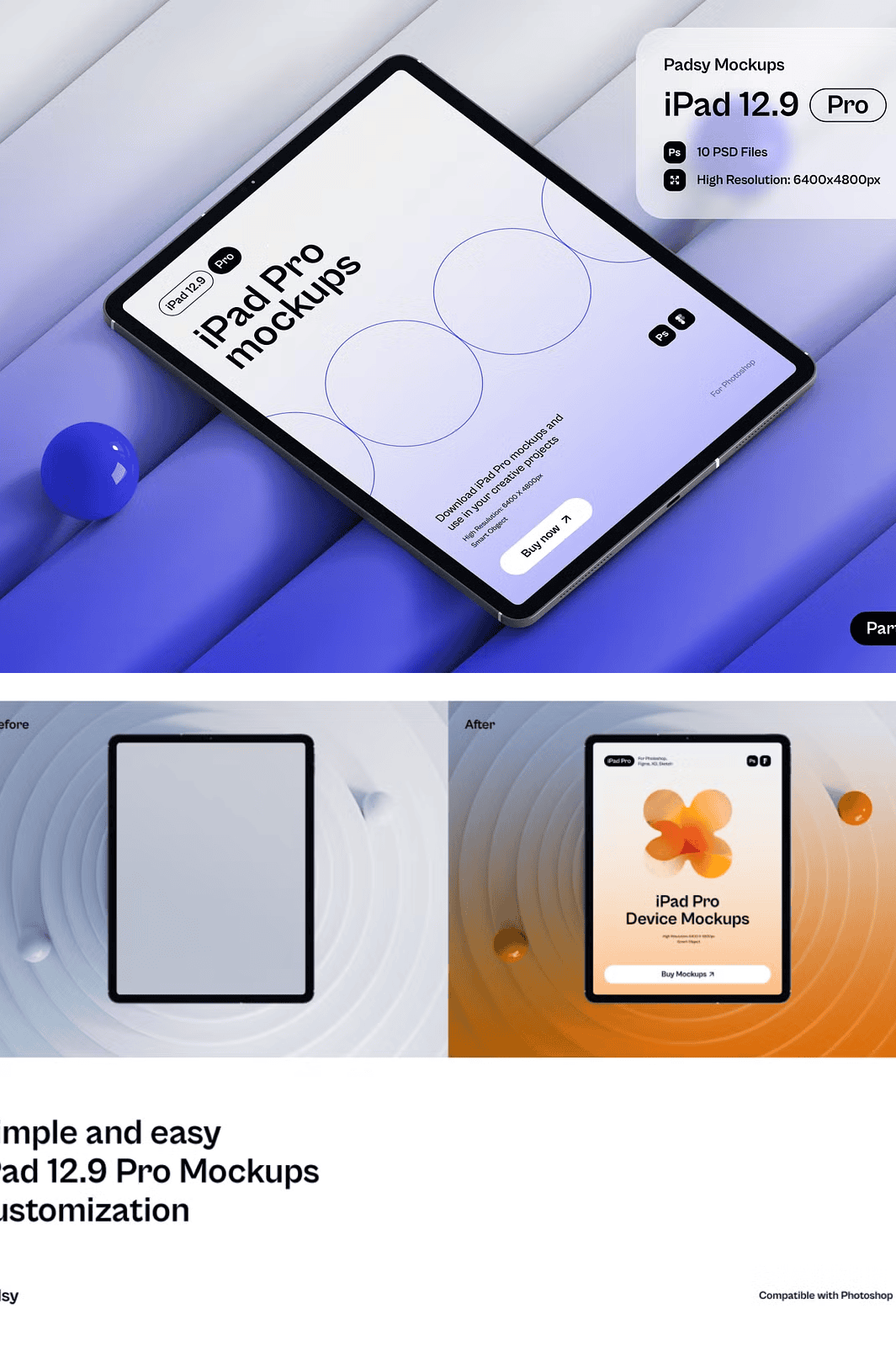
Harness the power of **Smart Objects** to instantly swap in your designs with one click. No complex masking or manual adjustments — just open the PSD in Adobe Photoshop, double-click the Smart Object layer, and insert your artwork directly. The layered structure allows full customization: change device color, adjust screen brightness, modify background tones, and fine-tune shadows for the perfect match to your brand identity. Even the ambient lighting and depth fields are optimized to maintain consistency across all 10 scenes.
Maximize Efficiency with Plug-and-Play, Fully Organized PSD Templates
The project files are meticulously structured with clearly labeled layers and groups, making it easy to locate and edit the right elements without confusion. Every mockup includes a detailed **PDF instruction guide** that outlines setup steps and customization tips. Designed for **Adobe Photoshop (Creative Cloud recommended)**, this set works seamlessly with the latest version for best performance and compatibility. No third-party plugins or complex setup required — just open, edit, and share.
What’s Included in Your Professional Mockup Kit
– ✅ 10 High-Resolution PSD Files (6400×4800 px, 300 DPI)
– ✅ Fully Editable via Smart Objects for Instant Design Replacement
– ✅ Minimalist, Modern Design with Clean Visual Hierarchy
– ✅ Adjustable Colors, Backgrounds, and Screen Intensity
– ✅ Separated Layers for Natural Lighting and Depth
– ✅ Complimentary PDF User Guide with Setup Instructions
– ✅ Ready for Use in Portfolios, Websites, Marketing Campaigns, and Social Media
How to Use the iPad Pro Mockups in Just 3 Steps
1. **Download and Extract** – Unzip the folder and open any PSD file in Adobe Photoshop.
2. **Replace Screen Content** – Double-click the Smart Object layer and insert your design.
3. **Customize and Export** – Adjust colors, lighting, or background as needed, then export as JPEG, PNG, or PDF.
> 🔸 **Important Notice**: This product does **not** include sample designs, fonts, or photographs used in the preview images. All assets shown are for demonstration only. The device frames and shadows are locked for realistic lighting integrity.