Unleash Studio-Grade Realism in Every Design Showcase
Stop compromising on visual quality. The Advanced Tablet Mockup Bundle delivers cinematic realism with precision-engineered visuals designed to make your designs look like they belong in a professional portfolio or a high-end client pitch. Whether you’re presenting a mobile app interface, a digital magazine layout, or a brand campaign, this toolkit gives your work the polished, authentic look that cuts through the noise.
Built for Speed, Designed for Success
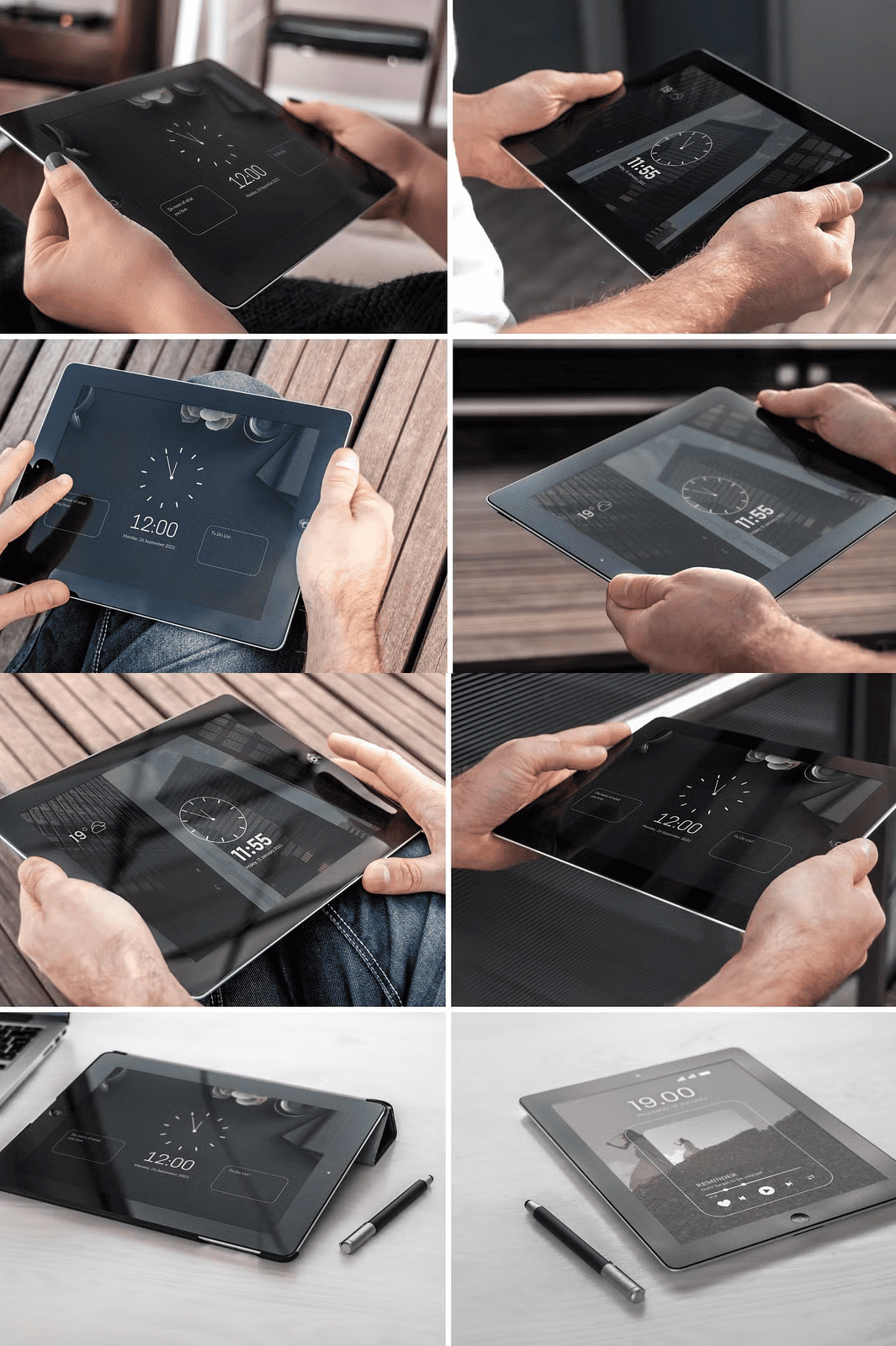
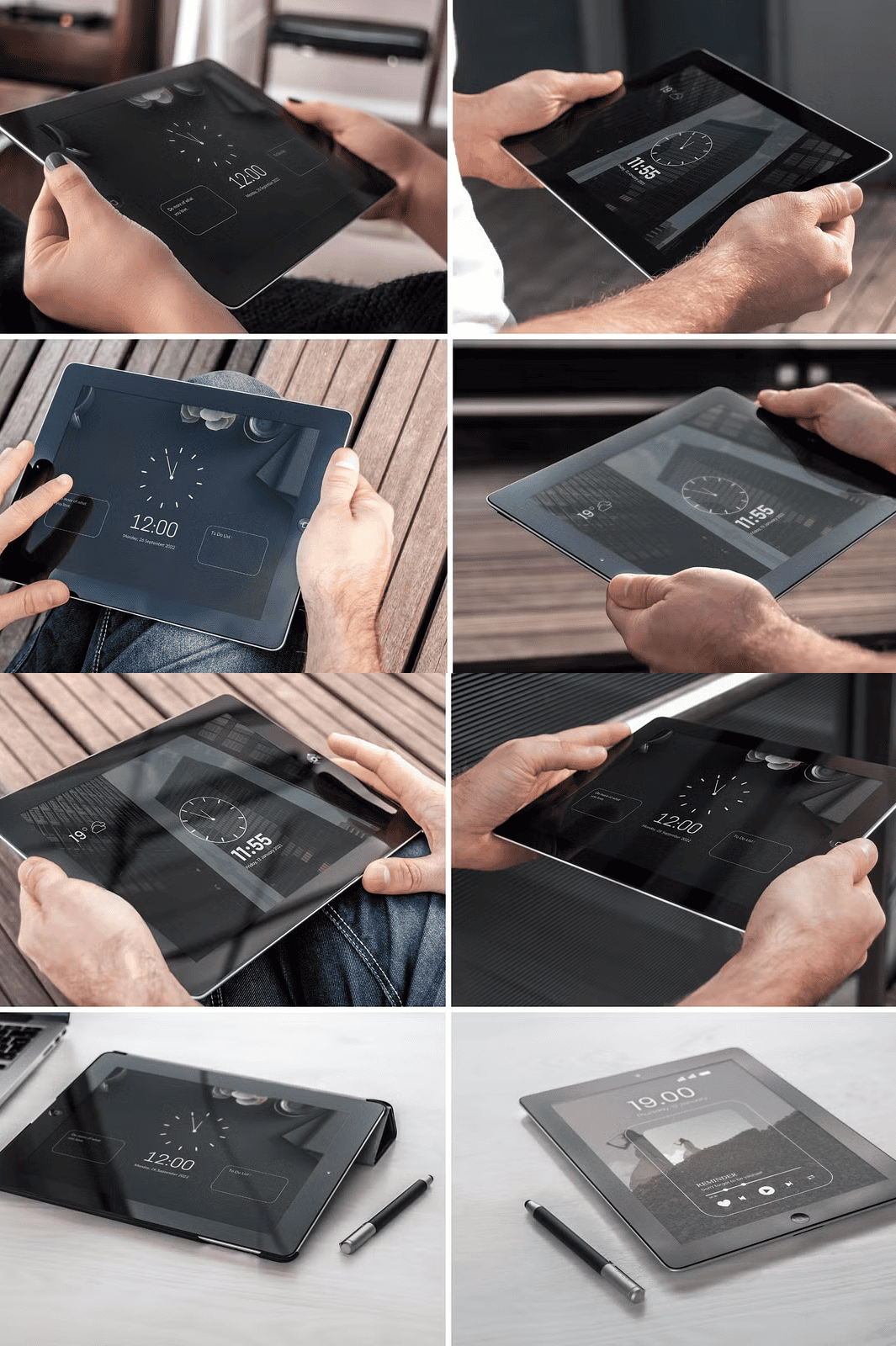
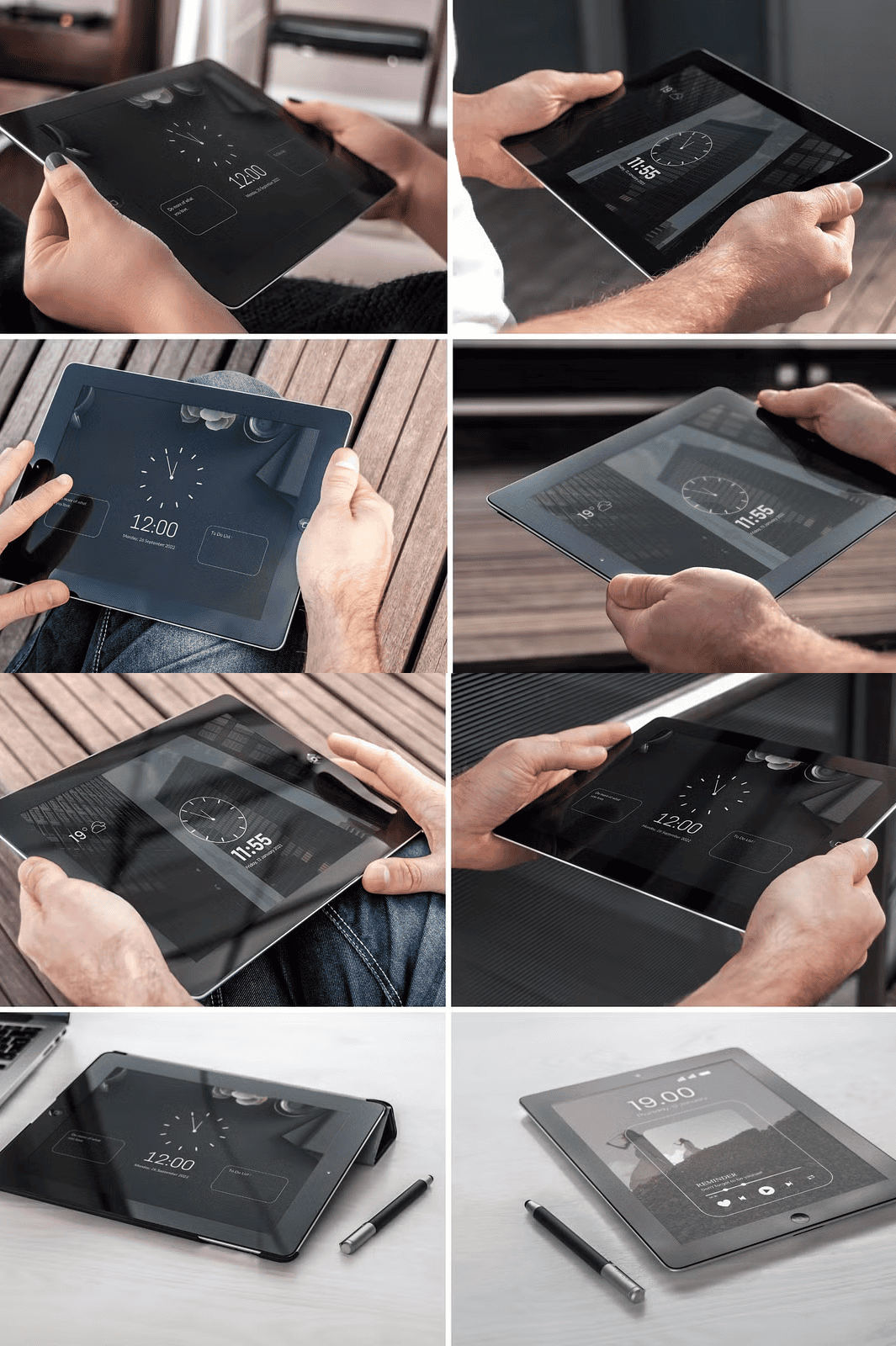
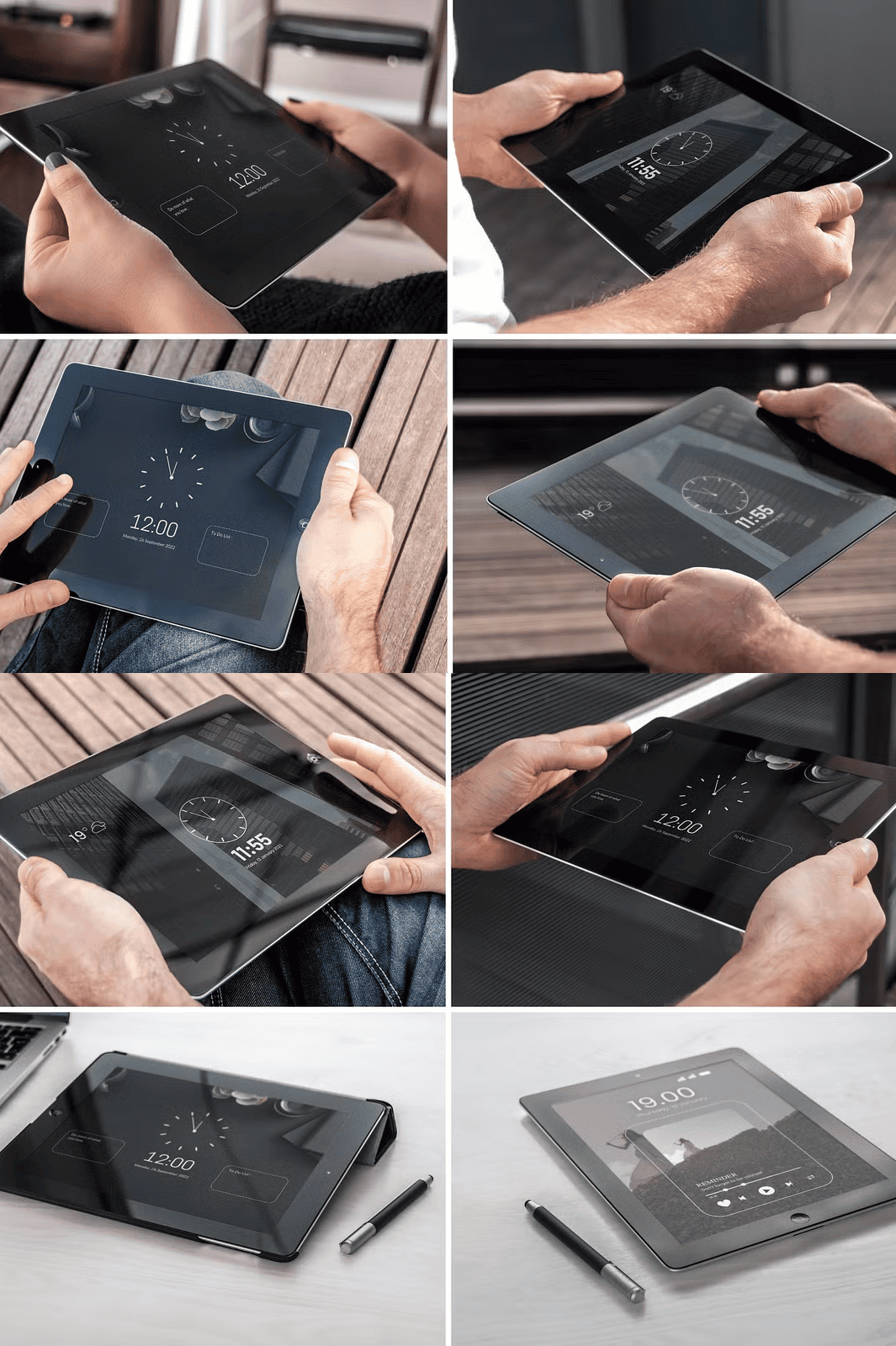
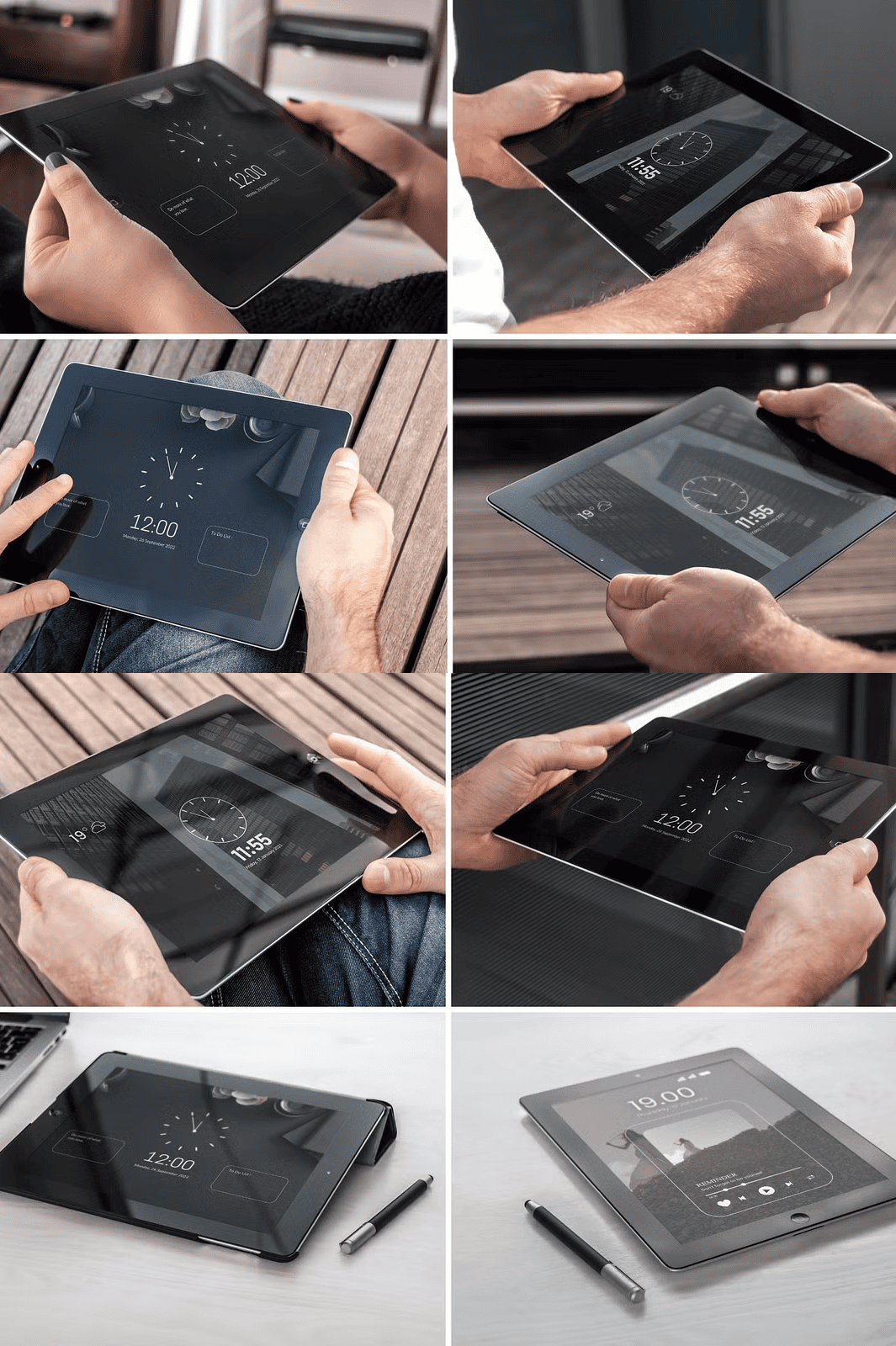
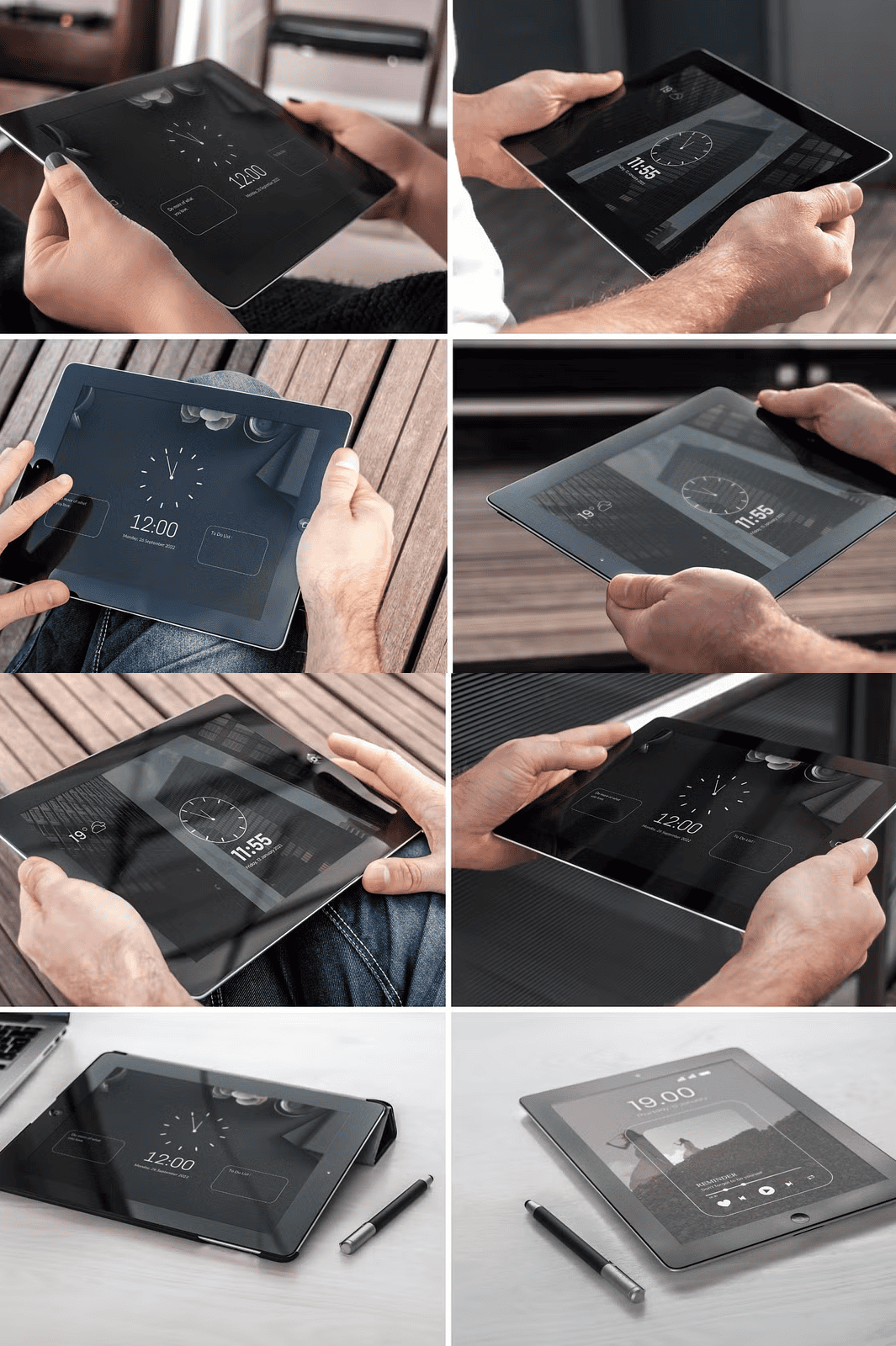
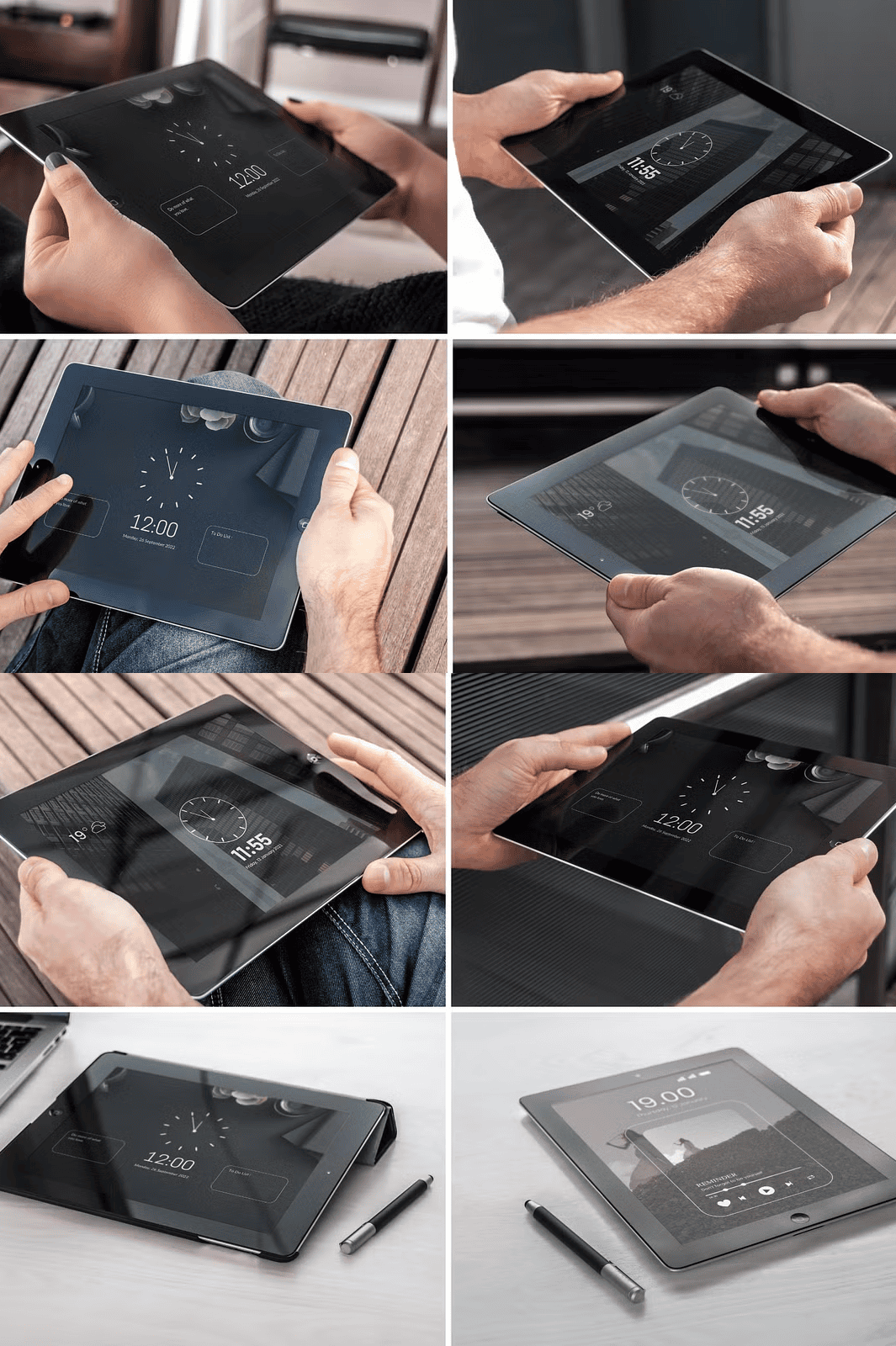
This isn’t just a static image — it’s a dynamic studio environment where your creativity comes to life instantly. With a single paste into the Smart Object layer, your design appears across all 18 unique views. Eliminate repetitive work. Create multiple angles and scenarios simultaneously to explore different presentation strategies without any manual repositioning or layer adjustments.
Effortless Multi-View Editing Across 8 Male & 8 Female Poses
The bundle includes 8 meticulously crafted views of the tablet in use by diverse models — perfect for representing broad audience appeal. Each pose features natural hand positioning, consistent lighting, and realistic fabric and background textures. Whether your design targets professionals, students, or lifestyle enthusiasts, you can present it in the most relatable, engaging way.
Professional Desk Scene Integration: Two Versatile Setups Included
For business, education, or digital product launches, include your tablet in realistic working environments. The two distinct desk views provide a clean, clutter-free workspace setting perfect for showcasing productivity apps, e-learning content, or software demos. Use these views to demonstrate real-world usability and credibility.
Organized, Transparent & Professional Workflow
Every layer is clearly named and logically structured. The Smart Object system ensures that your design updates automatically across all views — no more missed layers or broken elements. A comprehensive PDF help file walks you through setup, customization tips, and advanced tricks to get the most out of the mockup.
Optimized for All Design Styles – Dark Mode, Bright Colors, and Beyond
Whether your design features vibrant gradients, sleek black interfaces, or soft pastel tones, this mockup adapts flawlessly. The lighting and shadow dynamics adjust intelligently based on contrast, ensuring your work always appears sharp, balanced, and visually striking — no matter your color scheme.
What You Get with Your Download
– 18 high-resolution, fully editable views (8 male, 8 female, 2 desk-based)
– One Smart Object layer: paste your design once, use it everywhere
– Total file size: 670 MB – packed with detail, resolution, and realism
– 8-page PDF guide with step-by-step instructions
– Fully layered Photoshop (.PSD) files for professional editing
⚠️ Important: This product does **not** include any pre-designed graphics, mockup templates, or demo artwork. It is a blank, ready-to-use canvas designed exclusively to showcase *your* creative work.
Turn Every Project into a Visual Story – Download Now and Present with Confidence
This mockup isn’t just a tool; it’s a competitive advantage. Use it to build trust, boost engagement, and leave a lasting impression during client meetings, social media campaigns, or digital storefronts. Stand out in a crowded market by showing — not telling — the value of your design.
Click below to download the Advanced Tablet Mockup Bundle and transform your workflow today.