Revolutionize Your Presentation Game with Realistic, Editable Mockups
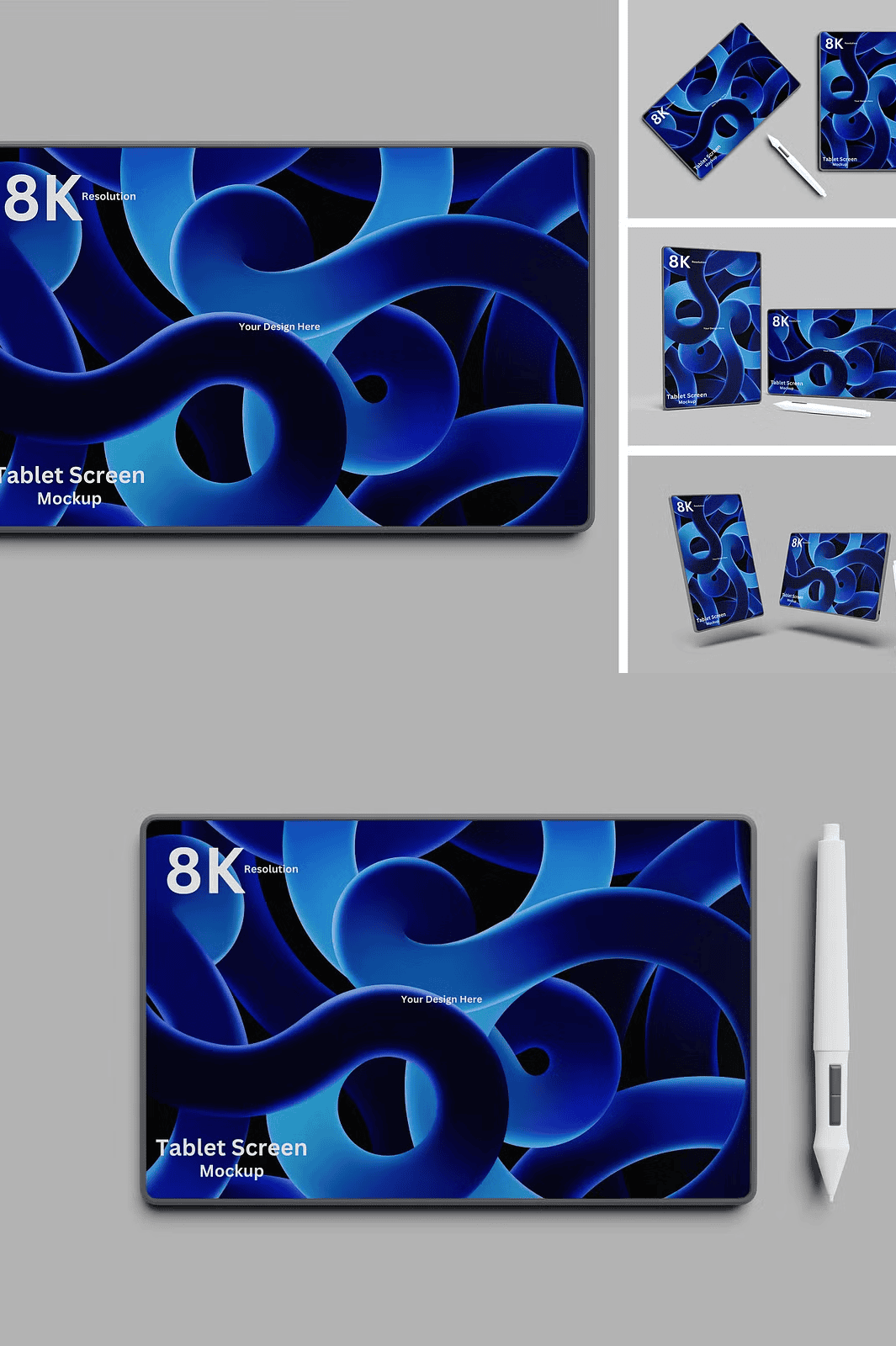
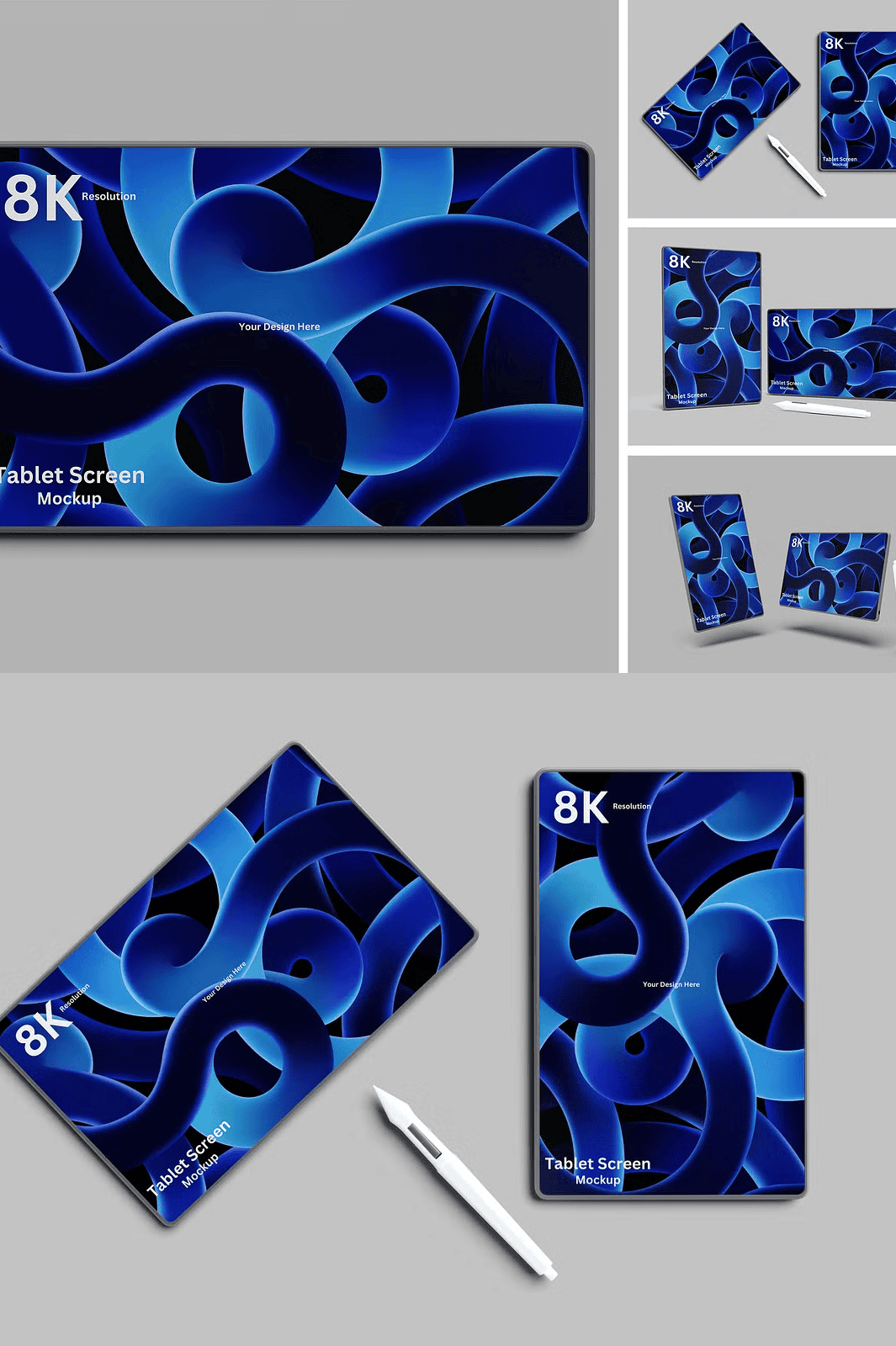
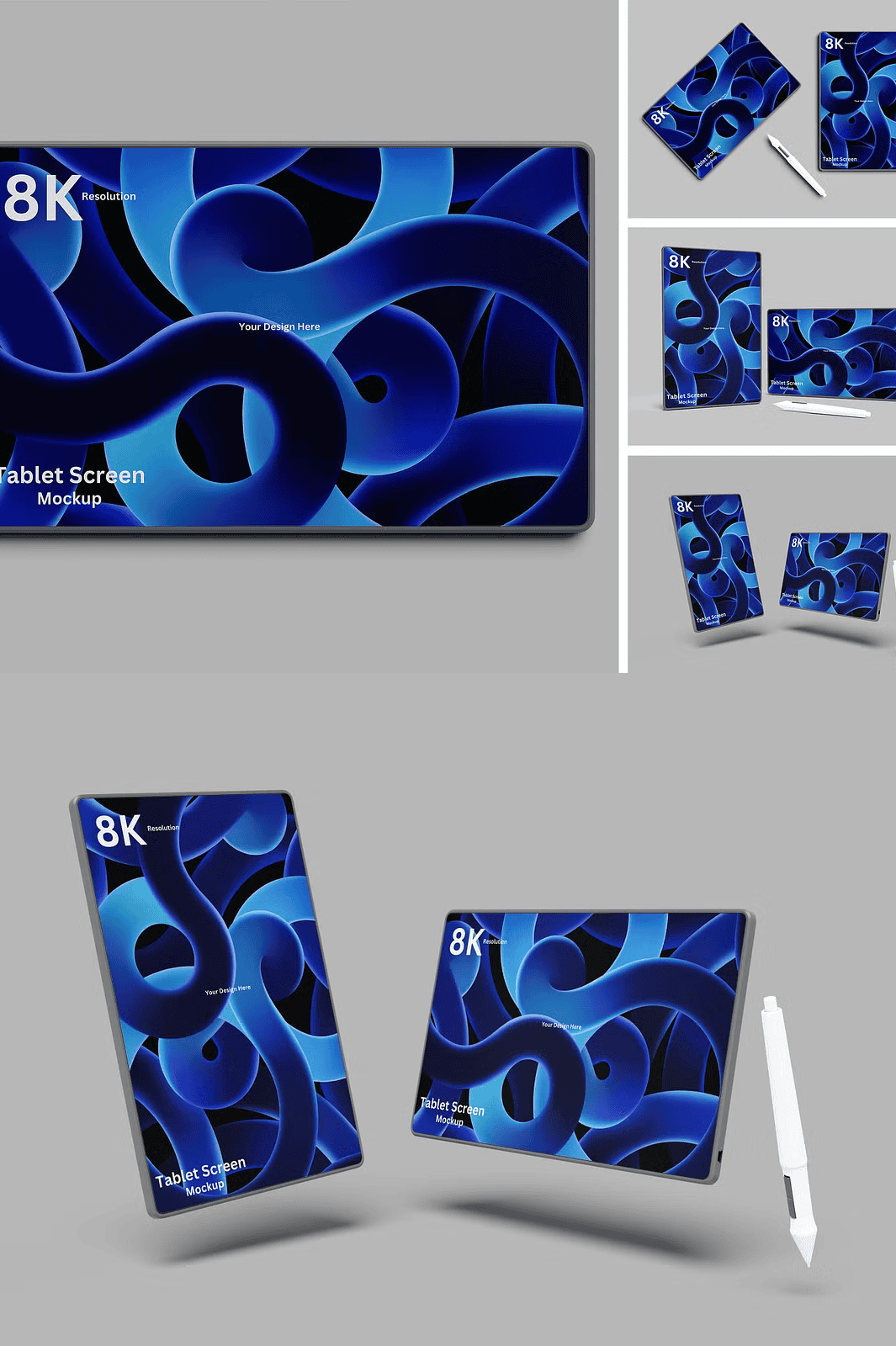
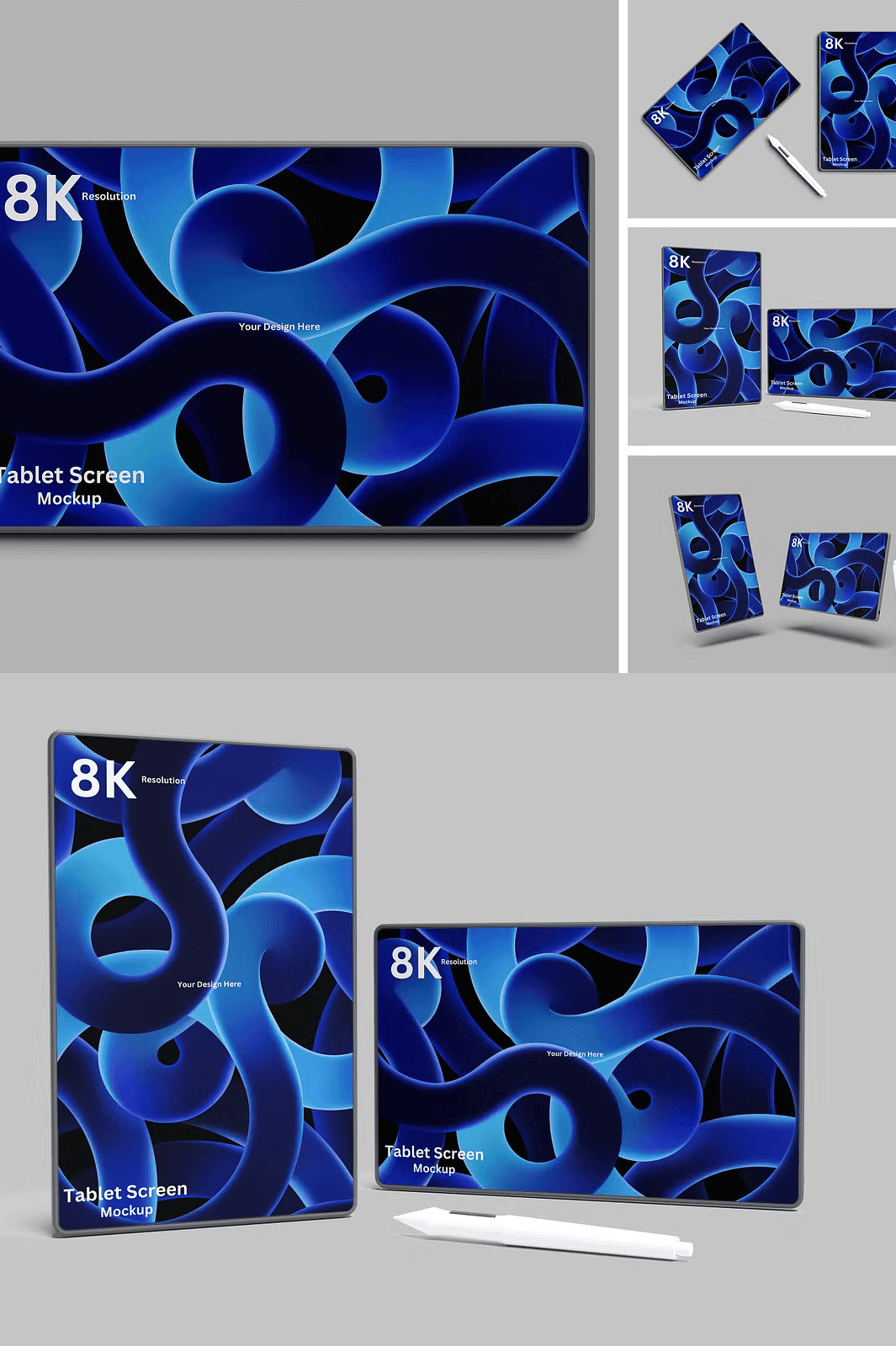
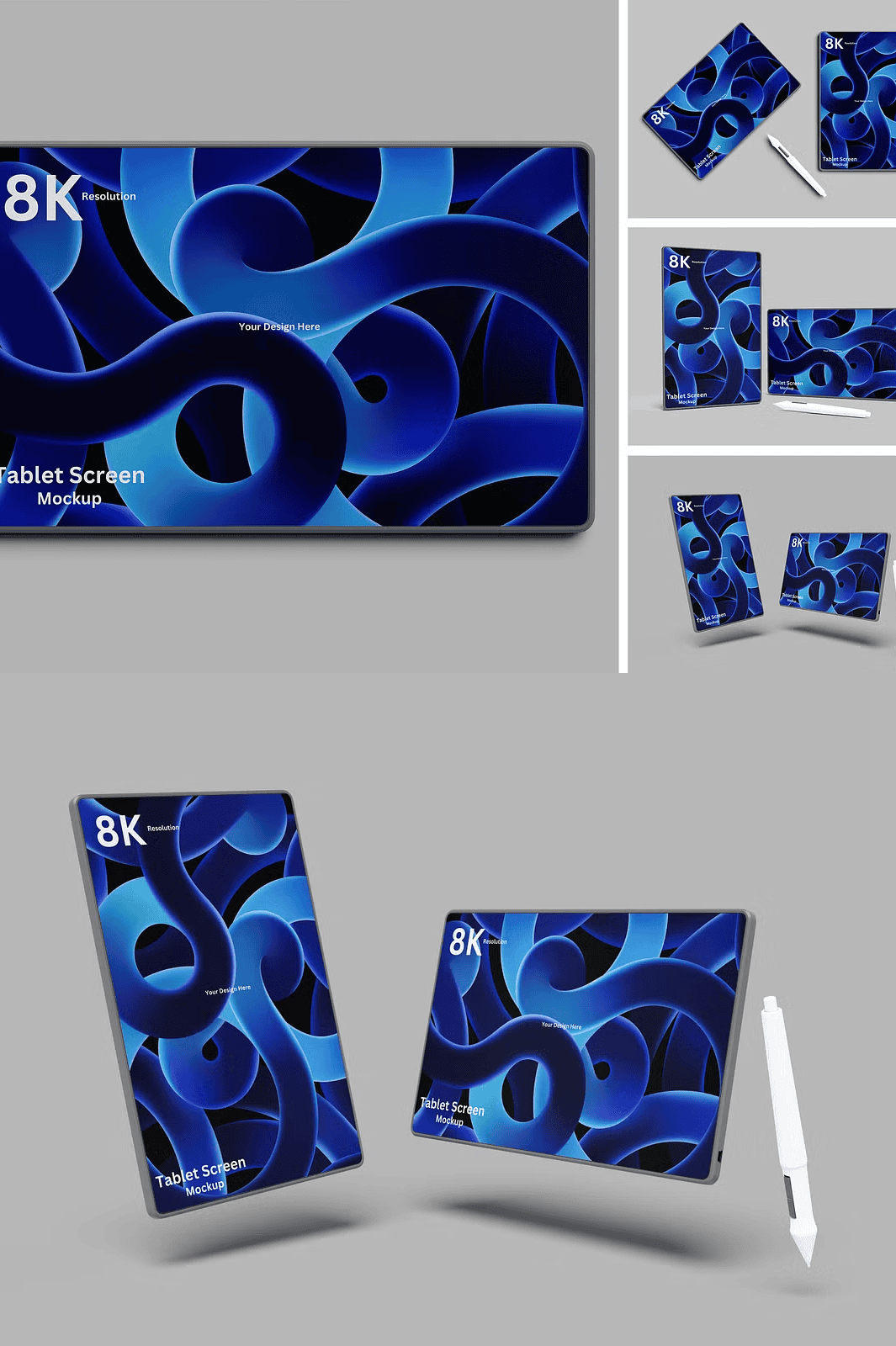
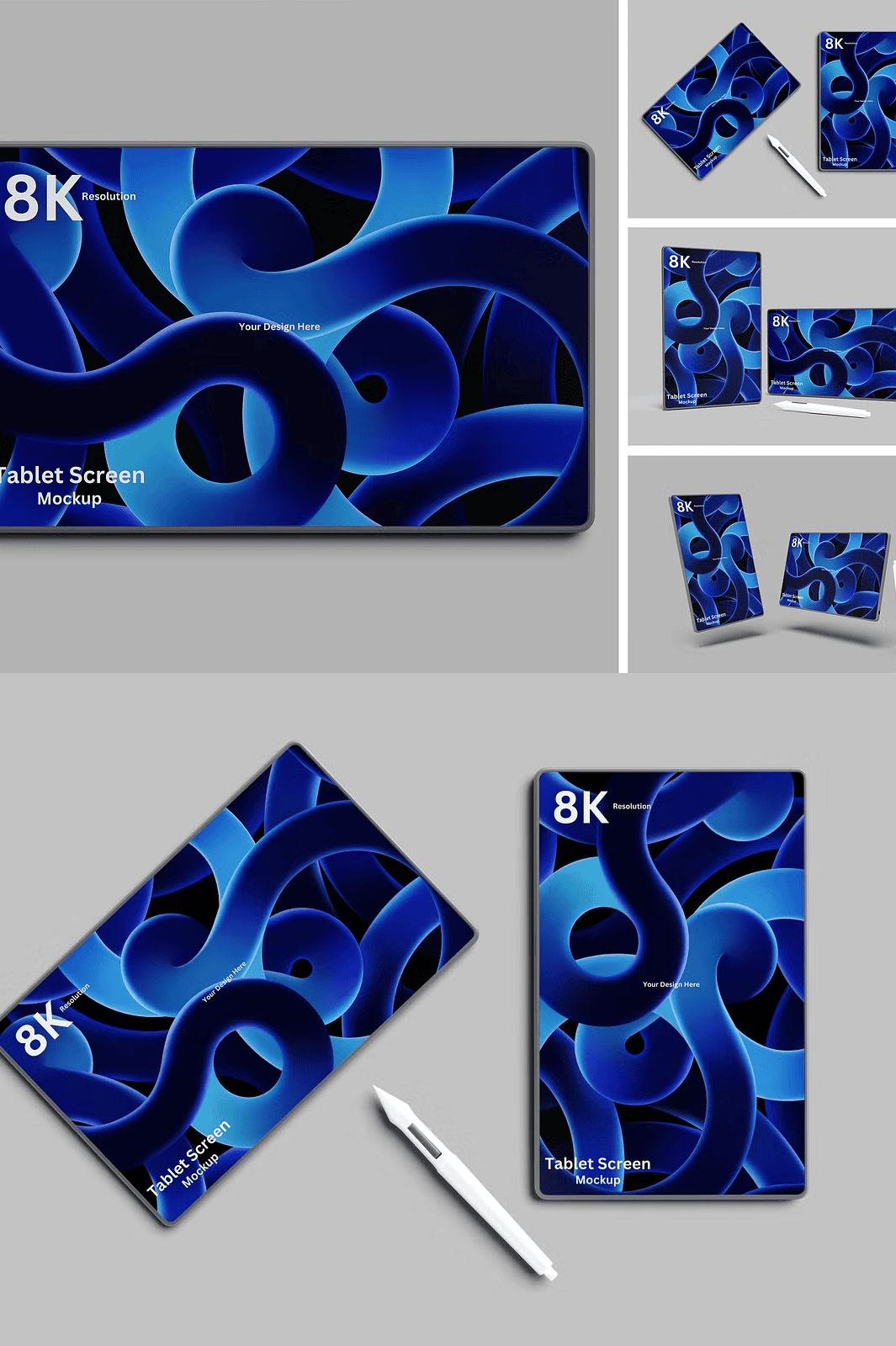
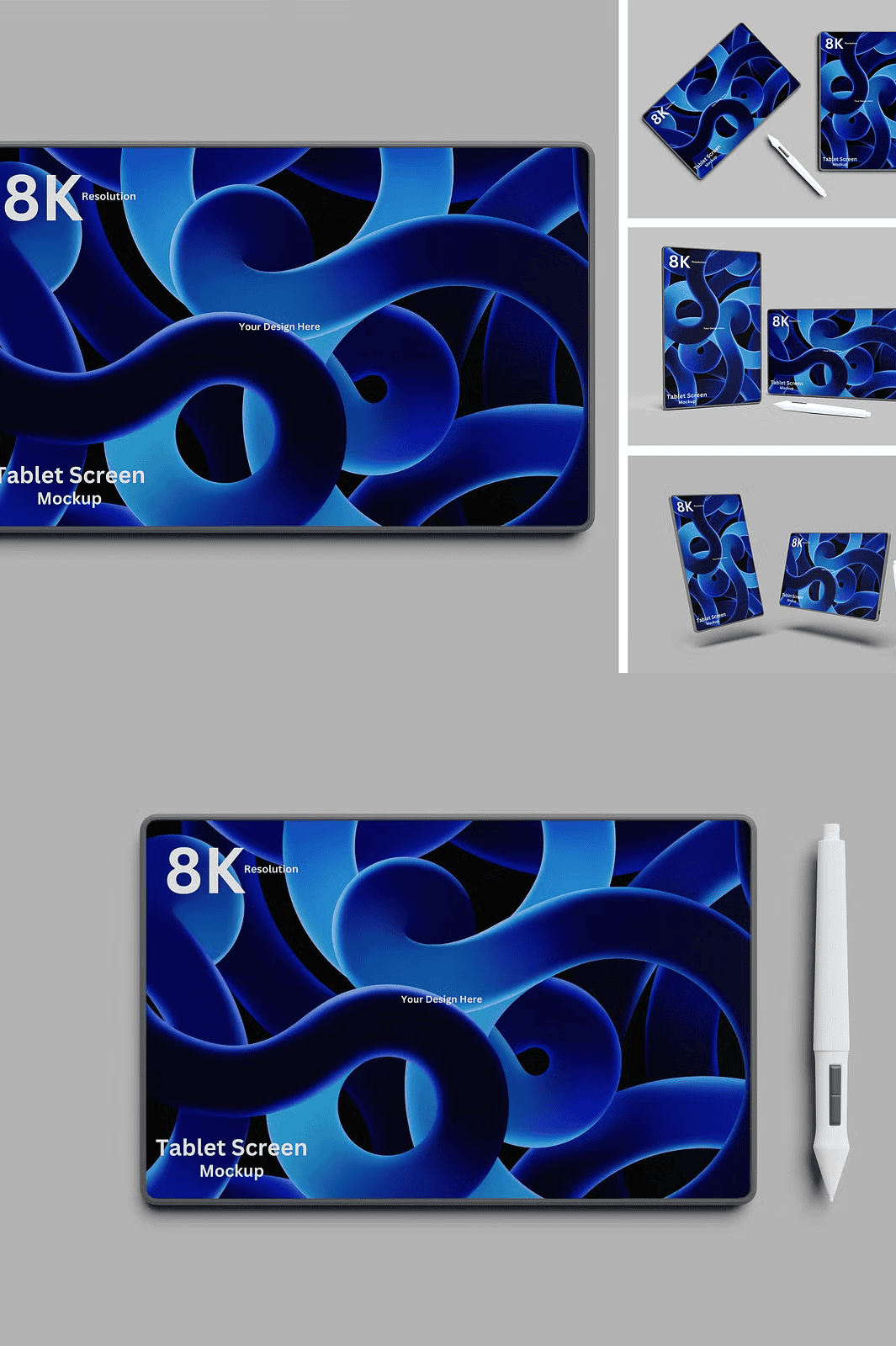
Elevate your visual storytelling with this powerful Tablet Screen Mockup Bundle designed for creatives who demand speed, precision, and professional impact. Whether you’re pitching a new app, launching a mobile interface, or building a brand identity, this collection delivers instant realism. Each of the four high-resolution templates features fully layered PSD files with intelligent smart object integration, allowing you to swap your design with a single double-click. Say goodbye to complex layer rework and hello to seamless, lightning-fast updates that keep your workflow agile and productive.
Effortless Editing Through Smart Object Precision
Harness the full power of Adobe Photoshop’s smart objects to customize your tablet visuals in seconds. Open any PSD file, locate the designated smart layer, and paste your screen content directly—no resizing, no cropping, no distortions. The smart layer dynamically scales your design to fit the tablet screen while preserving clarity and quality. With this instant-editing system, you can test multiple versions, adjust layouts on the fly, and deliver client-ready visuals without delays. This feature is especially useful for rapid prototyping, social media campaigns, or frequent design revisions.
Advanced Design Control with Professional-Grade Features
Each mockup is crafted with meticulous attention to detail, engineered to support creative experimentation and professional polish. The layers are cleanly organized into named folders for quick navigation—screen, frame, lighting, shadows, and background layers are all separated for maximum flexibility. Adjust brightness, contrast, and ambient lighting to match your brand’s aesthetic. Change background colors instantly to suit light or dark design themes, ensuring your mockups look stunning in any context.
Perfect for Any Creative Discipline
This tablet screen mockup bundle is ideal for:
– App developers showcasing UI/UX interfaces
– Branding agencies creating lifestyle visuals
– Social media managers producing attention-grabbing graphics
– E-commerce entrepreneurs highlighting digital products
– Freelancers crafting compelling portfolio pieces
The high-resolution 4500×3000 pixels at 300 DPI ensures flawless output for print, web, or digital presentations—no pixelation, no compromises.
What’s Included – Everything You Need to Start Creating Today
This bundle delivers immediate value with:
– 04 fully editable PSD files, each with unique device angles and settings
– Clean, organized layer hierarchy for instant access
– Comprehensive PDF help guide with detailed editing instructions
– Full compatibility with Adobe Photoshop CC and later versions
– Realistic shadows, light reflections, and depth effects for authentic results
How to Customize Your Tablet Mockup – Simple Step-by-Step Process
1. Download and open any PSD file in Adobe Photoshop.
2. Locate the smart object layer labeled “Insert Your Design Here.”
3. Double-click the layer to open the embedded file.
4. Paste your logo, app screen, or brand content into the workspace.
5. Save the file and close the window—your design now appears perfectly positioned on the tablet screen.
6. Export the final image in PNG, JPG, or PSD format for any platform or project.
> ⚠️ Note: The background images and model references used in the preview are for demonstration only and are not included in the download package. This is a completely editable and customizable mockup template designed to showcase your original work.
Crafted with care by Twins Studio • Empowering creatives with flexible, professional tools for every project.