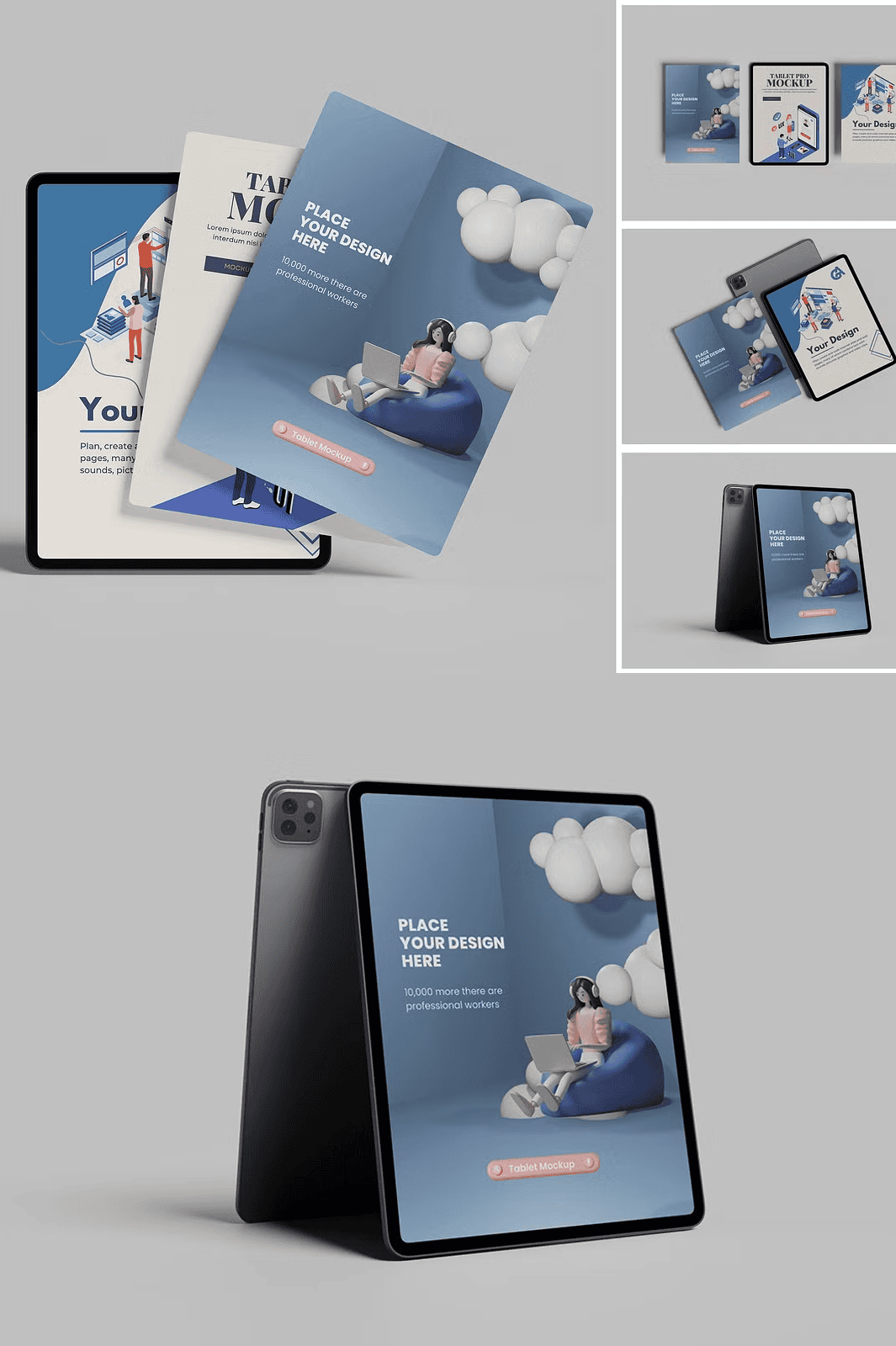
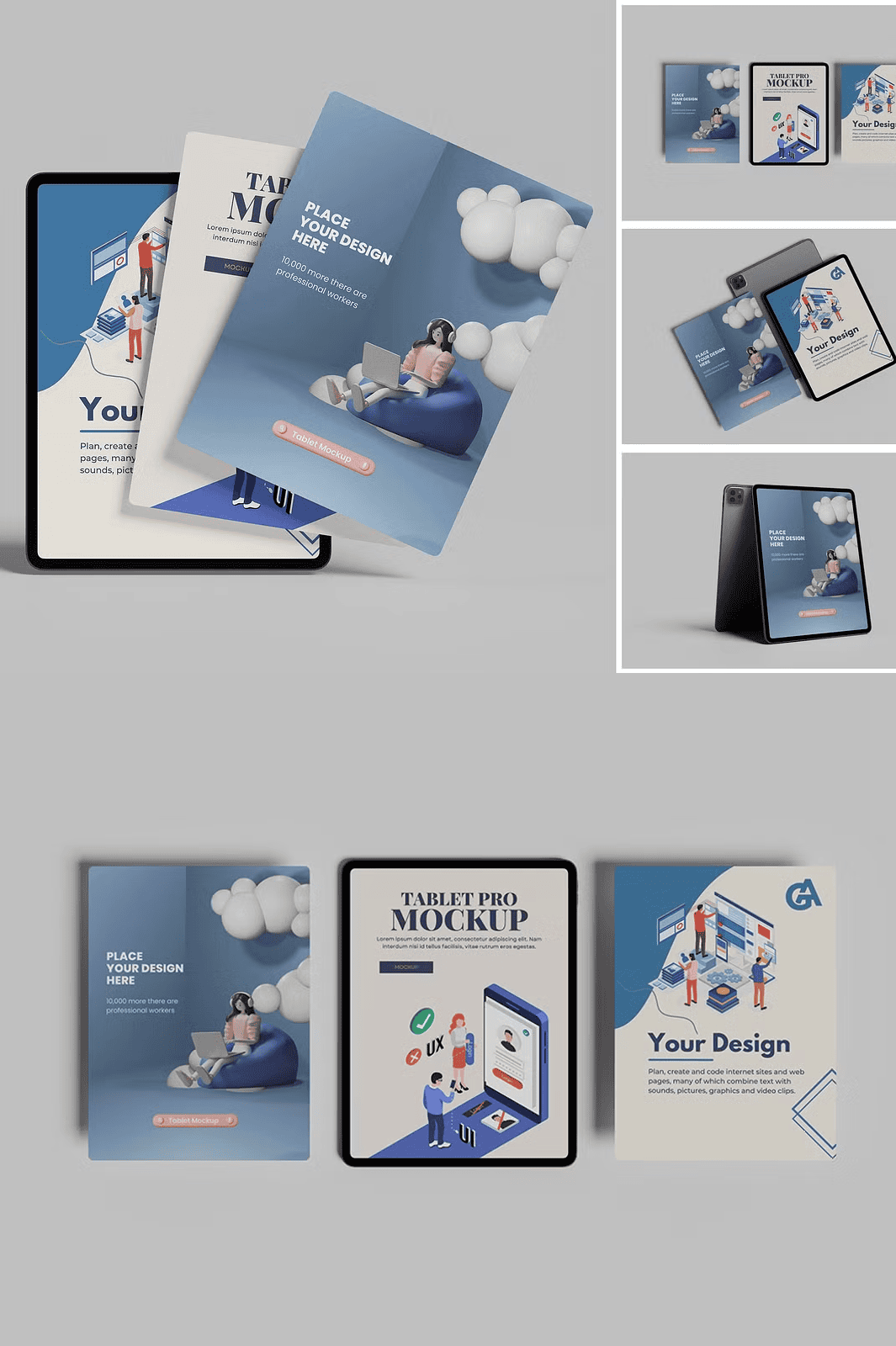
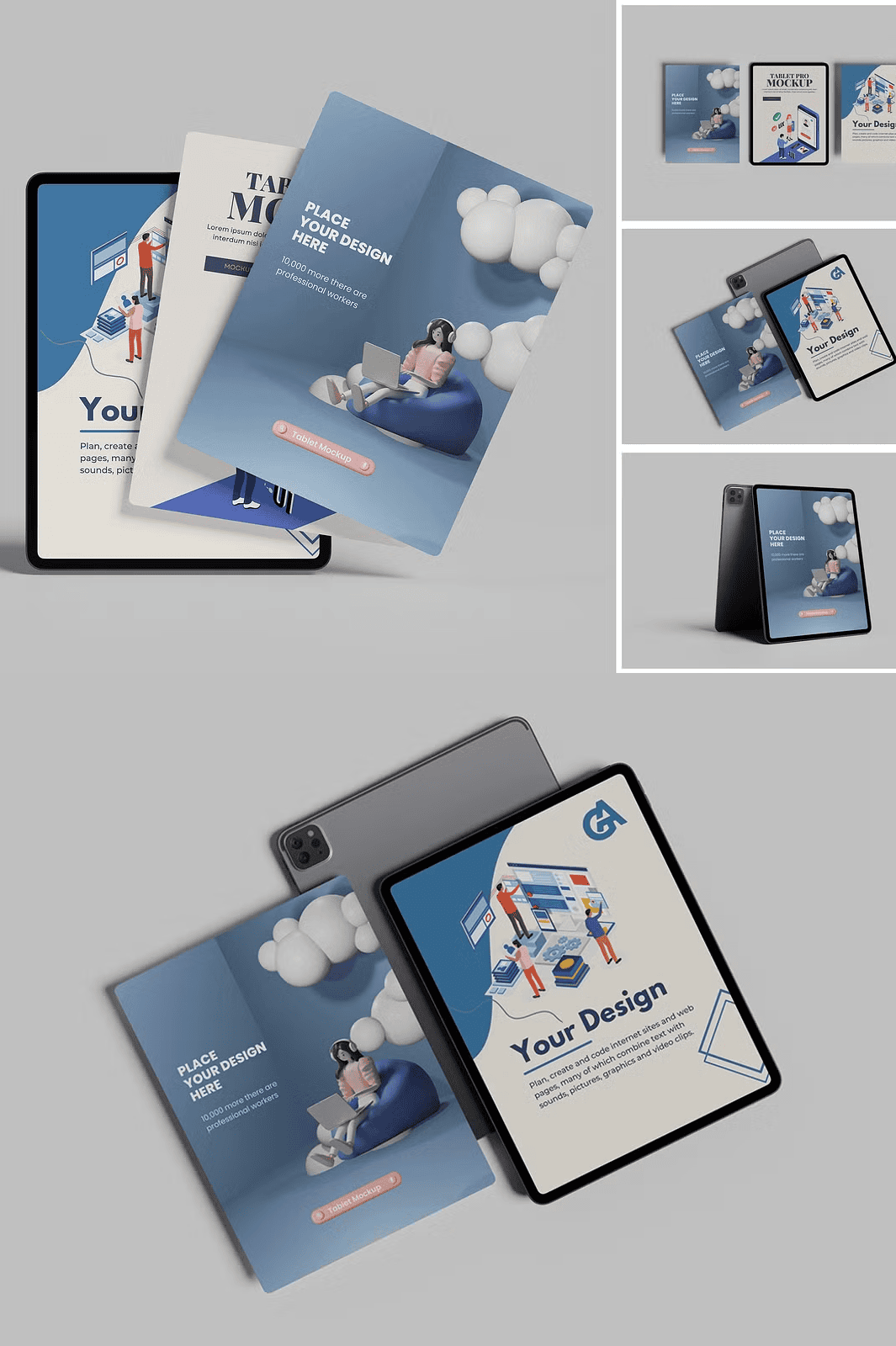
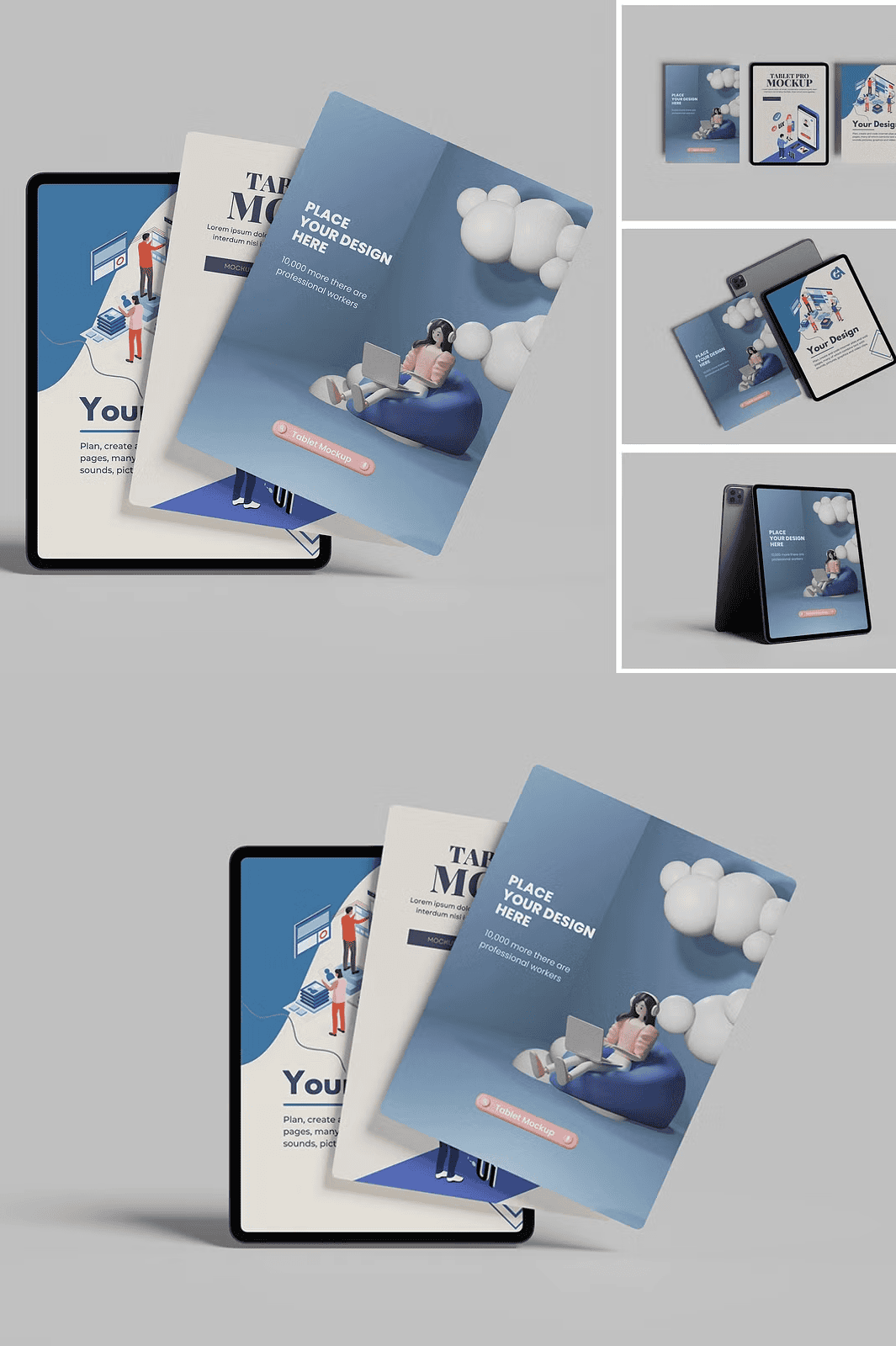
Transform Your Ideas into Stunning Visuals in Seconds with Smart Object Technology
Elevate your design presentations with the **Tablet Pro Mockup**, a sleek, high-resolution PSD bundle engineered for speed, precision, and professional impact. Whether you’re showcasing mobile apps, digital illustrations, UI/UX layouts, or brand content, this mockup system allows you to **replace your artwork instantly**—no complex editing required. Simply double-click a smart object layer, paste your design, save the file, and your project is ready to present. Eliminate repetitive manual work and focus on what truly matters: creativity and client satisfaction.
4 Premium Mockup Templates for Every Design Scenario
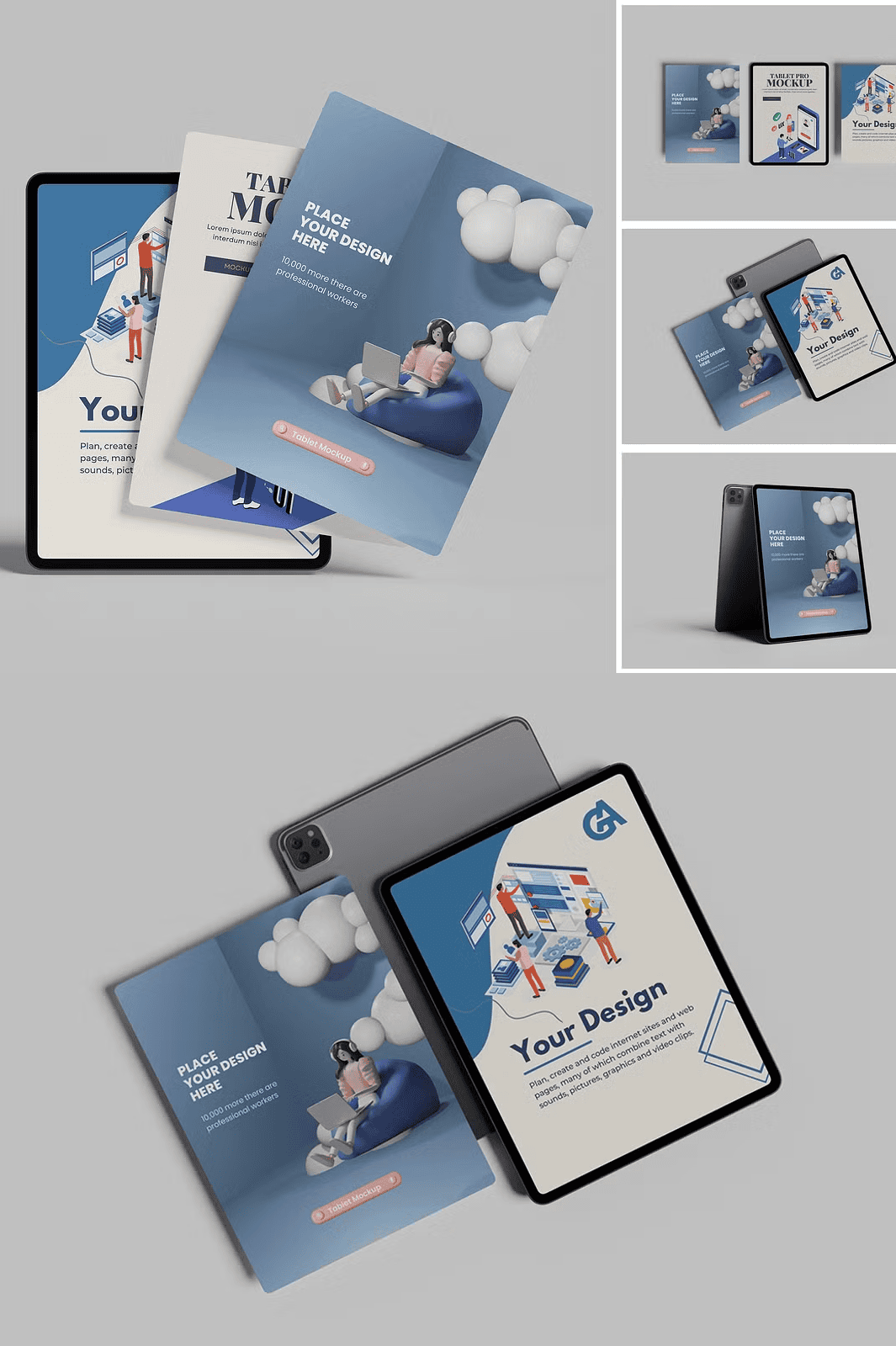
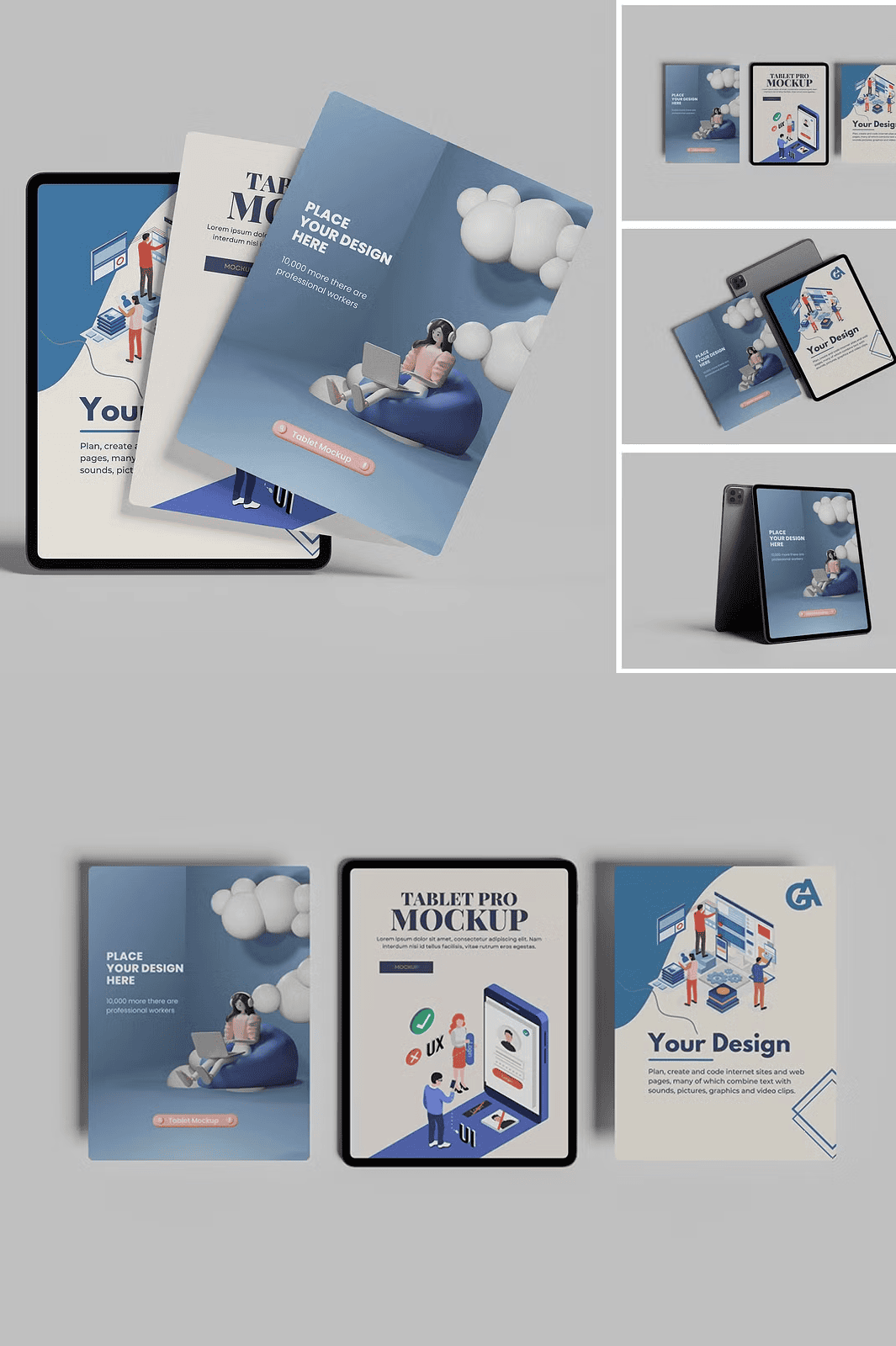
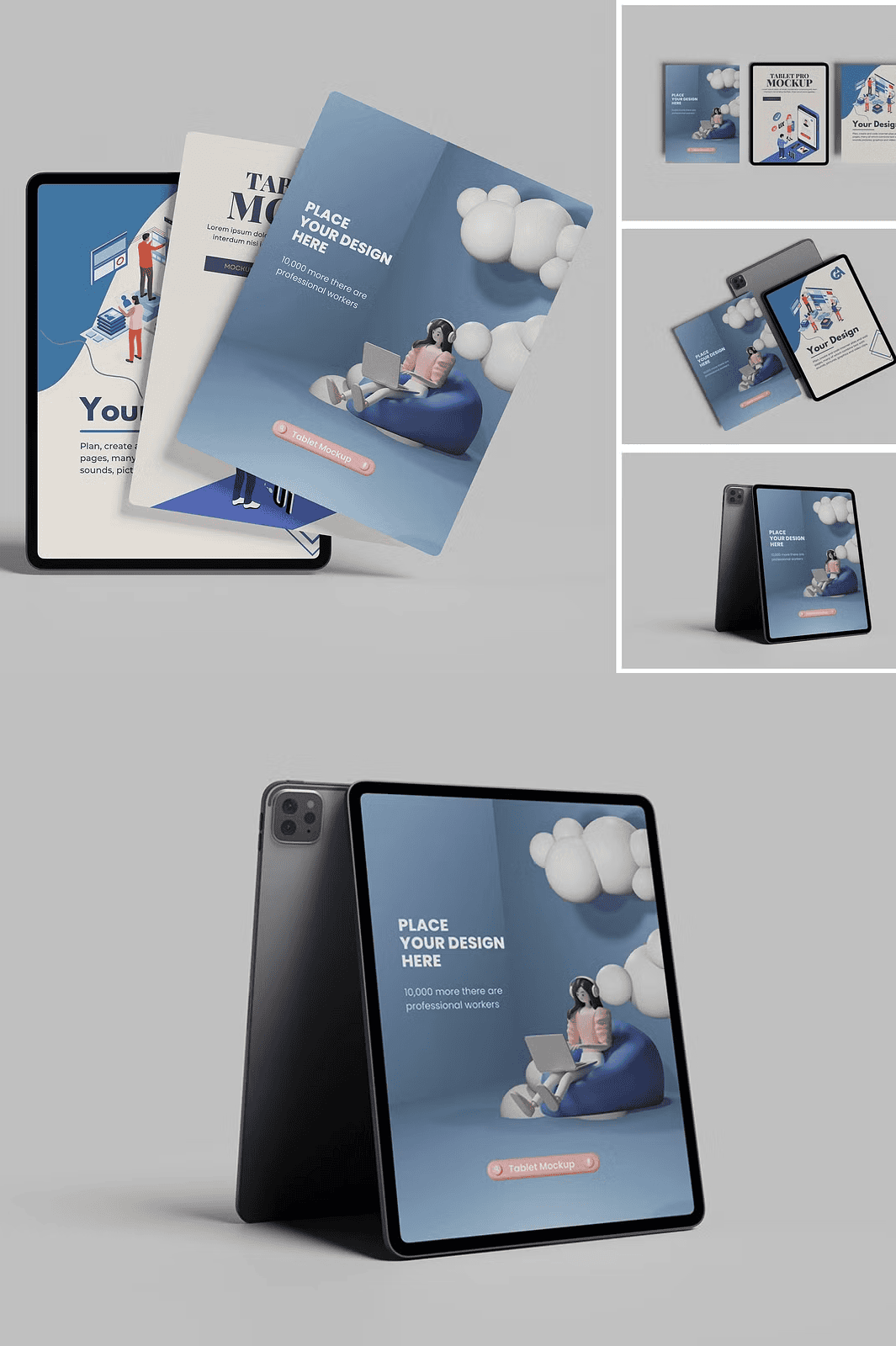
This collection includes **four distinct tablet mockup scenes**, each crafted with photorealistic detail and optimized for real-world presentation use. Designed at **4500×3000 pixels**, these high-definition templates deliver crisp, sharp results suitable for print, web, social media, and client decks. Each version offers unique visual contexts to match your project’s tone—whether it’s a minimalist studio setting, a dynamic workspace, a lifestyle environment, or a product showcase.
Full Layer Control with Editable Smart Object Layers
Every mockup is built with **fully layered Photoshop files**, giving you complete control over every visual element. Use smart object layers to **quickly swap your content** while preserving original resolution and clarity. No more image distortion or manual resizing. Customize your presentation with precision: adjust brightness, shadows, and perspective settings directly within the layer stack. This non-destructive workflow ensures your original design stays intact and your mockups remain flexible.
Advanced Customization Features for Dynamic Presentations
Go beyond simple design replacement—enhance your visuals with smart editing options that make your mockups look authentic and professional.
Change Background Color Instantly – No Coding or Masking Required
Want to match your brand colors or switch from dark mode to light mode? The mockup includes an **integrated background color adjustment system** that allows you to change the tablet’s environment in seconds. Use the provided adjustment layers or simply double-click the background layer to apply a new solid color. This feature is perfect for matching your product’s branding or adapting mockups to different settings—from cozy living rooms to sleek boardrooms.
Instruction Guide Built-in for Effortless Setup
No trial and error—just clear, step-by-step instructions. A comprehensive **PDF guide** is included, walking you through:
– How to locate and access smart object layers
– Best practices for copying and pasting your artwork
– Tips for maintaining file quality and layer organization
– How to export final versions in various formats
The guide ensures even beginners can master the mockup in under five minutes.
Professional-Grade Tools for Designers, Marketers, and Freelancers
– ✅ **4 high-resolution PSD files** (4500×3000 px) – ideal for detailed presentations
– ✅ **Photoshop layered and smart object-enabled** – full compatibility with Adobe Creative Suite
– ✅ **Realistic lighting and depth** – creates authentic, polished visuals
– ✅ **No included preview images** – only templates, so your art is always the focus
– ✅ **Commercial use friendly** – perfect for agencies, freelancers, and product launches
How to Use the Tablet Pro Mockup – Quick Setup Guide
1. **Download** and extract the ZIP file.
2. **Open** any PSD file in Adobe Photoshop.
3. **Double-click** on a smart object layer to access the embedded design area.
4. **Copy** your design (UI, artwork, or layout) and **paste** it into the layer.
5. **Save** the file—your mockup is now updated and ready to use.
6. **Export** as PNG, JPEG, or PDF for sharing.
*Note:* Preview images shown are for demonstration only. The actual file contains no placeholder graphics. All templates are compatible with Photoshop CC and later versions. For support, contact the creator at Mrletters@gmail.com.