Unleash Infinite Design Possibilities with a Complete Galaxy of Vector Components
Transform your game development workflow with the **Spaceship Creation Kit – Galactic Set**, a powerful collection of over 600 scalable, fully editable vector assets designed for indie developers, game designers, and digital artists. This isn’t just a pack of static images—it’s a dynamic creative engine that empowers you to **design, customize, and assemble unique spacecraft** in seconds. Whether you’re building a fast-paced shooter, a sci-fi adventure, or a strategy game, this kit gives you the tools to build immersive, visually stunning galactic worlds from the ground up.
Master the Art of Modular Ship Design with Fully Customizable Components
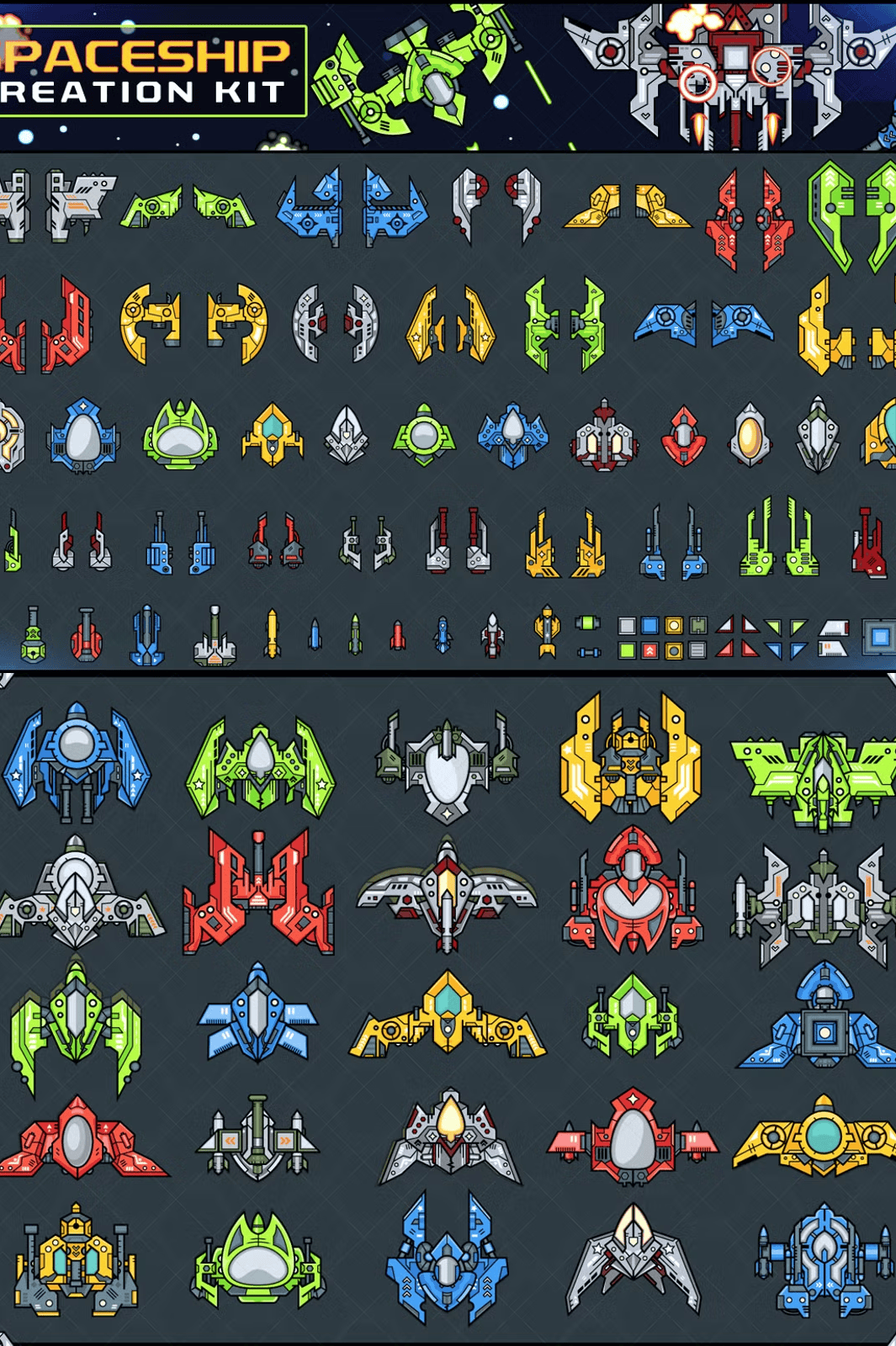
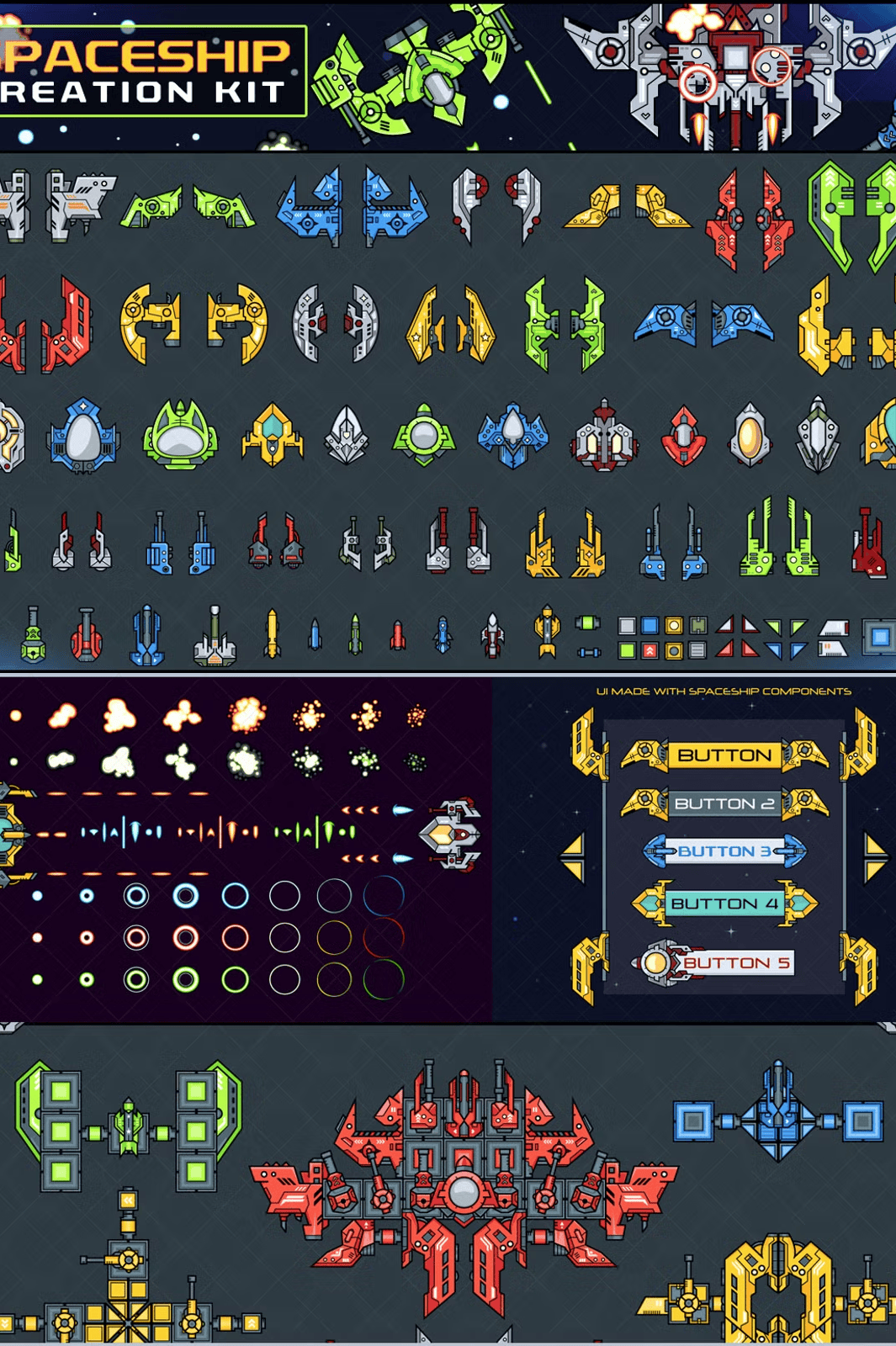
The core of this kit lies in its **600+ modular vector components**, including hull sections, thrusters, wings, engines, turrets, and structural frames. Each part is available in **six vibrant colors** and supports **full geometric freedom**: scale, rotate, flip, and reposition with precision. Organize layers freely—layer a rocket below a wing for a sleek underbody look, or stack elements vertically for towering capital ships. All assets are packaged in both **Vector AI and EPS formats**, so you can scale them to any size without degradation—essential for high-definition displays and future-proof design.
Instant Ready-to-Use Game Assets: Pre-Made Ships, Platforms & Obstacles
Speed up your prototyping with **180+ pre-constructed ships and environments**, all fully editable and ready to import into your game engine or design tool. Included are:
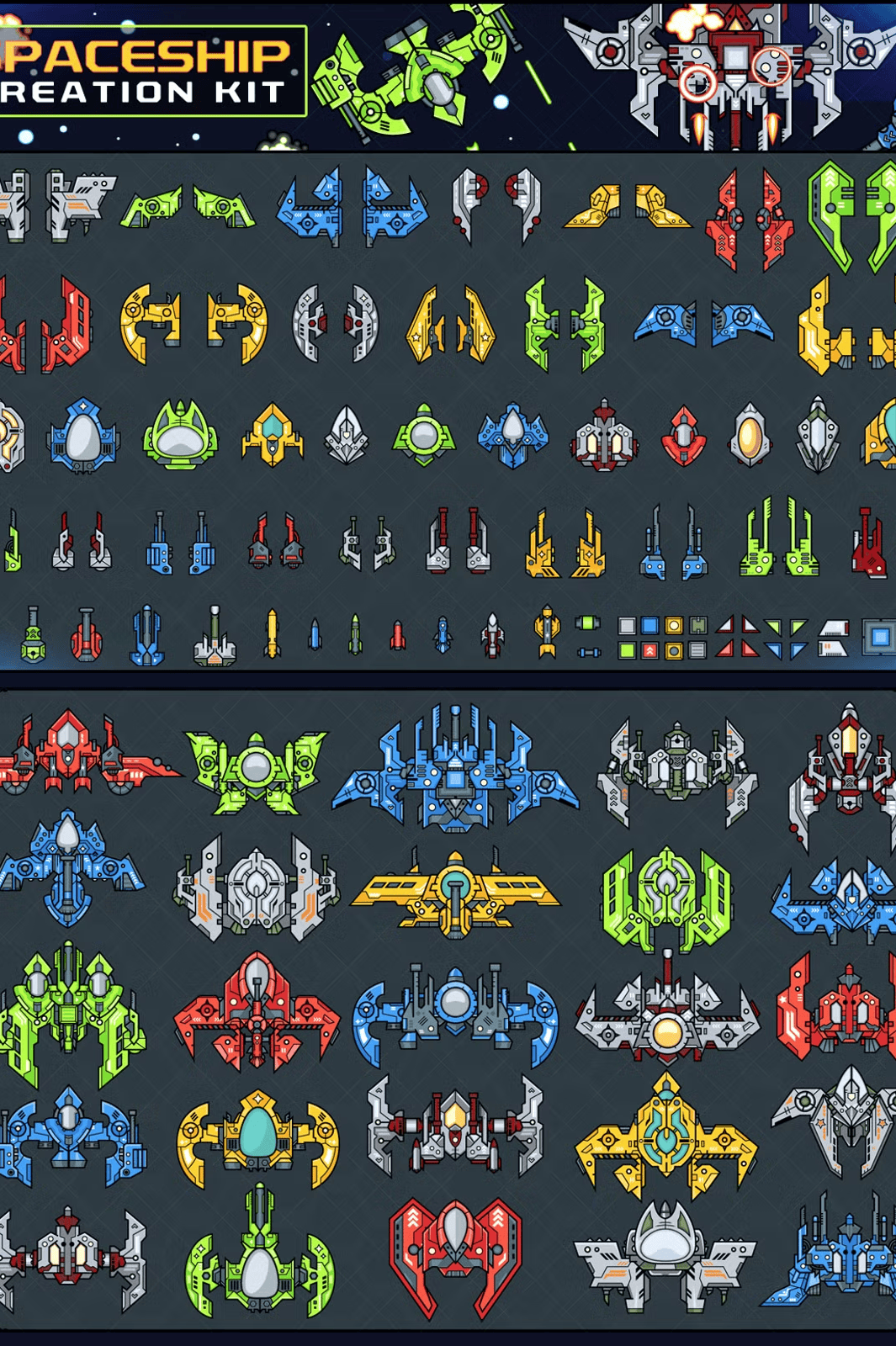
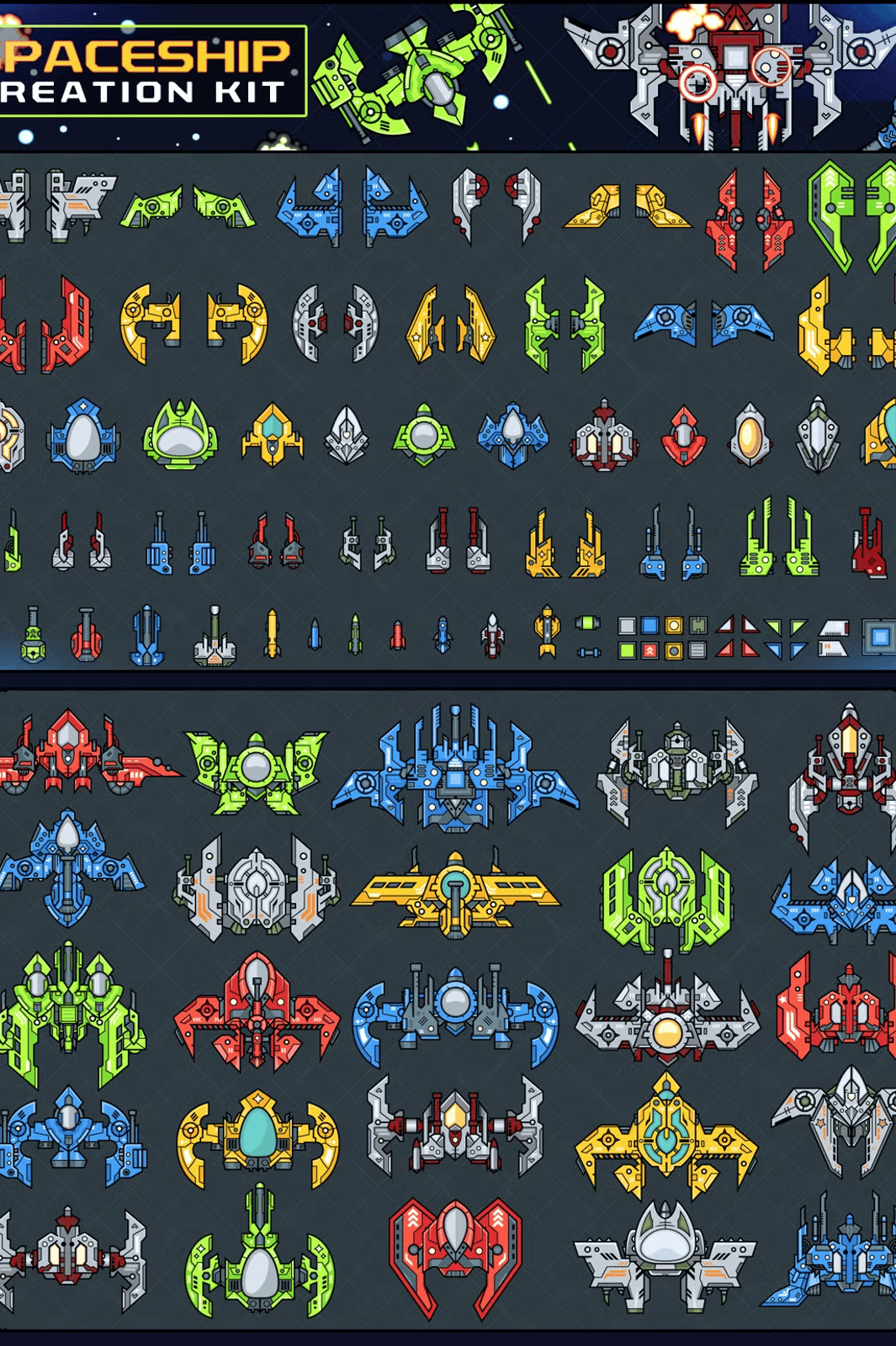
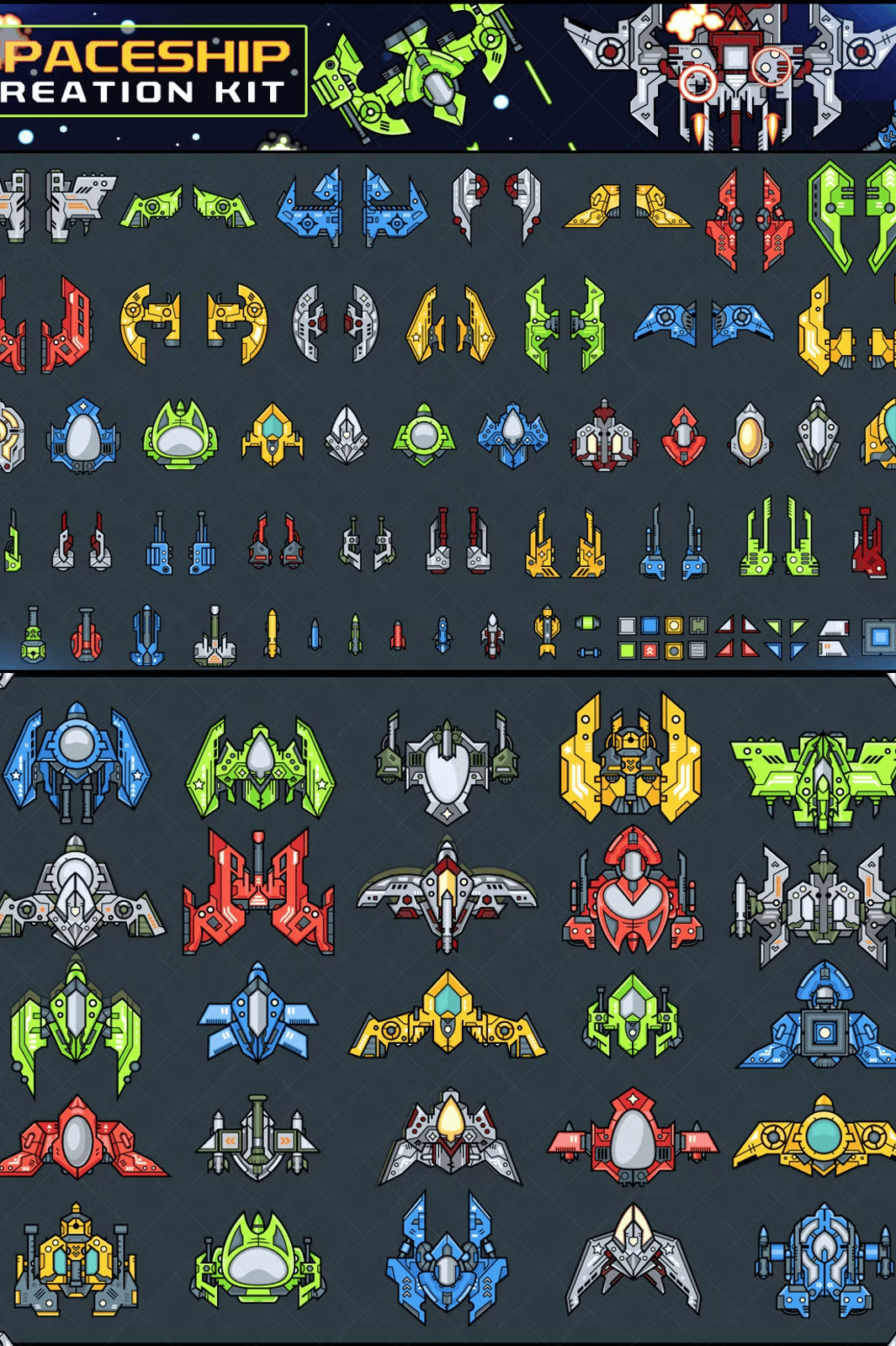
– **Pre-made Spaceships**: 60 different ship models in varied sizes and color schemes (Vector AI, EPS + 354 PNGs)
– **Battle Platforms**: 15 distinct fortress-like platforms for multiplayer arenas (Vector AI, EPS + 54 PNGs)
– **Environmental Objects**: 60 unique obstacles, space debris, and terrain elements (Vector AI, EPS + 205 PNGs)
These assets are not just templates—they are production-ready layers, so you can swap textures, adjust colors, or add effects without starting from scratch.
Bring the Action to Life with Animated Bullets and Explosions
Make your games feel alive with dynamic visual feedback. The kit includes **animated projectiles and detonation effects** optimized for frame-by-frame animation:
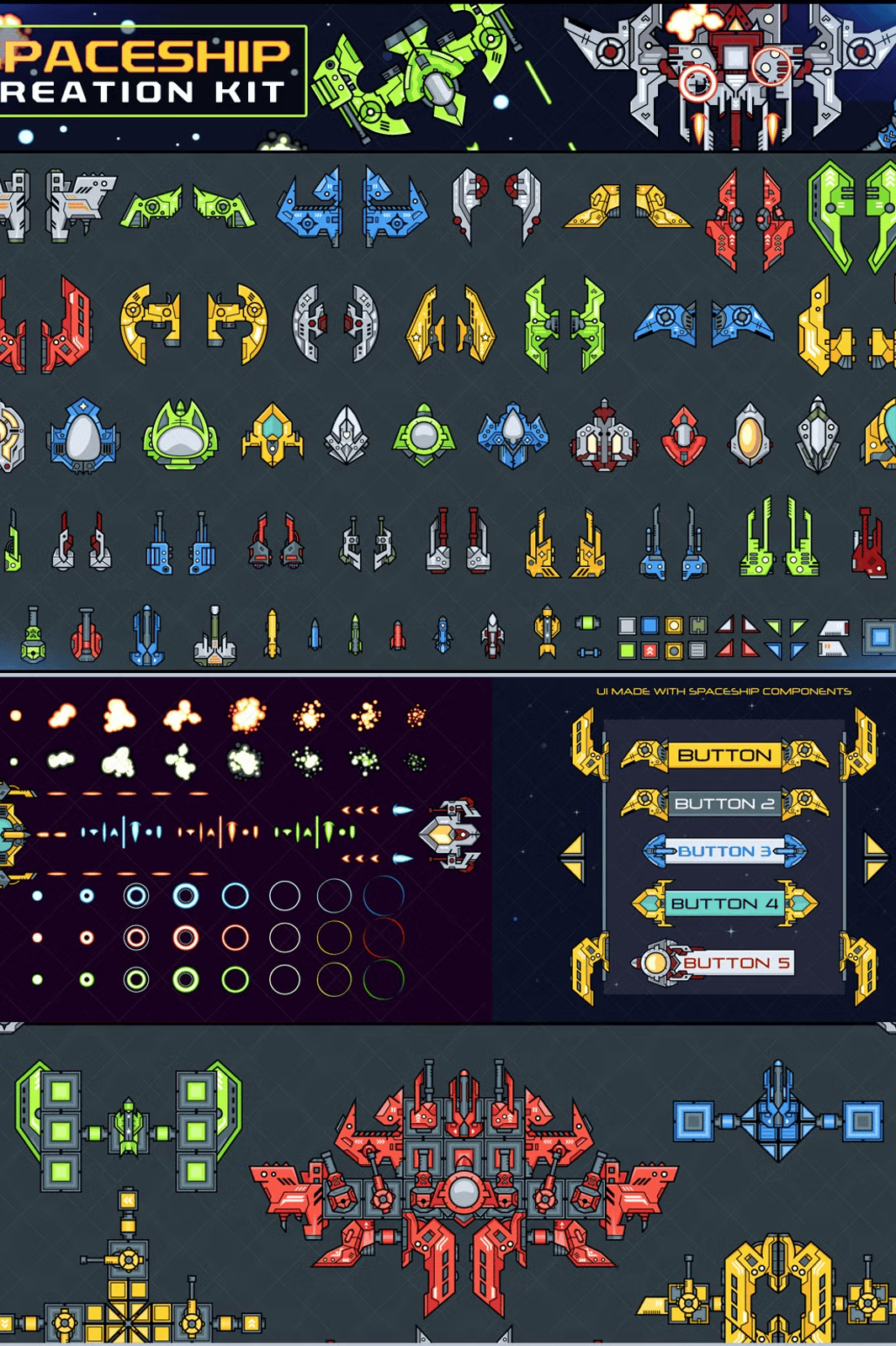
– **Bullets**: 24 frames across **three colors** (green, red, blue) in both Vector and PNG formats—ideal for fast-paced combat
– **Hitlight Effects**: 8-frame glow bursts per color—add real-time impact feedback when bullets strike
– **Explosion VFX**: 2 base explosion patterns with 8 frames each, including multi-stage, delayed detonations to build cinematic sequences
Use these assets directly in animations, motion graphics, or game engines like Unity or Godot. The frames are organized in logical order for seamless integration.
Enhance Gameplay with Interactive UI Templates and Creative Concepts
Go beyond visuals—this kit includes **practical design examples** to boost your development:
– **Interface Design Example**: Visual guide showing how to build cockpit buttons, HUD screens, and control panels using the same components
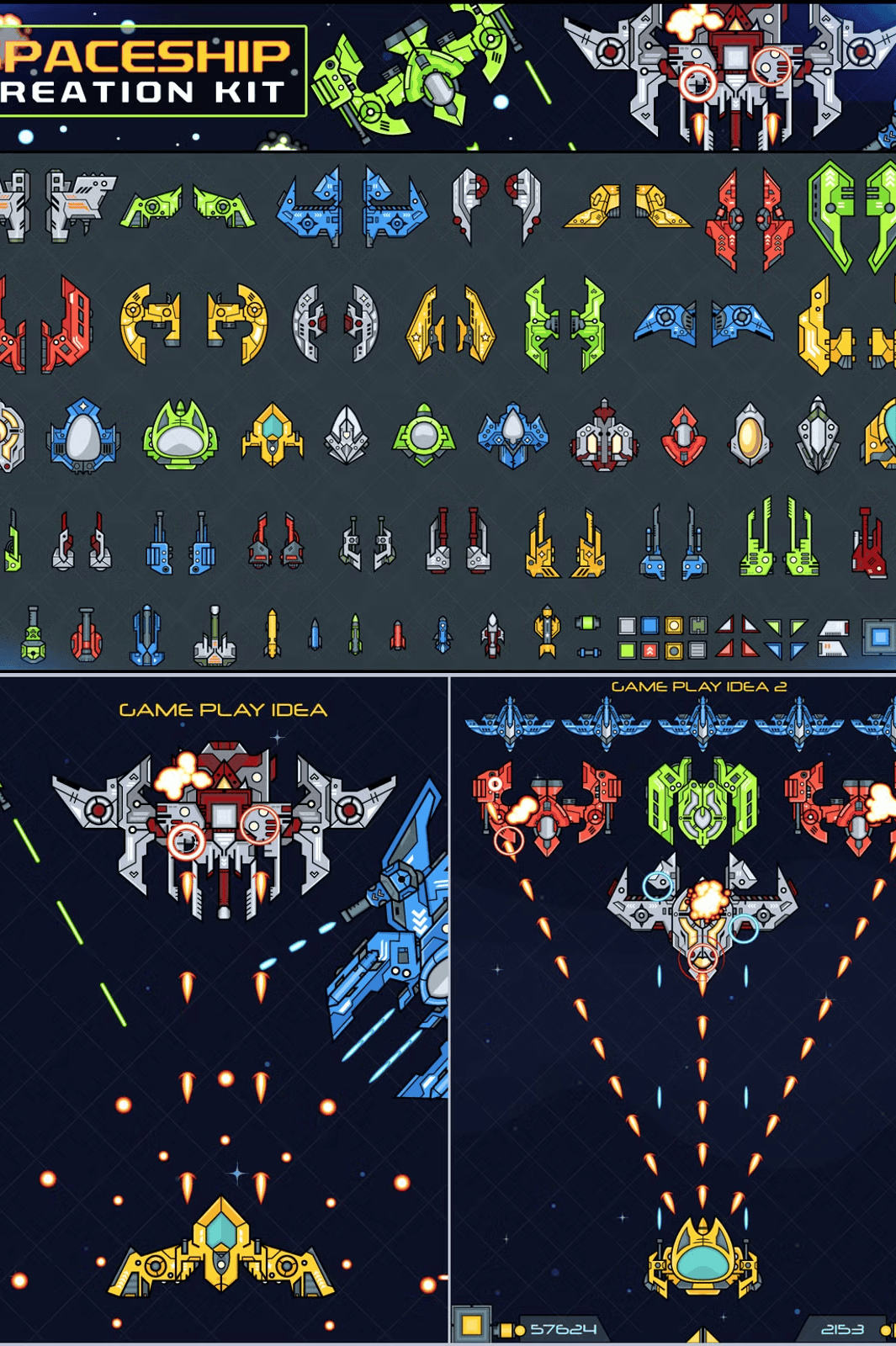
– **Game Play Ideas**: Two creative concepts for combining assets into playable game mechanics—ideal for brainstorming storylines, level designs, or multiplayer modes
These aren’t just pretty pictures—they’re blueprints for engaging gameplay experiences.
Professional-Grade Features with Seamless Compatibility
– ✅ **File formats**: Vector AI & EPS + 1304 transparent PNGs (alpha channel support)
– ✅ **Fully customizable**: Change colors, scale, layer order, and composition instantly
– ✅ **Scalable without loss**: Infinite resolution thanks to vector-based design
– ✅ **Ready for game engines**: PNGs export cleanly for Unity, Unreal, or web-based games
– ✅ **Layered Photoshop & Illustrator compatibility**: Easy to import into most design software
Quick Start Guide to Power Your Project
1. **Download** the ZIP file and unpack it.
2. **Open** any AI or EPS file in Adobe Illustrator or Sketch.
3. **Select** components and adjust colors, rotation, and size.
4. **Combine** parts using layer hierarchy and grouping.
5. **Export** PNGs at different sizes for your game using transparency.
6. **Animate** in your preferred software using the 8-frame sequences.
*Note:* The demo images shown are examples only. All graphic assets are licensed for personal and commercial use (check individual license). Redistribution, reselling, or altering the core assets for third-party kits is prohibited. For assistance, contact the creator at pixaroma@gmail.com.