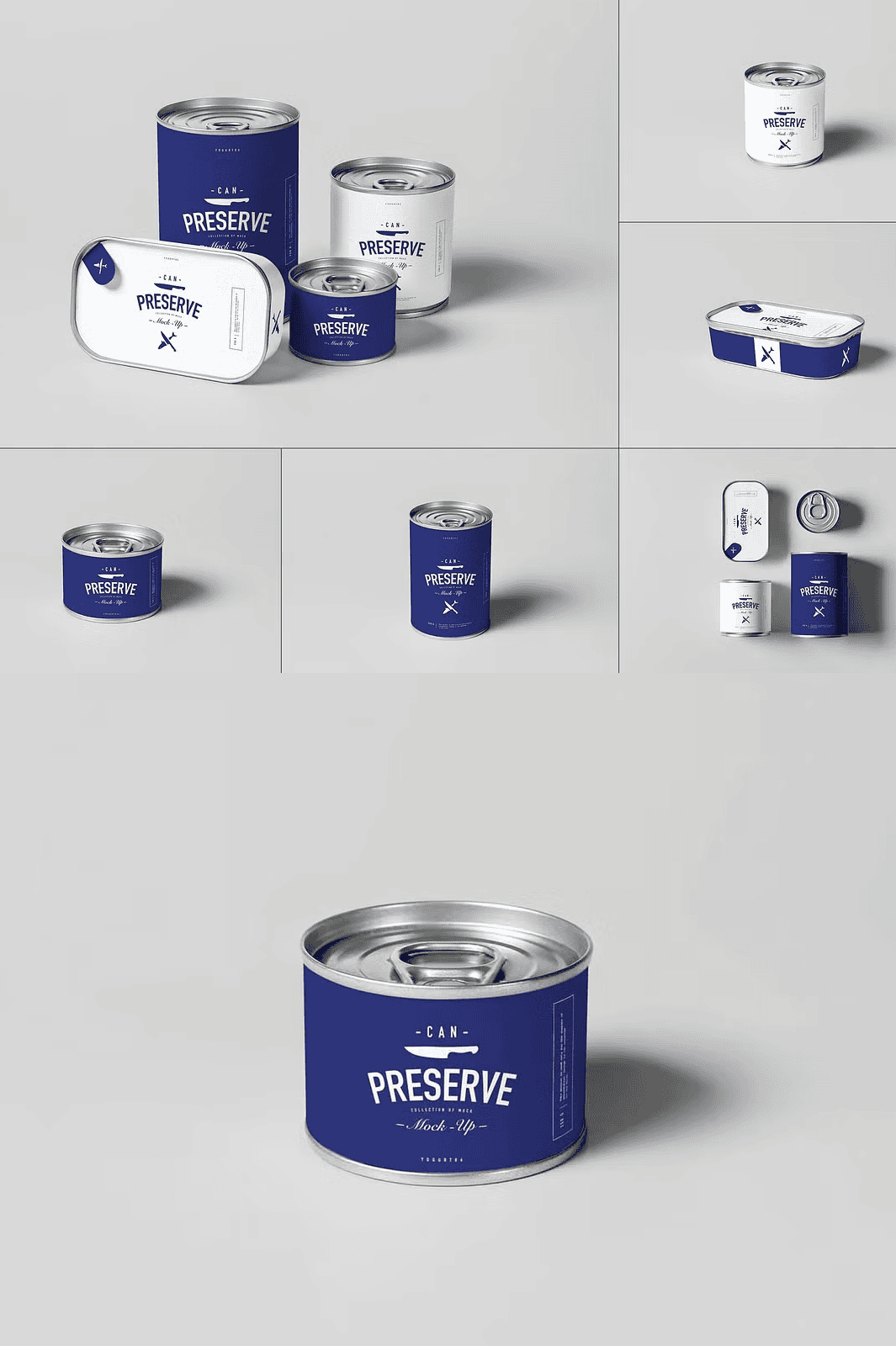
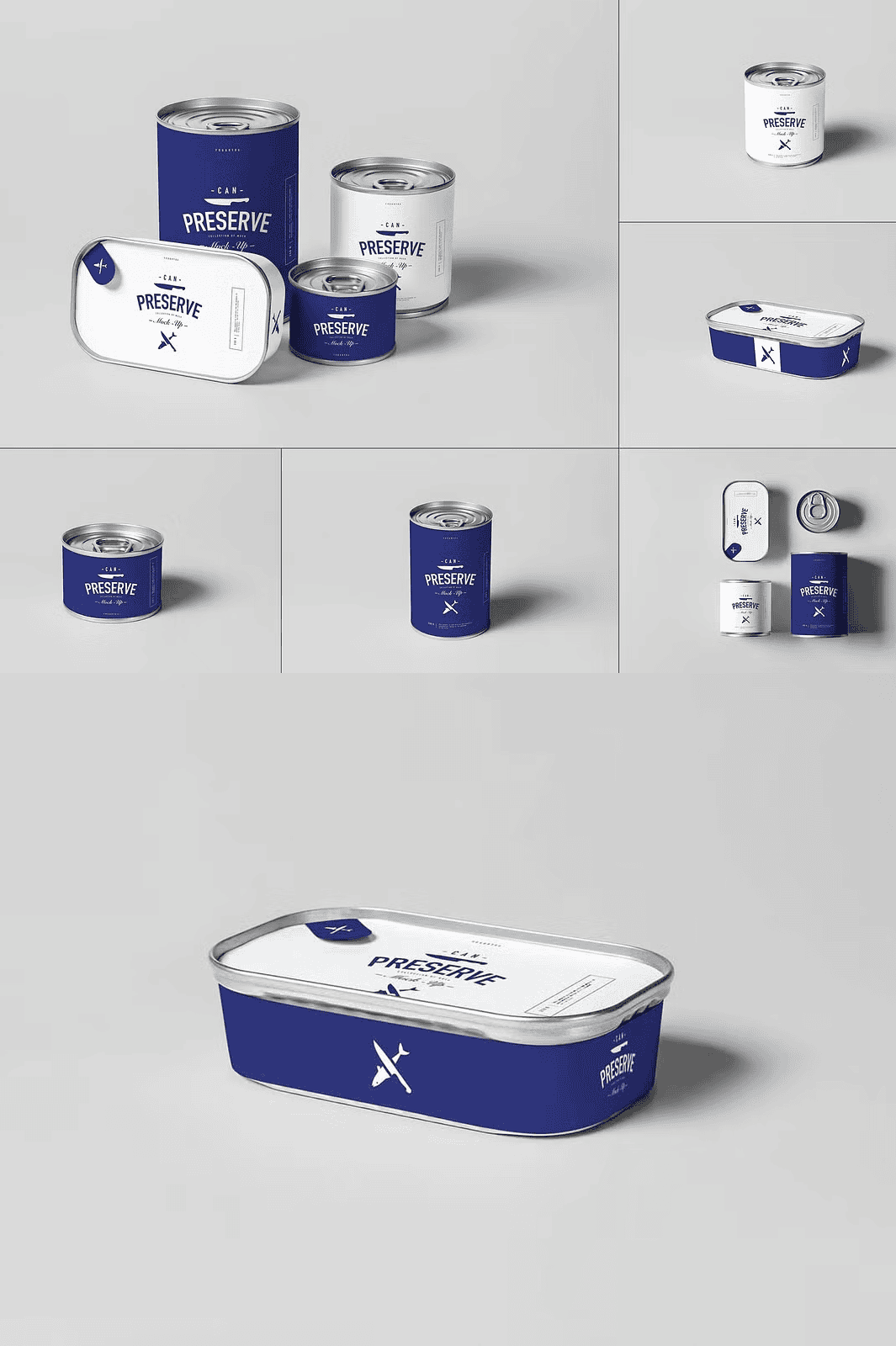
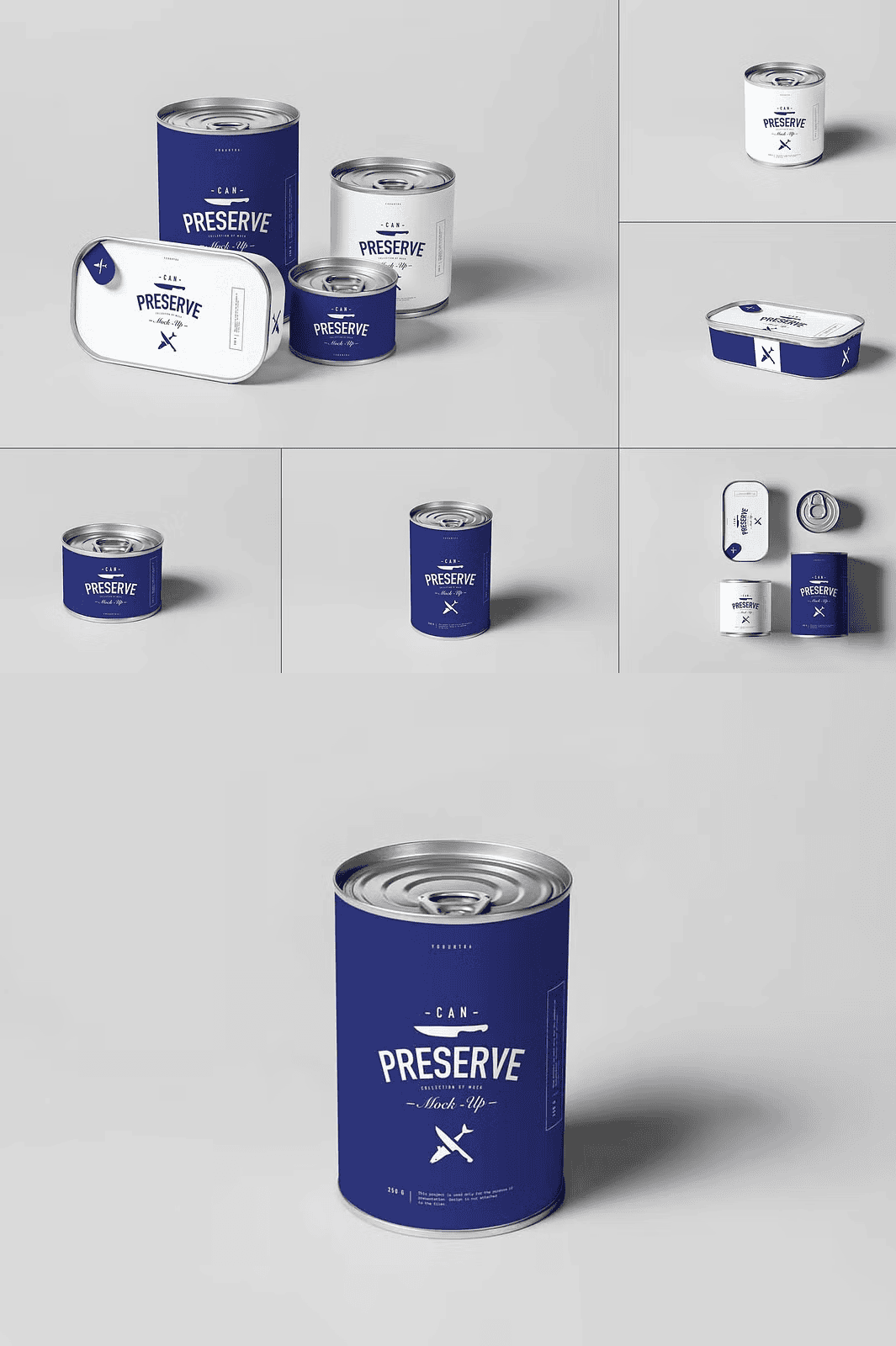
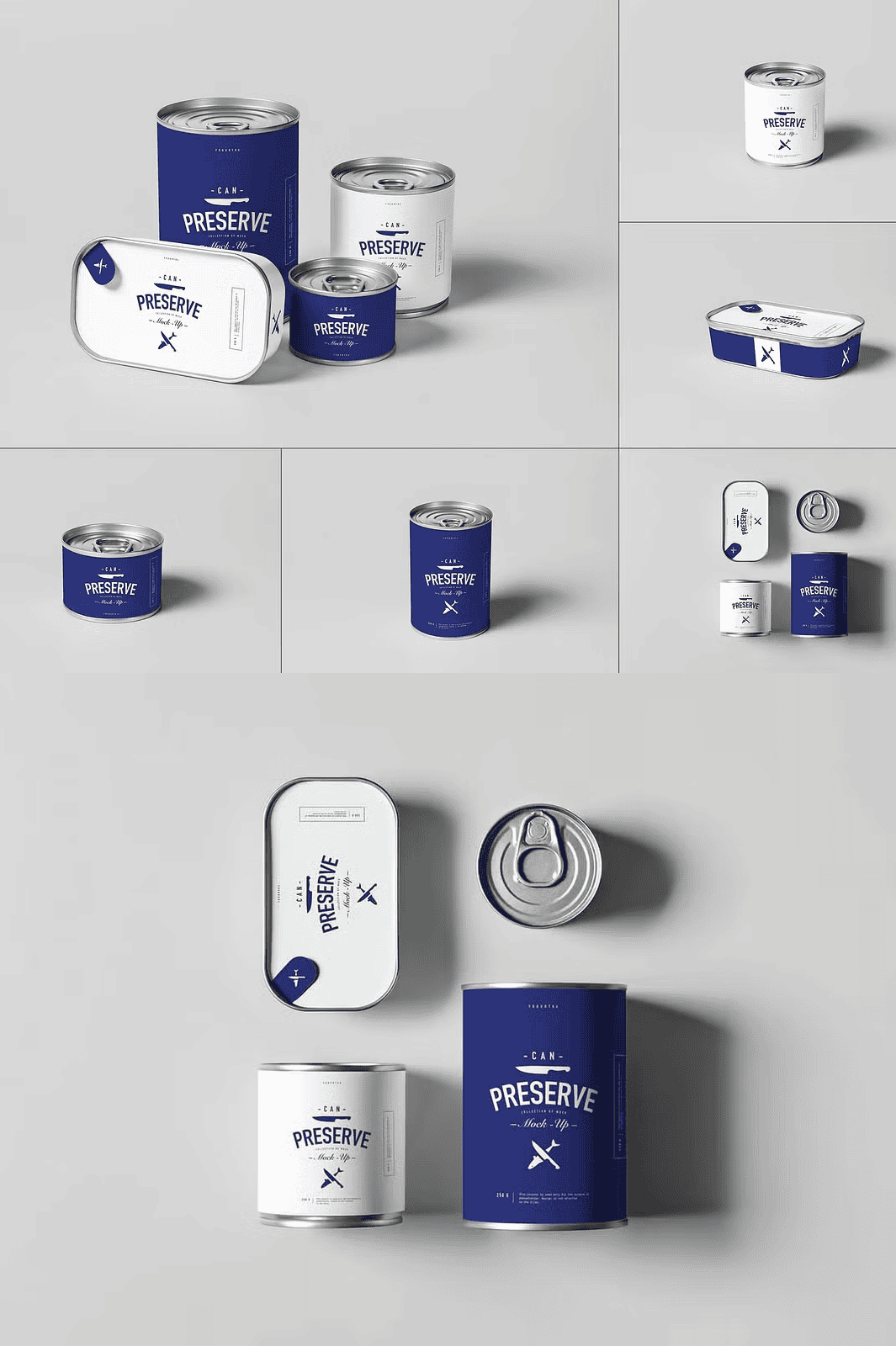
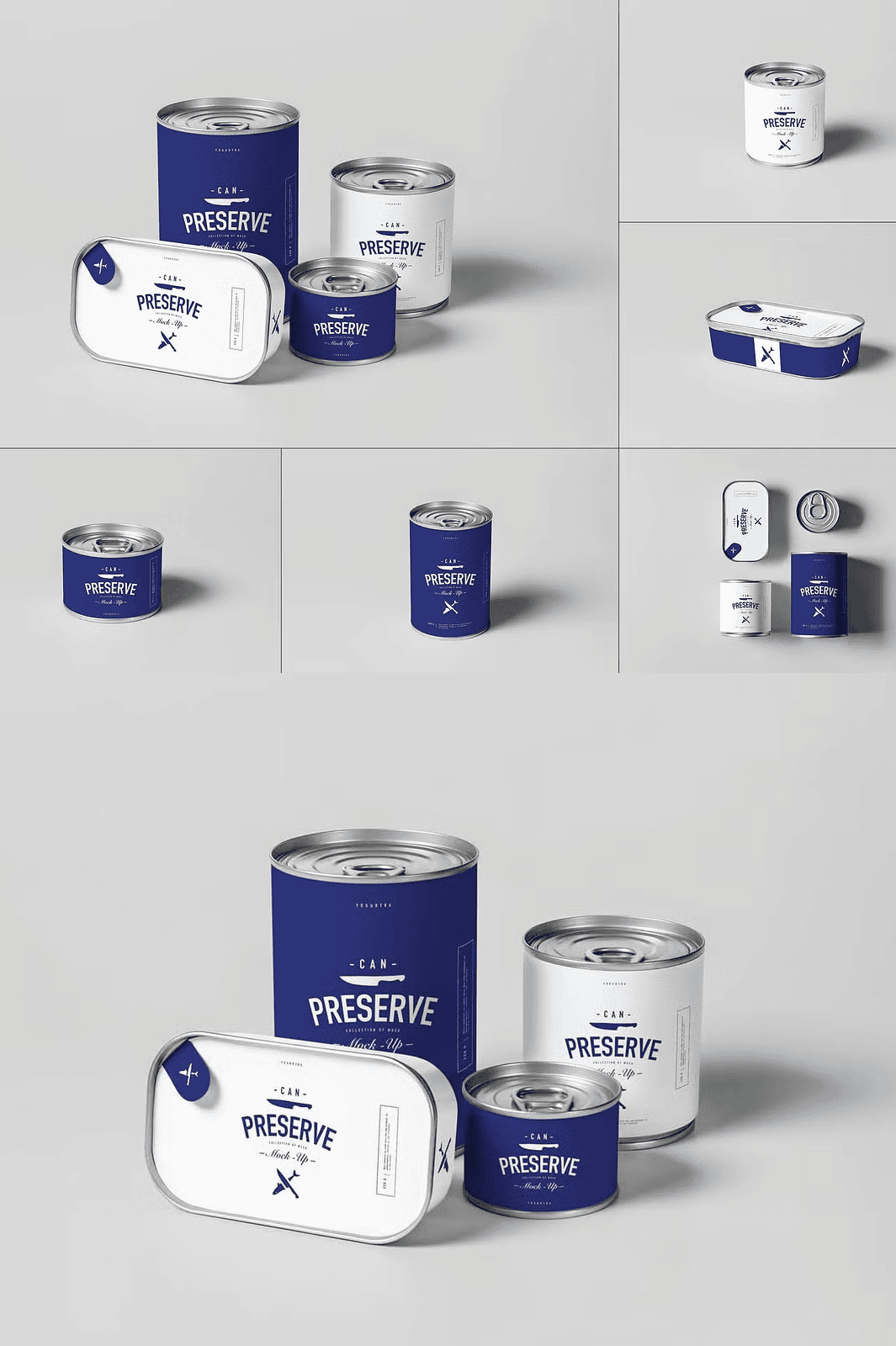
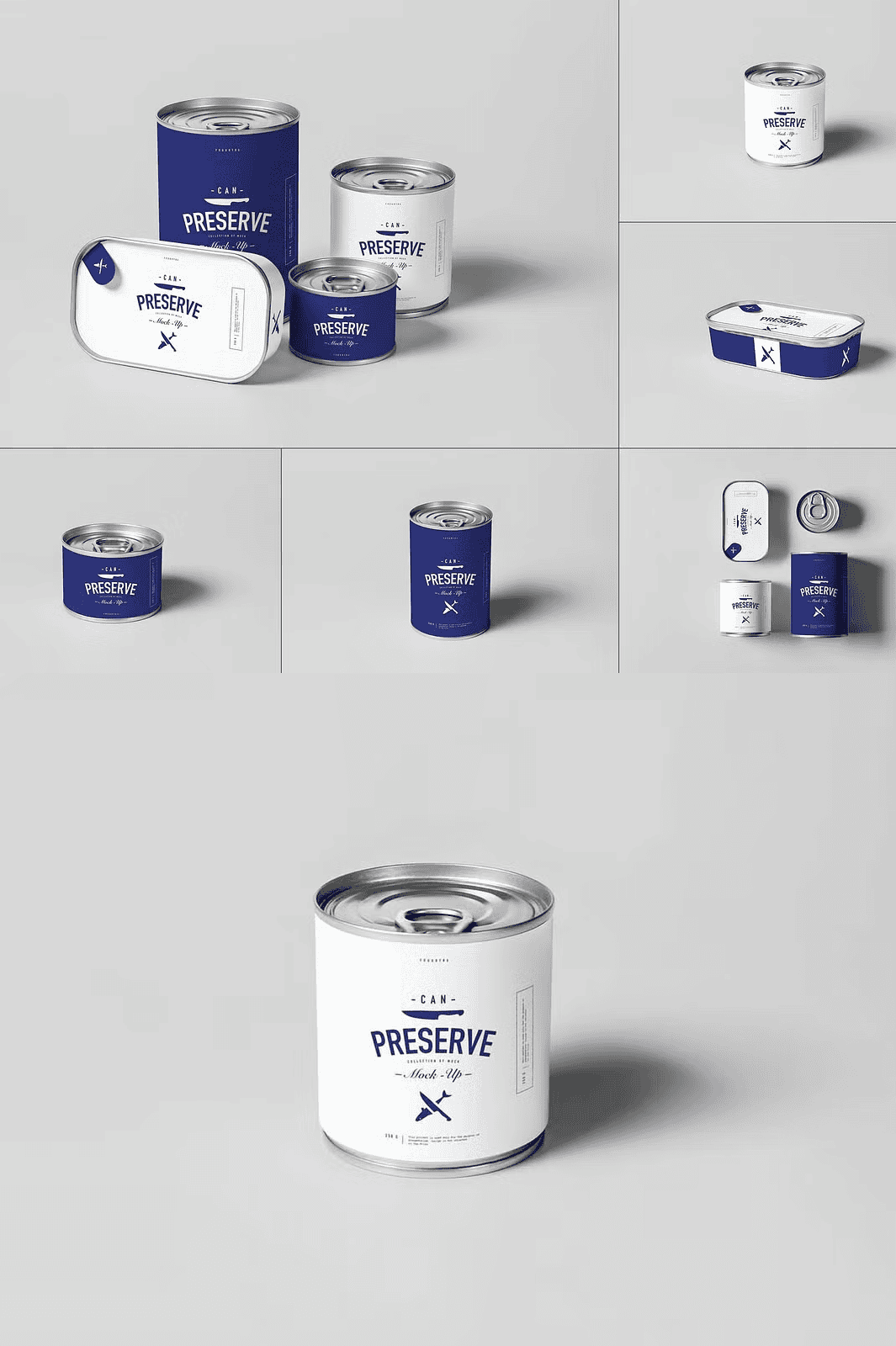
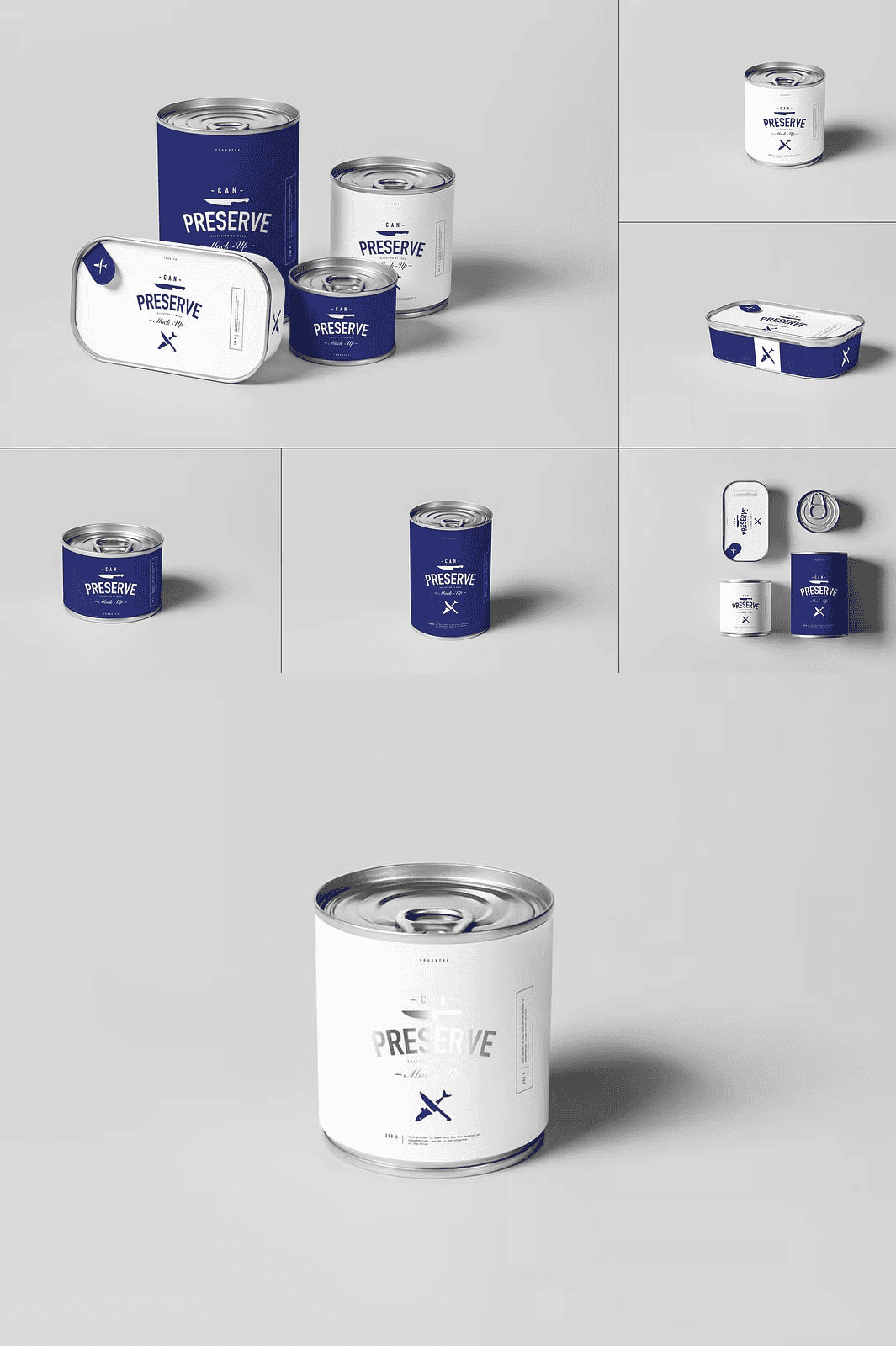
Instantly Customize High-Quality PSD Mockups for Professional Branding
Unlock the power of crisp and realistic presentations with the Can Preserve Mock-up bundle. This collection offers 6 meticulously crafted PSD files, each designed to highlight your branding, packaging, social media graphics, and product showcases with outstanding clarity. These high-resolution mockups (300 DPI) come in perfect dimensions of 3000×2008 pixels, ensuring that every detail of your design is presented with razor-sharp precision. Whether you’re a graphic designer, marketer, or creative specialist, this bundle streamlines your workflow with easy customization and organized layers that make mockup editing a breeze.
Key Features That Empower Your Creative Process
- Six Editable PSD Files: Each file is crafted for seamless customization using Smart Object layers, making your design integration smooth and efficient.
- High-Resolution Presentation: 300 DPI files ensure your mockups look superb both on-screen and in print, maintaining professional-grade quality.
- Easy-to-Use Workflow: Simple three-step process to add your artwork: open the PSD, double-click on the Smart Object layer, drag and drop your design, then save.
- Customizable Backgrounds: Enhance your presentation with backgrounds you can easily change to match your brand’s aesthetic and campaign needs.
- Realistic Lighting and Shadows: Expertly rendered effects to add depth and authenticity, helping your designs pop with visual impact.
- Fully Organized Layers: Clean, logical layer structure makes editing fast and straightforward even for newcomers.
- Compatibility and Support: Works with Adobe Photoshop CS6 and later. A PDF help file included to ensure smooth setup and usage.
Perfect Use Cases for a Distinctive Visual Edge
Can Preserve Mock-up serves as a versatile tool for various creative projects including branding presentations, packaging design showcases, social media visual content, website previews, print marketing materials, and dynamic product displays. Elevate your pitches and portfolios by displaying your work in a sleek, high-end mockup template that captures attention and communicates quality without distraction.
How to Utilize the Can Preserve Mock-up in Three Easy Steps
- Open one of the PSD files with Adobe Photoshop.
- Locate and double-click the Smart Object layer to open it.
- Drag your design onto the Smart Object canvas, adjust as needed, then save and close it.
Your customized design will automatically appear perfectly placed within the mockup scene, ready to impress clients, audiences, or your online followers.
Upgrade your creative presentations with the Can Preserve Mock-up bundle — your ultimate asset for showcasing designs with precision, polish, and professional flair. Download today and bring your ideas to vivid life!