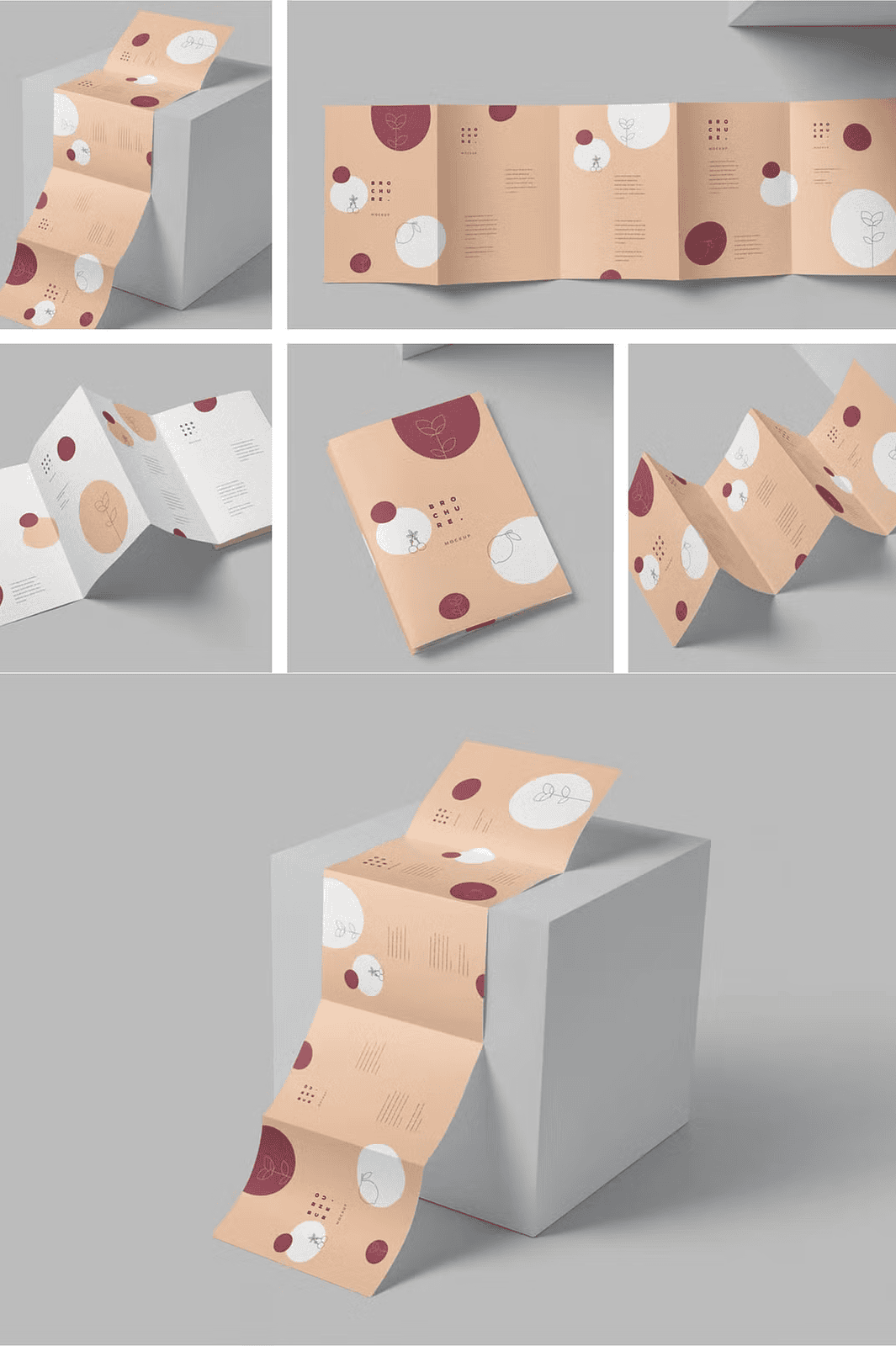
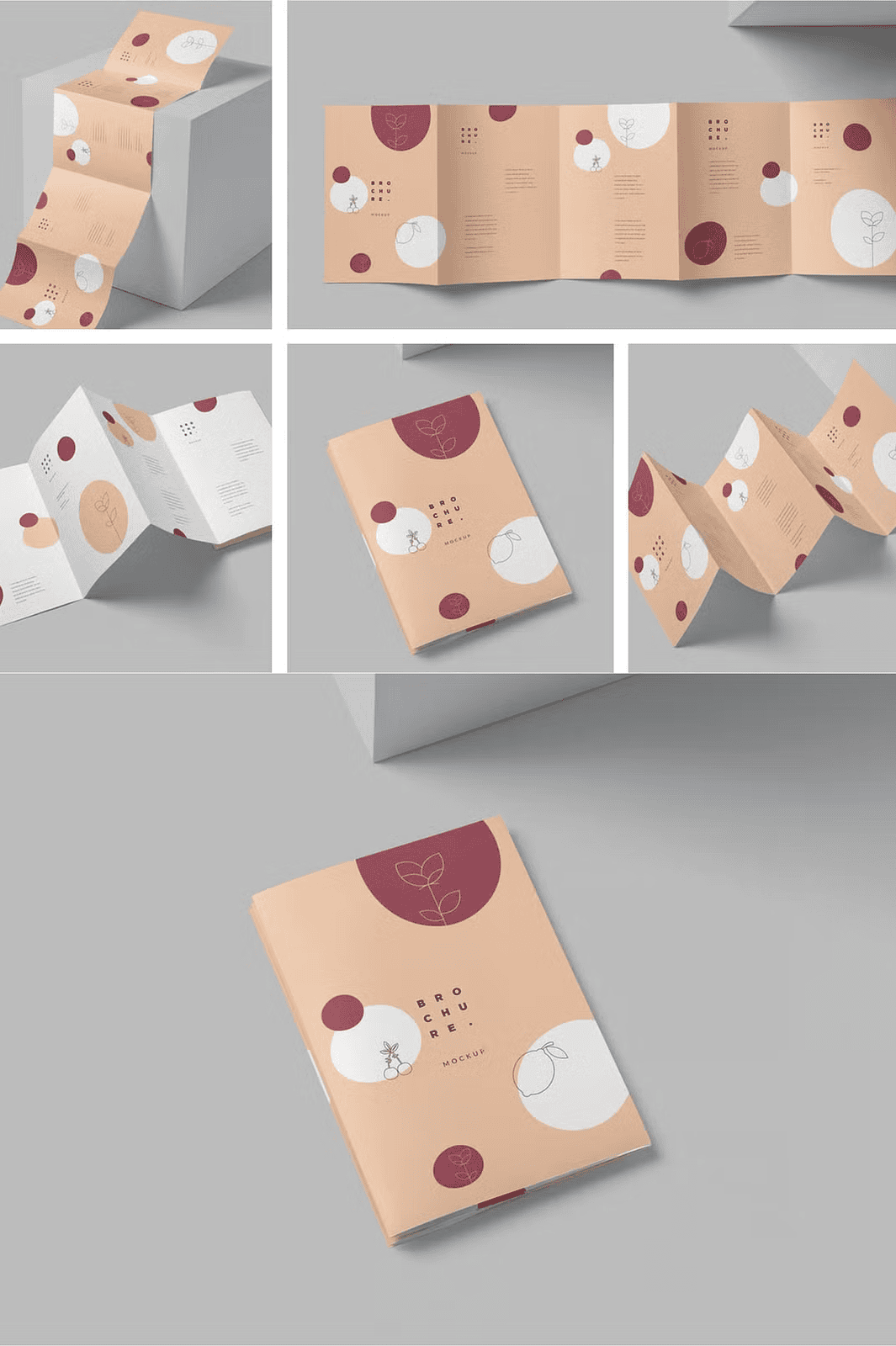
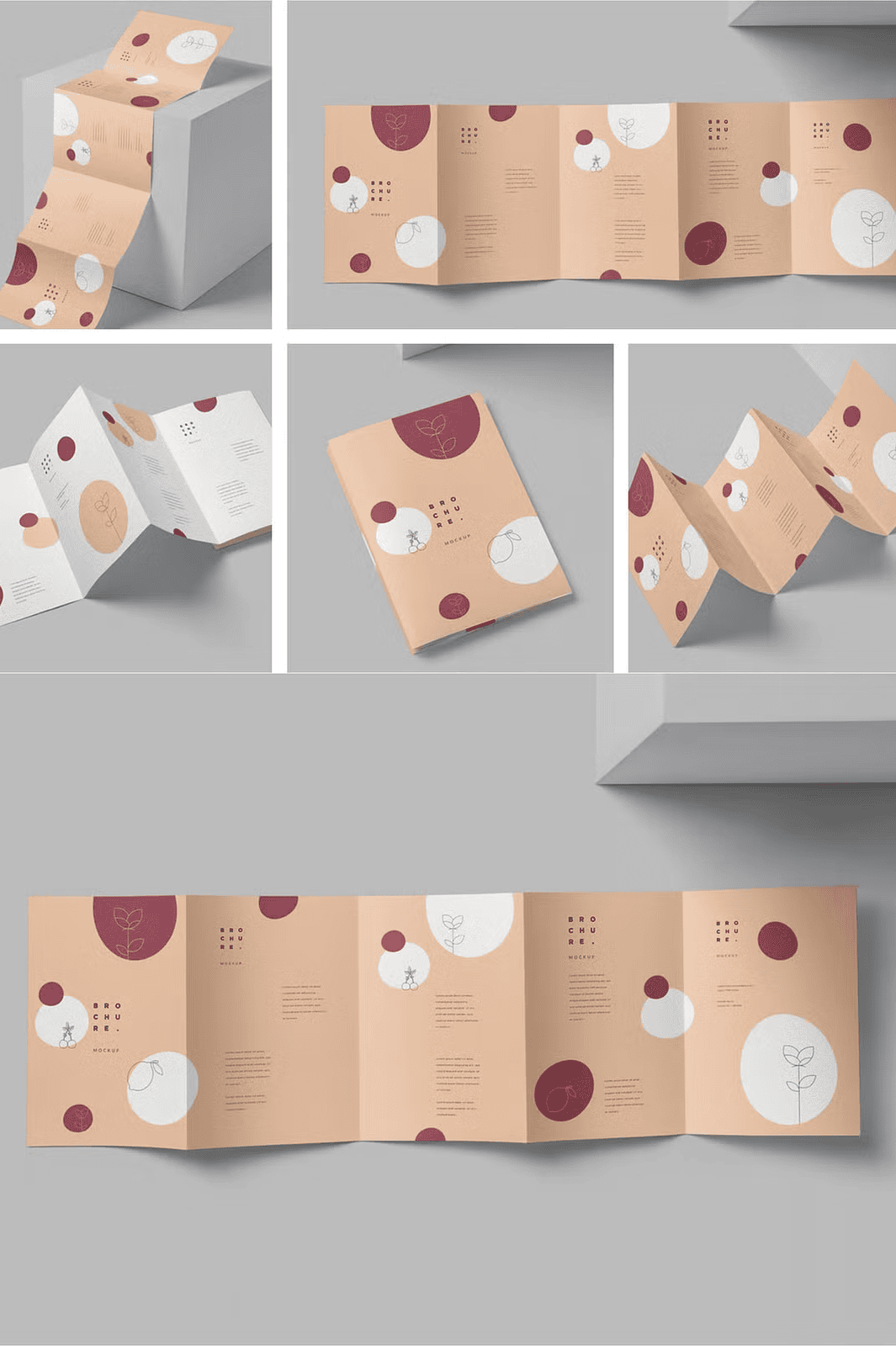
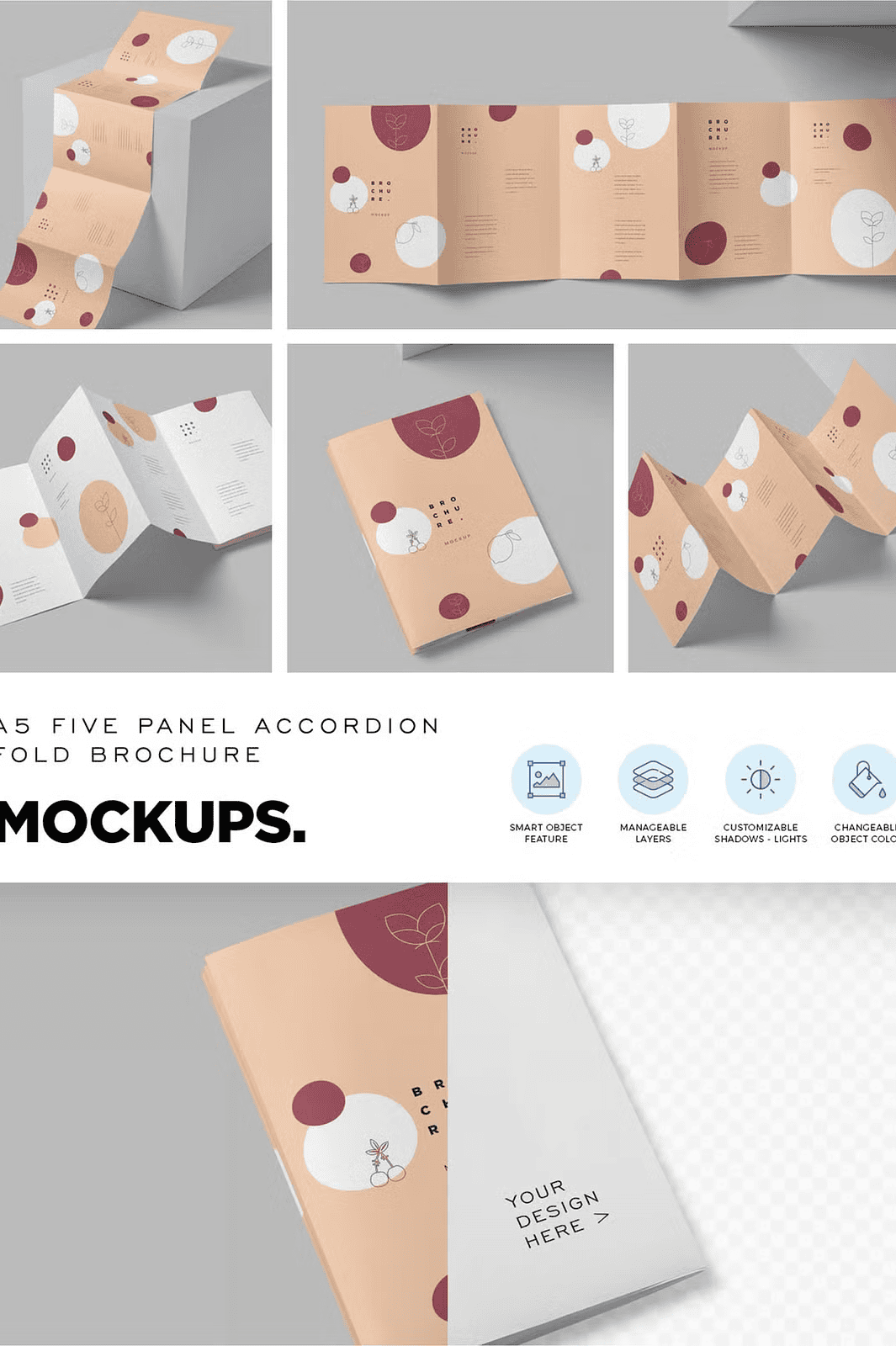
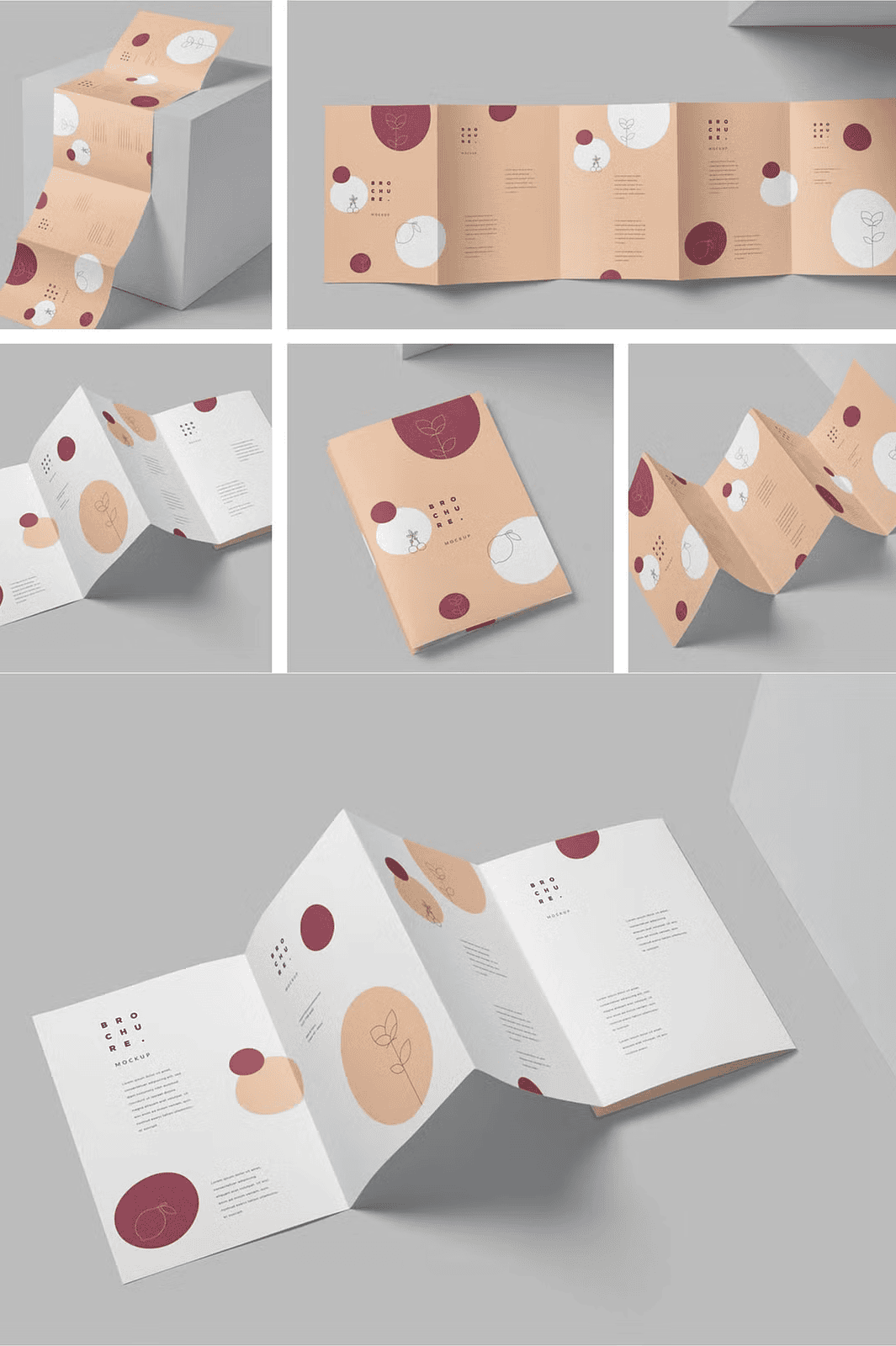
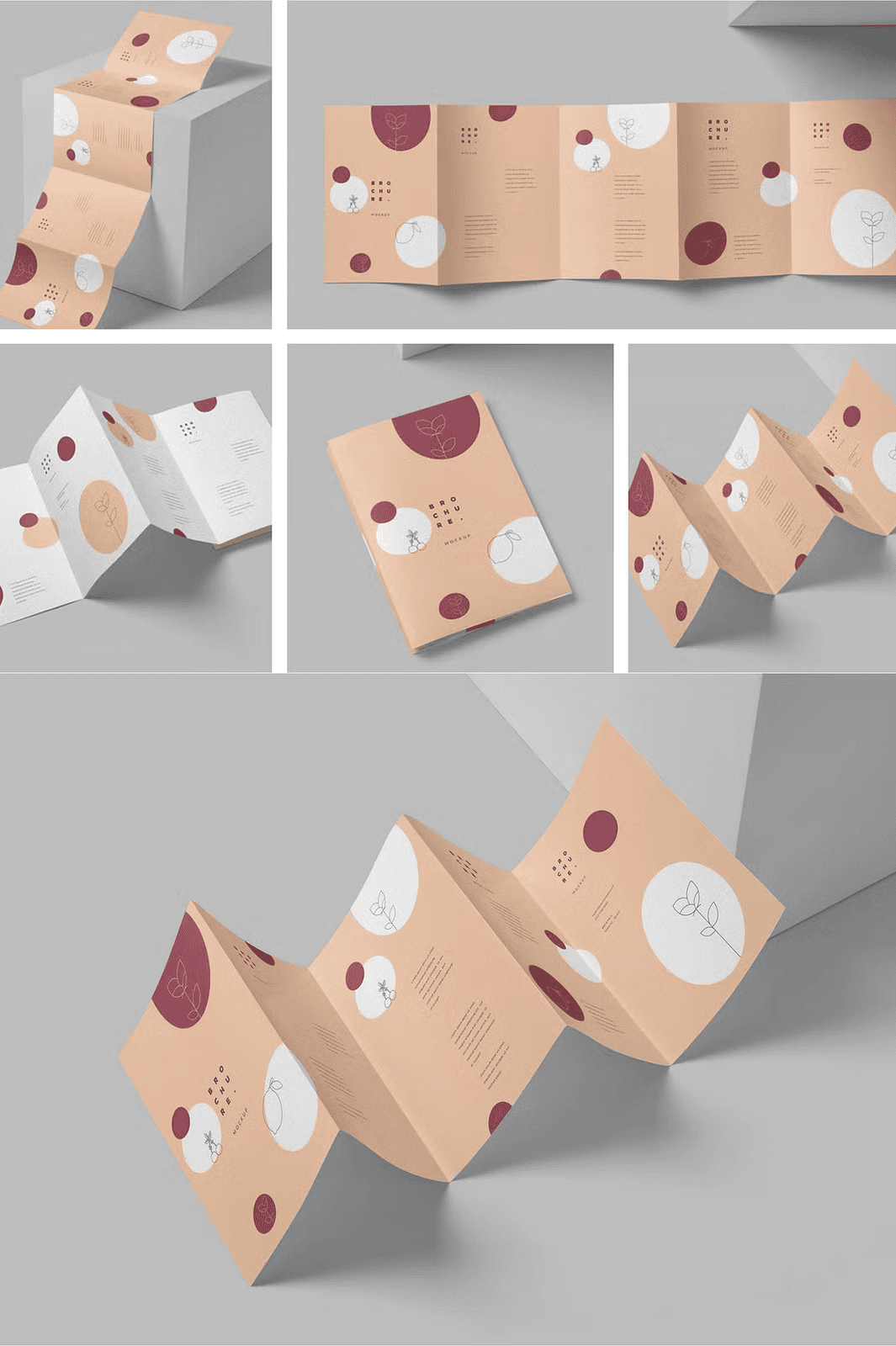
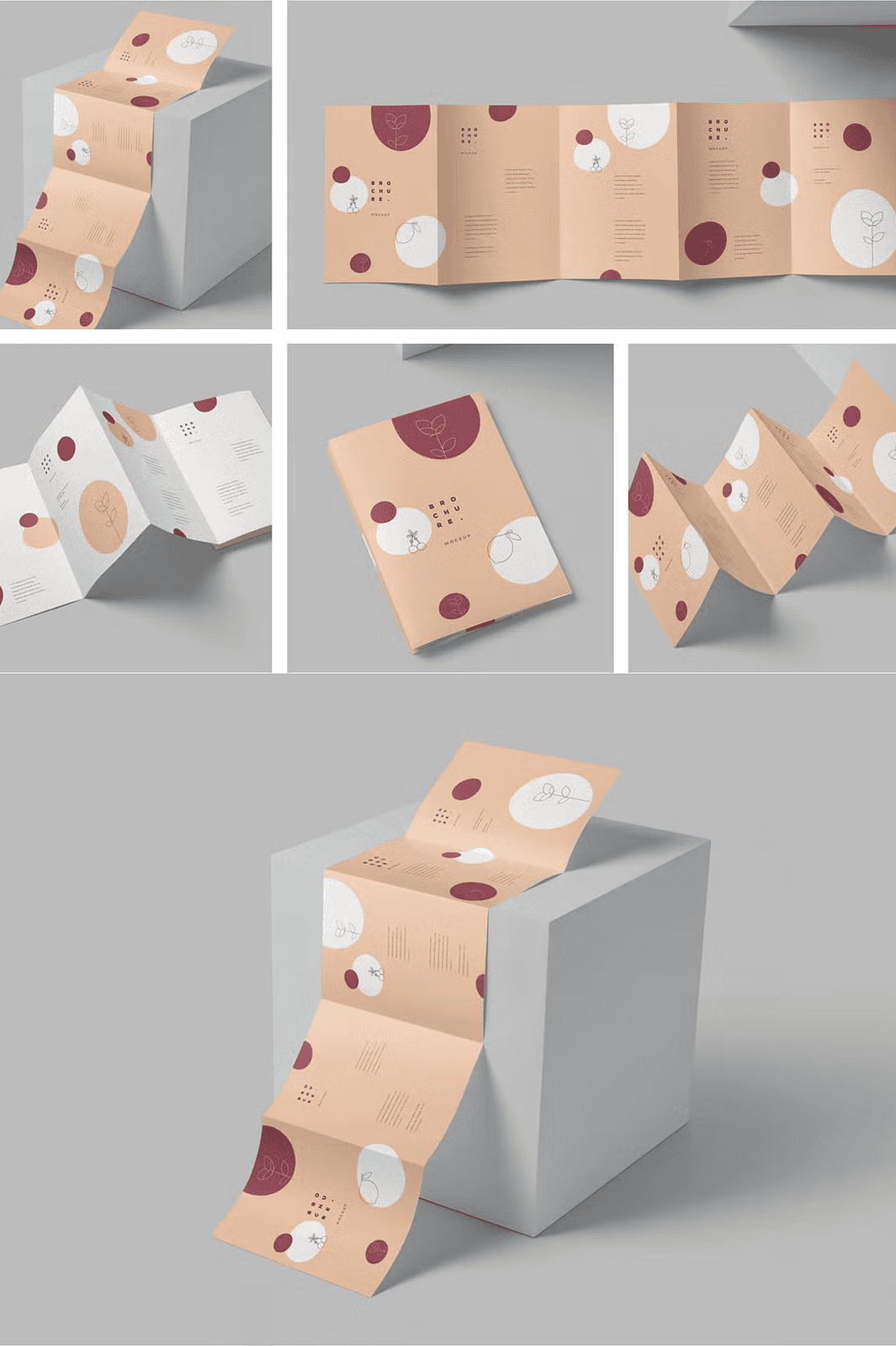
Fully Customizable Photoshop Mockups for Outstanding Visual Presentation
Transform your product presentation with the A5 5 Fold Accordion Flyer Mockups, expertly crafted to display your designs in real-world scenarios. This collection includes 5 high-resolution PSD files sized at 3500×2300 pixels, all at a crisp 300 DPI to guarantee the highest quality output for both digital and print needs. Every element within these mockups is designed for easy editing, ensuring that your branding and marketing efforts will stand out with sharp and realistic visuals. Organized and named layers provide a straightforward editing experience, allowing you to customize backgrounds, shadows, lighting intensity, and reflections without hassle.
Comprehensive Features Designed to Boost Brand Impact
- Five Editable PSD Files: Designed for seamless updates via smart object layers to insert your designs effortlessly and maintain realistic perspective.
- High Resolution and Quality: Each mockup is crafted at 3500×2300 pixels with 300 DPI, guaranteeing crisp visual fidelity on any platform.
- Intensity Control Options: Tailor shadows, highlights, and reflections to fit your branding aesthetics and create professional depth.
- Customizable Background Colors: Easily adjust background hues to complement your artwork and campaign themes without extra effort.
- Well-Organized Layers: Layers are thoughtfully grouped and named for speedy workflow and user-friendly customization, ideal for both beginners and experienced designers.
- Included PDF Quick Guide: Step-by-step instructions ensure a smooth experience from setup to final export.
What is a Photoshop Mockup Template and Why Choose This Set?
A Photoshop Mockup Template acts as a pre-made visual file allowing you to showcase your label or flyer design within a realistic 3D representation. This means your designs come to life, presenting your work professionally without requiring advanced 3D skills. The A5 5 Fold Accordion Flyer Mockups are perfect for graphic designers, marketers, and branding specialists looking for a fast, reliable way to demonstrate product packaging and promotional materials impressively.
How to Use These Flyer Mockups Effectively
- Open any PSD file in Adobe Photoshop.
- Locate the Smart Object layer designated for your design, then double-click to open it.
- Drag and drop your artwork into the Smart Object window, adjust for placement, save, and close.
- Your design will automatically update and appear perfectly integrated into the mockup scene.
Invest in the A5 5 Fold Accordion Flyer Mockups today and elevate your branding materials with highly polished, realistic presentations designed to captivate audiences and clients alike.