Transform Your Concepts into Lifelike, Portfolio-Worthy Visuals
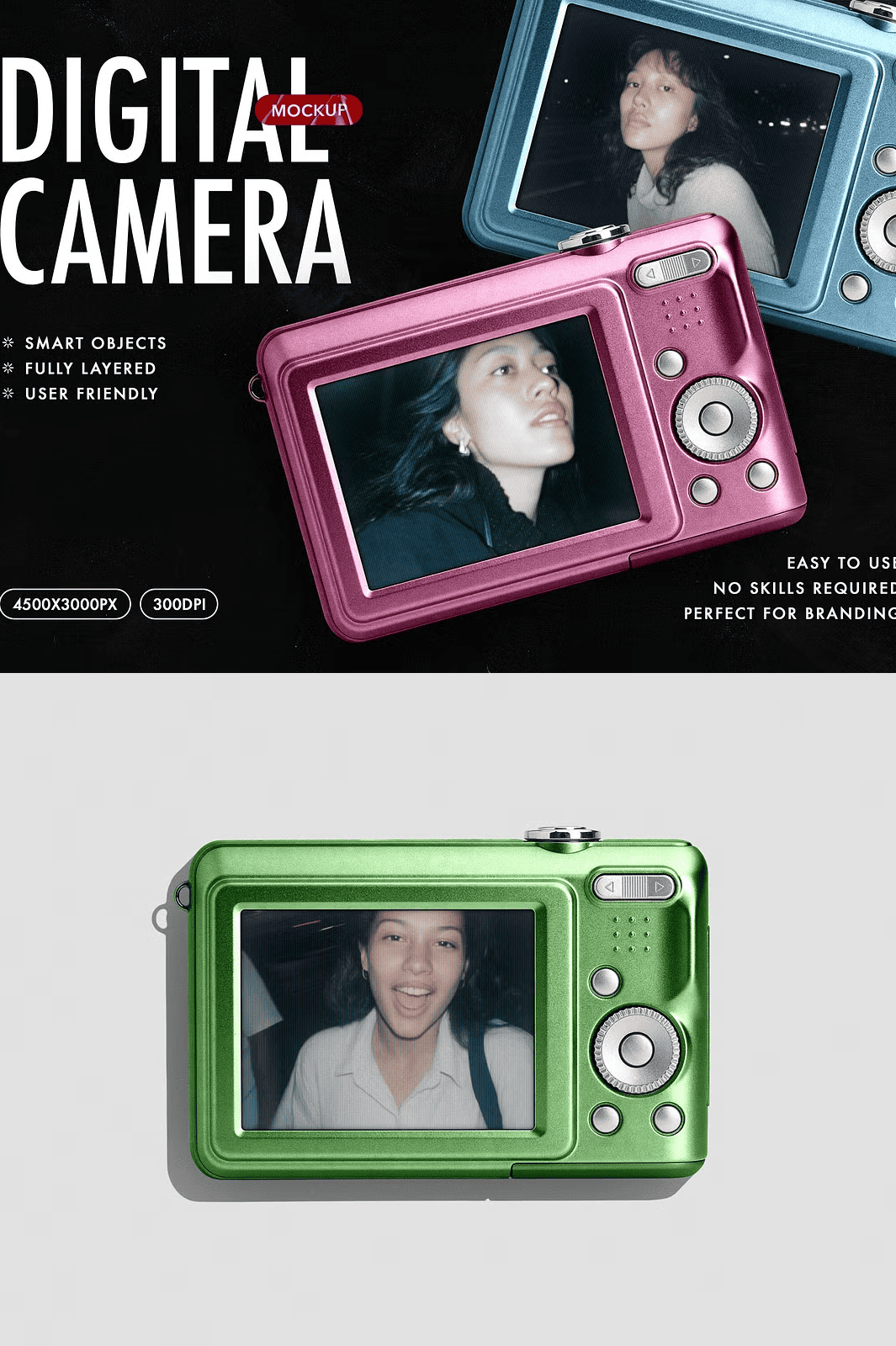
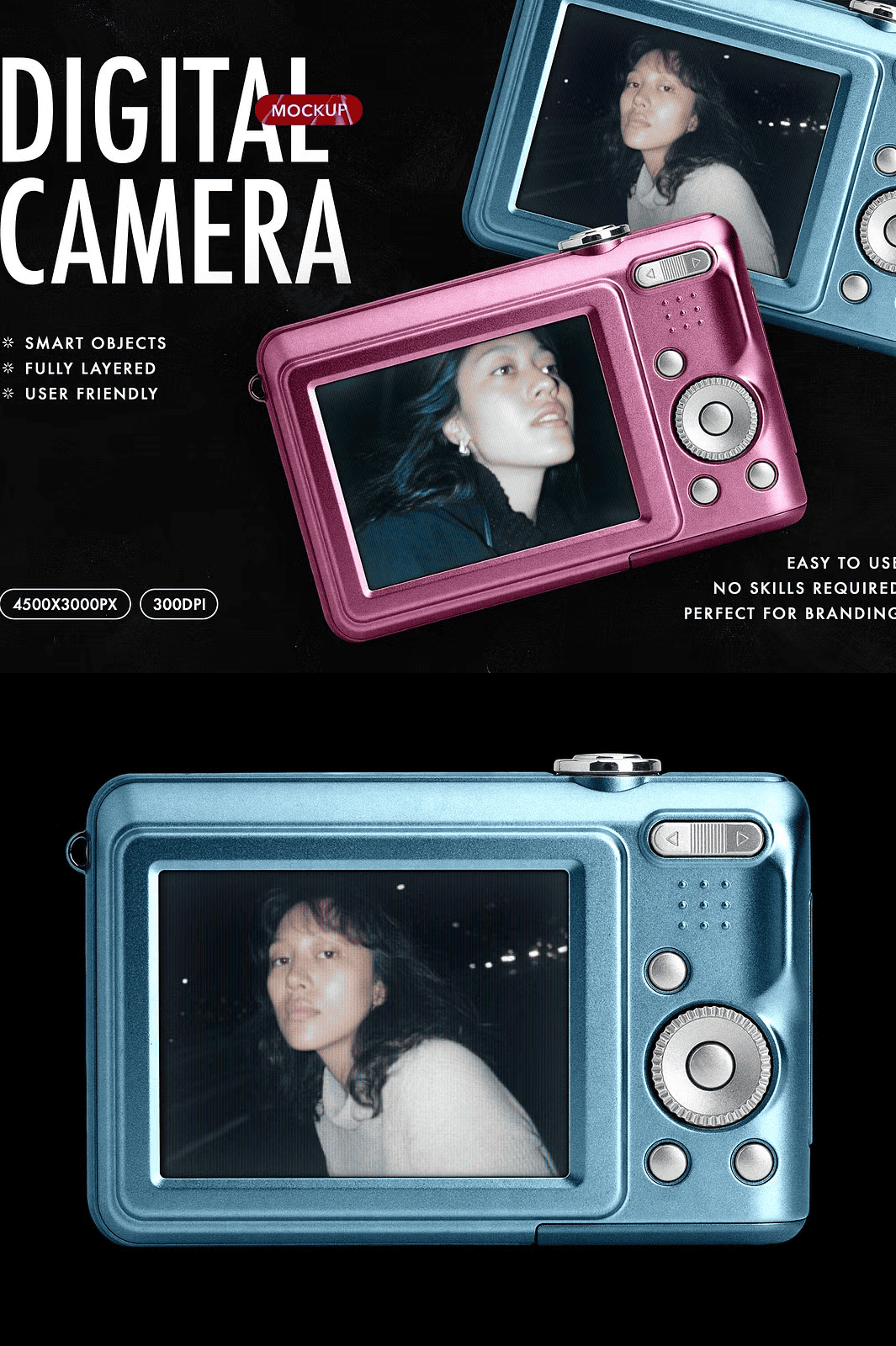
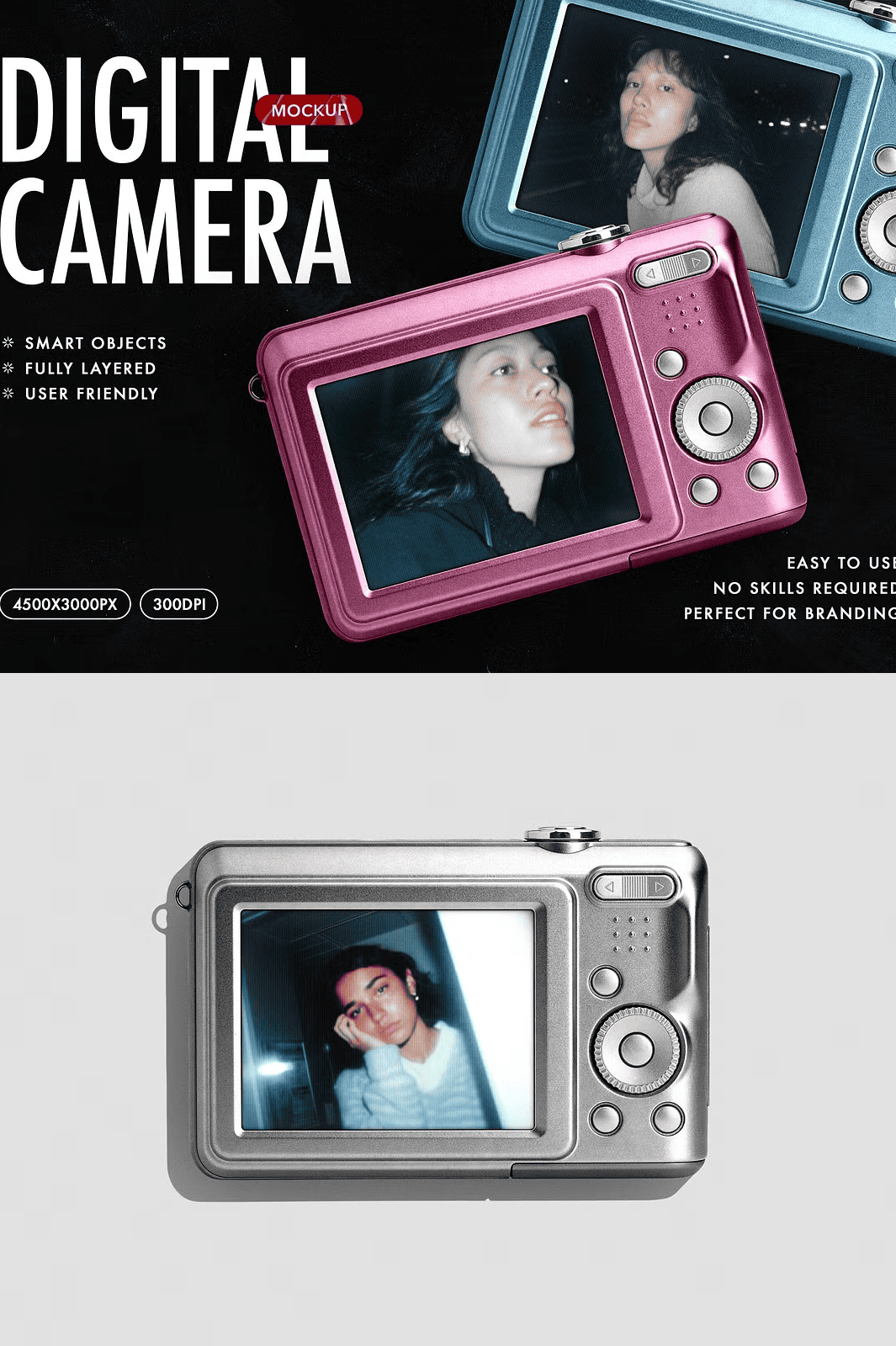
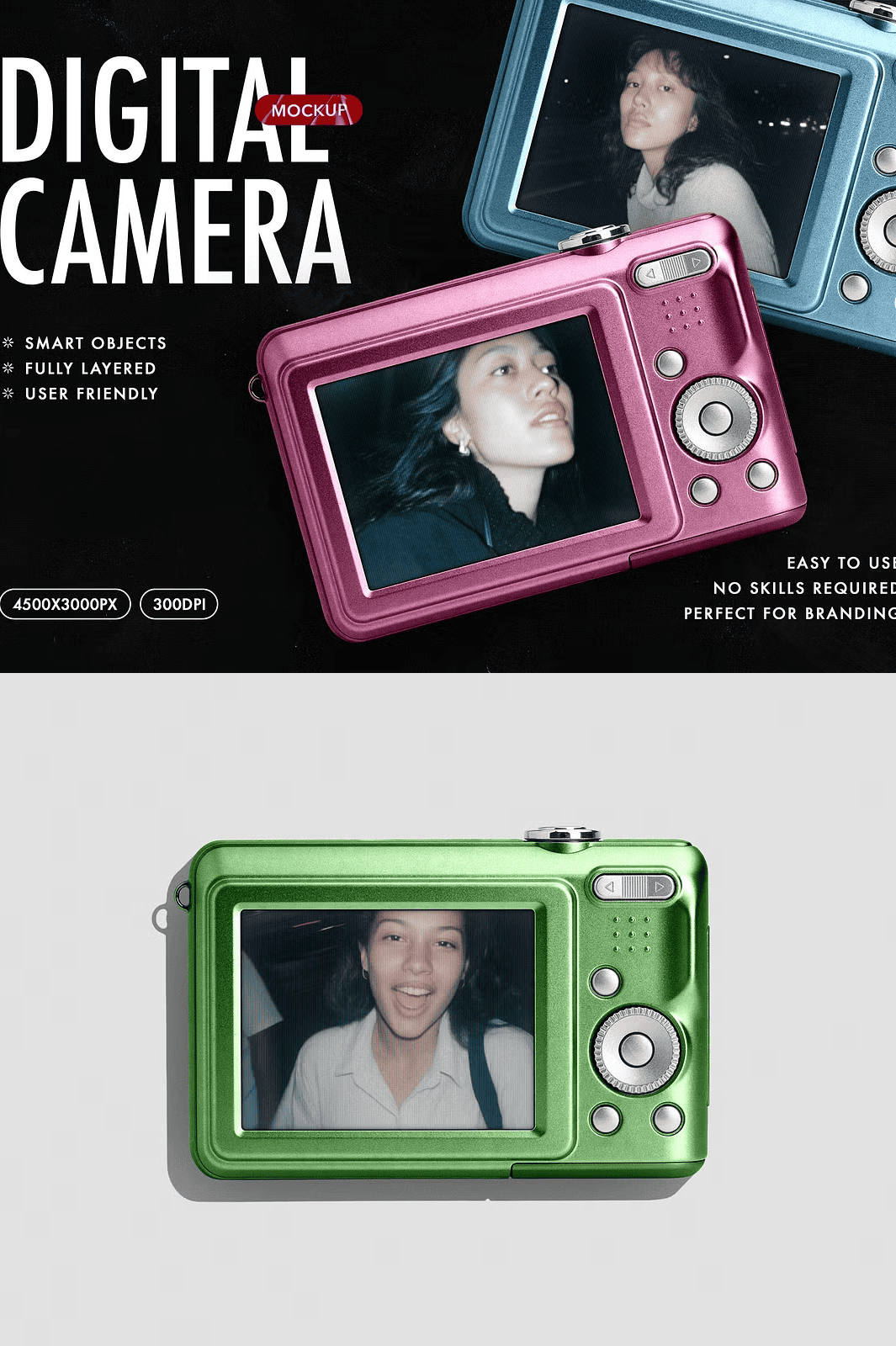
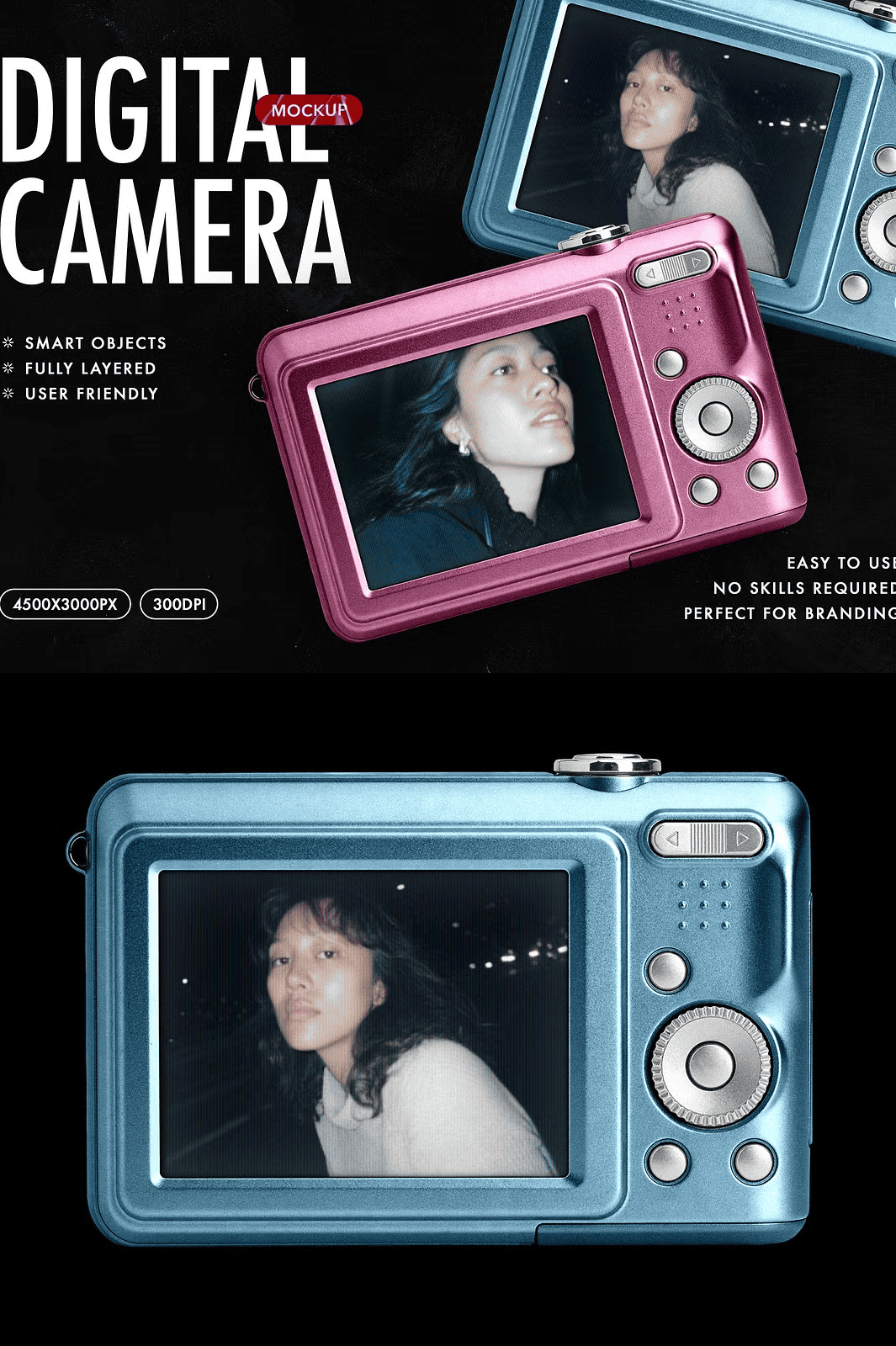
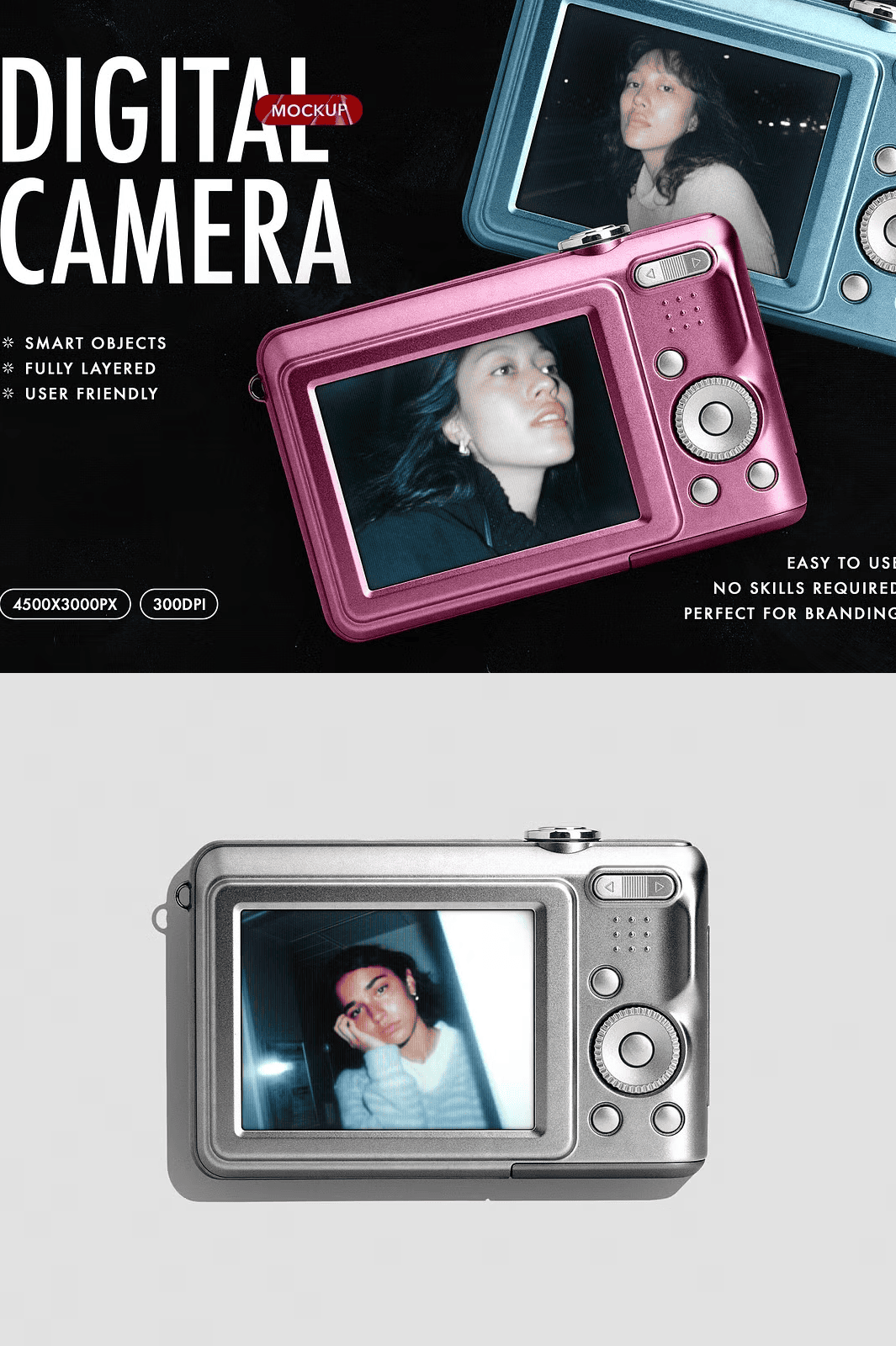
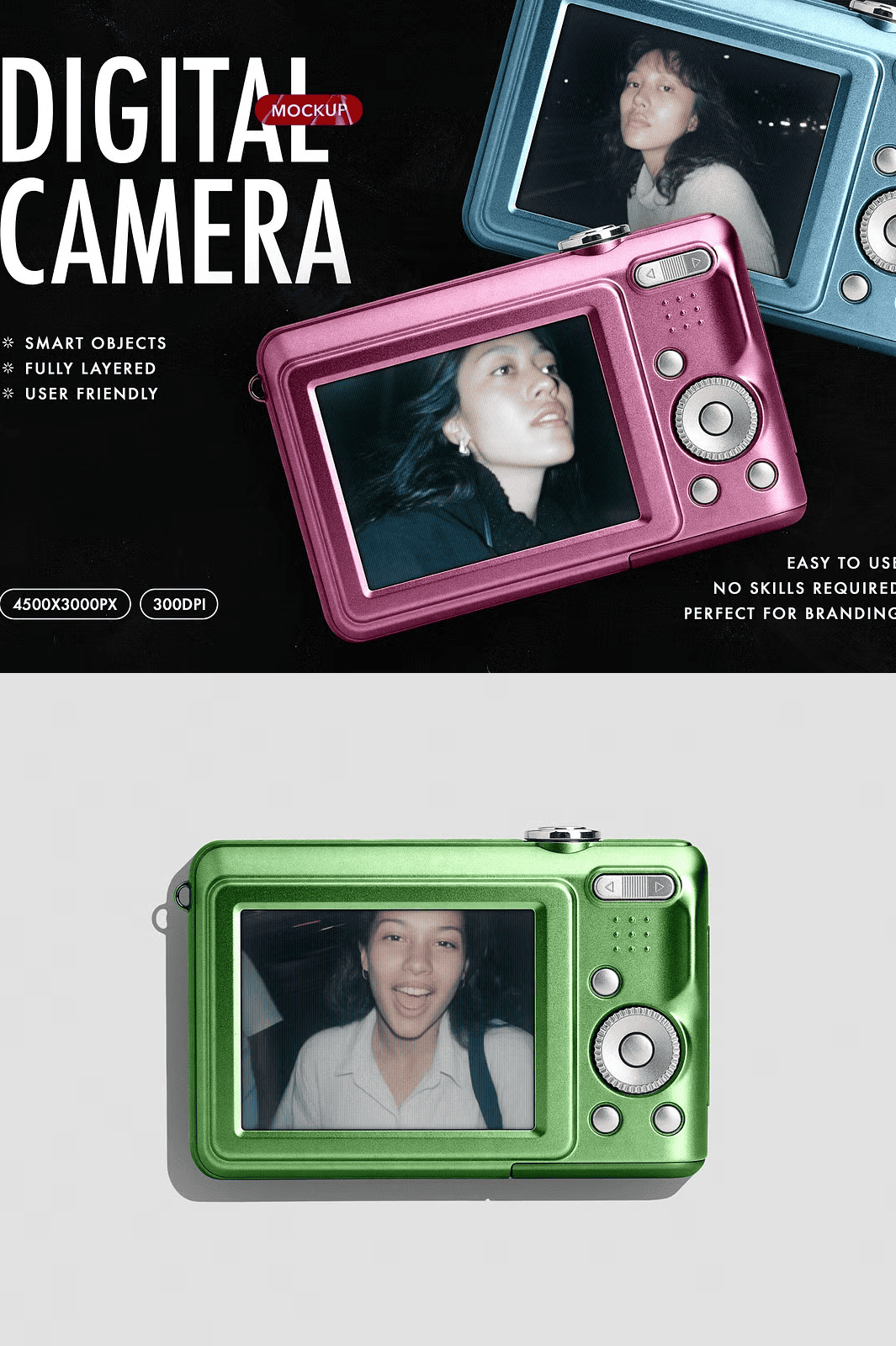
Stop settling for flat, generic placeholders. This advanced digital camera mockup delivers studio-quality realism with meticulously crafted textures, depth, and lighting. Whether you’re showcasing a new product design, promoting a photography service, or building a creative portfolio, this mockup instantly elevates your work from concept to professional showcase. Just double-click the smart object layer, replace the placeholder, and your design is seamlessly integrated into a photorealistic scene fast, easy, and fully editable.
Engineered for Speed, Accuracy, and Creative Freedom
- High-Resolution PSD File (4500x3000px, 300 DPI): Ultra-sharp output ensures flawless clarity on websites, social media, print materials, and product pages ideal for premium presentations and commercial use.
- Smart Object Smart Editing: No complex masking or layering required. Simply open the smart object, paste your design, adjust alignment, and close. The integration is instant and non-destructive.
- Customizable Camera Body Color: Change the base color of the camera body with a single click—great for testing product variations, branding consistency, or client presentations.
- Dynamic Background Switching: Swap between multiple background options (e.g., studio white, minimalist wood, urban street) without reworking the entire scene perfect for contextual storytelling.
- Comprehensive Help File Included: A step-by-step PDF guide walks you through file structure, editing techniques, layer organization, export settings, and best practices ideal for beginners and experts alike.
- Layer-Organized & Fully Editable: Every detail from lens reflections and button textures to shadow depth and camera grip exists in its own independent layer, giving you complete creative control.
- Commercial License Included: Use this mockup across personal and commercial projects. Reselling, redistribution, or bundling as a template is strictly prohibited.
Master Your Design Workflow in Just Three Steps
Designed for efficiency, this mockup lets you go from idea to presentation in minutes no advanced skills required.
- Open the PSD File: Launch in Adobe Photoshop CC 2020 or later. The file is optimized for compatibility and performance.
- Insert Your Design: Locate the smart object layer labeled “Your Design Here,” double-click it, paste your artwork, align precisely, then save and close.
- Export & Share: Render your final image in PNG, JPG, or PDF format and publish it across platforms Instagram, Behance, Shopify, client proposals, or digital ad campaigns.
Perfect for Designers, Photographers, and Marketing Professionals
- Product Designers: Test and present new camera models, accessories, or UI interfaces with lifelike realism and high visual impact.
- Photography Studios & Influencers: Showcase your gear or promote packages with professional-looking lifestyle visuals that resonate with clients.
- Brand Managers: Create consistent, high-quality marketing content across campaigns, social media, and e-commerce listings.
- Freelancers & Agencies: Impress clients with polished, customizable mockups that demonstrate attention to detail and advanced presentation skills.
- Online Sellers: Boost click-through rates with authentic-looking product previews that convey premium quality and trustworthiness.
- Artists & Digital Creators: Highlight digital camera UI designs, mobile app mockups, or photo editing tools in portfolio presentations.
Why This Mockup Delivers Superior Results
Unlike low-detail, poorly structured templates, this mockup uses real-world textures, physically accurate lighting, and carefully placed depth cues to create a natural, immersive feel. The camera’s metal finish reflects light exactly like real metal, and the subtle wear on the grip adds authenticity. Every element is calibrated to simulate a real photo shoot—making your presentation believable and compelling. It’s not just a background. It’s your brand’s visual voice.
Licensing Note: This product is licensed for unlimited personal and commercial use. You may not resell, redistribute, or use the files to train AI models. © 2025 DesignSquad®. All rights reserved.